

Sonarworks SoundID Reference for macOS
Description
Mixing in an untreated room leaves you guessing. You turn up the bass because your speakers hide it, then find it sounds boomy everywhere else. SoundID Reference measures what your room and headphones are doing to the signal, then applies the opposite correction. You hear the mix, not the monitoring.
Slip the systemwide plugin onto your monitor bus
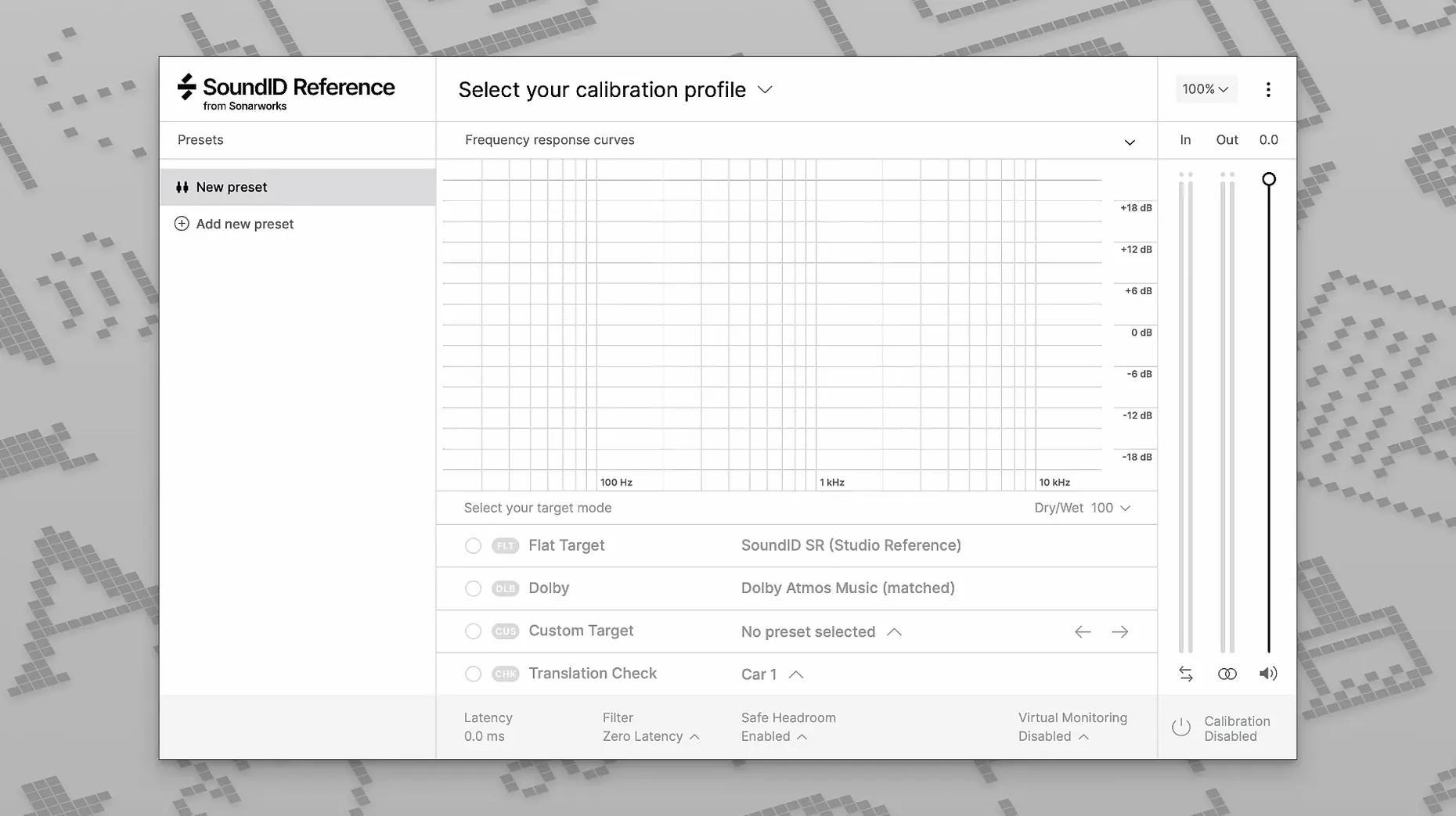
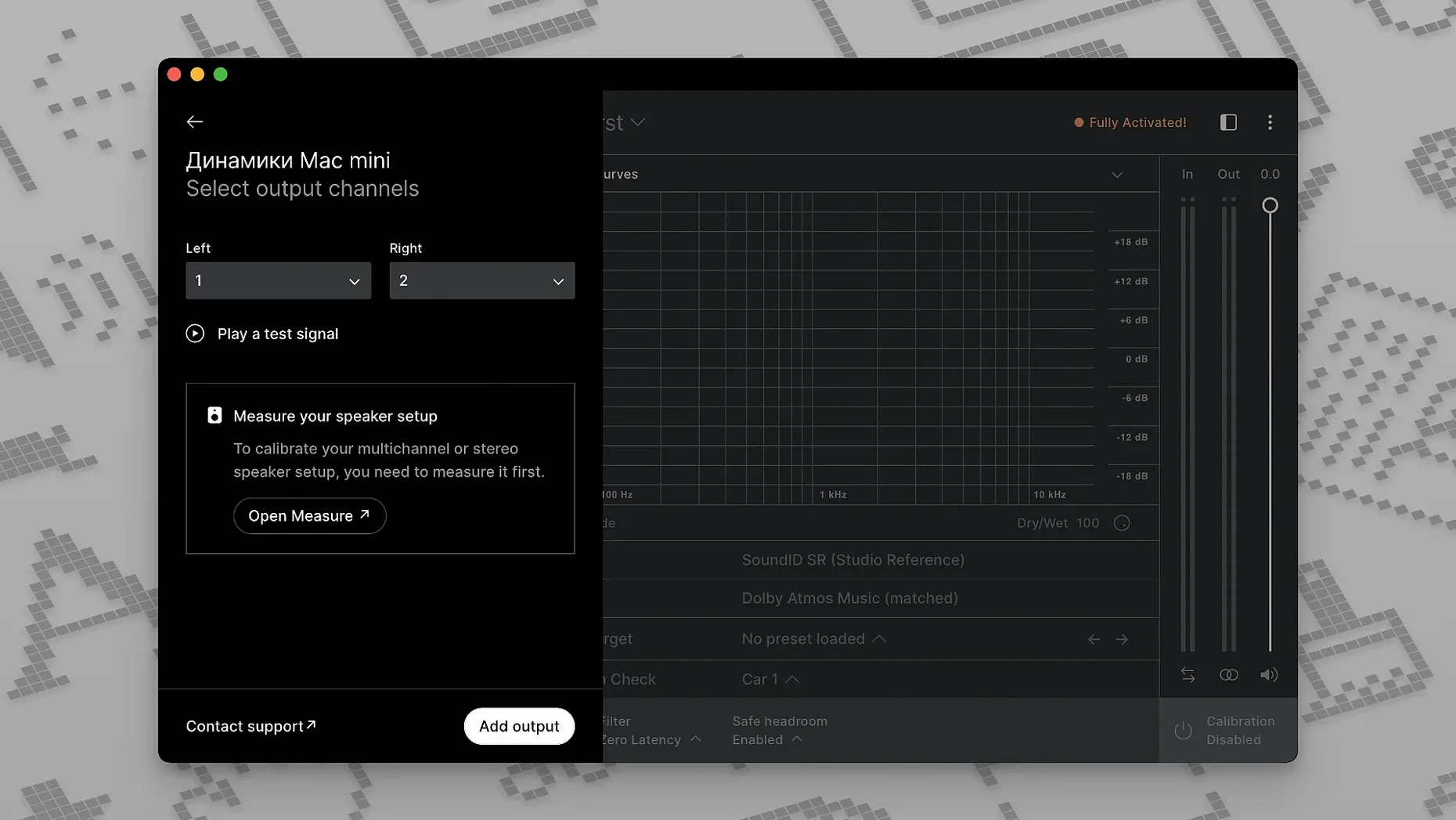
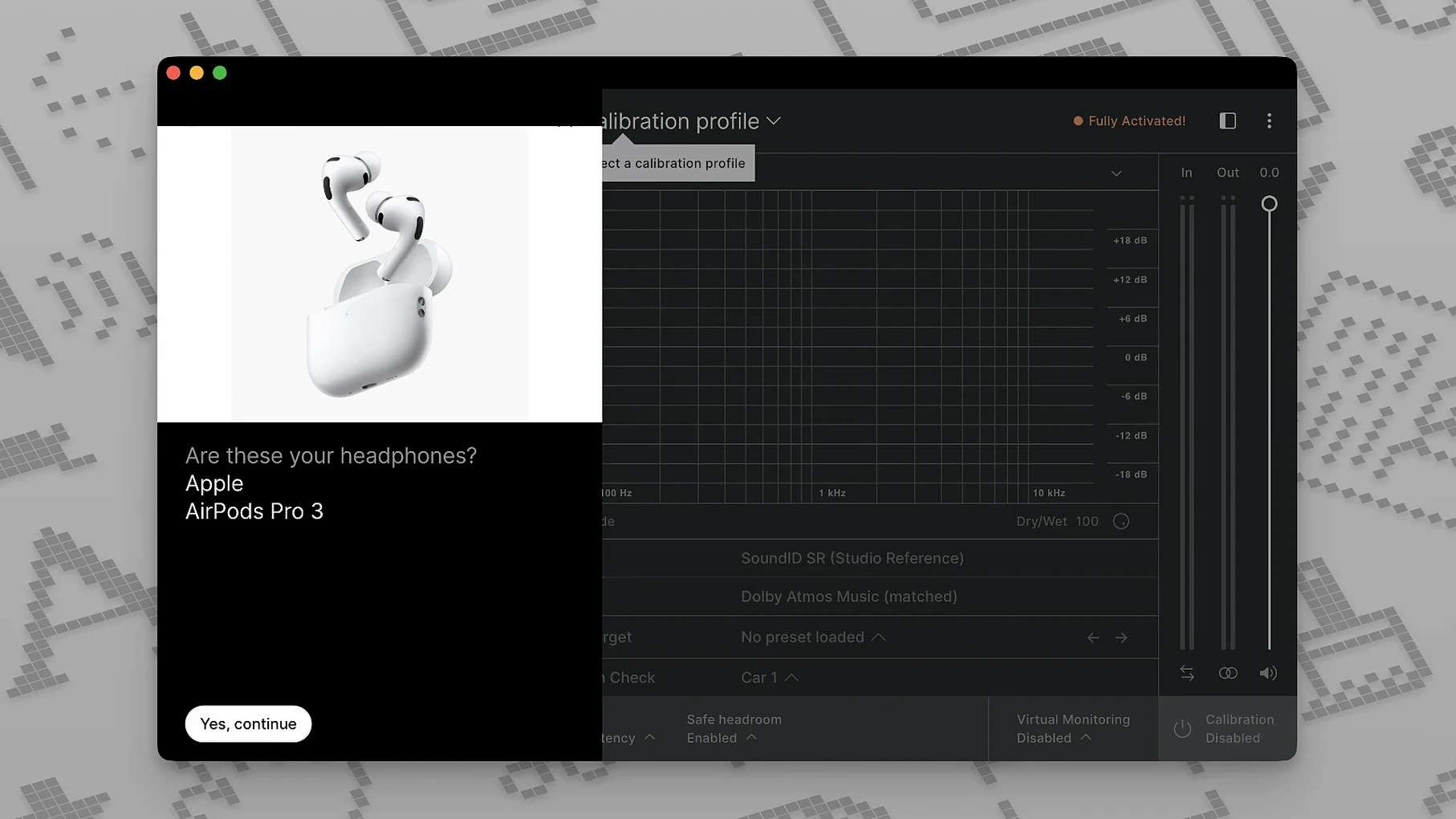
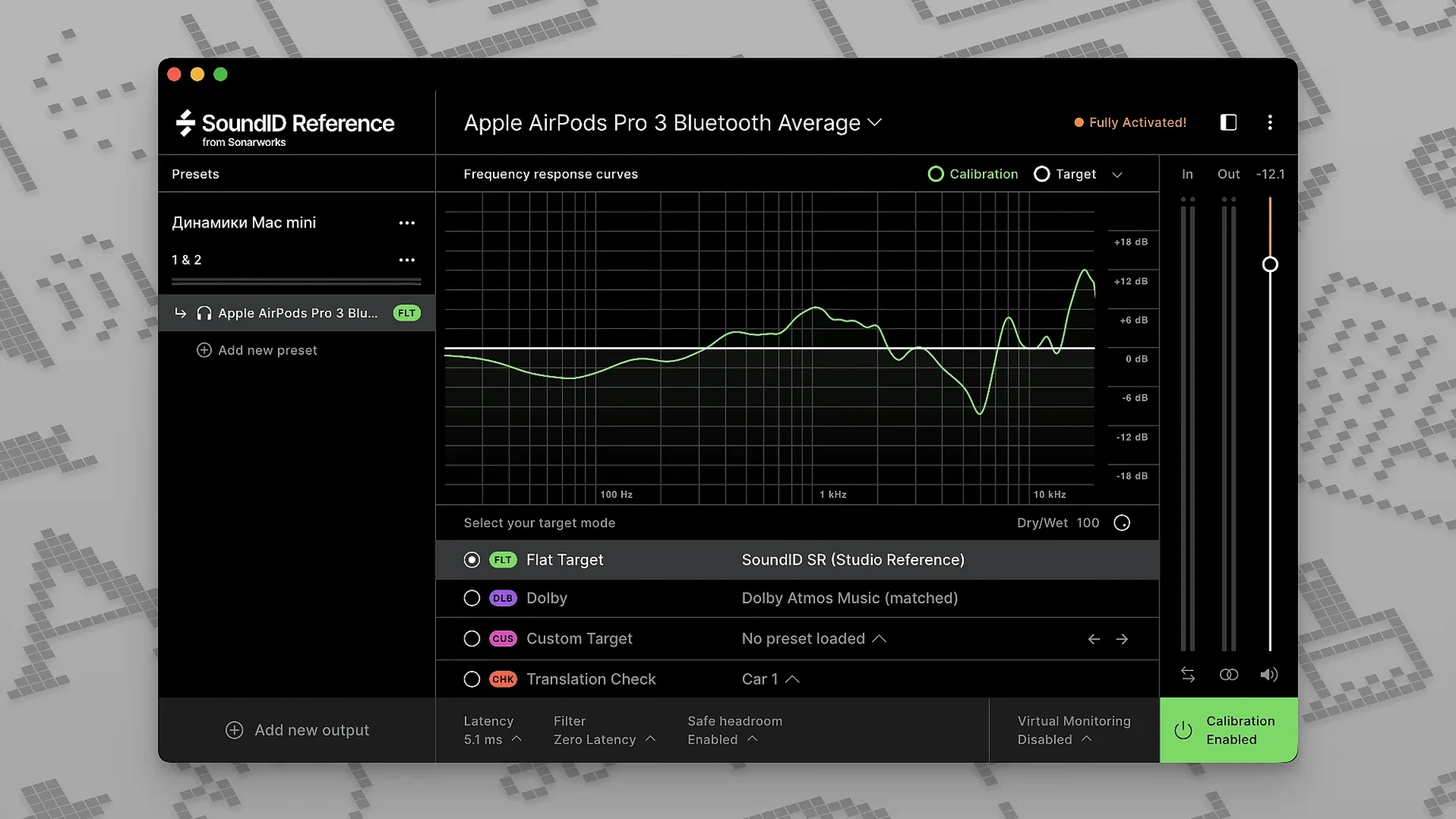
Run the SoundID Reference app and drop the systemwide plugin on your master bus or monitoring output. That way all audio — your DAW, media players, browser — passes through the calibration. Set it to zero-latency mode for tracking, or linear-phase mode when you need cleaner imaging for critical decisions. For headphones, pick your model from the supported list and load the averaged profile. You can tweak the target curve in real time if you prefer a slightly brighter or darker reference.
Buses and typical jobs
During mixing, keep it on the monitor bus only — never render it into stems or exports. Use the translation check features to hear how your work will sound on phones, laptop speakers and car systems without swapping devices. If your audio interface supports onboard DSP profiles, you can export the calibration and run it directly on the hardware. That frees up the plugin slot for actual processing. On an Apple Silicon Mac, the app runs natively and stays out of the way.
Forgetting to switch the calibration back on
Turning the calibration off to “hear it raw” mid-session then forgetting to switch it back on. You spend twenty minutes fixing a low end that was never actually there. Leave the plugin visible on your monitor bus so it stares at you.
Measuring from one spot only. A single mic position gives you a narrow snapshot. Walk the listening area while the sweep runs. The averaged result represents where you actually sit and lean.
Applying correction to headphones you have not selected from the list, or mixing up open-back and closed-back profiles. The curve is not interchangeable. Pick the exact model. If yours is not listed, go with the closest relative — but do not expect surgical precision.
Running the plugin on your master bus and bouncing it into the final export. That calibration curve ends up printed on the mix. It belongs on the monitoring path only. Route it through your interface's control room section or a dedicated monitor bus.
Place it last, before your loudness meters
SoundID Reference works best as the last thing before your speakers. Place it after your DAW's master output but before any metering plugins like Youlean Loudness Meter or iZotope Insight. That way you see the corrected signal, not the raw one, and your loudness readings stay honest.
Pair it with a spectrum analyser. When the calibration flattens your monitoring, the analyser confirms what is actually in the mix — no more chasing dips that belong to the room. Voxengo SPAN or the stock Logic analyser both sit comfortably after the SoundID plugin in the chain.
Export profiles to a Merging Anubis or RME interface if yours supports onboard DSP. The calibration runs at the hardware level and you reclaim the systemwide plugin slot. macOS's Audio MIDI Setup sees the interface as normal, so aggregate device setups with other interfaces carry the correction along.
For headphone work, run the systemwide app alongside Waves Nx or CanOpener Studio. SoundID flattens the frequency response. The crossfeed plugin handles the stereo image. Together they give you a headphone monitoring chain that translates to speakers with far fewer surprises.
Requirements
- macOS 11 or later
- Apple Silicon or Intel processor
FAQ
Does it handle multichannel speaker setups?
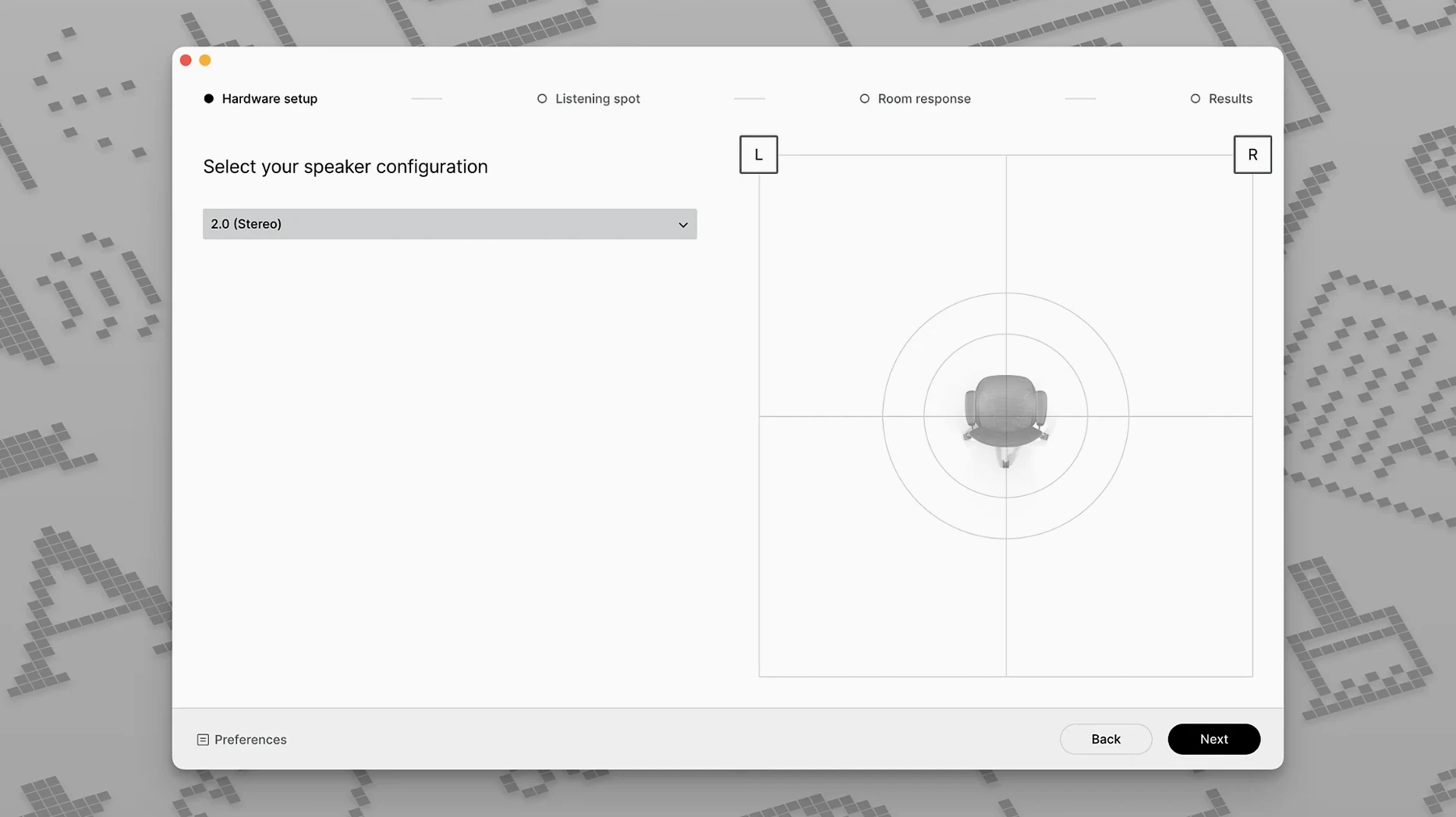
Yes, Sonarworks states that SoundID Reference supports calibration for systems up to 9.1.6.
Is it the same as Reference 4?
SoundID Reference is the successor to Reference 4 and adds features like custom target curves and translation checks.
Comments 0
Sign in or create an account to leave a comment.
No comments yet…
If you’ve installed it, say how it went. Mention your Mac and macOS version — it helps the next person more than you’d think.
More in VST Plugins
All in VST Plugins-
 Sonic Academy KICK
1.1.8
Apple Silicon
Sonic Academy KICK
1.1.8
Apple Silicon
-
 Spire
1.5.19
Apple Silicon
Spire
1.5.19
Apple Silicon
-
 Slate Digital Submerge
1.0.5
Apple Silicon
Slate Digital Submerge
1.0.5
Apple Silicon
-
 Steinberg SpectraLayers Pro
13.0.20-All-in-One
Apple Silicon
Steinberg SpectraLayers Pro
13.0.20-All-in-One
Apple Silicon
-
 Slate Digital Storch Filter
1.0.6
Apple Silicon
Slate Digital Storch Filter
1.0.6
Apple Silicon
-
 Slate Digital Murda Melodies
1.1.1
Apple Silicon
Slate Digital Murda Melodies
1.1.1
Apple Silicon
-
 Slate Digital Fresh Air
1.0.9
Apple Silicon
Slate Digital Fresh Air
1.0.9
Apple Silicon
-
 ShaperBox
3.6.1
Apple Silicon
ShaperBox
3.6.1
Apple Silicon