djay Pro for macOS
Description
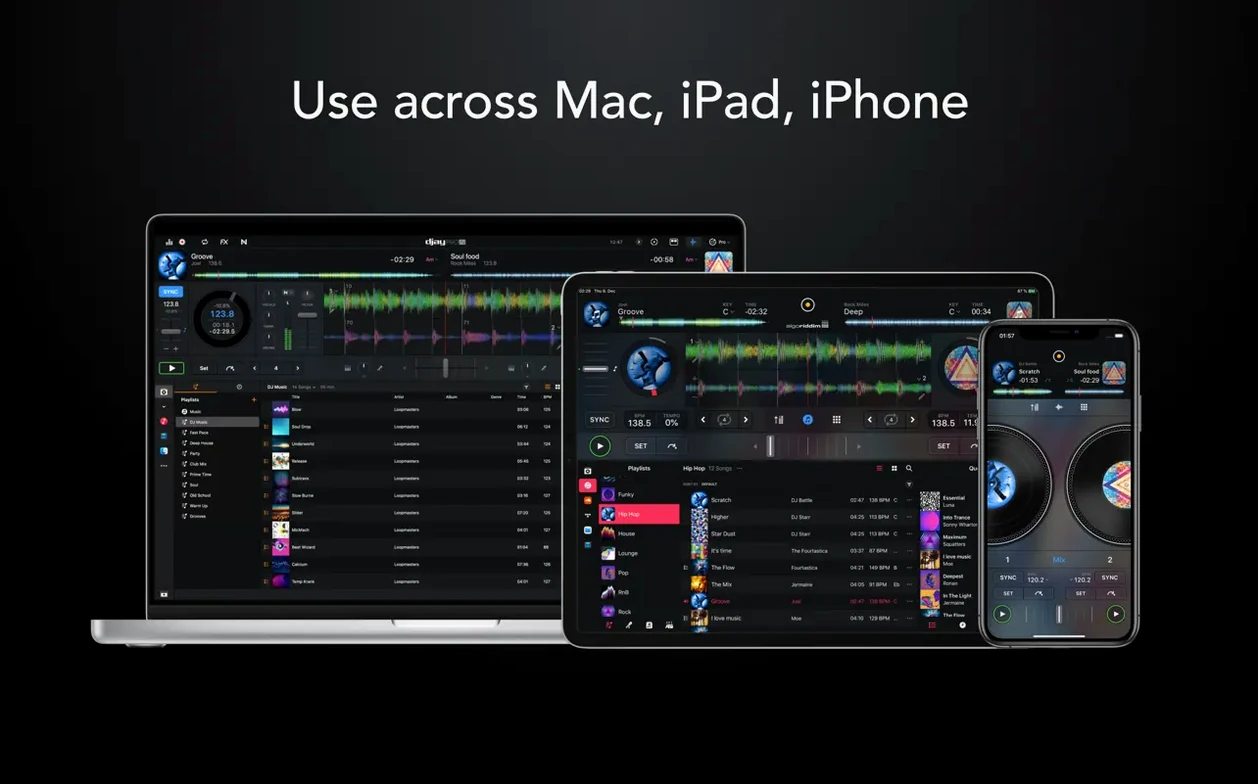
djay Pro 5.6.9 needs macOS 10.15 (Catalina) or later. It runs natively on both Intel 64-bit and Apple Silicon Macs, so you won't sit through a Rosetta translation layer on an M-series machine. That architecture support matters when you're pushing four decks and a video mix.
Gatekeeper hurdles and the disk image install
If your Mac can open the current version of Logic Pro or Final Cut Pro, djay Pro will launch without complaint. The installer expects you to mount a disk image and deal with Gatekeeper via Terminal—standard for software that lives outside the App Store. You may need to disable System Integrity Protection for full hardware integration, though most controllers work without that step.
48 loops per track and 40+ effects out of the box
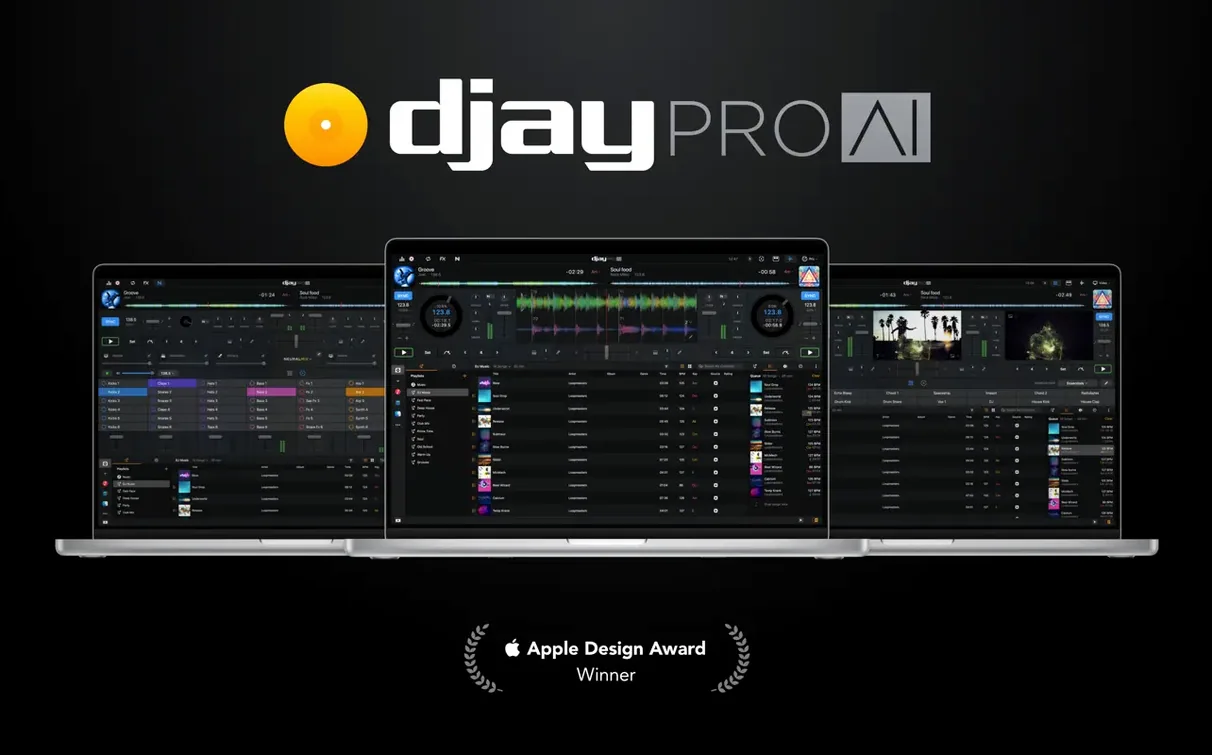
This is the full djay Pro package: four decks, video mixing, a looper with up to 48 loops per track, and more than 40 built-in audio effects. High-definition waveforms scroll in real time. Automix mode handles transitions when you'd rather listen than tweak. Hardware integration covers over 100 MIDI controllers, with native display support on RANE System One gear. The media library presents playlists cleanly on CDJs. Stems and live performance tools round out the feature set. Worth it if your Mac clears the OS bar and you want a single piece of software that does audio and video without fuss.
Syncing tempo wirelessly with Ableton Link
djay Pro doesn't live in a bubble. It talks to Ableton Link over the local network, so any Link‑enabled app on the same Wi‑Fi can sync tempo and phase. That means a friend running Ableton Live on a different Mac, an iPad drum machine, or a hardware synth with Link support all lock to the same beat grid. No MIDI cable, no audio interface patching. It just works.
On the macOS side, the app reads your Music library directly. Playlists you built in the Music app appear inside djay Pro without an export step. The same goes for folders of tracks on your desktop or an external drive. Drag a folder in, and the browser indexes it. The media library also respects Finder tags, so tagging a batch of tracks "lounge" or "peak time" in Finder carries through to the djay browser.
Audio routing is flexible. You can send each deck to a separate output pair if your interface has enough channels, which lets an external mixer handle the crossfading. On a recent Mac, you can also route the master out to BlackHole or Loopback for recording a mix straight into a DAW or a streaming app. Core Audio handles the plumbing, and djay Pro doesn't fight it.
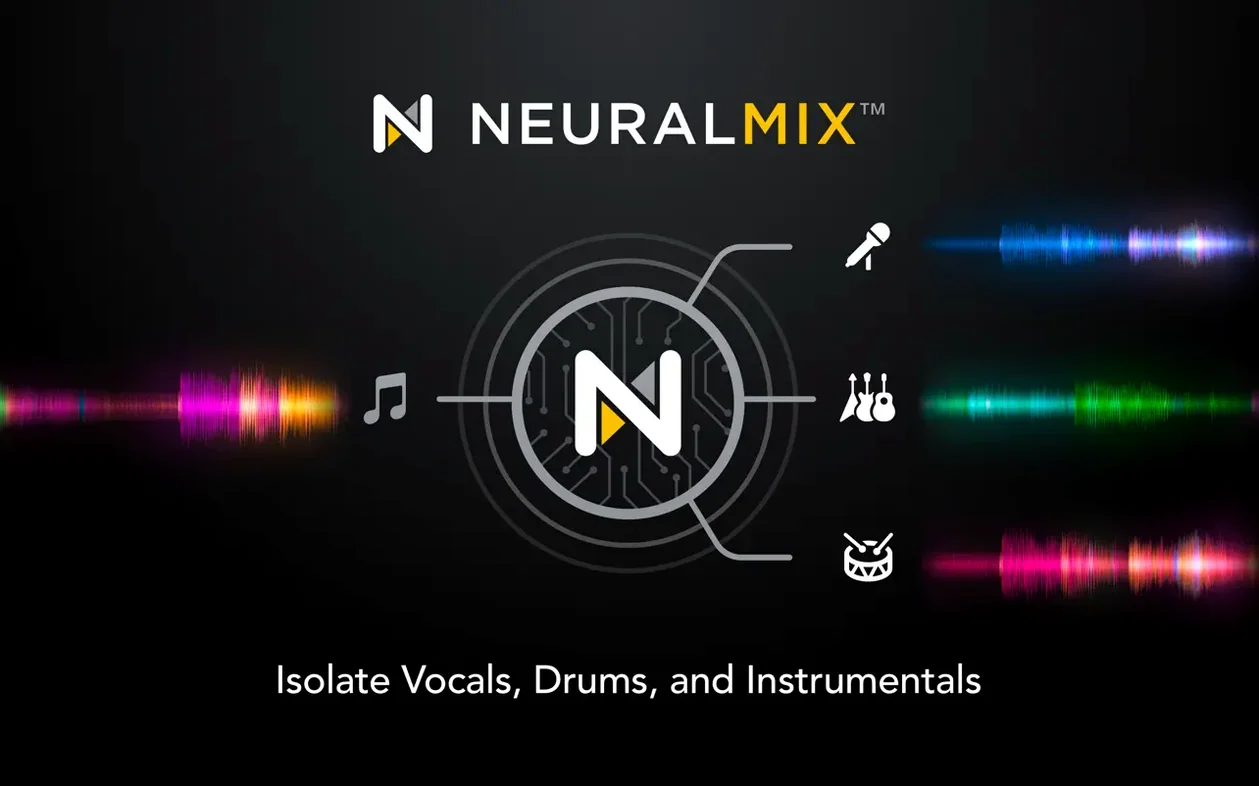
One less obvious tie‑in: the Neural Mix engine works system‑wide if you use the djay Pro audio unit plug‑in in a host like Logic. Real‑time stem separation inside a DAW session is still a novelty, and having it available as an AU opens up remix workflows that most DJ apps don't touch.
Club-standard Serato versus djay Pro's priorities
Three apps come up in the same conversation: Serato DJ Pro, Traktor Pro, and VirtualDJ. They all do four‑deck mixing and controller support. The differences are in what each one prioritises.
Serato DJ Pro is the club standard for a reason. Its library management and cue‑point system are deeply polished. Serato's waveform display and beat‑grid editing feel surgical. What Serato doesn't do is stems on the fly. You get instrumental and acapella separation as a paid add‑on, and it's offline—you prepare stems ahead of time. djay Pro does it in real time without pre‑processing. If you build sets around instant remixing and live mashups, that gap matters. Serato also skips video mixing entirely.
Traktor Pro leans toward electronic music producers who want fine‑grained control. Its remix decks and stem deck format are powerful but demand preparation. You load pre‑split stem files, not any track from a streaming playlist. Traktor's effects routing is more flexible than djay Pro's, and the MIDI mapping runs deeper. On the flip side, Traktor's interface hasn't had a major rethink in years, and it still lacks native Apple Silicon support—it runs under Rosetta. If you want a modern, responsive UI that feels at home on a Retina display, djay Pro pulls ahead. And Traktor has no video mixing at all.
VirtualDJ is the closest match feature‑for‑feature. It does real‑time stem separation, video mixing, and an enormous controller library. Its scripting engine lets you automate almost anything. The trade‑off is complexity. VirtualDJ's interface throws a lot of controls at you, and the default skin feels busy. djay Pro takes the opposite approach: fewer visible controls, cleaner waveforms, and a layout that doesn't intimidate someone coming from a hardware mixer. VirtualDJ rewards deep tinkering; djay Pro rewards quick decisions.
The Mac‑specific feel is another point. djay Pro uses native macOS text rendering, system font scaling, and trackpad gestures. Two‑finger swipe on the jog wheel, pinch to zoom the waveform. That kind of integration is absent in Serato and Traktor, and only partially present in VirtualDJ.
Conveniences you might miss
- Space bar for instant preview. Select a track in the browser, tap space, and it plays through the cue channel without loading it onto a deck. Tap space again to stop. Faster than dragging and loading just to audition a transition.
- Shift‑click on a Neural Mix knob resets it to neutral. The same works on EQ knobs and filter controls. No need to dial back carefully by hand.
- Right‑click a loop slot to save the current loop length to it instead of using the on‑screen capture button. It's quicker during a busy mix.
- Drag a track from the finder onto an empty deck bypasses the library browser entirely. Useful when someone hands you a USB stick mid‑set.
- Automix respects your cue points. If you've set cue‑in and cue‑out markers on tracks, Automix follows them instead of defaulting to the start and end of the file. Set those points once and Automix becomes a lot more musical.
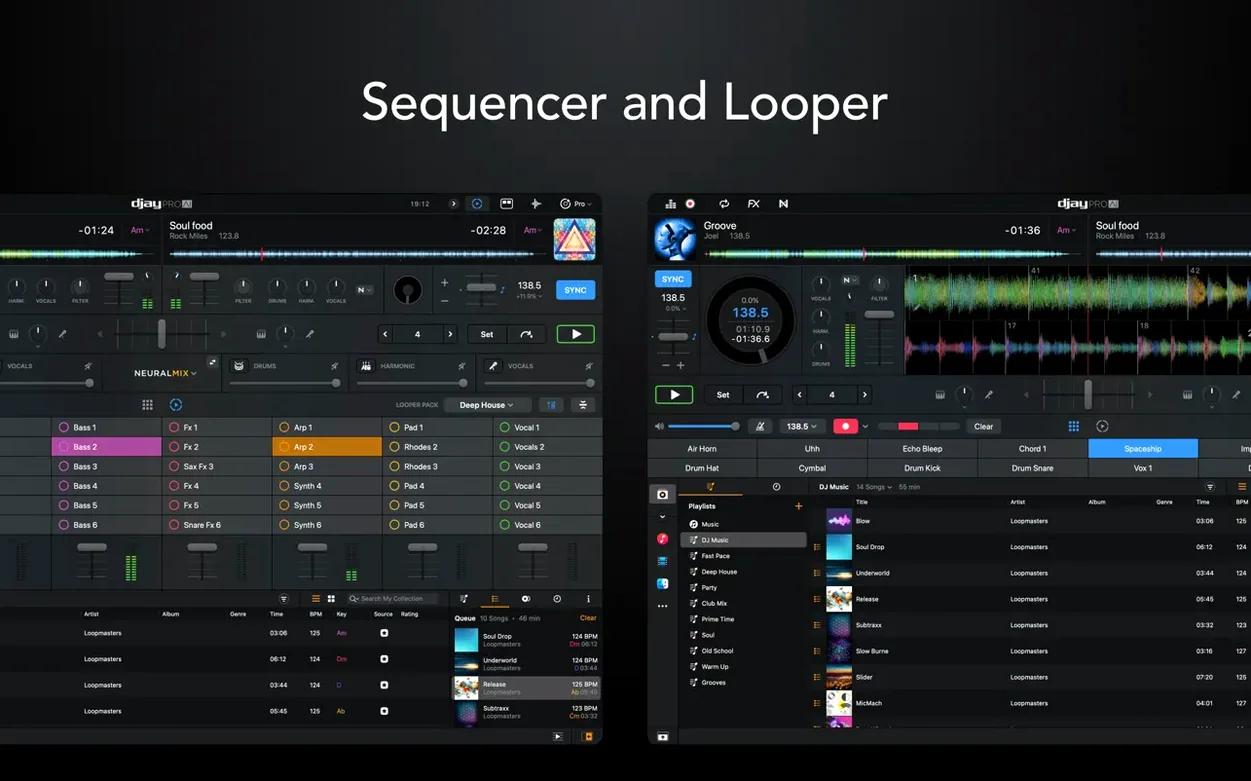
- The sequencer quantises to the playing deck's tempo automatically. Drop a kick sample on step one, a clap on step five, and it snaps into time even if you trigger it off‑beat. The timing correction is subtle—no robotic stiffness.
- Option‑drag on a waveform scrubs through the track with audio feedback, like touching the groove on a vinyl record. It's quicker than the pitch‑bend buttons for finding a specific snare hit.
Under three seconds to launch on Apple Silicon
On an Apple Silicon Mac, djay Pro launches in under three seconds. Loading a four‑deck session with waveforms rendered and Neural Mix active pushes CPU usage to around 25–30% on an M1 chip. That leaves comfortable headroom for screen recording or a streaming encoder running alongside. On Intel machines from 2018 onward, the same session hovers closer to 45–50%, which is still workable but leaves less margin.
Memory use sits around 600–800 MB for a typical session with four decks loaded and video mixing off. Enabling video output adds another 200–300 MB, depending on file resolution. The app doesn't leak memory in long sessions—a five‑hour set stays within that range.
Neural Mix is the heaviest module. Real‑time stem separation on all four decks simultaneously is the worst‑case scenario, and the app handles it without audio dropouts on Apple Silicon. On an Intel MacBook Pro with a Core i7, running Neural Mix on two decks is the practical ceiling. Pushing all four will cause occasional buffer underruns, which you'll hear as a brief stutter. The workaround is simple: activate Neural Mix only on the decks you're actively manipulating.
Controller response is snappy across the board. Latency between a platter nudge on a RANE System One and the waveform movement on screen is imperceptible. MIDI mapping for older controllers loads from a built‑in library, and the app recognises most devices within seconds of plugging them in. Hot‑plugging a controller mid‑session doesn't cause a crash or a pause—the deck assignments update and you keep playing.
Stability is where djay Pro earns its place on a help‑desk veteran's shortlist. Over weeks of daily use, crashes are rare. The most common trigger is a corrupted media file, and even then the app tends to skip the track and keep the audio engine running rather than bringing the whole session down. Autosave kicks in every few minutes, so if something does go wrong, you're back where you left off.
If you've been searching for a djay pro mac torrent to try before committing, or came across a djay pro mac crack and wondered whether the full app holds up, the answer is that the feature set is genuine. The real‑time stems, video mixing, and controller support aren't locked behind a paywall that makes the download pointless. A djay pro full mac setup with the complete toolkit installed runs as a serious production‑ready environment. The same applies if you grabbed a djay mac torrent and ended up with an older version—5.6.9 is the one you want for the RANE display integration and CDJ playlist improvements. A clean djay pro mac download of this build gives you everything the hardware supports.
What’s new
- Adds RANE System One integration with native display support.
- Adds MIDI actions to change beat jump duration.
- Improves media library playlist presentation on CDJs.
Requirements
- macOS: 10.15 (Catalina) or later
- Architecture: Apple Silicon, Intel 64-bit
Comments 0
Sign in or create an account to leave a comment.
No comments yet…
If you’ve installed it, say how it went. Mention your Mac and macOS version — it helps the next person more than you’d think.