iZotope Ozone for macOS
Description
Version 12.1.0 tidies up a few things that were getting in the way. The interface loads faster now, and a bug that broke stereo output on mono-to-stereo instances has been squashed. Cubase 15 joins the list of supported hosts, and macOS requirements have shifted.
| Key detail | What you get |
|---|---|
| Plugins | 20 pro modules |
| Formats | AU, AAX, VST3 (64-bit only) |
| Mac support | Intel and Apple silicon M-series |
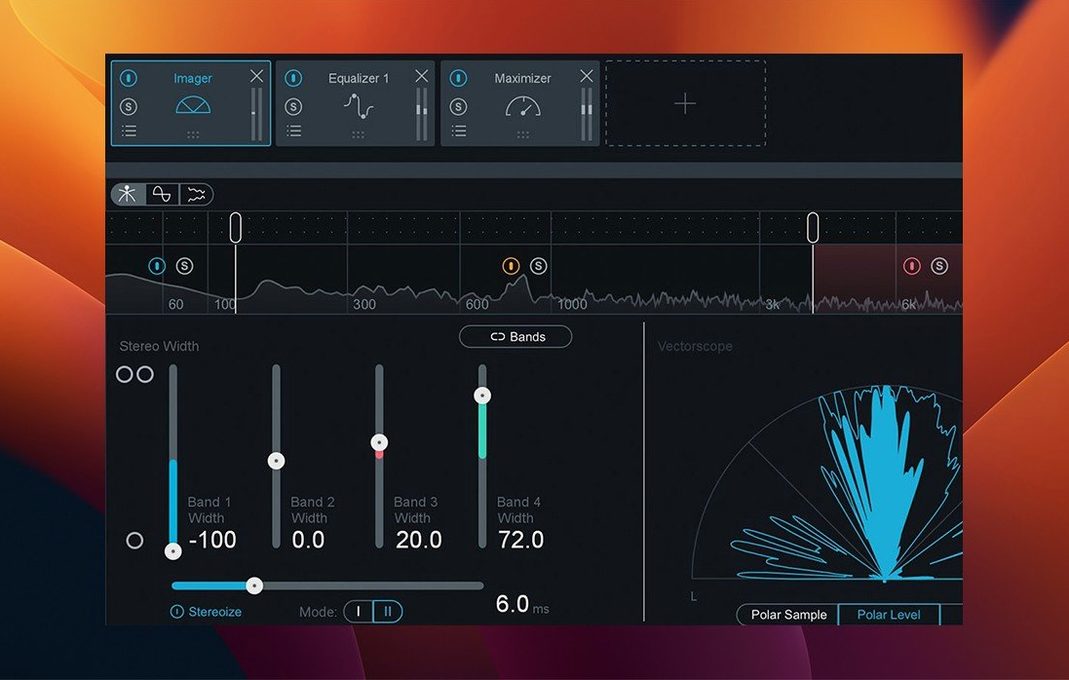
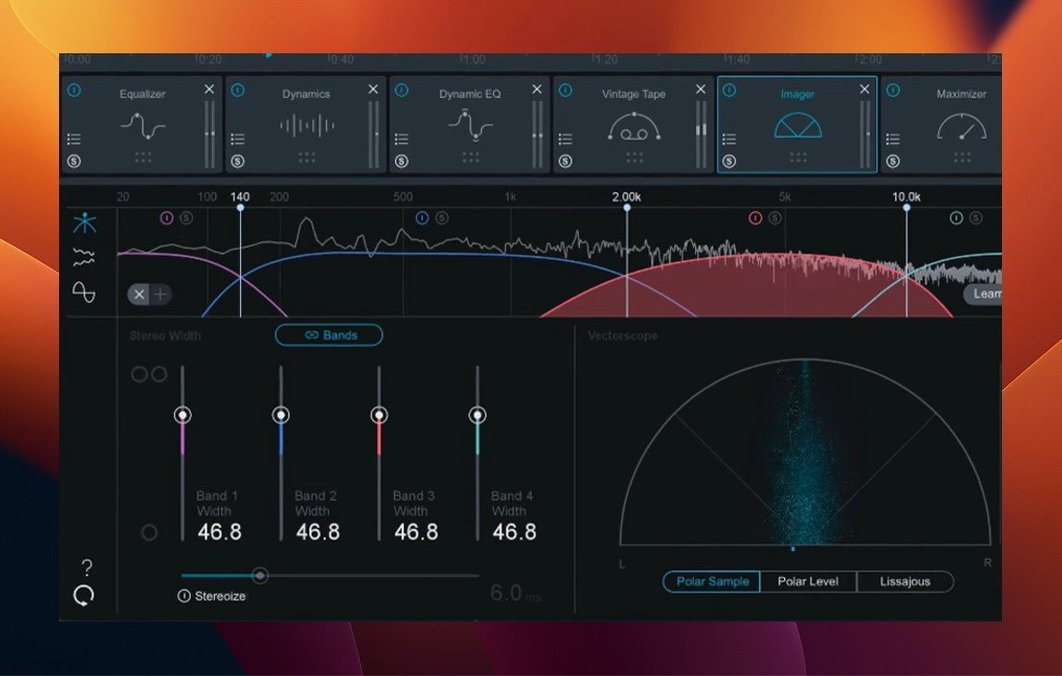
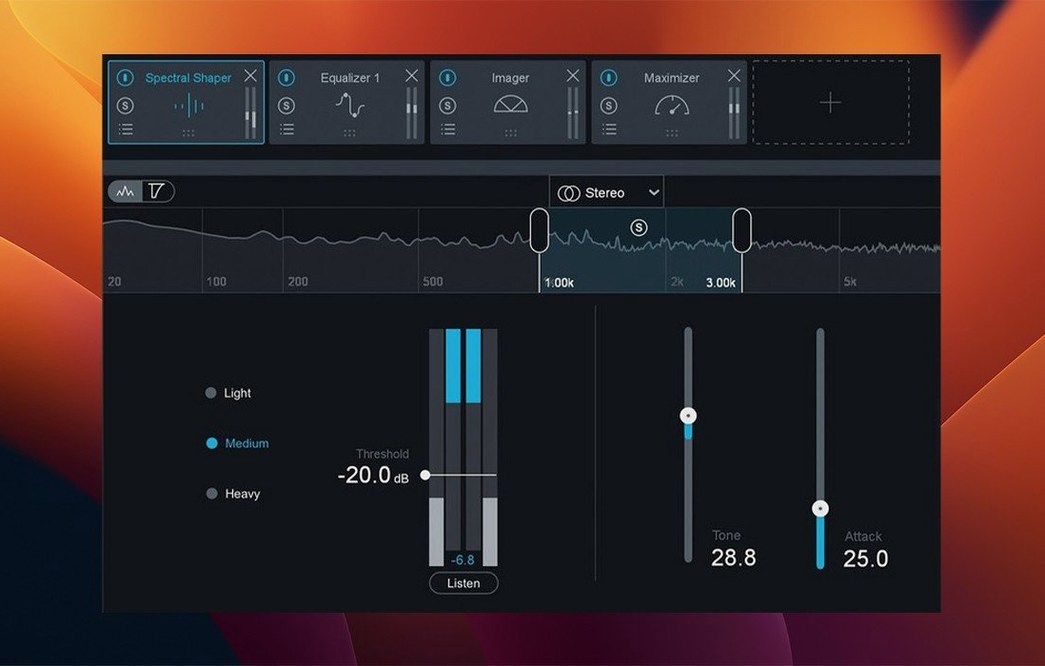
The suite is built around an AI assistant that listens to your track and suggests a starting point. It is not a replacement for ears, but it gets you past a blank screen quickly. The Maximizer module includes the IRC 5 limiting mode, which handles peaks without flattening transients into cardboard. Twenty plugins sit under one roof, covering EQ, dynamics, imaging, and loudness. If you already track and mix in a DAW on a Mac, this slots in as the final stage before you bounce a master.
Treating the AI assistant as a rough sketch, not a finisher
Most people want to know whether the AI assistant actually helps or just gets in the way. It does help, if you treat it as a rough sketch rather than a finished master. Feed it a track, it listens for a few seconds, then sets module gains, EQ curves and compression thresholds. The results usually need tweaking — sometimes a lot — but it is quicker than starting with every knob at zero.
Another common question: does it run natively on Apple silicon. Yes. The AU, AAX and VST3 formats are all universal binaries. On an M-series Mac the plugins load without Rosetta, and CPU use stays reasonable even with several instances of the Maximizer running IRC 5. Intel Macs are supported too — macOS 13.7 is the floor, and it works on Ventura, Sonoma and Sequoia.
Some people worry about the install size. The suite is large, but you are getting twenty plugins, not one. If disk space is tight, you can strip out the AAX or VST3 versions you do not need. The installer lets you pick.
Finally, the question of whether this version works with cracked hosts. It does not care where your DAW came from. The plugins load as AU, VST3 or AAX, and the host either supports 64-bit formats or it does not. That is the only compatibility test that matters.
Fixing plugin scan failures and validation errors on Apple Silicon
Plugins do not show up in the DAW
This is nearly always a rescan issue. After installing, force your DAW to rescan plugins. In Logic, restart the app and watch the splash screen. In Ableton Live, hold Option and click "Rescan" in Preferences. In Cubase 15, the Steinberg Library Manager sometimes needs a kick — close the DAW, reopen it, and wait. If the plugins still do not appear, check that you only installed formats your DAW actually reads. Pro Tools only sees AAX. Logic only sees AU. Most others see VST3 and AU.
Mono-to-stereo routing sounds wrong
Version 12.1.0 fixed the bug that caused this, so make sure you are not still running an older build. If a mono track is supposed to output stereo widening but you only hear the left channel, check your DAW's track routing first. Some hosts force a mono insert slot even when the plugin reports stereo outputs. Switch the insert slot to stereo or dual-mono manually.
The interface feels sluggish
UI loading times improved in 12.1.0, but the Maximizer and Stabiliser modules still redraw a lot on older machines. If you get stutter while dragging bands, close the real-time analyser display temporarily. It eats GPU cycles. Also, running the standalone reference player alongside a DAW session on a machine with 8 GB of RAM will cause swapping. Close what you do not need.
AI assistant sets levels too hot
The assistant aims for competitive loudness, which often means pushing the Maximizer harder than you might like. Pull the threshold back by 1–2 dB after the assistant finishes. You will keep the tonal balance it set without chasing an integrated LUFS target that does not suit the track.
DAWs it plugs into and the missing standalone mode
Ozone sits at the end of a signal chain, so it needs a DAW that hosts 64-bit AU, VST3 or AAX. Logic Pro, Ableton Live, Cubase 15, Reaper and Pro Tools all qualify. It does not run standalone for processing — there is no standalone app that renders audio. You host the plugins inside a session.
On macOS, the plugins play nicely with Core Audio's multi-channel routing. If you use an aggregate device or a multi-output interface, Ozone sees the channel count your DAW reports. There is nothing special to configure in Audio MIDI Setup.
The suite does not integrate with Apple's VoiceOver, so screen-reader users will need sighted assistance for initial setup. Once a chain is saved as a preset, it is recallable by name.
If you use reference tracks, the included Track Referencing feature works inside the plugin. You do not need a separate app like ADPTR Metric A/B. Load a reference file, and Ozone overlays its spectral curve and dynamics profile. It also talks to any other iZotope plugins you have — Neutron and Nectar can exchange masking data via the Inter-plugin Communication protocol, though that is more relevant at the mix stage than during mastering.
Switching Maximizer IRC 5 from Balanced to Crisp or Thick
Maximizer character. IRC 5 defaults to "Balanced." Try "Crisp" on electronic music where transients matter, or "Thick" on singer-songwriter material that needs weight without added brightness. The difference is not subtle, and it is the quickest way to change the overall feel of the limiter.
Stabiliser targets. The module ships with 25 genre-based curves. The default is "Universal," which is safe and a bit dull. Pick one that matches what you are mastering — "Hip Hop" or "Rock" — and see if the adaptive EQ settles into something more useful. You can dial back the strength if it over-corrects.
Dither on export. Ozone's dither module sits at the very end of the chain and is easy to forget. If you are bouncing to 16-bit for CD or streaming, turn it on. MBIT+ is the modern iZotope algorithm, and it is better than the flat TPDF that some DAWs apply by default.
Bass Control mode. It defaults to a gentle crossover. If your low end feels disconnected — kick and bass fighting — switch it to "Punch" mode. It tightens phase alignment around the crossover point. Useful on dense mixes where the low end turned muddy during mastering.
What’s new
- Fixes slow UI loading and instantiation times.
- Fixes stereo output handling for mono-to-stereo instances.
- Adds Cubase 15 to supported host versions.
- Changes supported macOS versions.
Requirements
- macOS 13.7 or later
- Intel or Apple silicon Mac
- AU, AAX, or VST3 host (64-bit only)
FAQ
Does Ozone 12 work on Apple silicon Macs?
Yes, it runs natively on Intel Macs and Apple silicon M-series Macs, requiring macOS 13.7 or later.
Comments 0
Sign in or create an account to leave a comment.
No comments yet…
If you’ve installed it, say how it went. Mention your Mac and macOS version — it helps the next person more than you’d think.