
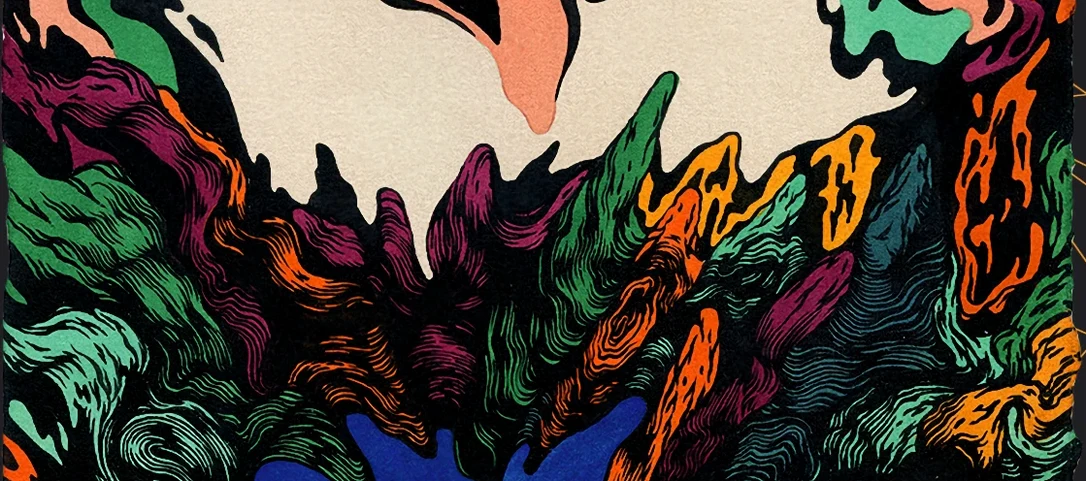
Nudist Audio Nudistort for macOS
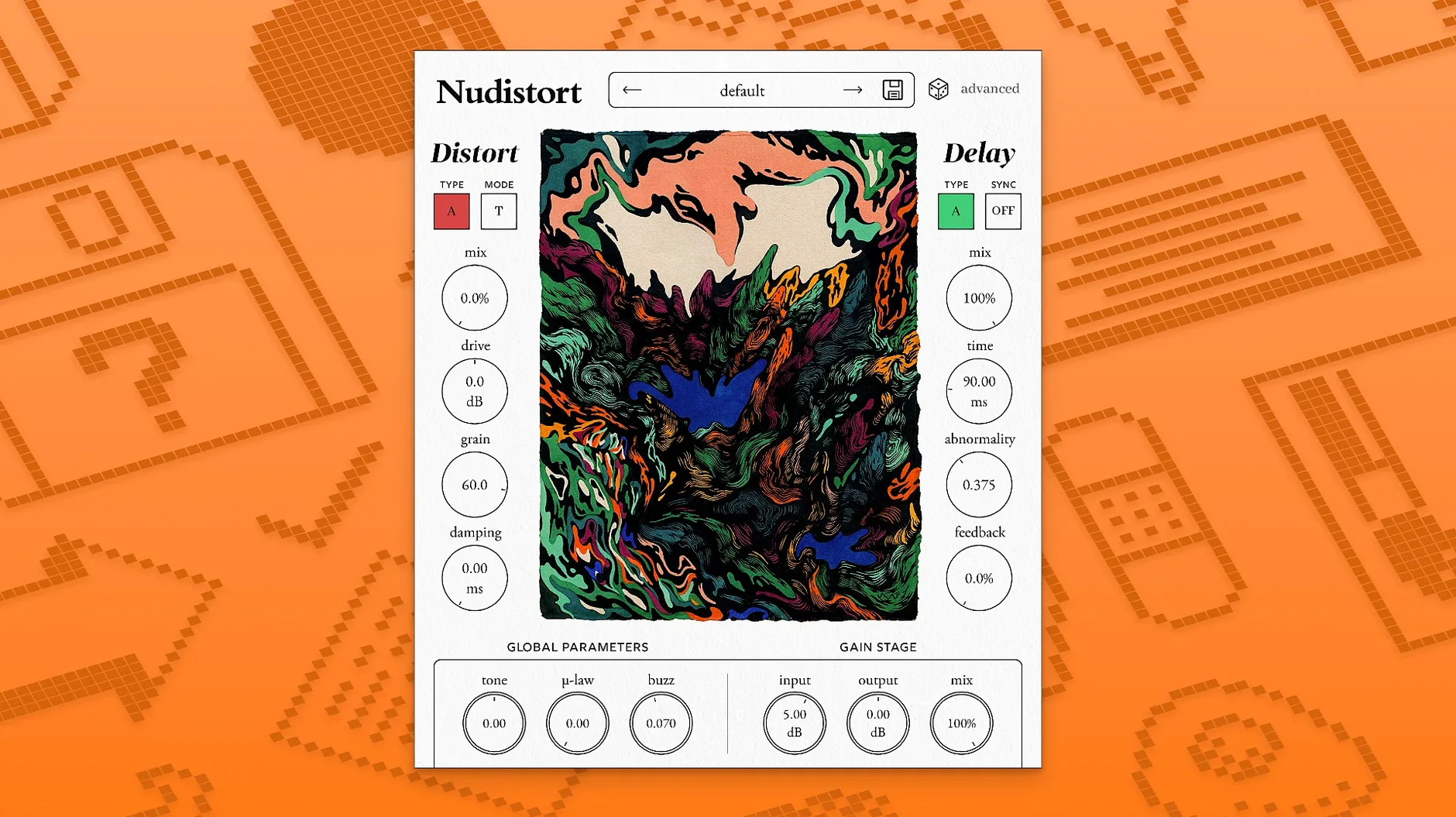
Description
Harmonic Warp doesn't just clip a signal. It folds it in on itself, turning a tame sine wave into a wall of buzzing overtones. Nudistort sits at the end of a chain when EQ, compression and polite saturation have done their job and the sound still feels too civilised.
- Drop it on a drum bus to turn a clean break into a crackling, crushed mess.
- Feed it a vocal take and push the gain until consonants splinter into shards of noise.
- Place it before a reverb send—the return becomes a metallic, harmonic wash rather than a standard tail.
- Automate the drive on a synth pad to move from a warm hum to a full-spectrum roar across a breakdown.
It works on macOS 10.13 and later, runs natively on Apple Silicon and Intel, and ships with a manual. Not a general-purpose warmer. It is for tearing a signal apart and listening to what falls out.
Turn off the limiter to stop it shaving your peaks
Open the plugin, look at the default state, then change these three things.
- Turn off the internal limiter. It is on by default to protect your ears and monitors. Leaving it on rounds off the very peaks that Nudistort is designed to create. You get a softer, more predictable result—the opposite of what the plugin does best. Switch it off, then bring your channel fader down 6 dB before you hit play.
- Switch the foldback mode from asymmetric to symmetric. Asymmetric folding produces even-order harmonics that can sound hollow on low-end material. Symmetric mode gives you a denser, more industrial character—all odd harmonics and clang. For kicks and bass, asymmetric often wins. For anything above 200 Hz, try symmetric first.
- Back the input gain off to about 9 o'clock. The default noon position slams most signals straight into hard clipping before the warp stage even gets a look-in. Starting low lets you hear what the algorithm actually does to a signal, rather than just hearing your audio hit a brick wall. You can always push it harder once you know what the fold is contributing.
Double-click resets any knob to its default
A few things the manual mentions in passing, but are easy to overlook.
- Double-click any knob to reset it to its default. The drive control resets to zero; the tone knob snaps back to flat.
- Hold
Shiftwhile dragging for fine adjustments. Useful on the mix control when you want 12% wet, not 8% or 17%. - The output gain knob goes to +24 dB. That is not a suggestion. Running the output hot into the next plugin in your chain—a compressor, another distortion, an amp sim—lets Nudistort act as a gain-staging brute. It pushes anything downstream into its own breakup.
- The dry/wet ring around the central display is not just a readout. Click and drag directly on the arc to adjust the mix without hunting for the knob.
If you use the AAX version in Pro Tools, the plugin recalls its last state per session, but not per preset slot. Save any configuration you like as a user preset before closing the session. The AU and VST3 versions remember the last-loaded state without fuss.
A sound designer's ten minutes with a field recording
Say you are building a library of sci-fi interface sounds. You have a clean recording of a zipper on a jacket, close-miked. It is sharp and transient-heavy, but it still sounds like a zipper.
Insert Nudistort on the track. Set the fold mode to symmetric, disable the limiter, and bring the drive up to about 2 o'clock. The zipper's metallic rasp turns into a series of jagged, electrical bursts. Push the tone control towards the bright end—around 3 o'clock—and the upper partials become glassy, almost vocal in character.
Now add automation. Draw a ramp on the mix control: dry at the start of the sound, 100% wet by the tail. The attack stays recognisable, but the decay dissolves into a wash of synthetic harmonics. Bounce a few passes with different fold depths, then layer them in your sampler. What you end up with is not a zipper anymore. It is a set of alien chirps, ready to drop into a UI animation or a weapon-charge sequence. Ten minutes, one plugin, no layering of five different processors.
Requirements
- macOS 10.13 or later
- Apple Silicon or Intel Mac
Comments 0
Sign in or create an account to leave a comment.
No comments yet…
If you’ve installed it, say how it went. Mention your Mac and macOS version — it helps the next person more than you’d think.
More in VST Plugins
All in VST Plugins-
 oeksound soothe2
1.3.3
Apple Silicon
oeksound soothe2
1.3.3
Apple Silicon
-
 noteGRABBER
2.0.0
Apple Silicon
noteGRABBER
2.0.0
Apple Silicon
-
 Omnisphere
3.0.2c
Apple Silicon
Omnisphere
3.0.2c
Apple Silicon
-
 Output Portal
1.2.1
Apple Silicon
Output Portal
1.2.1
Apple Silicon
-
 Neural DSP Soldano SLO-100 X
1.0.0
Apple Silicon
Neural DSP Soldano SLO-100 X
1.0.0
Apple Silicon
-
 Neural DSP Parallax X
1.0.0
Apple Silicon
Neural DSP Parallax X
1.0.0
Apple Silicon
-
 Neural DSP Mantra
1.0.1
Apple Silicon
Neural DSP Mantra
1.0.1
Apple Silicon
-
 Neural DSP Archetype Rabea X
1.0.1
Apple Silicon
Neural DSP Archetype Rabea X
1.0.1
Apple Silicon