
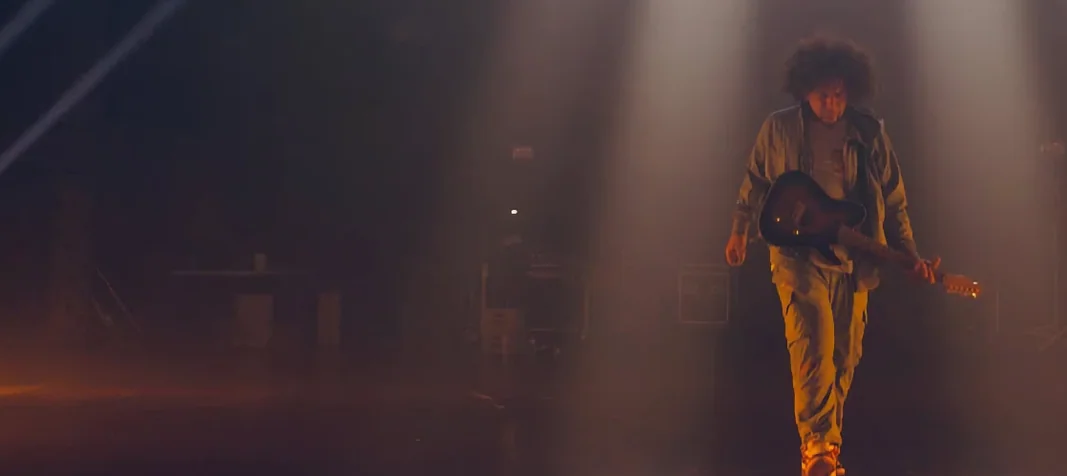
Neural DSP Archetype Rabea X for macOS
Description
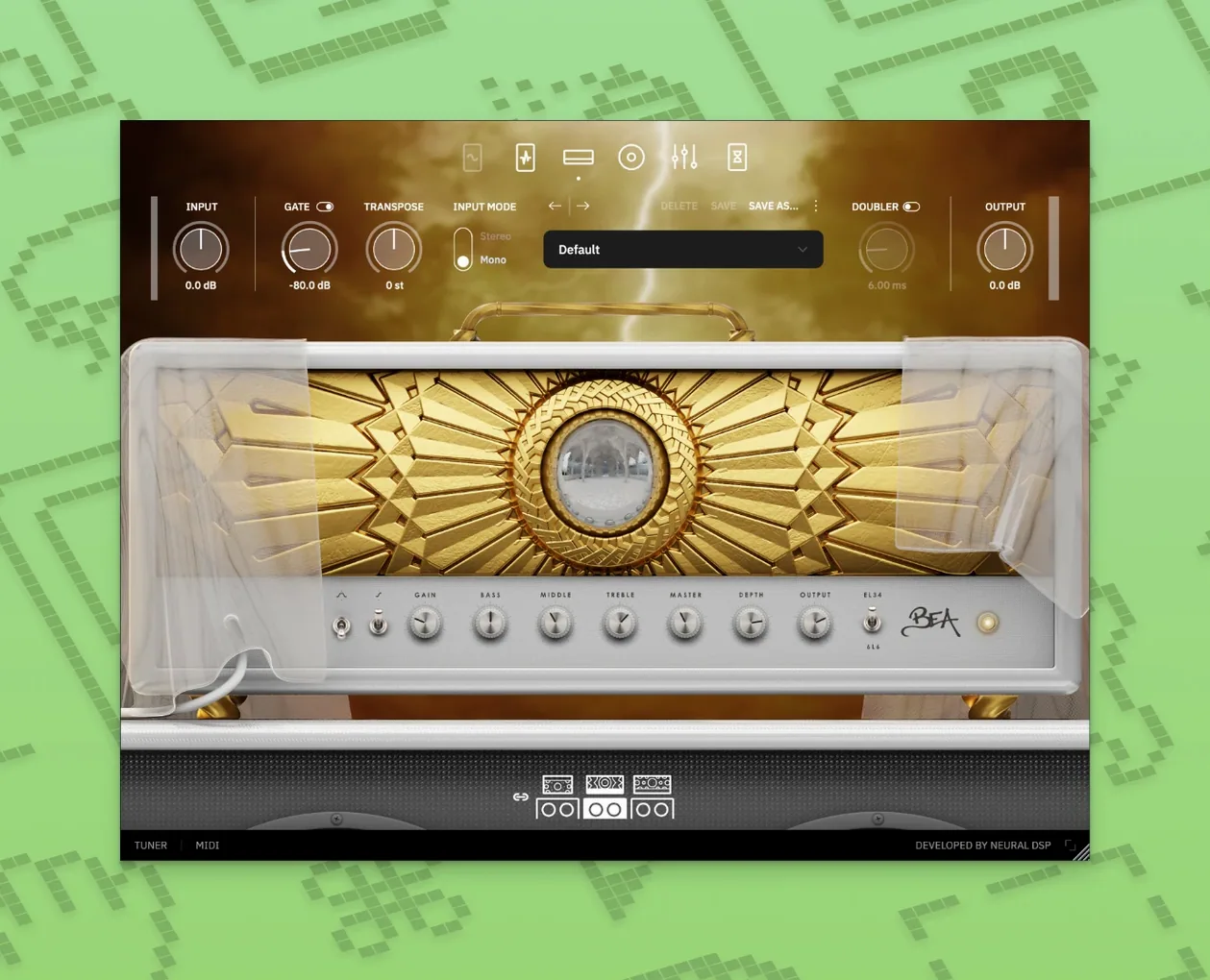
If you've used the Abasi or Gojira plugins, you know Neural DSP can do precise high-gain. Rabea X pushes that into straight-up synthesis territory. It's built around three things: a clean platform, a rhythm and lead amp set, and the Overlord monosynth — all freshly coded, not a repack.
- Guitar DI and re-amping: stick it on a clean track insert. The gate and transpose block sorts your input before the amps ever see it.
- Synth layers on a bus: send a muted DI track to an aux with Overlord loaded. Blend the synth underneath your real amp tone for pads that follow your fingering.
- Quad Cortex ready: the plugin speaks to the hardware, so capture chains go both ways without punishment.
- Standalone practice: the standalone app loads fast. No DAW needed when you just want to write with the metronome and the doubler for width.
It's a 64-bit AU, VST2, VST3 and AAX plugin for Intel and Apple Silicon Macs. The synth isn't a bolt-on — it tracks what your hands are doing and stays useful across a whole session.
Shows up in any DAW as a Core Audio plugin
Archetype Rabea X behaves like a well-written Core Audio citizen. Load it in Logic, Reaper, Ableton Live or any AU/VST3 host and it shows up without fuss. The standalone app avoids the DAW entirely — handy when you're just dialling in a tone while Safari sits open with a reference track on YouTube.
On macOS 10.15 and later, the plugin hooks into the system's audio routing cleanly. You can use it inside MainStage for live patches or pipe it through BlackHole for screen recording. The transpose block pairs nicely with Logic's Drummer — set it down a fifth for baritone lines that sit below the kit without clashing.
Quad Cortex integration is straightforward: drag a capture into the hardware, or pull a Cortex preset back into the plugin. No cloud subscription dance required. If you already keep a neural dsp bundle mac folder organised by project, Rabea X slots in alongside the others without overwriting preferences or nuking your existing activation.
Overlord is the part that plays well outside the guitar world. Send it MIDI from a keyboard, or feed it a clean guitar DI and let the synth track your bends. It follows pitch accurately enough that you can double a vocal melody with a saw wave and it stays in tune. The two oscillators mean you can set one an octave up for a fake organ layer while the guitar amp handles the weight.
One workflow worth knowing: route Overlord to a separate output pair in your interface. Process the synth through outboard pedals or a reverb pedal while the guitar amp stays dry. It costs you an extra cable but gives you two independent textures from one performance.
M1 idles around 2-3% CPU per instance
On an M1 Mac, a single instance sits around 2-3% CPU at 128-sample buffer. The synth engine adds roughly another percent when tracking live. It's not the lightest Neural DSP plugin — the two-oscillator synth pushes it slightly above the Nolly or Plini models — but it stays manageable even on older Intel machines if you freeze tracks after writing.
Load times are quick. The standalone opens in under four seconds on Apple Silicon; plugin scans complete without the DAW stalling. I've run eight instances across a dense session with Superior Drummer and a few Valhalla verbs, and playback stayed glitch-free at 256 samples. The oversampling switch doesn't tank performance — leave it on while tracking, turn it off only if you're stacking twenty tracks of synth doubles.
Stability has been solid through version 1.0.1. No random GUI freezes when switching presets, no sudden noise bursts when changing the transpose value mid-note. The bug fixes in this release tidied up a few edge cases with the doubler and the gate's release behaviour, so it feels predictable now.
Monophonic synth tracks straight from your guitar DI
Does the synth work without a MIDI pickup? Yes. Overlord tracks monophonically from your guitar's dry signal — no hex pickup, no special cable. It reads pitch from the DI, same as any tuner plugin. It's monophonic, so chords confuse it, but single-note lines and legato bends track well.
Will it run on an older Mac that's stuck on Catalina? It will. macOS 10.15 is the floor, and the plugin runs natively on Intel and Apple Silicon. No Rosetta-only weirdness if you're on an M-series machine.
Is the amp section just a reskin of another Archetype? No. The amps and effects were built fresh for Rabea X. The rhythm amp does a tight, dry thing that works under the synth without mud; the lead amp has a compressed, singing quality that suits the kind of lines people play when an oscillator is doubling them an octave up.
Can I use Overlord as a standalone synth plugin? Not directly — it lives inside Archetype Rabea X. But you can load the plugin on an instrument track, kill the amp section entirely, and just use the synth block with a MIDI keyboard. Works as a simple two-oscillator monosynth that way.
What’s new
Initial release. Builds the plugin from scratch with the amps, effects and Overlord monosynth in one package.
Requirements
- macOS 10.15 or later
- Apple Silicon or Intel processor
- 64-bit host for VST2, VST3, AU or AAX
Comments 0
Sign in or create an account to leave a comment.
No comments yet…
If you’ve installed it, say how it went. Mention your Mac and macOS version — it helps the next person more than you’d think.
More in VST Plugins
All in VST Plugins-
 Neural DSP Archetype Petrucci
1.0.0
Apple Silicon
Neural DSP Archetype Petrucci
1.0.0
Apple Silicon
-
 Neural DSP Mantra
1.0.1
Apple Silicon
Neural DSP Mantra
1.0.1
Apple Silicon
-
 Neural DSP Archetype Cory Wong X
1.0.1
Apple Silicon
Neural DSP Archetype Cory Wong X
1.0.1
Apple Silicon
-
 Neural DSP Parallax X
1.0.0
Apple Silicon
Neural DSP Parallax X
1.0.0
Apple Silicon
-
 Neural DSP Soldano SLO-100 X
1.0.0
Apple Silicon
Neural DSP Soldano SLO-100 X
1.0.0
Apple Silicon
-
 Native Instruments Massive X
1.7.1
Apple Silicon
Native Instruments Massive X
1.7.1
Apple Silicon
-
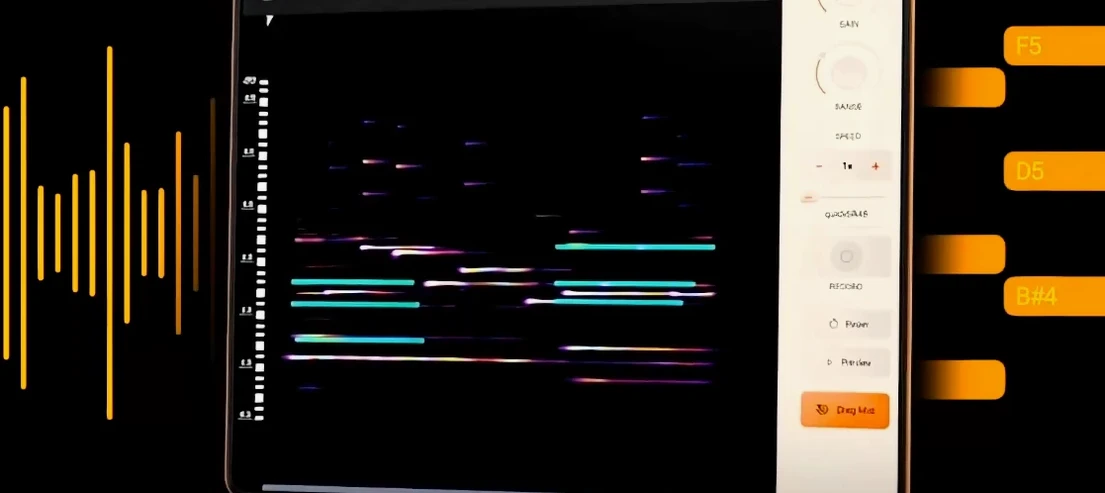 noteGRABBER
2.0.0
Apple Silicon
noteGRABBER
2.0.0
Apple Silicon
-
 Nudist Audio Nudistort
1.2.5
Apple Silicon
Nudist Audio Nudistort
1.2.5
Apple Silicon