

LANDR Vocal Bundle for macOS
Description
You've already comped the take and dialled in your usual channel strip. The vocal sits well in the mix, but a couple of sibilants still poke through and the verse could use a touch more space without washing out the words. That's the kind of tidy-up job this bundle is made for.
Real-time pitch fix and sibilance taming in one box
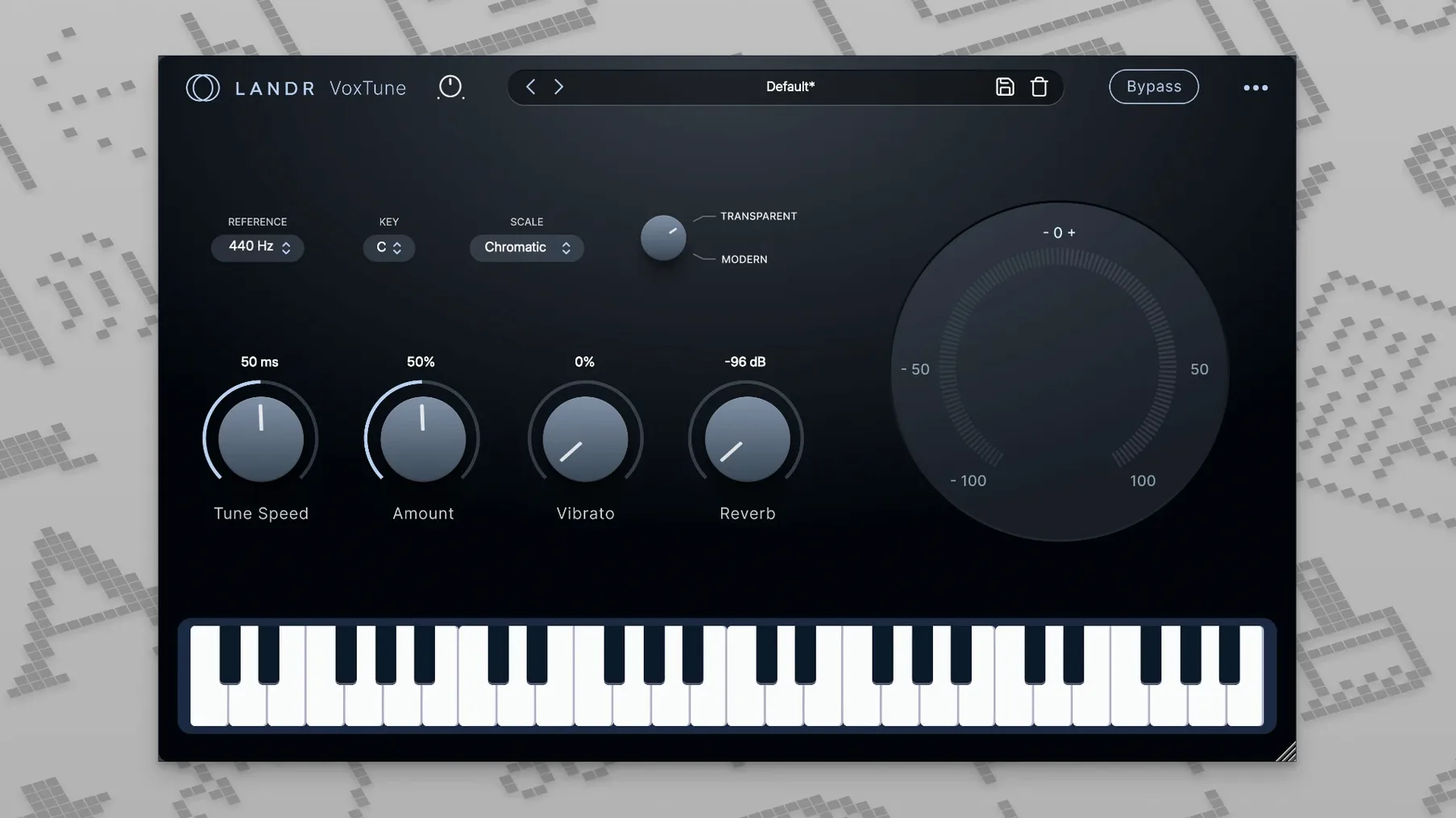
- VoxTune — real-time pitch correction. Pull it back for a natural sound or push it harder for a tuned effect. You also get controls for voice colour and vibrato.
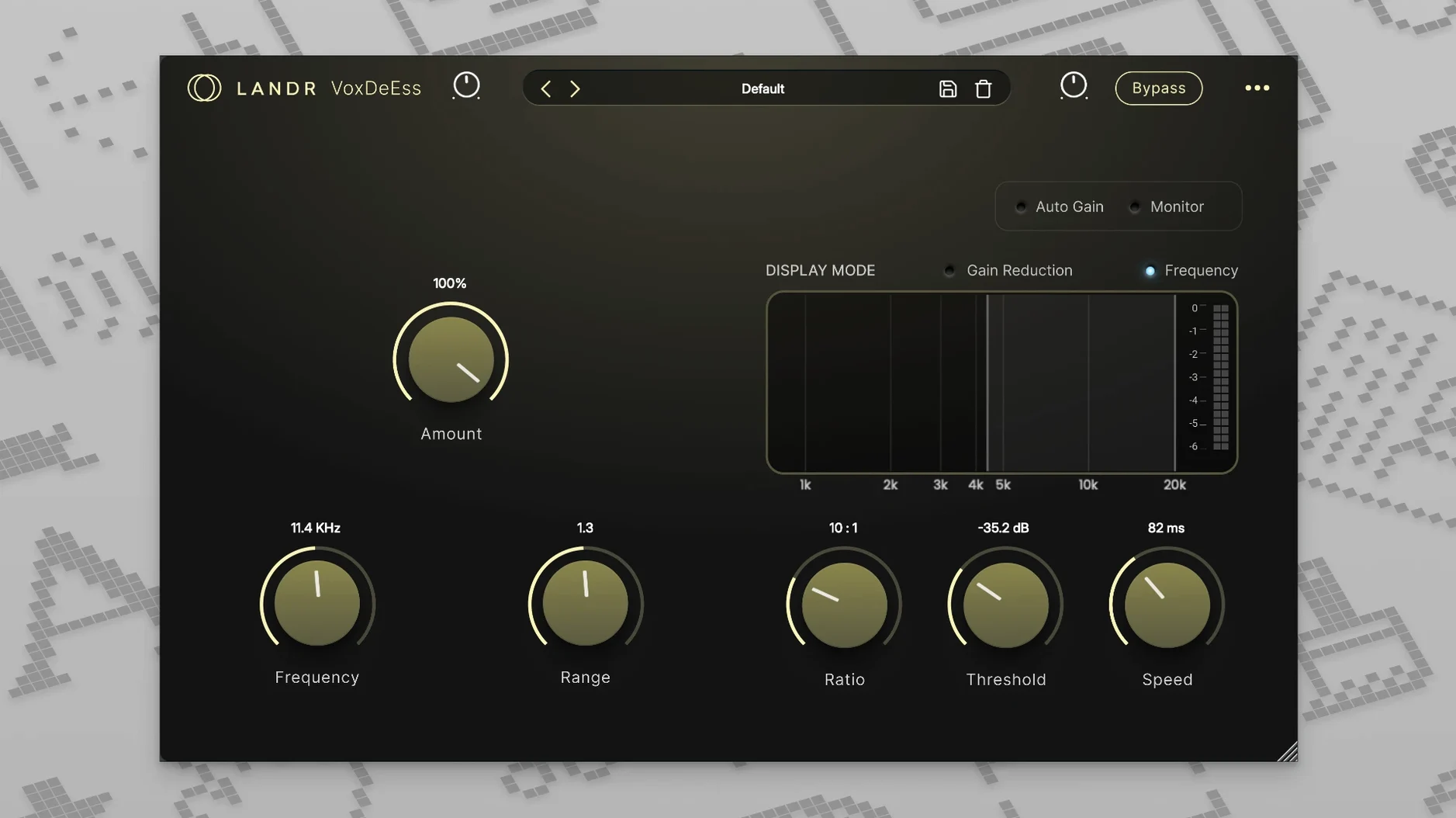
- VoxDeEss — tames harsh 's' and 'sh' sounds without dulling the top end.
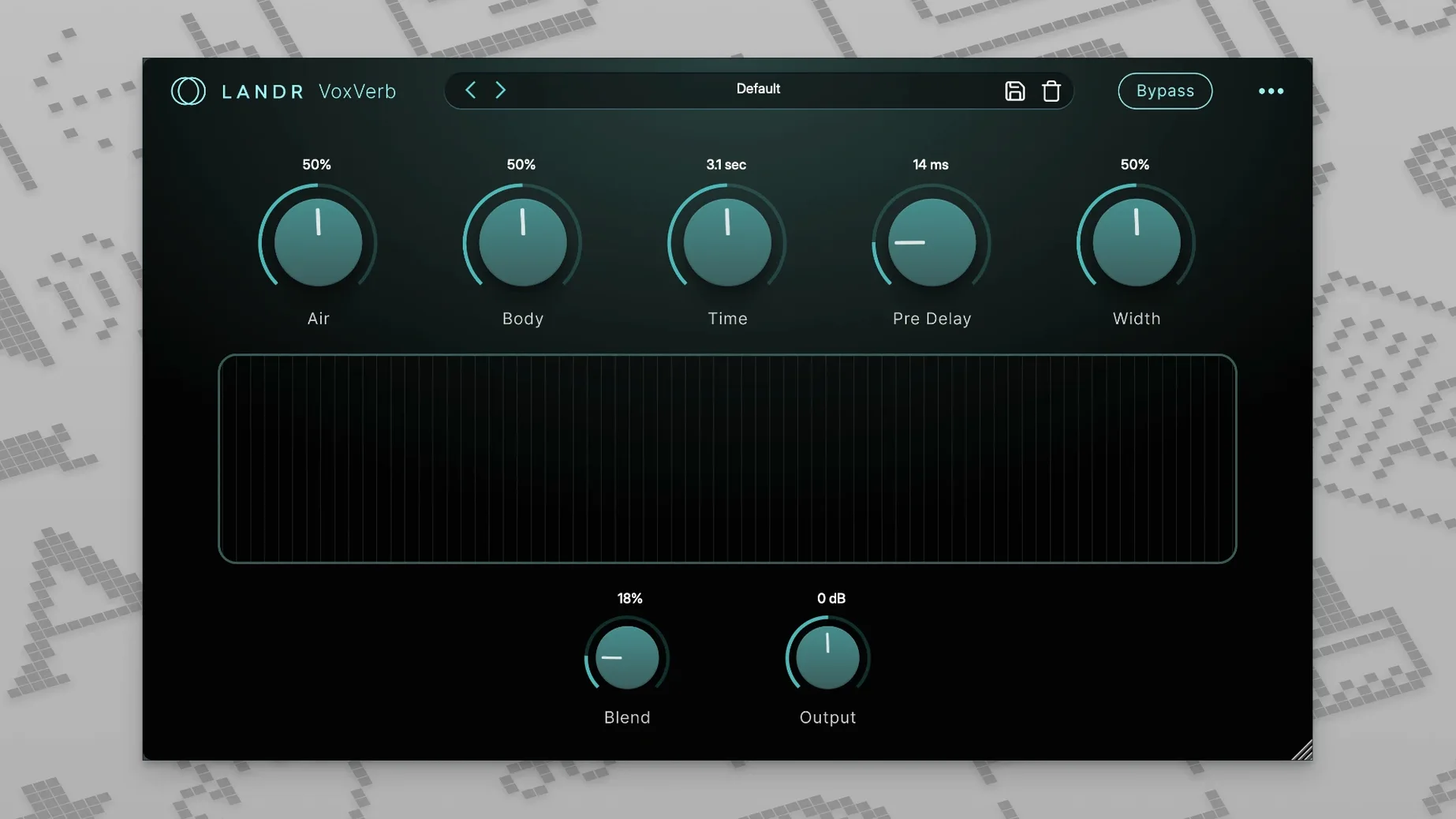
- VoxVerb — adds depth and space while keeping the vocal clear, so you're not burying the lyric in tail.
Four quick-fix vocal chores that skip deep menu diving
These aren't meant to replace your go-to EQs or compressors. They handle four specific vocal chores that often need a quick fix after the main processing is done. The controls are kept simple, so you spend less time tweaking and more time listening. The bundle is included with LANDR Studio if you already use that, and it runs on macOS 10.14 and later, native on both Intel and Apple Silicon.
Small things you'll want to know
A few shortcuts that aren't obvious at first glance. In VoxTune, holding Option while dragging the correction speed slider lets you dial in finer increments — handy when you're right on the edge between natural and robotic. VoxVerb's early reflection knob does more than it seems: pull it below 20% and the vocal stays intimate even with a long tail behind it. Good for ballads where you want space but not distance.
VoxDeEss has a solo button tucked in the corner. Click it and you hear only the sibilants being removed. Press it once before you set the threshold, and you'll nail the problem band in seconds instead of guessing. All four plugins respect the macOS dark mode setting automatically, which keeps things readable during late-night sessions.
No helper, no manager — just four standalone plugins in your DAW list
The bundle loads as standard AU, VST3 or AAX — whichever your DAW expects. It doesn't need its own plugin manager or any background helper. Once installed, the four plugins appear separately in your list, so you can grab just VoxDeEss without loading the whole set.
On the macOS side, these respond to native accessibility zoom and VoiceOver without fuss. If you're working with Logic's Smart Controls, mapping VoxTune's correction speed or VoxVerb's mix to a hardware fader takes under a minute through the standard Learn button. No proprietary mapping layer to wrestle with. Audio Unit validation passes cleanly the first time on both Intel and Apple Silicon machines — no manual rescanning needed in Live or Logic.
A vocal clean-up run, start to finish
- Insert VoxDeEss first in the chain. Solo the sibilant band, drag the threshold down until you hear the harsh syllables clearly, then unsolo and back the threshold up just a touch. Check the gain reduction meter: 3 to 6 dB of ducking on the worst esses is plenty.
- Drop VoxTune next. Set the key if you know it; otherwise, leave it on chromatic. Keep the speed around 70–80% for a transparent correction. If the vocalist has a fast vibrato, nudge the vibrato control down a few points so the plugin doesn't fight it. The zero-latency processing means you can track through it without monitoring weirdness.
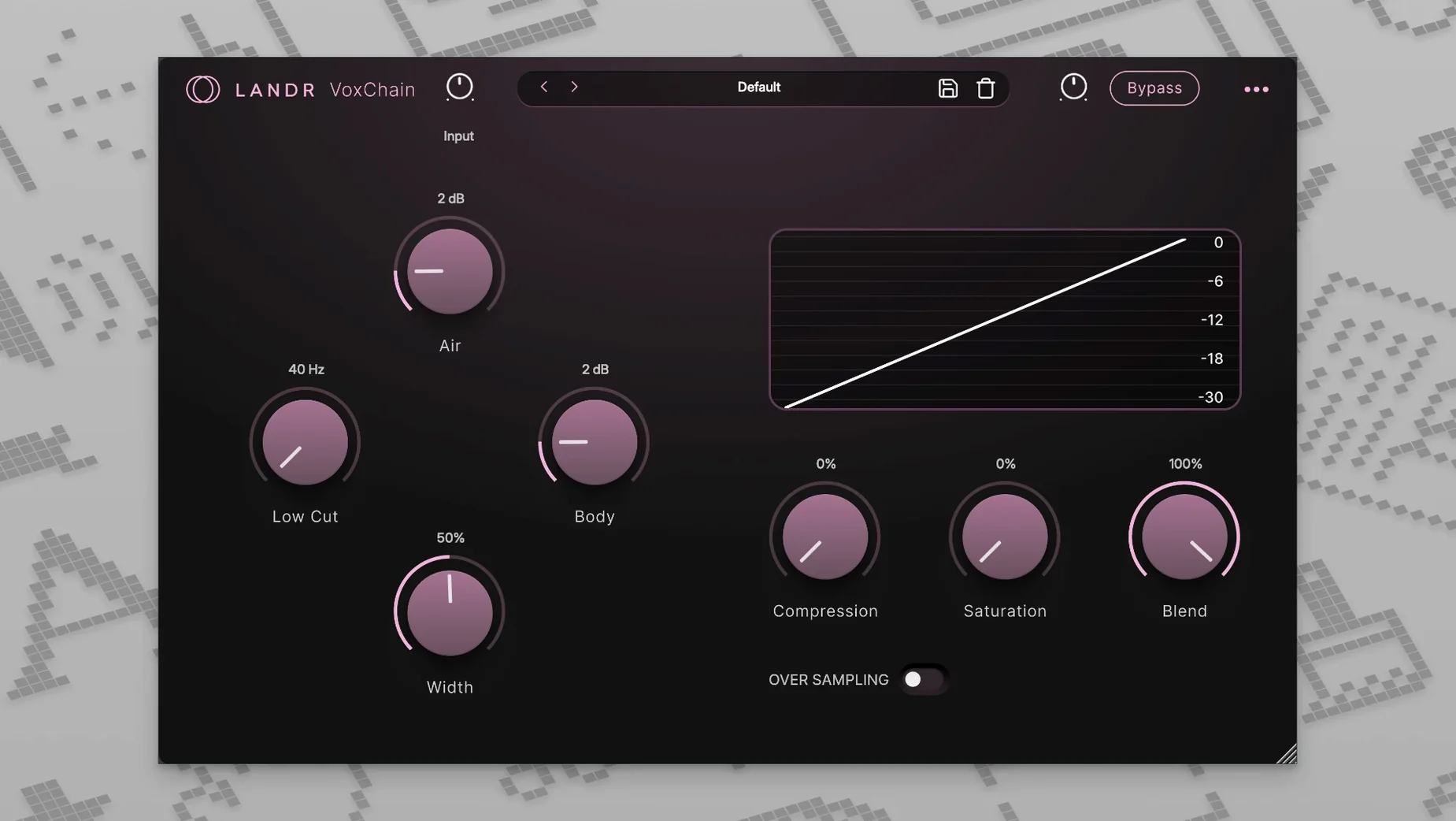
- Insert VoxChain after your main EQ and compressor. Use its saturation stage lightly — just enough to give the vocal a bit of bite in the upper mids. The built-in EQ is handy for a final presence lift around 8 kHz without opening another plugin.
- Slot VoxVerb on a send, not as an insert. Start with the mix at 100% on the return and blend it in with the fader. Try a short plate setting with the early reflections around 30% for a verse; automate the send up slightly in the chorus to give the vocal more lift without touching the fader.
The whole thing takes about four minutes once you've done it a couple of times. It's not flashy, but the vocal ends up controlled, present, and sitting exactly where you want it.
Requirements
- macOS 10.14 or later
- Intel or Apple Silicon Mac
- Plug-in format: VST3, AU, AAX
FAQ
Does VoxTune only do hard-tuned vocal effects?
No. You can dial it back for subtle, natural correction or push it for a more obvious tuned sound. It also gives you control over voice colour and vibrato.
What does VoxDeEss actually remove?
It's designed to catch harsh sibilant sounds — the 's' and 'sh' frequencies that can jump out of a vocal take.
Comments 0
Sign in or create an account to leave a comment.
No comments yet…
If you’ve installed it, say how it went. Mention your Mac and macOS version — it helps the next person more than you’d think.
More in VST Plugins
All in VST Plugins-
 KORG TRITON
1.4.7
Apple Silicon
KORG TRITON
1.4.7
Apple Silicon
-
 KORG Collection
1.0.3
Apple Silicon
KORG Collection
1.0.3
Apple Silicon
-
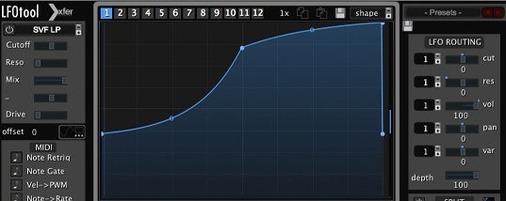 LFOTool
1.768
Apple Silicon
LFOTool
1.768
Apple Silicon
-
 Komplete Kontrol
3.5.4
Apple Silicon
Komplete Kontrol
3.5.4
Apple Silicon
-
 Komplete FX Bundle
2026.1
Apple Silicon
Komplete FX Bundle
2026.1
Apple Silicon
-
 Kalifornia Dynamic KD Alkane
1.0.17.0
Apple Silicon
Kalifornia Dynamic KD Alkane
1.0.17.0
Apple Silicon
-
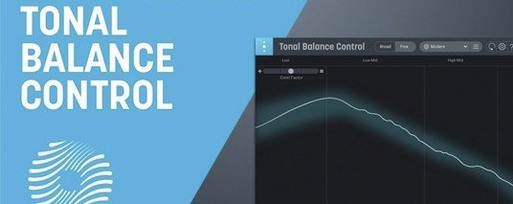 iZotope Tonal Balance Control
3.0.0
Apple Silicon
iZotope Tonal Balance Control
3.0.0
Apple Silicon
-
 iZotope RX
12.0.0
Apple Silicon
iZotope RX
12.0.0
Apple Silicon