Kalifornia Dynamic KD Alkane for macOS
Description
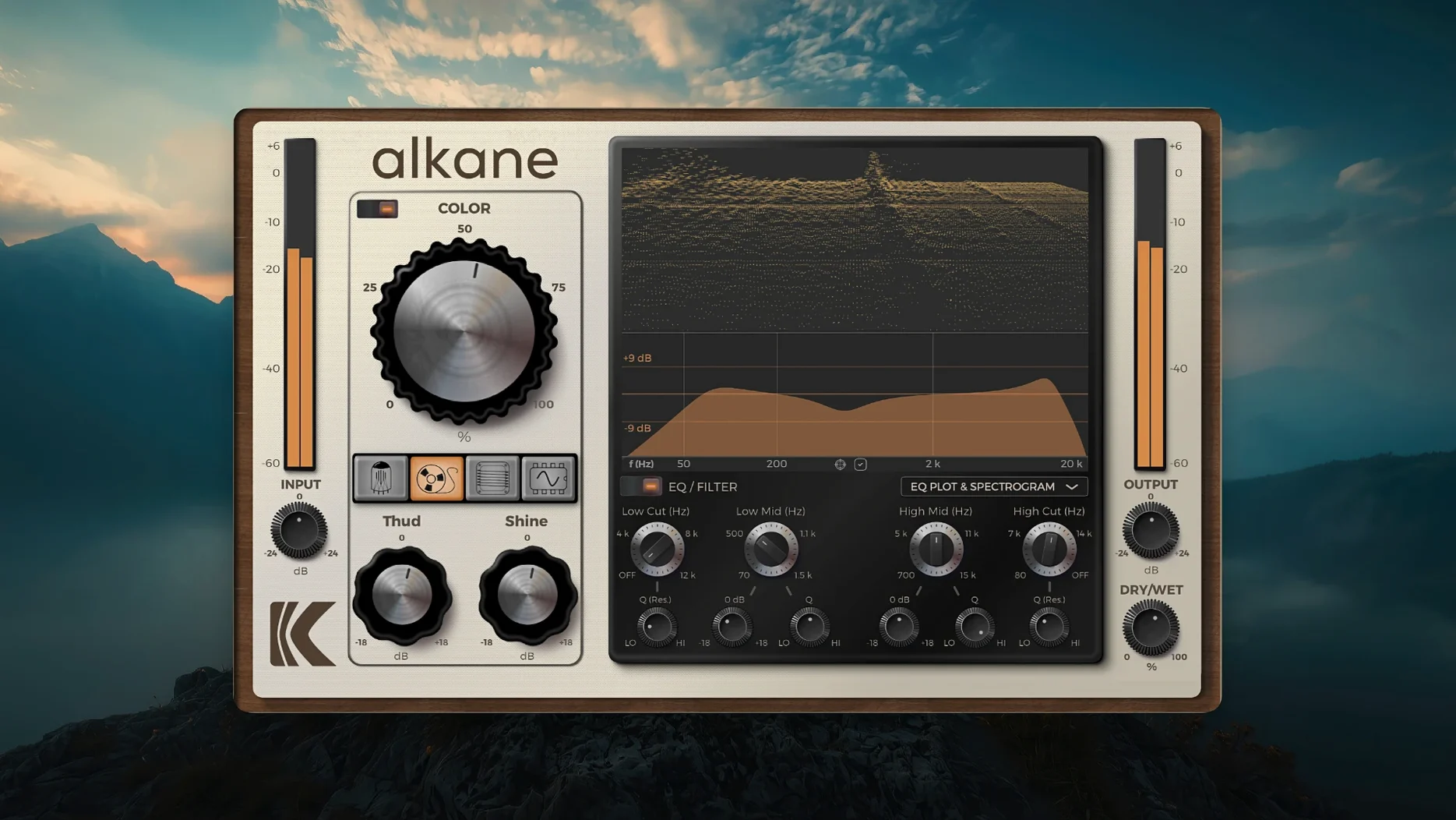
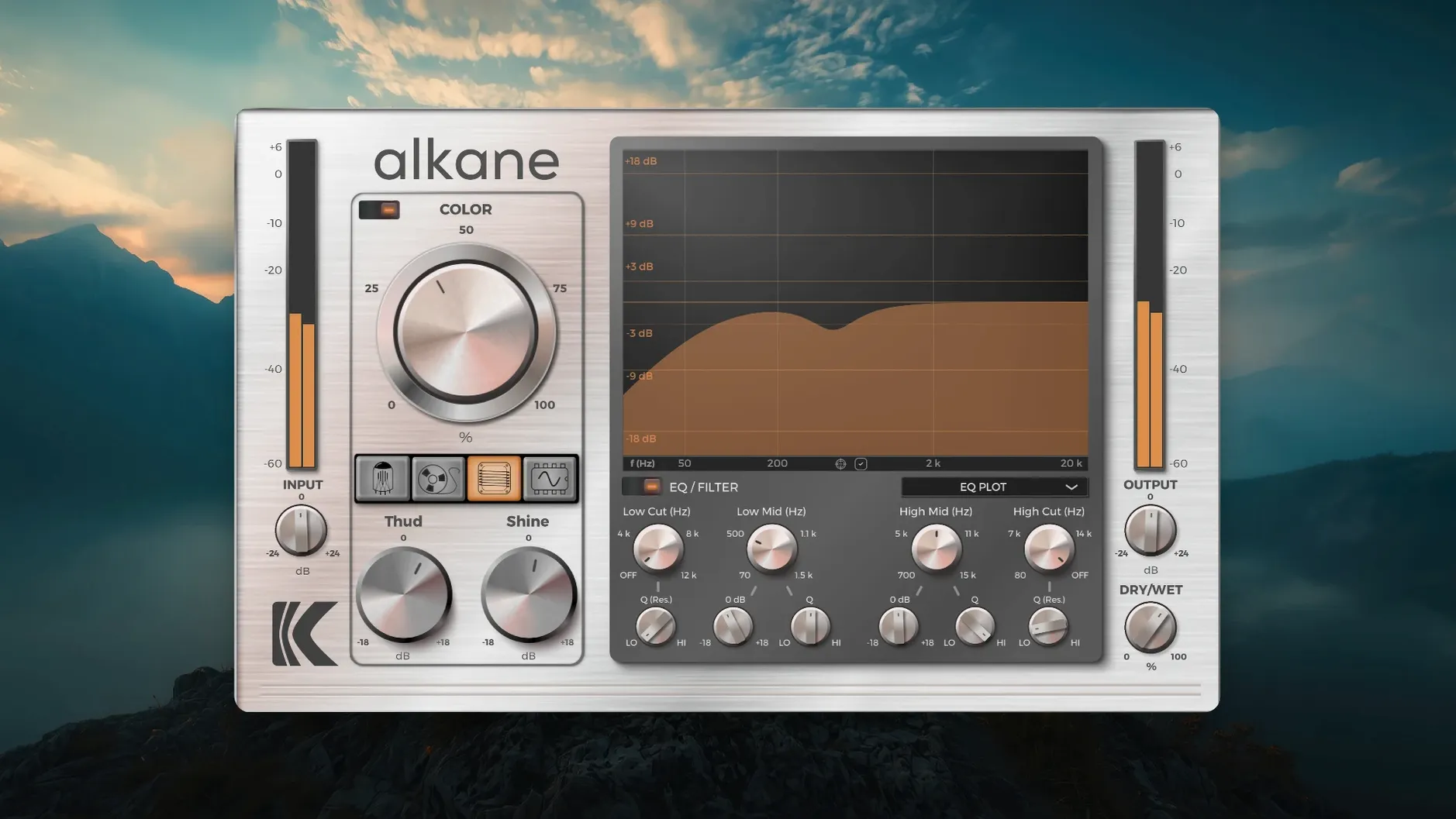
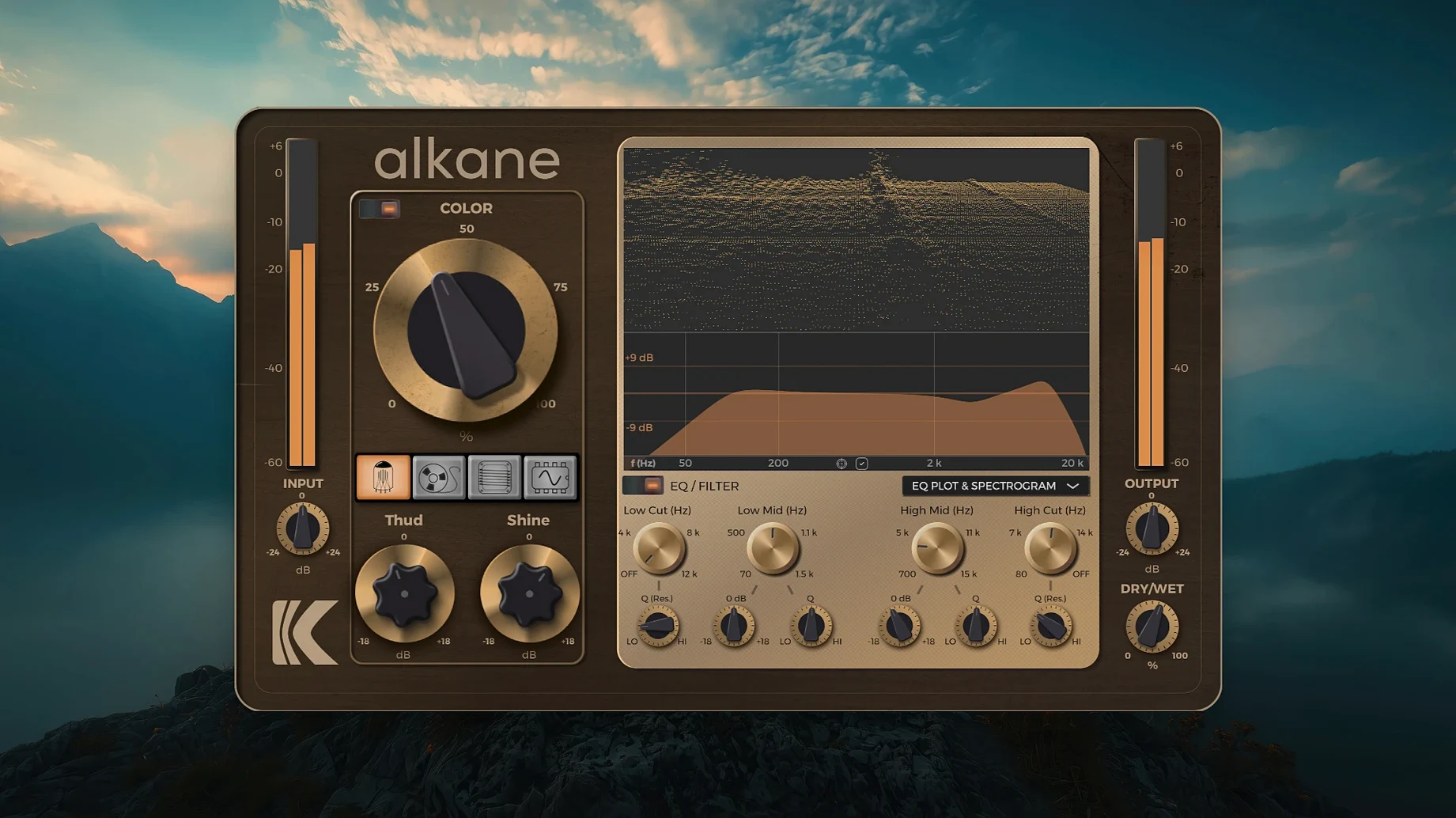
The Synth circuit is the one that might surprise you. Most saturation plugins chase console warmth, but KD Alkane adds a fourth model that pushes into outright synth-wave distortion. It sits alongside Tube, Tape and Transformer in a single quad-circuit design that runs natively on Apple Silicon — no Rosetta translation needed.
Formats are AAX, AU and VST3. That covers Pro Tools, Logic and Cubase without extra bridging. The installer is standard: close your DAW, mount the disk image and double-click the package. macOS 11 or later is required. Intel Macs are not supported.
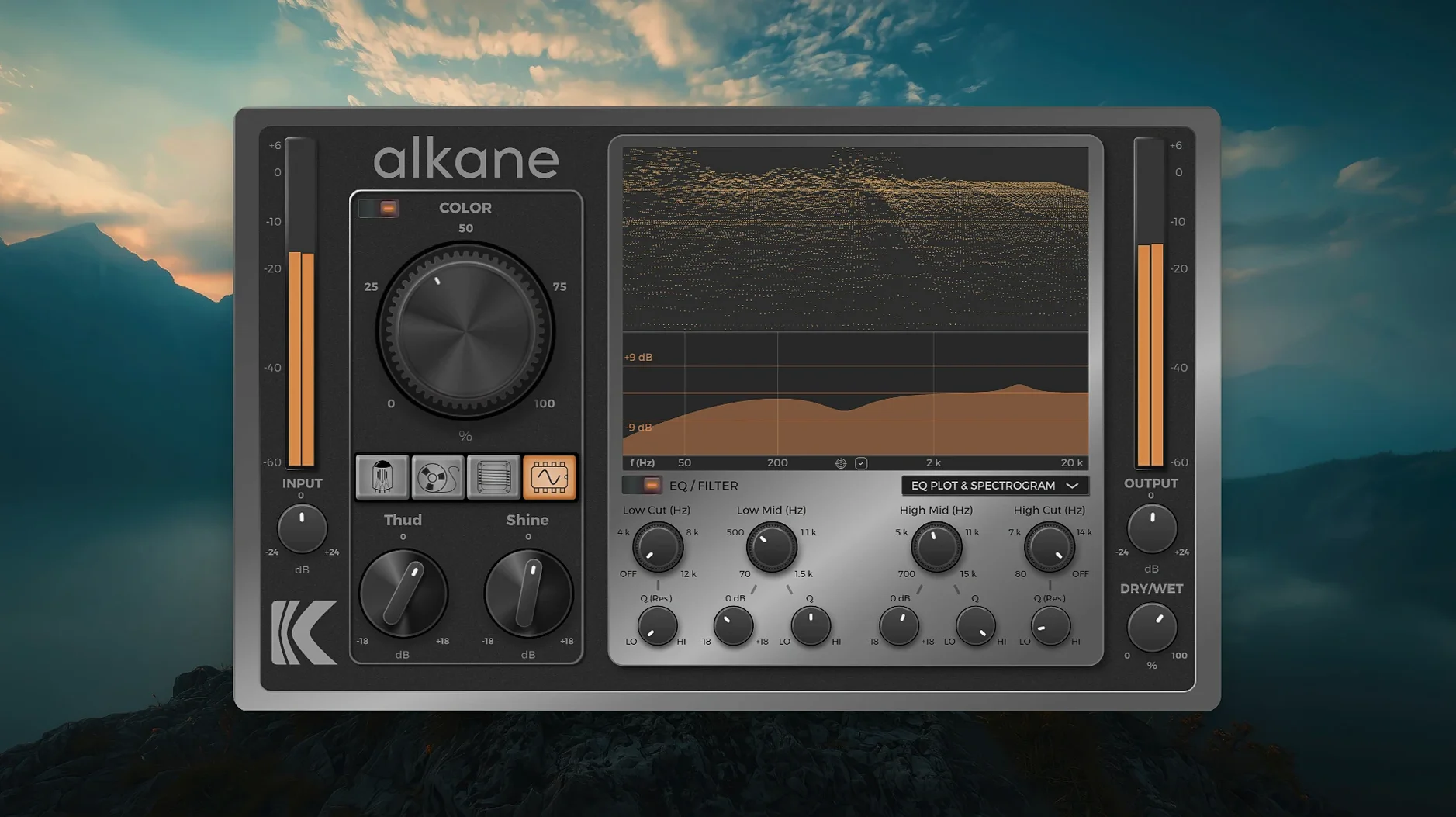
What you get is harmonic saturation routed through four distinct circuit behaviours. Tube softens transients. Tape compresses and darkens. Transformer adds mid-range weight. Synth hard-clips — useful for drum rooms or a bass DI that needs to cut through a dense mix. The visualizer shows a 3D spectrogram alongside an EQ plot and parameter editor, so you can see which frequencies the circuit is exciting before your ears catch up.
It is not subtle. If you need gentle console colour, look at a single-model saturator. KD Alkane is for producers and sound designers who want to drive a signal through different analog paths and compare the results inside the same window.
Hard-clip snap for electronic drums and breaks
Producers working with electronic drums and sampled breaks tend to reach for KD Alkane early. The Synth circuit's hard-clip gives a kick drum enough snap to survive a busy arrangement without extra layering. Replacing a k'd Mac often means reinstalling half your plugin folder anyway — having one processor that covers four saturation types cuts down the re-download queue.
Mix engineers who handle varied material get mileage from the Transformer model. It adds weight to thin vocal doubles without piling on low-mid mud, the way a broad EQ boost would. Sound designers appreciate that all four circuits are available in one window; you can audition Tube warmth against Tape compression on a found-sound sample in under ten seconds. If you spend your day building risers and impacts from scratch, that speed matters.
People chasing the alkane vst free download route often do so because they need a single saturation workhorse rather than a collection of single-trick plugins. KD Alkane fits that slot. It will not replace a dedicated tape emulation if you live in that sound, but for everything else the four circuits cover more ground than most producers expect.
How it performs day to day
8x oversampling is always active, yet the plugin loads quickly even on a base M1 MacBook Air. Session recall is uneventful — no hangs, no stuck parameters. That is not a given with visualizer-heavy plugins. The spectrogram updates at a smooth frame rate and does not stutter when you drag a filter node mid-playback, which keeps the creative flow intact.
CPU usage sits in the moderate range. One instance per channel on a 32-track project is fine. Stacking it on every drum close-mic while also running convolution reverbs will push things, but that is expected with real-time oversampling. Bounce-heavy workflows will not notice. Live tracking with a low buffer benefits from freezing the instance on the 2-bus.
Memory footprint is small enough that you stop checking after the first week. We have not seen it spike during long sessions. Stability on Apple Silicon is solid; crashes are rare and tend to involve DAW-specific plugin sandboxing rather than KD Alkane itself. The kd alkane build tested here has been in daily rotation for tracking and mixing without a single forced restart of Logic.
Tube circuit as your reference point on the drum bus
Start with the Tube circuit on your drum bus. Drive it until the needle nudges the red, then back off half a dB. That is your reference point for how the four models differ. Switch to Transformer on the same material and listen to what happens around 400 Hz — that is where it lives.
Next, load KD Alkane on a bass DI channel and cycle through all four circuits at matched gain reduction. Tape will round the pick attack. Synth will make it angry. Neither is wrong. Pick the one that leaves space for the kick. The EQ section works best as a cleanup tool before the circuit, so engage the high-pass filter early and cut anything below 30 Hz that the saturation would amplify into mud.
Some users who pick up an alkane plugin free download assume the Color module is a simple presence boost. It is not. It adds transient-safe non-linear harmonics that interact with the chosen circuit. Crank it on a snare top mic while the Tape model is active and you will hear the difference immediately — the snap stays intact while the body thickens. Use it sparingly on full mixes; half a dB is often plenty.
Requirements
- macOS 11 or later
- Apple Silicon Mac
- AAX, AU or VST3 host
Comments 0
Sign in or create an account to leave a comment.
No comments yet…
If you’ve installed it, say how it went. Mention your Mac and macOS version — it helps the next person more than you’d think.