
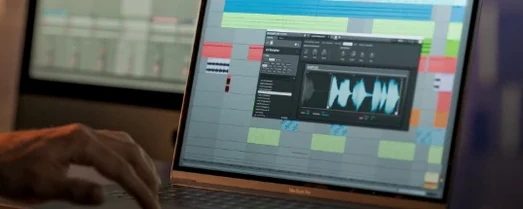
Komplete Kontrol for macOS
Description
You have a rough mix up. The bassline is solid but the pads feel static. You open an instance of Komplete Kontrol, find a hybrid string patch, and flick through a few presets. You land on something dark and wobbly. With one finger on a chord, the sound fills the space without you touching a MIDI editor.
The control is in the browser as much as the keyboard. Smart Play gives you over a hundred scales and modes. Pick a key, pick a mode, and wrong notes disappear. The one-finger chord mode turns a single key press into a full voicing that you can drag straight into your DAW timeline.
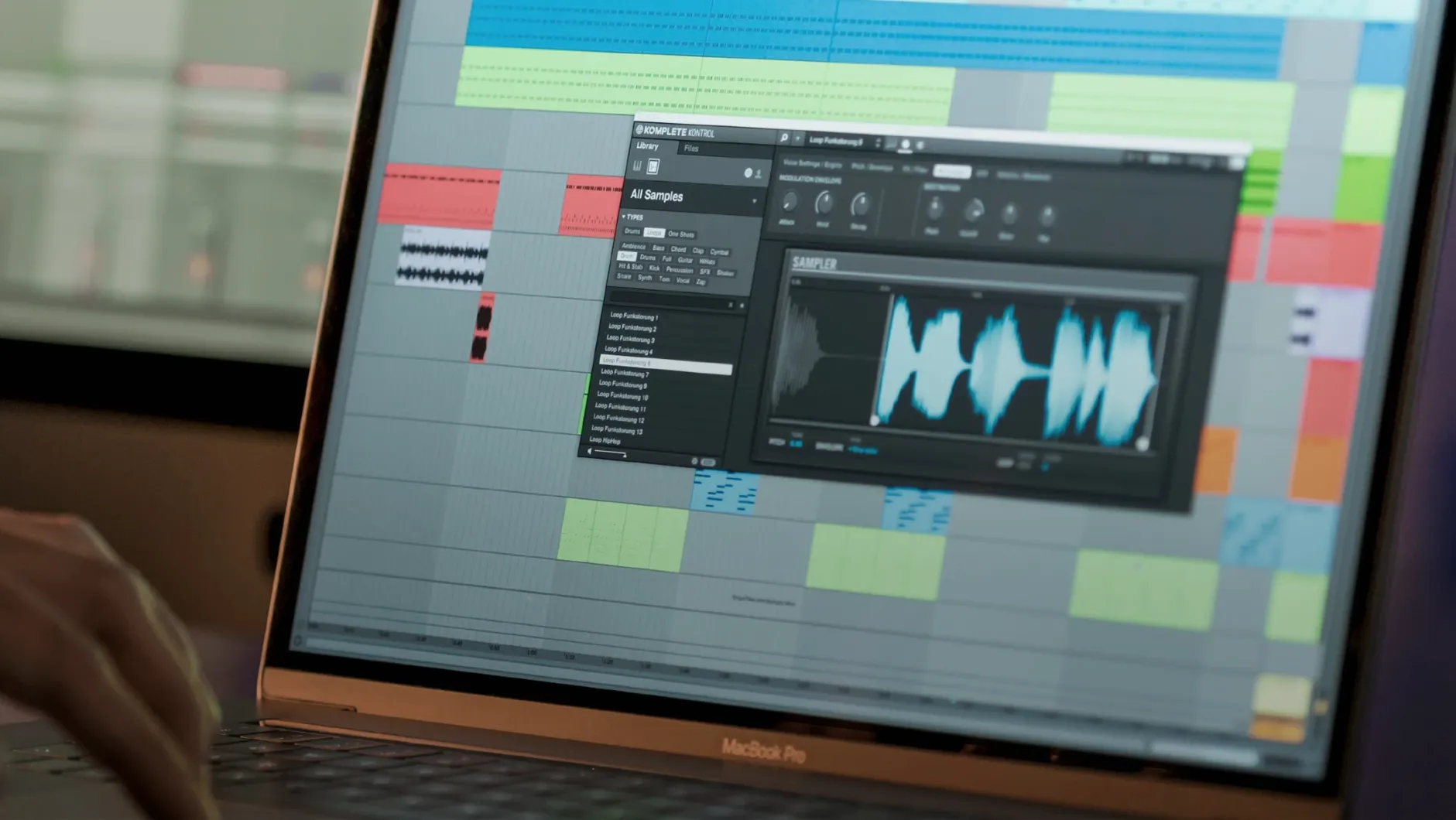
For supported instruments, the Native Kontrol Standard mapping means the eight knobs on your controller already do something useful. Filter cutoff, envelope decay, reverb mix. No MIDI-learn dance. Loop and sample tagging works the same way: find a one-shot, audition it in time with your project, and drag it in.
Version 3.5.4 irons out some controller glitches. Parameter changes from an S-Series MK3 no longer cause stutter. It is a small fix that stops a big interruption to your flow.
A walk through a session
You have a rhythmic idea but no real instrumental parts yet. Open Komplete Kontrol on a new instrument track.
- Type “upright” into the browser. The list shrinks to a dozen electric and acoustic pianos. Select one. The Light Guide on your S-Series keyboard glows red for the root notes of the scale you used last.
- Hit a C. It’s a C minor 9th, because Smart Play is still set to C minor from yesterday. Two more fingers and you have a four-bar progression that actually sounds like you know harmony.
- Record the MIDI. No wrong notes to delete.
- Decide the sound is too polite. Browse to a third-party synth you installed years ago. All its presets are already tagged. Pick one called “Broken Tape Ensemble”. The knobs map instantly. You turn macro 3 to dirty up the attack.
- Open the sampler, drag a kick one-shot from the browser onto a pad, pitch it down three semitones. Drag it to bar one of your timeline. Done.
The whole thing took four minutes. You never opened a separate plugin window or touched a MIDI mapping menu.
You can use it without NI hardware, but here’s what you’ll miss
Does it work without Native Instruments hardware? Yes. You can browse, load and play anything with a mouse and your computer keyboard. The on-screen controls are functional. But the experience is built around a controller. Smart Play and Light Guide need an S-Series or a compatible NKS Connect device to feel like more than a menu.
Will it scan my existing plugin folders? It scans your system and AU/VST locations on launch. Supported third-party plugins get NKS mappings automatically. Unsupported ones show up in a generic list. You can still load them, but the knobs will be blank until you map them yourself.
Is this a sampler or a host? Neither, exactly. It is a wrapper that loads instruments and effects inside itself, adds a unified browsing and control layer, then feeds audio and MIDI to your DAW. The built-in sampler is a bonus for one-shots and loops — not a full-blown Kontakt replacement.
Loading it on an audio track and skipping the scale lock
- Loading Komplete Kontrol on an audio track. It is an instrument plugin. Your DAW will either refuse or send it no MIDI. Put it on a software instrument track.
- Ignoring the scale lock. Smart Play is on by default. If every key plays a chord and you wanted single notes, turn off the chord mode, not the entire scale system. The key and mode still filter wrong notes without forcing polyphony.
- Downloading something labelled “Komplete Kontrol torrent” and expecting NKS tagging to work. Tags and previews are built by Native Instruments for official libraries. Random folder dumps show up as blank presets with no audio preview. The browser is only as tidy as the content you point it at.
- Updating to 3.5.4 without checking controller firmware. The S-Series MK3 fix works both ways. Old firmware on the keyboard can still cause parameter lag, even with the plug-in patch installed.
- Using the standalone app for a whole track. Standalone is for sound design and preset browsing. You cannot sequence or record audio there. Open it in your DAW for actual production work.
What’s new
Adds NKS Connect support and NKS Mode integration for compatible controllers. Fixes performance issues when changing plug-in parameters from Kontrol S-Series MK3.Requirements
- macOS 12 or later
- Intel or Apple Silicon Mac
- Works standalone or as a VST/AU/AAX plug-in
FAQ
Can I use Komplete Kontrol without a Native Instruments keyboard?
Yes. It works with any MIDI controller, plus mouse and computer keyboard input.
What does NKS mapping do for effects?
It gives you instant, pre-mapped control of key parameters from your hardware, so you tweak sounds without touching a mouse.
Comments 0
Sign in or create an account to leave a comment.
No comments yet…
If you’ve installed it, say how it went. Mention your Mac and macOS version — it helps the next person more than you’d think.
More in VST Plugins
All in VST Plugins-
 Komplete FX Bundle
2026.1
Apple Silicon
Komplete FX Bundle
2026.1
Apple Silicon
-
 KORG Collection
1.0.3
Apple Silicon
KORG Collection
1.0.3
Apple Silicon
-
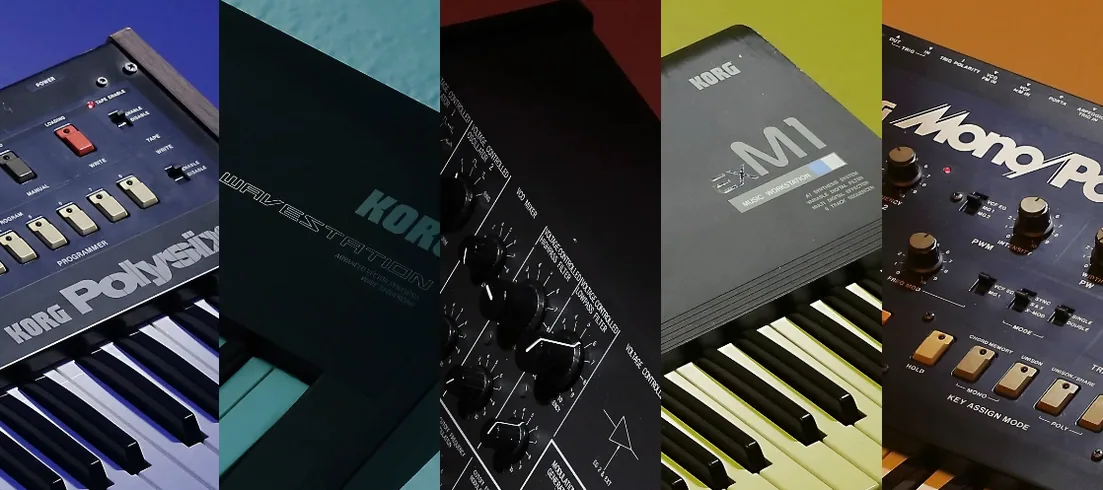 KORG TRITON
1.4.7
Apple Silicon
KORG TRITON
1.4.7
Apple Silicon
-
 LANDR Vocal Bundle
2025.12
Apple Silicon
LANDR Vocal Bundle
2025.12
Apple Silicon
-
 Kalifornia Dynamic KD Alkane
1.0.17.0
Apple Silicon
Kalifornia Dynamic KD Alkane
1.0.17.0
Apple Silicon
-
 iZotope Tonal Balance Control
3.0.0
Apple Silicon
iZotope Tonal Balance Control
3.0.0
Apple Silicon
-
 LFOTool
1.768
Apple Silicon
LFOTool
1.768
Apple Silicon
-
 iZotope RX
12.0.0
Apple Silicon
iZotope RX
12.0.0
Apple Silicon