iZotope Tonal Balance Control for macOS
Description
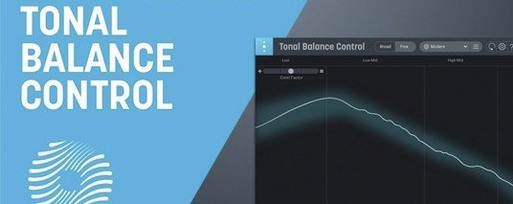
Twelve reference curves. That is how many genre targets Tonal Balance Control ships with, covering everything from orchestral to EDM. You pick one, and the plugin plots your mix against it in real time.
Working with Tonal Balance Control
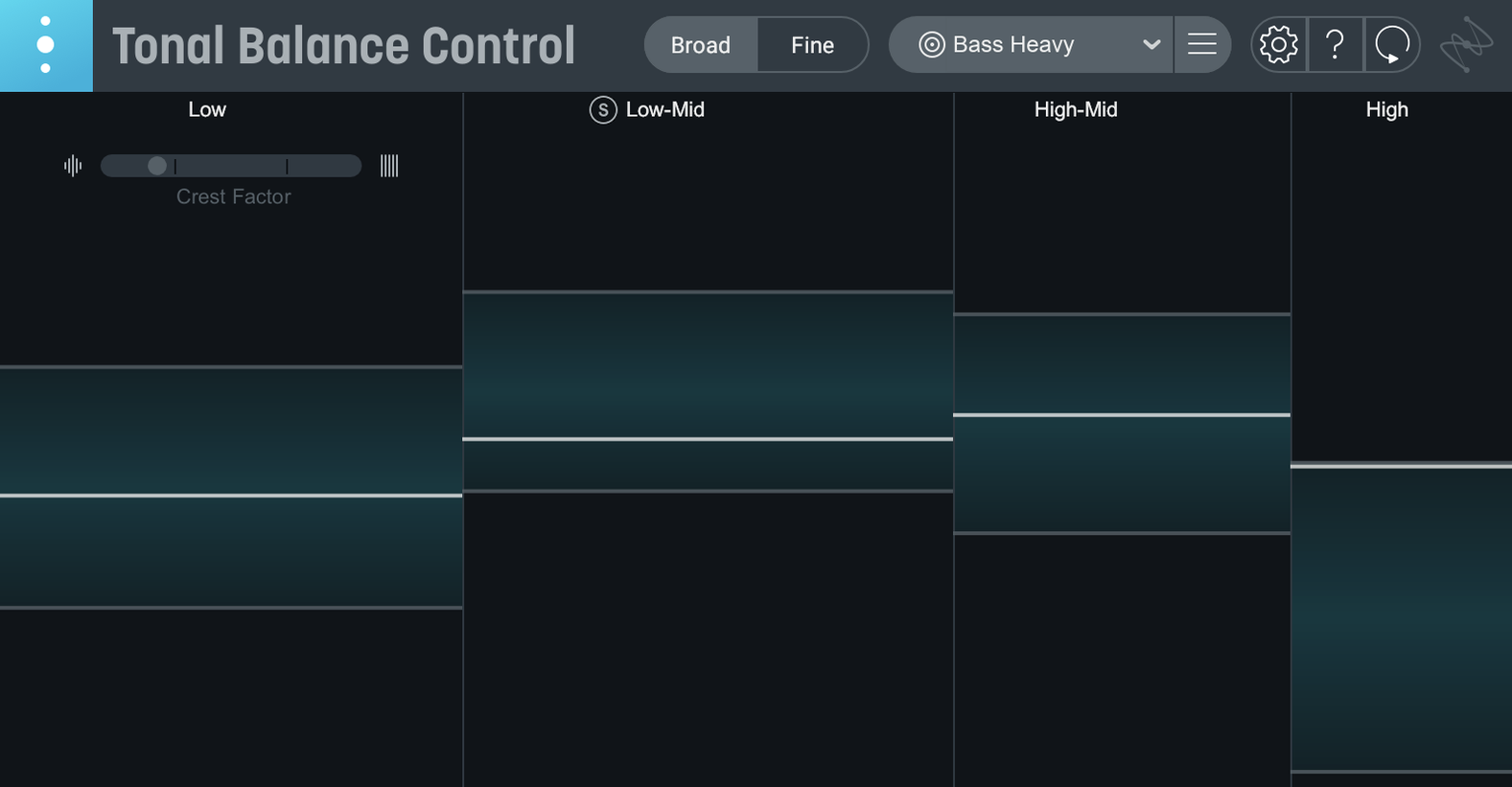
- Set a target. Choose one of the 12 built-in curves, or load an audio file to create a custom reference. The display splits into frequency zones and shows where your mix sits relative to the curve.
- Read the meters. Version 3 adds dedicated meters for vocal balance, stereo width and dynamics. The vocal meter is especially useful for keeping dialogue or lead vocals sitting right against a busy backing track.
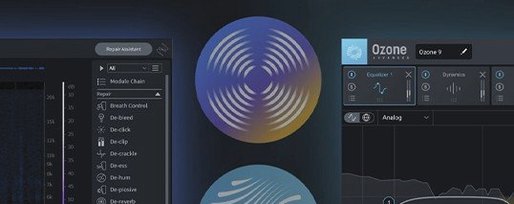
- Adjust without leaving the window. If you own Ozone or Neutron, you can open their equalizers directly from inside Tonal Balance Control. Grab a band, tweak it, and watch the curve update. No window-hopping.
- Use the built-in EQ. New in version 3 is a hybrid EQ that lives in the plugin itself. If you do not have Ozone or Neutron open, you can still make broad tonal adjustments from the same interface.
The standalone app means you can analyse a mix without firing up a DAW. Drag in a file, check it against a curve, and spot problems before you commit to a bounce. Relay is included for routing audio from other tracks, so the plugin can see what your entire session is doing.
When you need reference track switching instead of a broad spectral snapshot
Metric AB by ADSR gets mentioned in the same breath. It focuses on comparing your mix against up to 16 reference tracks, with level matching and quick A/B switching. Tonal Balance Control is less about direct track comparison and more about the shape of a mix against a genre curve. If you want to hear references one after another, Metric AB does that well. If you want to see where the low end is bulging against a rock target, this plugin gets there faster.
Expose by Mastering The Mix is another one people weigh up. It gives you a technical readout: LUFS, dynamic range, stereo field, phase. Tonal Balance Control is more of a corrective tool — it tells you the tonal shape is off and lets you fix it without leaving the window. Expose diagnoses; this one steers.
Ozone's own built-in Tonal Balance view is the closest relative. If you already own Ozone, you may wonder why you need a separate plugin. The separate one adds the standalone app, the extra meters in version 3, and the built-in hybrid EQ. It also works alongside Neutron, which Ozone's internal view does not reach into as directly.
EQ curve won’t budge after you adjust
- Curve not updating after tweaking an EQ. Check that the EQ is opened from inside Tonal Balance Control, not as a separate insert. The handshake between the two only works when the plugin launches the EQ itself.
- Vocal meter looks empty. The vocal balance meter needs a signal routed to it. Make sure Relay is on the vocal track and assigned correctly, otherwise the meter has nothing to read.
- Custom curve from an audio file looks odd. A reference that is heavily compressed or already mastered will give you a curve that is hard to match. Use a mixdown from a track you know well, not a loudness-pushed master.
- Standalone app does not see your interface. The app uses the same audio device settings as your DAW. If it launches silently, check the sample rate in macOS Audio MIDI Setup and match it to the file you are analysing.
The standalone app plays back audio but won’t record or edit
People often want to know whether the standalone app can record or edit audio. It cannot. It is for analysis and metering only. You drag a mix in, read the curves, make notes, and go back to your DAW for the actual work.
Another common question is whether the plugin works on an Apple silicon Mac without Rosetta. It does. Version 3.0.0 runs natively on both Intel and M-series machines, so there is no translation layer to worry about.
The third thing that comes up: do you need Ozone or Neutron for this to be useful? No. The built-in hybrid EQ and the meters do a fair amount on their own. Ozone and Neutron integration is a bonus, not a requirement. If you already own either, you get more out of it, but the plugin stands alone.
One last point on the macOS requirement. The English spec sheet lists macOS Sonoma 14.7 or later. The Russian page states macOS 13.4 and newer. If you are on an older system, the installer may still run, but the officially supported floor is the safer number to plan around.
What’s new
Adds standalone desktop app. Adds extra meters for vocal balance, dynamics and stereo width. Adds built-in hybrid EQ. First major release of Tonal Balance Control 3.
Requirements
- macOS Sonoma 14.7 or later
- Intel or Apple Silicon Mac
FAQ
Can Tonal Balance Control adjust my mix?
Yes. It can open and control Ozone and Neutron equalizers directly, and version 3 adds its own built-in hybrid EQ for direct adjustments.
Does it work as a standalone app?
Version 3.0.0 adds a standalone desktop app. You can load an audio file and analyse it without a DAW.
Can I use my own reference tracks?
Yes. You can load any audio file to create a custom reference curve alongside the 12 built-in genre targets.
Comments 0
Sign in or create an account to leave a comment.
No comments yet…
If you’ve installed it, say how it went. Mention your Mac and macOS version — it helps the next person more than you’d think.