
KORG Collection for macOS
Description
You drag a MIDI region onto a track in Logic, load a KORG plug-in, and a concert grand fills the room before you've touched a fader.
At a glance: what you're actually installing
KORG Collection — a bundle of software synthesizers, not a single instrument.
Format — VST and AU plug-ins you open inside a DAW.
Architecture — native ARM and 64-bit Intel. Runs on Apple Silicon without Rosetta.
macOS — 10.13 High Sierra or later.
2026 update additions — TRINITY, PS-3300, SGX-2, and Filter Ark.
What the new instruments bring
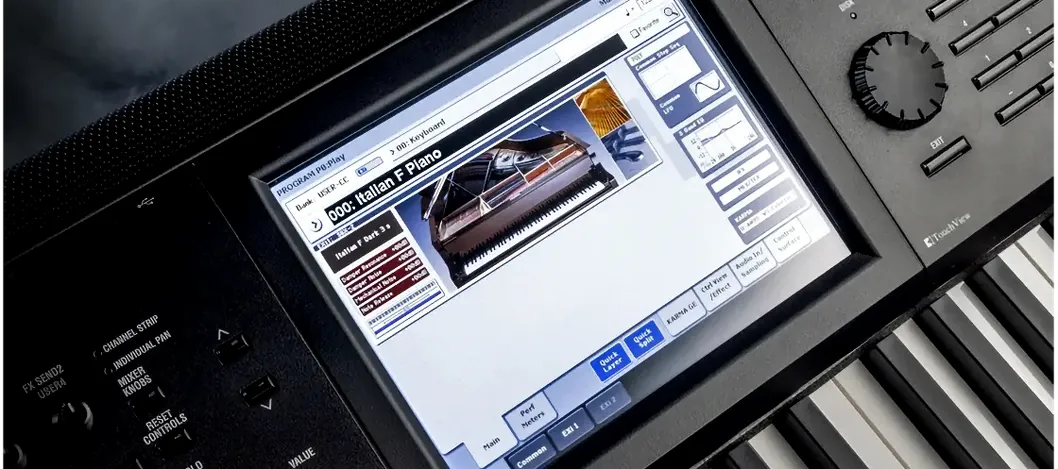
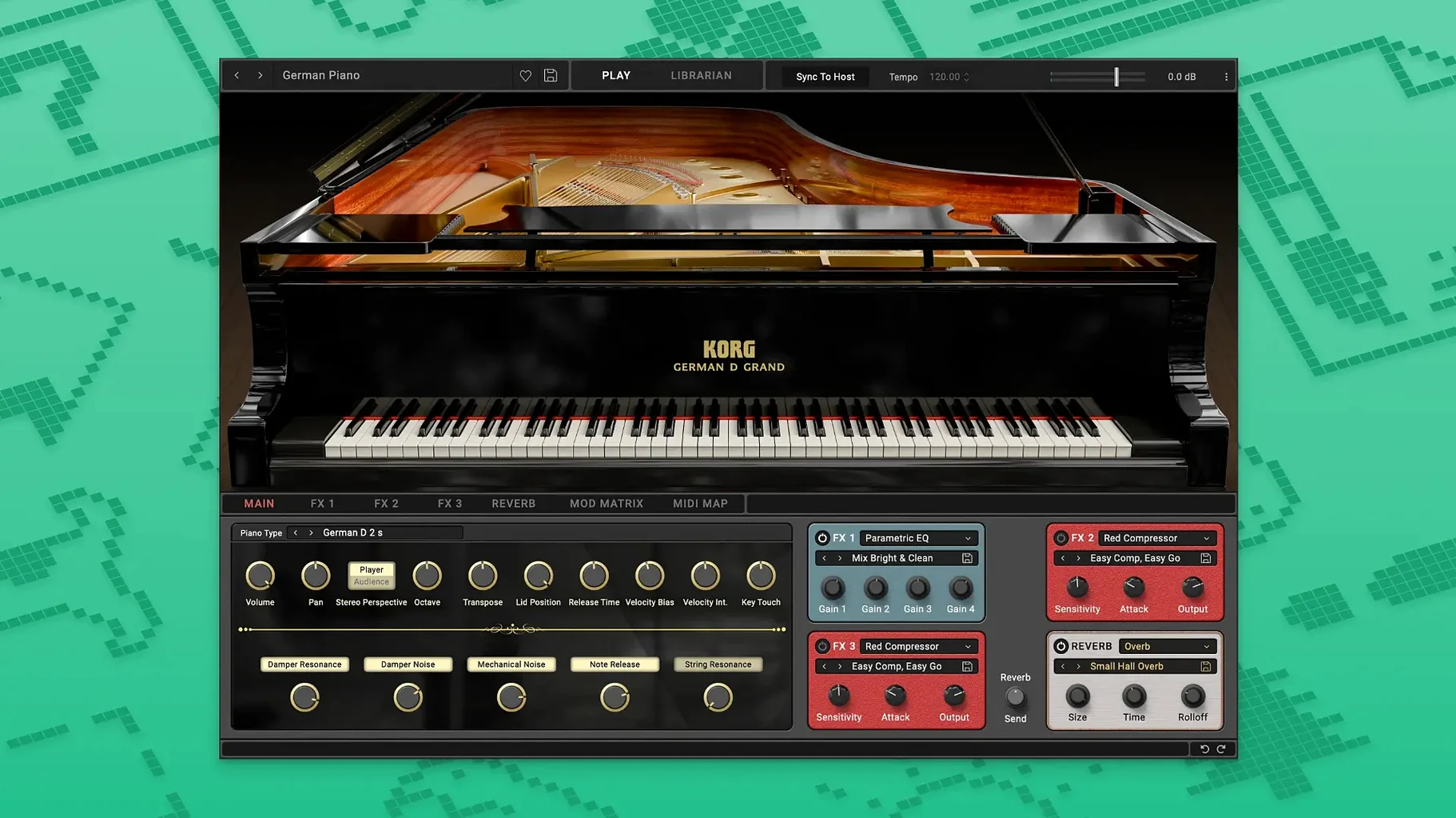
SGX-2 recreates a concert grand, with natural note decay and soft pedal behaviour that doesn't snap off like a switch. Brightness, softness, reverb and keyboard response controls sit in a single pane so you can shape the piano to the track quickly.
The PS-3300 and TRINITY add analogue and late-90s digital textures. Filter Ark gives you a dedicated filtering block to run other sounds through.
Check compatibility and disk space first
A workflow: scoring a short cue with SGX-2
Here's a route I take for a 60-second soundtrack cue, the kind that needs piano up front and a bit of weight behind it.
- Create a software instrument track in your DAW and load SGX-2 as an AU or VST.
- Pull keyboard response down a touch if you're playing from a controller with light keys. It stops quiet passages from jumping out.
- Record the main piano line. Don't quantise yet. Let the note decays breathe against the grid.
- Add a second instance on a new track, drop brightness by a third, and play a low octave doubling. That gives the cue a felt-covered weight without touching an EQ.
- Send both tracks to a bus with a room reverb — a short one, under a second. The SGX-2's own reverb works for practice, but a shared bus glues the two piano tracks together.
- If the cue needs a pad, load PS-3300 on a third track and hold two notes an octave apart under the piano. Keep the level low enough that you notice it only when it's muted.
With soft pedal behaviour working properly in SGX-2, you can ride the pedal during the final held chord and hear the tone shift without the abrupt cut you get from a sample that just stops.
Four new instruments expand what a session can cover
The 2026 update isn't a new skin over old code. It adds four instruments: TRINITY, PS-3300, SGX-2, and Filter Ark. That changes what a session looks like.
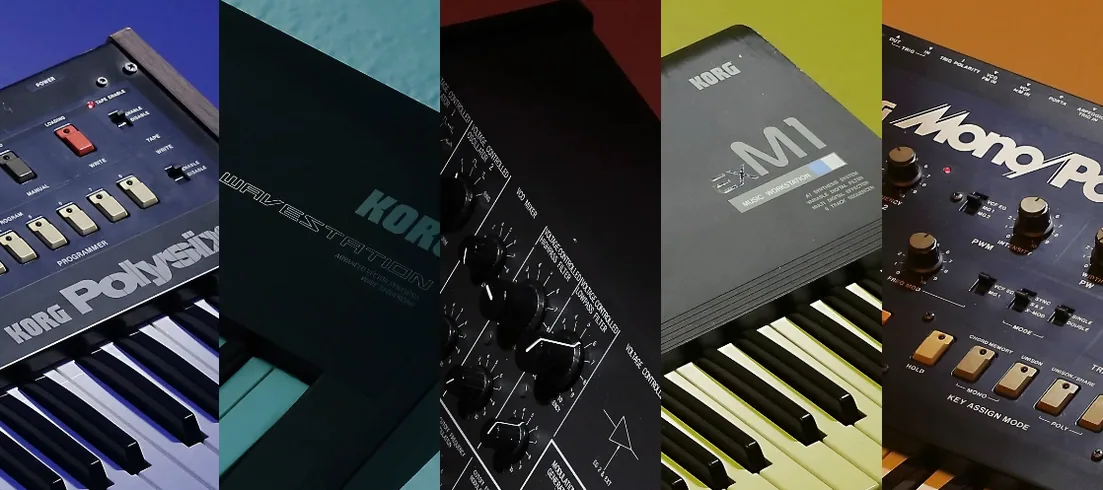
Before, the Collection leaned on classic KORG synth emulations. Now you can cover a piano part and a dense analogue pad without leaving the bundle. TRINITY brings late-90s digital workstation tones — useful for producers who want that era's sheen without hunting through old sample libraries. PS-3300 covers the other end: thick, wandering analogue textures that sit well under a vocal.
Filter Ark matters more in a mixing context. You can route a drum bus or a synth line through it and shape the top end with a character that a stock EQ won't give you.
Native Apple Silicon support keeps dense sessions responsive
KORG Collection plug-ins load in any DAW that hosts AU or VST formats. On Apple Silicon Macs they run natively, so large sessions in Logic don't lose CPU headroom to Rosetta translation. That matters when you stack SGX-2 with a convolution reverb and a few other instruments.
With macOS 10.13 and later supported, you can also run the plug-ins on an older Mac used as a secondary machine. I've seen setups where a 2015 iMac handles a single SGX-2 instance for a live keyboard rig, while the main studio Mac does the tracking. No issues as long as the DAW itself still runs on that OS version.
For MIDI routing, the plug-ins respond to standard CC data. Map a hardware fader to brightness or softness in SGX-2 and you can perform those changes instead of automating them after the fact. If your DAW supports AU presets, save a go-to piano setting once and recall it across projects.
Users who search for KORG Collection Mac torrent often ask whether the bundle plays well with Logic's stock instruments. It does. The KORG plug-ins sit alongside Alchemy or Sampler without conflicts, and you can bounce them in place like any other AU.
Set your buffer before loading SGX-2
A few things make the first week smoother.
- Set your audio buffer before loading SGX-2. A piano plug-in with long decays wants a stable buffer. Start at 128 samples on Apple Silicon; move to 256 if you hear clicks during sustained chords.
- Save a default patch per instrument. Open SGX-2, adjust keyboard response and softness to your controller, then save as a user preset. Do the same for PS-3300 with a basic pad. You won't start every session from scratch.
- Route Filter Ark early. Put it on a return track if your DAW allows, so you can send multiple instruments to it instead of loading a separate instance per track.
- Check the installation notes. The package includes activation instructions. Read them before opening your DAW, not after the plug-in fails to show up.
- Test a bounce-in-place on day one. Render a short SGX-2 phrase to audio and compare the tail. If the rendered file cuts off early, increase the tail length in your DAW's plug-in settings.
Once you have your defaults saved and Filter Ark routed, the bundle stops being a collection of demo sounds and becomes a working set.
Check your macOS version. 10.13 is the floor; anything older won't load the plug-ins.
Requirements
- macOS 10.13 High Sierra or later
- ARM (Apple Silicon) or 64-bit Intel processor
- VST or AU host DAW
FAQ
Does KORG Collection run natively on Apple Silicon?
Yes. The suite supports both ARM and 64-bit Intel architecture, so it runs natively on Apple Silicon Macs without Rosetta.
Comments 0
Sign in or create an account to leave a comment.
No comments yet…
If you’ve installed it, say how it went. Mention your Mac and macOS version — it helps the next person more than you’d think.
More in VST Plugins
All in VST Plugins-
 KORG TRITON
1.4.7
Apple Silicon
KORG TRITON
1.4.7
Apple Silicon
-
 Komplete Kontrol
3.5.4
Apple Silicon
Komplete Kontrol
3.5.4
Apple Silicon
-
 LANDR Vocal Bundle
2025.12
Apple Silicon
LANDR Vocal Bundle
2025.12
Apple Silicon
-
 Komplete FX Bundle
2026.1
Apple Silicon
Komplete FX Bundle
2026.1
Apple Silicon
-
 LFOTool
1.768
Apple Silicon
LFOTool
1.768
Apple Silicon
-
 Kalifornia Dynamic KD Alkane
1.0.17.0
Apple Silicon
Kalifornia Dynamic KD Alkane
1.0.17.0
Apple Silicon
-
 iZotope Tonal Balance Control
3.0.0
Apple Silicon
iZotope Tonal Balance Control
3.0.0
Apple Silicon
-
 iZotope RX
12.0.0
Apple Silicon
iZotope RX
12.0.0
Apple Silicon