
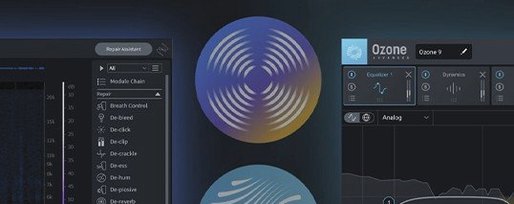
iZotope RX for macOS
Description
Post-production editors and music engineers who inherit less-than-ideal recordings reach for iZotope RX when simple EQ won't cut it. It's a toolkit for pulling dialogue out of background chaos, taming string squeaks, or silencing a fridge hum that only became obvious in the edit.
| What | Details |
|---|---|
| Version | 12.0.0 |
| macOS | 14.7 Sonoma or later |
| Architecture | Intel and Apple silicon, native |
| Formats | AU, AAX, VST3, ARA |
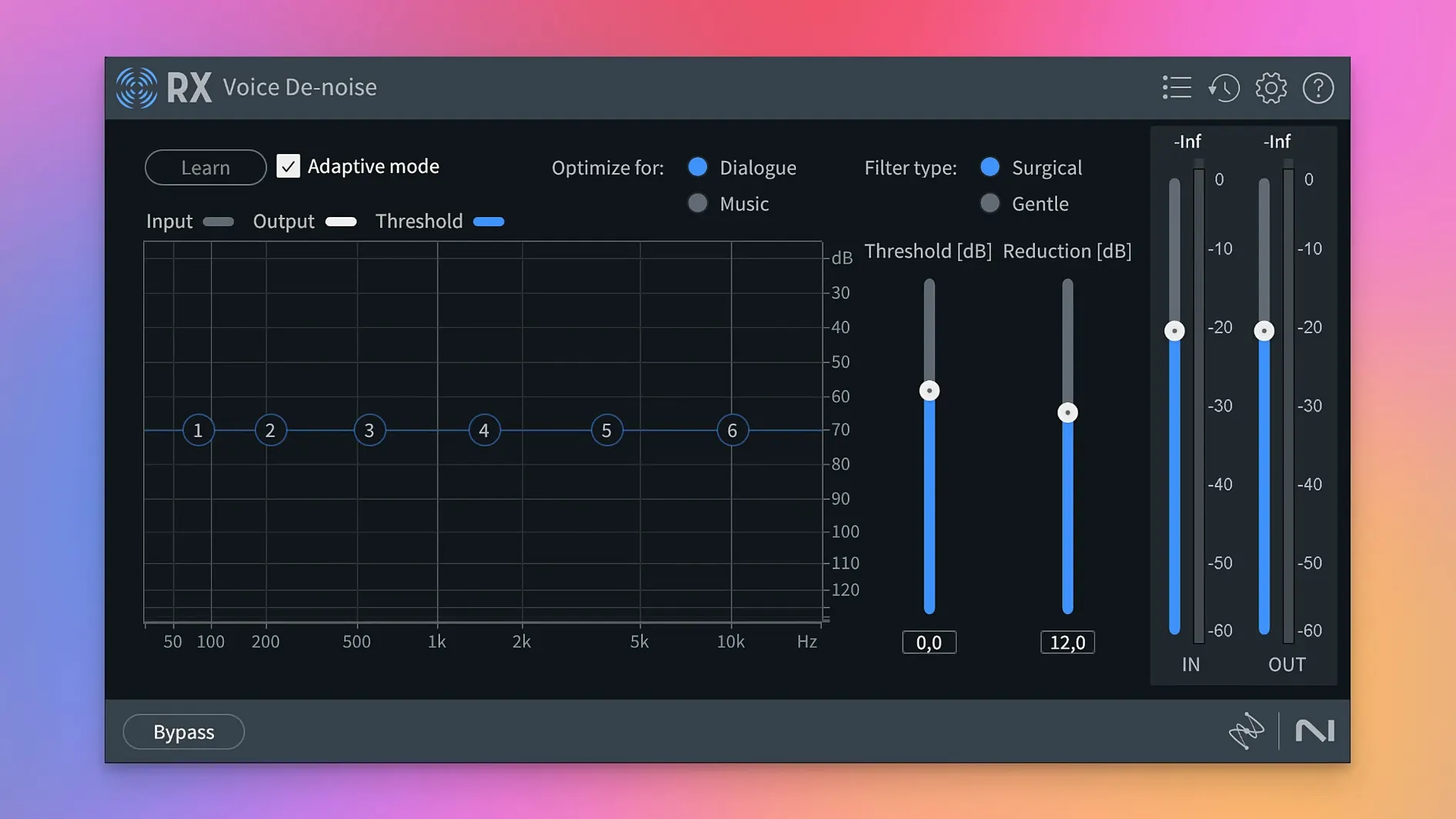
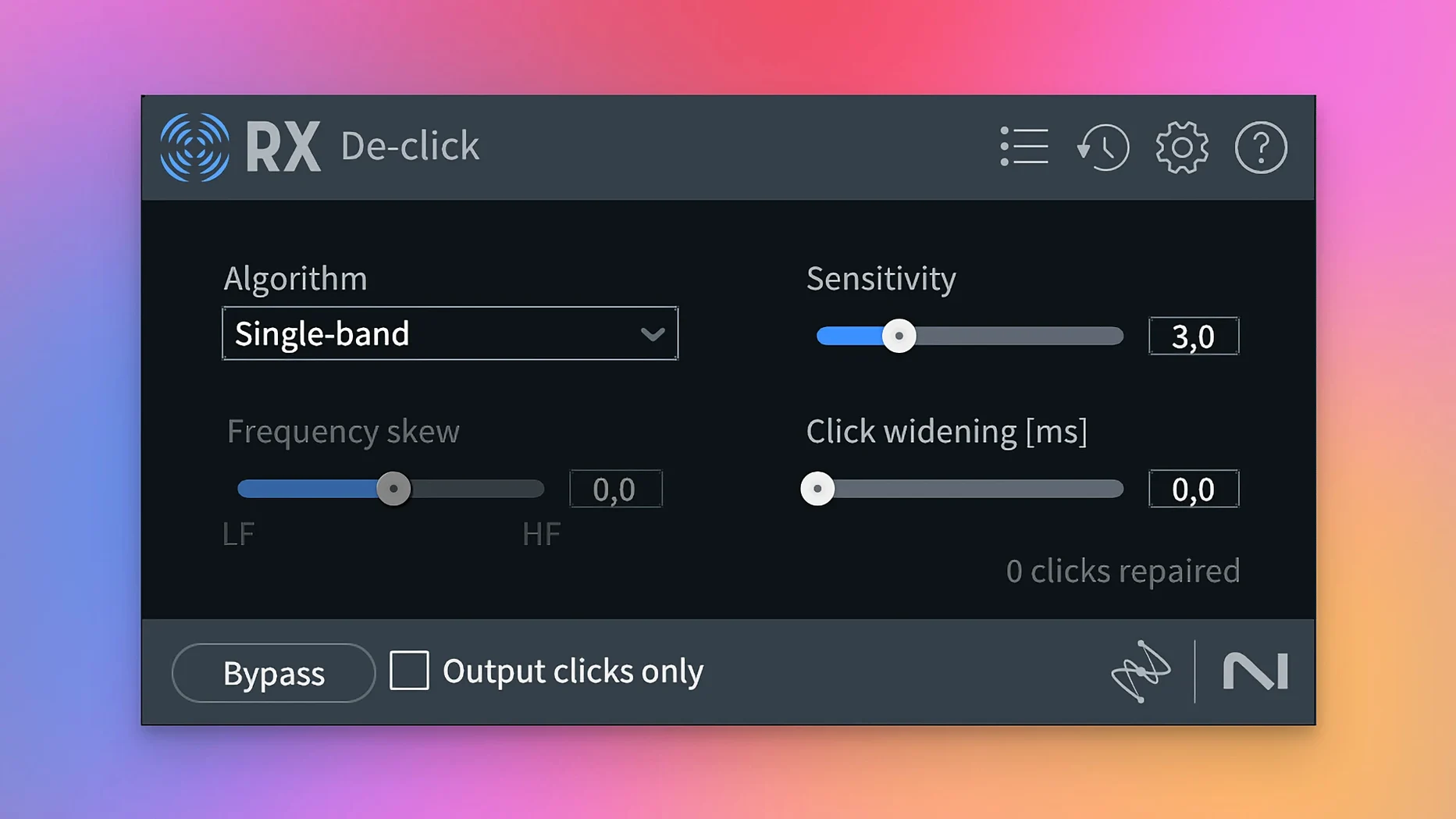
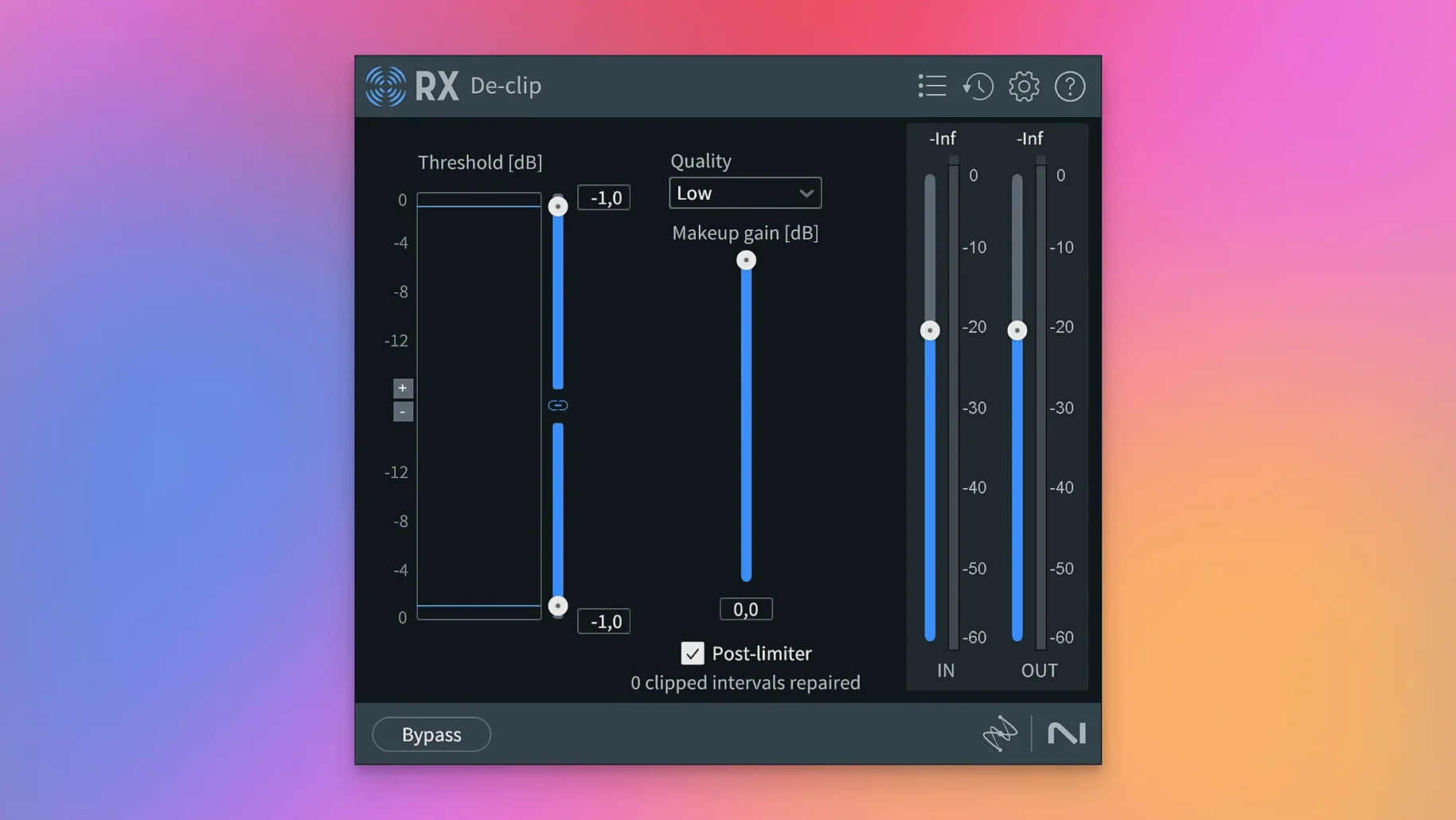
The controls make sense once you hear what they target. Voice De-noise learns a noise profile from a silent section and subtracts it from the whole clip, leaving the voice remarkably intact. Dialogue Isolate lets you push background traffic down while keeping speech present—useful on location audio you can't reshoot. For music, Music Rebalance gives you faders for vocals, bass, percussion and other instruments in a mixed stereo file, so you can boost a buried vocal or knock back a boomy kick without the multitrack. De-click and De-crackle handle vinyl transfers and mouth noises with a sensitivity slider and a visual preview of what you're removing. Spectral De-noise shows a colour map of the problem frequencies and lets you draw a boundary around what stays and what goes. The new Scene Rebalance module extends that separation idea to film mixes, untangling dialogue, music and effects from a single printmaster. It's precise work, but the interface lays out each repair as a single window with a handful of sliders, not a spaceship dashboard.
Pulling usable dialogue from kitchens and car parks
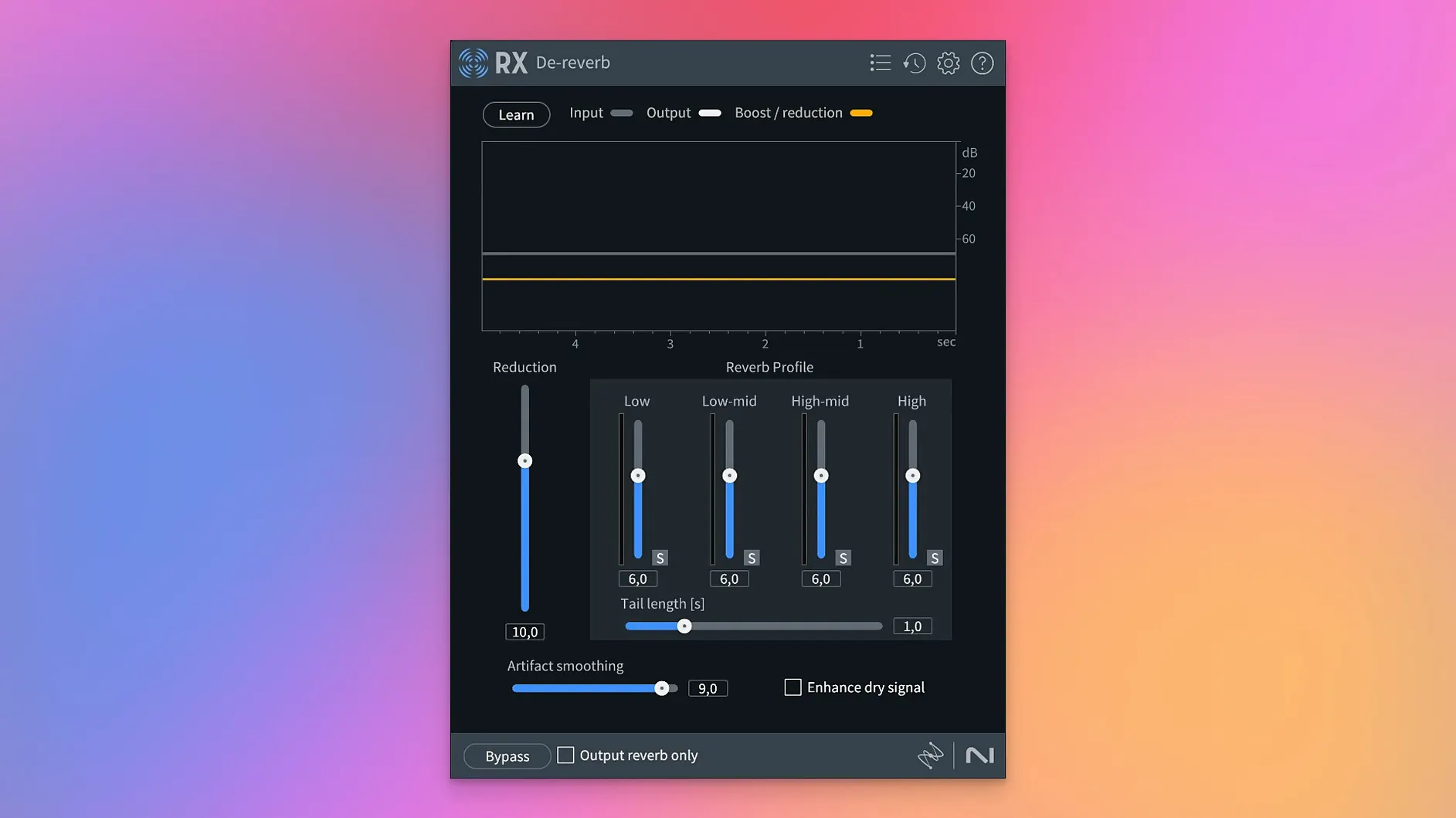
Dialogue editors on indie films and factual TV are the core audience. They receive production tracks recorded in kitchens, car parks and corridors, then need to deliver broadcast-clean dialogue by lunch. RX gives them a path through that. The De-noise and Dialogue Isolate modules handle the broadband wash of traffic or wind. De-click catches lavalier rustle and mouth ticks that manual editing misses. De-reverb tames bathrooms and stairwells that location scouts didn't flag.
Podcast producers working from home recordings get a different benefit. Guests send in files recorded on headset mics in untreated rooms. One pass with Voice De-noise and a gentle De-ess, and the interview sounds like it happened in the same room. The Repair Assistant can suggest a starting chain, which saves new users from guessing which module order makes sense.
Music engineers who restore archive material lean on the spectral tools. Vinyl rips with pressing flaws, cassette transfers with dropouts, demo recordings with amp buzz—the Spectral Editor lets you see the problem and paint it out. De-crackle handles surface noise without dulling the top end. The rebuilt De-bleed module in version 12 tightens up drum spill, which matters when you're remixing from two-track stems.
Game audio designers value the batch processing. Trimming silence from hundreds of dialogue files by hand is tedious. Trim Silence automates that while keeping the room tone tails consistent. Stems View lets them apply different repair chains to dialogue, foley and ambience layers in a single session, which cuts session-switching time noticeably.
Why modules stay greyed out in your DAW
Modules greyed out in the DAW. This usually means the plug-in format doesn't match what the host expects. Logic Pro needs AU. Pro Tools expects AAX. Ableton Live and Cubase want VST3. Check your DAW's plug-in manager to confirm which format it scanned. If you installed all formats, the wrong one may be disabled in the DAW's preferences.
ARA not appearing. ARA support requires the DAW to recognise the plug-in on launch. In Logic Pro, enable ARA in the plug-in manager for each instance. Not all DAWs support ARA—Studio One and Logic do; Ableton Live does not. Without ARA you can still use RX as a standard insert or via the standalone application's send-and-return workflow.
Spectral display shows no colour. The spectrogram relies on a signal present. If the clip is silent or the gain staging before RX is too low, the display stays flat grey. Bump the clip gain in your DAW or raise the input level in the RX module. Also check that the view is set to Spectrogram and not Waveform only—the toggle sits in the top bar of most module windows.
De-noise leaves artefacts. When the noise profile was taken from a section that also contains faint dialogue or music, the algorithm learns that as part of the noise and starts removing wanted signal. Re-take the profile from the cleanest stretch of silence available—at least half a second, longer if the noise is steady. Reduce the reduction amount by 3–4 dB and listen again. Heavy-handed settings produce the underwater warble people complain about on forums.
Dialogue Isolate makes speech thin. The separation works best when the background is consistent. If the noise changes character mid-clip—a bus passing, then a bird chirping—the module struggles. Split the clip at the change points and process each section with its own settings. Back off the separation strength to 60–70% rather than 100% for a more natural result.
Faders that unmix a finished stereo printmaster
Scene Rebalance is the headlining addition and it shifts what's possible with a finished mix. Before, separating dialogue from a stereo printmaster meant compromise. Now you get three faders—dialogue, music, effects—that actually pull apart a mixed-down file. It's not perfect. Dense action scenes with overlapping elements still show artefacts if you push too hard. But for lowering music under a speech passage, or pulling effects forward for a trailer recut, it's the most practical tool in the suite.
Trim Silence removes a repetitive task from the day. Editors used to set strip-silence thresholds in their DAW and hope the detector caught every breath without chopping quiet consonants. Trim Silence in RX 12 uses the same detection engine as the other modules, so the threshold feels more predictable. You can audition the result before committing, which saves undoing bad edits later.
Stems View changes how you approach layered material. Load a multichannel file and you can apply different module chains to each stem without bouncing or re-importing. A dialogue stem gets De-noise and De-ess. The ambience stem gets De-hum and a light spectral clean-up. The foley stem gets De-click. All in one project tab. That's a genuine time-saver for game audio and film post workflows.
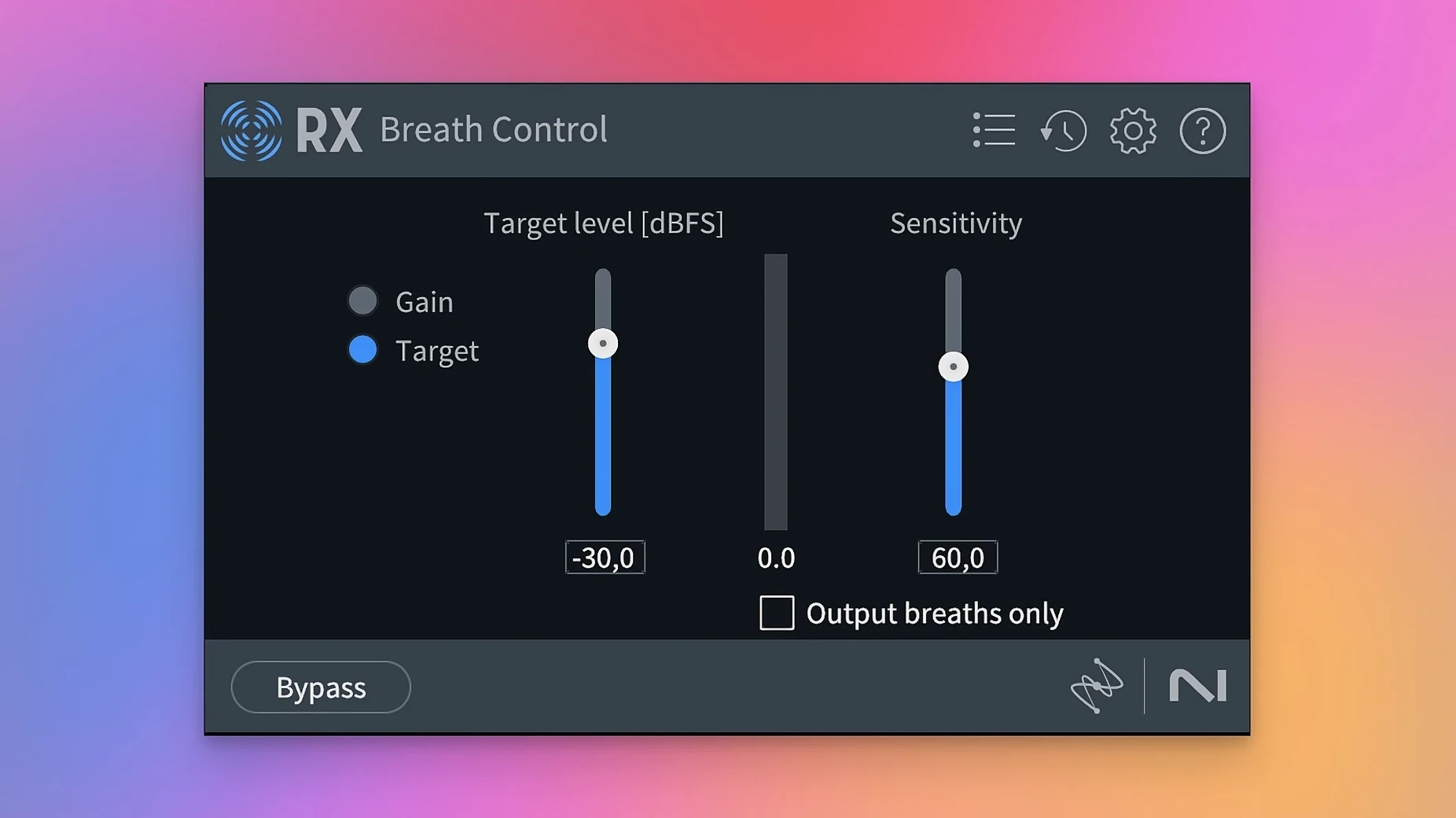
The rebuilt De-bleed module handles spill more cleanly than before. Kick drum in the vocal mic, hi-hat in the snare top—select the source and the bleed target, and the algorithm separates them with fewer phase artefacts than the previous version. Breath Control got the same overhaul and now works better on long, soft breaths without chewing into the start of the following word.
Pick your interface driver before you start cleaning
The out-of-the-box defaults work for a general case, but a few tweaks make the suite faster to use day to day.
- Set the default audio driver in the standalone app. Open Preferences, pick Audio, and select your interface explicitly rather than leaving it on System Default. This avoids the app grabbing the wrong output on launch.
- Adjust the spectrogram colour scheme. The default blue-to-yellow map is clear, but the grey-scale option in the view settings gives better contrast for spotting low-level rumble and mouth clicks. Try it on dialogue tracks for a few sessions.
- Dial in Repair Assistant expectations. The assistant offers light, medium and heavy processing. For dialogue, start with light. Medium often over-processes. You can always add modules afterwards, but Repair Assistant commits its chain in one step.
- Set Trim Silence to preserve room tone. The default cut points can sound abrupt. In the Trim Silence module, add a 50 ms fade-in and fade-out, and keep at least 200 ms of silence before and after each region. Your edits will breathe more naturally.
- Create module chain presets for recurring jobs. If you process the same type of material weekly—podcast interviews, vinyl transfers, location dialogue—save a chain in the standalone app's Module Chain panel. Name it by source type, not by modules. A preset called "Podcast guest, untreated room" loads faster than remembering which five modules you used last time.
Users who look for an iZotope RX Mac torrent often discover that version 12's Scene Rebalance is the module that justifies the update. Those still on iZotope RX 11 Mac setups miss the rebuilt De-bleed and Breath Control, which genuinely reduce the time spent on manual edits. The iZotope RX 12 torrent scene includes the activation handled inside the package, so installation follows the same pattern as earlier releases. Anyone hunting an iZotope RX 11 crack should know that the rebuilt tools in 12 make a tangible difference on drum spill and breath artefacts. The RX 11 Advanced crack route skips Trim Silence entirely, which is a module you'll use more than you expect once it's in the chain.
What’s new
- Introduces Scene Rebalance for separating dialogue, music and effects.
- Adds Trim Silence for long audio files.
- Adds Stems View for applying the toolkit to isolated stems.
- Rebuilds De-bleed and Breath Control.
Requirements
- macOS 14.7 Sonoma or later
- Intel or Apple silicon Mac
FAQ
Can RX 12 repair a recording with reverb?
Yes. The De-reverb module analyses the room tail and reduces it, giving you a drier, more focused signal without touching the direct sound.
Comments 0
Sign in or create an account to leave a comment.
No comments yet…
If you’ve installed it, say how it went. Mention your Mac and macOS version — it helps the next person more than you’d think.
More in VST Plugins
All in VST Plugins-
 iZotope Tonal Balance Control
3.0.0
Apple Silicon
iZotope Tonal Balance Control
3.0.0
Apple Silicon
-
 iZotope Neutron
5.2.0
Apple Silicon
iZotope Neutron
5.2.0
Apple Silicon
-
 Kalifornia Dynamic KD Alkane
1.0.17.0
Apple Silicon
Kalifornia Dynamic KD Alkane
1.0.17.0
Apple Silicon
-
 iZotope Nectar
4.1.0
Apple Silicon
iZotope Nectar
4.1.0
Apple Silicon
-
 iZotope Insight
2.4.0
iZotope Insight
2.4.0
-
 Komplete FX Bundle
2026.1
Apple Silicon
Komplete FX Bundle
2026.1
Apple Silicon
-
 Komplete Kontrol
3.5.4
Apple Silicon
Komplete Kontrol
3.5.4
Apple Silicon
-
 KORG Collection
1.0.3
Apple Silicon
KORG Collection
1.0.3
Apple Silicon