
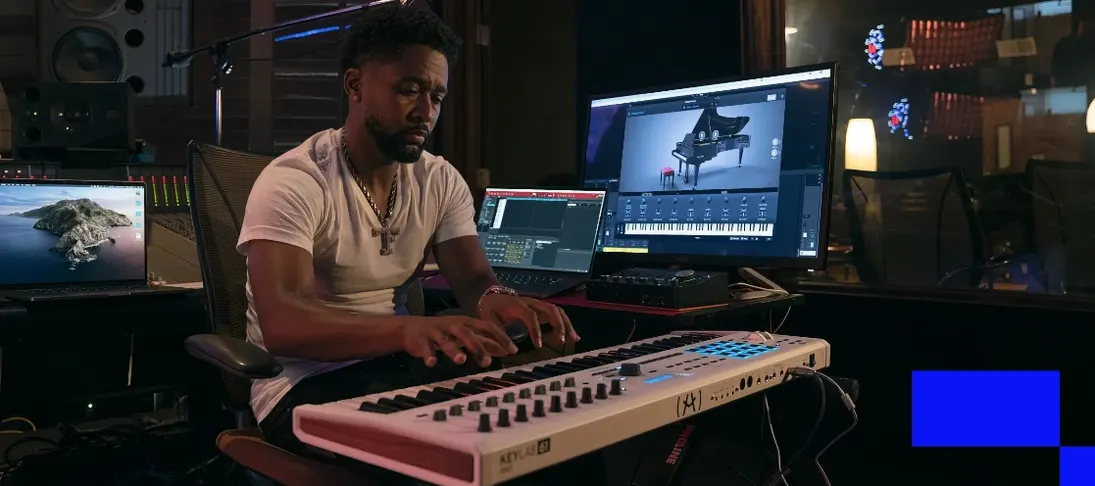
Arturia V Collection 11 Pro for macOS
Description
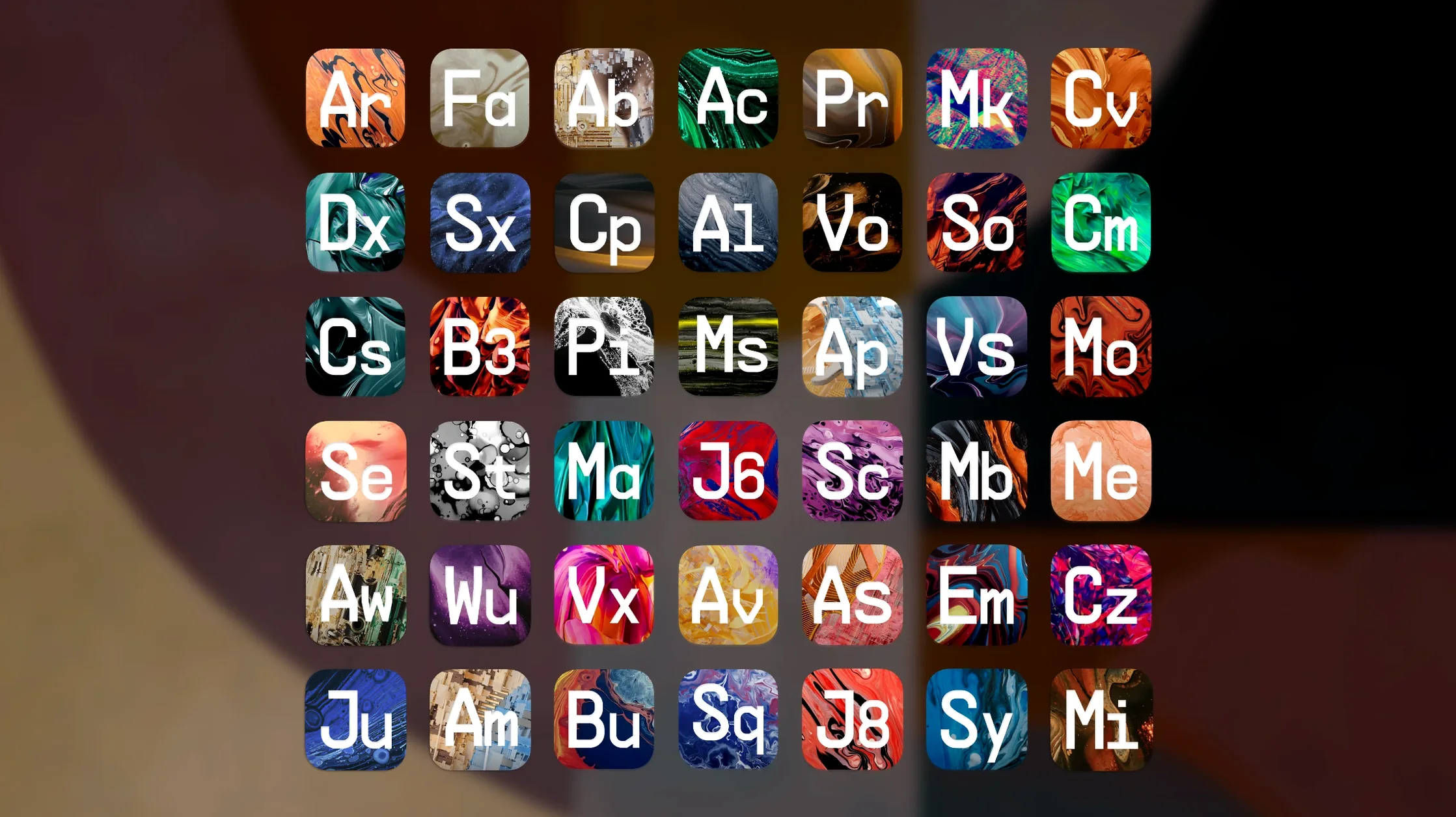
The latest release pushes the suite to 45 instruments, adding seven new titles including Jup-8000 V, Pure LoFi, Synthx V, MiniBrute V and SEM V. Next-generation Augmented instruments round out the additions. For Mac users, the practical questions are about formats and hosts, so let's get those out of the way first.
- Formats: Audio Unit, VST, VST3 and AAX. Covers Logic, Ableton Live, Cubase, Pro Tools and most other DAWs.
- Mac support: Apple silicon and Intel 64-bit, macOS 11 or later.
- What you get: 38 modelled classic instruments plus 7 new instruments built from scratch. PolyBrute V, Augmented Mallets and Augmented Yangtze are in there too.
- Built-in tools: Every instrument ships with its own arpeggiator, plus echo and reverb effects for shaping sounds without leaving the plug-in.
- Language: Interface is English only.
Beyond the specs, the appeal is straightforward. You get a room full of synths and keyboards that behave like hardware but run inside your DAW. The modelled classics cover a lot of ground, and the new instruments add digital textures and lo-fi character that the older models don't reach. If your Mac meets the requirements, the formats are the main compatibility hurdle — and this suite covers the usual suspects.
45 instruments now live inside the collection
With version 2025.20.26, the instrument count hit 45. That means fewer trips to third-party plug-ins for particular textures. Pure LoFi, for instance, sits on a send or an insert for instant tape degradation without routing audio out of the project. Synthx V brings an Elka Synthex model that suits dense pads without layering three other synths first.
Jup-8000 V fills a gap for producers who wanted Roland’s 1990s digital edge inside one window instead of stacking chorus effects on a Jup-8 V patch. MiniBrute V does aggressive leads with a single oscillator and the brute factor knob — no patching required. SEM V and the new Augmented instruments round out the palette with acoustic-electronic hybrids and a cleaner Oberheim tone.
The included arpeggiators and effects still load with each instrument, but the preset count now passes 12,000. Browsing by type or character gets you to a starting sound faster than dialling from scratch.
Easy-to-miss shortcuts
A few conveniences slip past the eye if you jump straight to the keys.
- Preset search works across the whole collection. Type "80s bass" or "warm pad" into the unified browser and it pulls matches from all 45 instruments, not just the one currently open.
- MIDI learn is a right-click away on most controls. Assign a hardware knob once and Arturia remembers it across sessions — useful if you ride filter cutoff during a take.
- Output routing inside effects lets you run echo and reverb in series or parallel per patch. A small toggle that changes how a sound sits in a mix without extra sends.
- Hold the shift key while dragging a parameter for fine adjustments. Useful on Mini V's filter or Jup-8000 V's envelope stages where a pixel makes a difference.
If you've just grabbed the arturia v collection 11 pro v2025.20.26 macos build, spend ten minutes with the browser and MIDI learn before getting lost in the synths. It pays back quickly.
What’s new
Adds Jup-8000 V, Pure LoFi, Synthx V, MiniBrute V and SEM V. Expands the suite to 45 instruments with new Augmented titles.
Requirements
- macOS 11 or later
- Apple Silicon or Intel 64-bit
- 8 GB RAM
- 50 GB free disk space
- 4-core CPU or M1 CPU
- OpenGL 2.0 compatible GPU
FAQ
Does Arturia V Collection 11 Pro run natively on Apple Silicon?
Yes. It supports both Apple silicon and Intel 64-bit Macs, with macOS 11 or later required.
Which plug-in formats are included?
Audio Unit, VST, VST3 and AAX, so it works in Logic Pro, Ableton Live, Cubase, Pro Tools and other major hosts.
Comments 0
Sign in or create an account to leave a comment.
No comments yet…
If you’ve installed it, say how it went. Mention your Mac and macOS version — it helps the next person more than you’d think.
More in VST Plugins
All in VST Plugins-
 Arturia Pigments
7.0.1-6772
Apple Silicon
Arturia Pigments
7.0.1-6772
Apple Silicon
-
 Arturia Mellotron V
1.9.3
Apple Silicon
Arturia Mellotron V
1.9.3
Apple Silicon
-
 Arturia FX Collection
2026.02
Apple Silicon
Arturia FX Collection
2026.02
Apple Silicon
-
 Arturia Emulator II V
1.6.2
Apple Silicon
Arturia Emulator II V
1.6.2
Apple Silicon
-
 Arturia Efx AMBIENT
1.0.0
Apple Silicon
Arturia Efx AMBIENT
1.0.0
Apple Silicon
-
 Arturia Analog Lab V
5.12.0
Apple Silicon
Arturia Analog Lab V
5.12.0
Apple Silicon
-
 Ample Sound Ample Guitar LP III
4.0.1
Apple Silicon
Ample Sound Ample Guitar LP III
4.0.1
Apple Silicon
-
 Ample Guitar M
4.1.0
Apple Silicon
Ample Guitar M
4.1.0
Apple Silicon