
Arturia FX Collection for macOS
Description
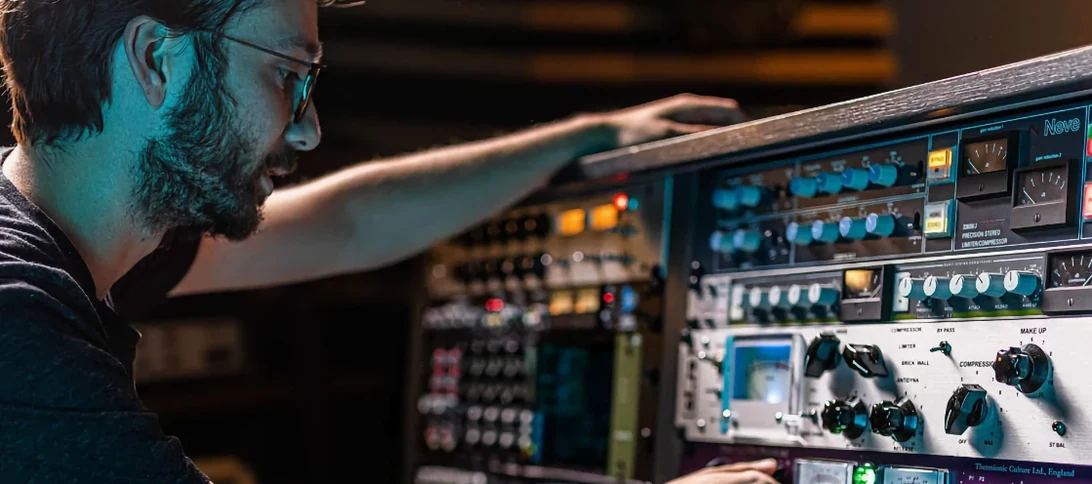
If you know Arturia's synth emulations, the FX Collection applies that same approach to the outboard rack. It is a set of sound-processing tools that pairs modelled classics with modern processors, all in one bundle.
AU and VST3 in Logic and Live on Apple Silicon Macs
The 2026.02 version runs on macOS 11 and later, native on both Apple Silicon and Intel Macs. You get AU and VST3 plug-ins. That covers Logic Pro, Ableton Live and most other hosts that load those formats. The suite is in English. These are plug-ins you insert on a track or bus.
What you get and how it sounds
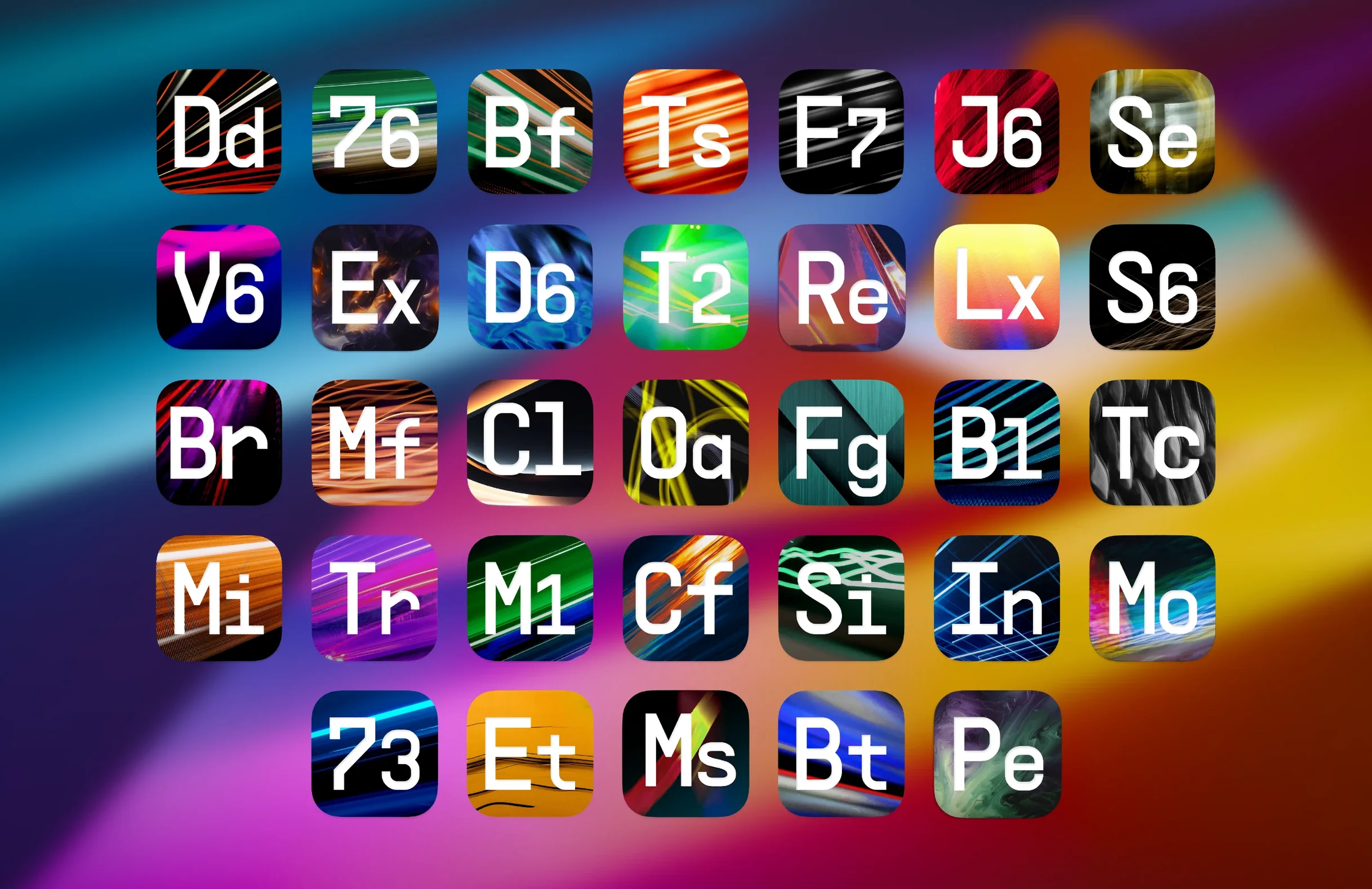
Thirty-four processors cover the ground you would expect: compressors, equalisers, reverbs, delays, modulation effects, distortion and filters. The collection leans on classic studio emulations, so you will recognise the DNA of certain hardware units, but it also includes modern designs for parallel processing and precise sculpting. The 2026.02 update adds Bus Transient, a tool for shaping the attack and sustain of grouped channels. Over 1,400 presets give you a starting point for mixing or sound design, and the range means you can track through a preamp model, shape with an EQ, then finish with a bus compressor — all from the same family of plug-ins.
One day in a mix engineer's life
A mixing engineer gets a four-piece rock session at 10 am. Drums sound boxy, the bass has no front edge and the vocal needs to sit in a dense chorus without disappearing. They load Bus Transient across the drum bus and pull sustain down a touch while tightening attack. The whole kit breathes without extra EQ. Tape J-37 goes on the bass, driving it just enough to round the transients and add a little glue. On the vocal bus, the engineer chains a 165-style compressor into Efx Ambient, feeding a short decay that pushes the voice back into the stereo field without washing it out. Three moves, one plugin family, no hunting through mismatched GUIs.
Blank plugin windows in Live after first install
First launch after install sometimes shows blank plugin windows in Ableton Live. A rescan of the plugin folder usually sorts it, but if not, removing the Arturia component files and reinstalling the included package clears it. Logic Pro occasionally marks AU instances as 'crashed' after a macOS update. Running Logic's plugin manager while holding Control lets you force-revalidate the affected units.
Another common hitch: the presets browser shows empty categories. This tends to happen when the preset library file lands outside the expected path. The fix is to check the Documents folder for the Arturia preset directory and make sure no syncing tool, such as iCloud, has moved it. Moving it back and restarting the host brings everything back.
On M-series Macs, a few users report higher CPU use with the 33609-inspired compressor when oversampling is on. Switching oversampling to 'render only' in the plugin header keeps tracking latency low and still bakes in the quality at export.
Why Soundtoys lacks bus compressors and surgical EQs
Next to Soundtoys, Arturia covers more utility ground. Soundtoys shines at character — Decapitator and EchoBoy still earn their keep — but you do not get bus compressors, channel strips or surgical EQs in that bundle. Arturia gives you the bread-and-butter processors alongside the creative ones, which means fewer gaps to fill with stock plugins.
Against iZotope's mixing tools, Arturia leans harder on modelled hardware. iZotope assists with analysis, masking meters and automated suggestions; Arturia hands you a recreation of a known desk channel or a plate reverb and leaves the decisions to you. Someone who wants a second opinion on a muddy low-mid might prefer iZotope. Someone who wants to drive an input stage until it breaks up nicely will reach for the Arturia preamp models.
Waves still holds the crown for sheer variety of modelled consoles and outboard. The difference is the installer and upkeep. Arturia's bundle lands as a single package with a straightforward activation path and no separate Waves Central dependency. For a studio machine that needs to stay clean, that simplicity matters.
Right-click any knob for fine adjustment or MIDI learn
Right-click any knob and you get a fine-adjustment mode. Dragging with the mouse slows the control, so dialling in a precise attack time or reverb pre-delay becomes second nature. The same menu exposes a MIDI-learn option — map a hardware controller to a wet/dry mix or a filter cutoff without opening a separate mapping window.
The preset browser has a star-rating system. You can mark favourites as you audition them, then filter to show only rated presets on a later project. It is faster than saving your own versions every time and keeps the preset list uncluttered.
Several distortions and filters include a dynamics follower. The internal envelope tracks the input level and can modulate cutoff or drive. Feed it a drum loop and you get moving texture that follows the groove without automation lanes.
Alt-click on the output knob of any plugin resets it to unity gain. Small thing, but when you have pushed a compressor hard and lost track of gain staging, one click puts the level back where it started.
What’s new
- Adds Bus Transient processor
- Packaged as Arturia FX Collection 6 for macOS 11 and later
Requirements
- macOS 11 or later
- Apple Silicon or Intel Mac
Comments 0
Sign in or create an account to leave a comment.
No comments yet…
If you’ve installed it, say how it went. Mention your Mac and macOS version — it helps the next person more than you’d think.
More in VST Plugins
All in VST Plugins-
 Arturia Emulator II V
1.6.2
Apple Silicon
Arturia Emulator II V
1.6.2
Apple Silicon
-
 Arturia Mellotron V
1.9.3
Apple Silicon
Arturia Mellotron V
1.9.3
Apple Silicon
-
 Arturia Efx AMBIENT
1.0.0
Apple Silicon
Arturia Efx AMBIENT
1.0.0
Apple Silicon
-
 Arturia Pigments
7.0.1-6772
Apple Silicon
Arturia Pigments
7.0.1-6772
Apple Silicon
-
 Arturia V Collection 11 Pro
2025.20.26
Apple Silicon
Arturia V Collection 11 Pro
2025.20.26
Apple Silicon
-
 Arturia Analog Lab V
5.12.0
Apple Silicon
Arturia Analog Lab V
5.12.0
Apple Silicon
-
 Ample Sound Ample Guitar LP III
4.0.1
Apple Silicon
Ample Sound Ample Guitar LP III
4.0.1
Apple Silicon
-
 Ample Guitar M
4.1.0
Apple Silicon
Ample Guitar M
4.1.0
Apple Silicon