
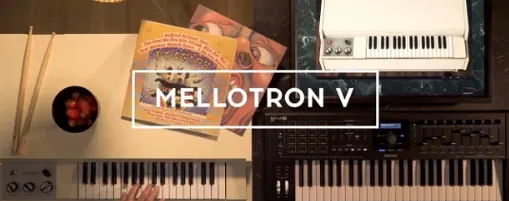
Arturia Mellotron V for macOS
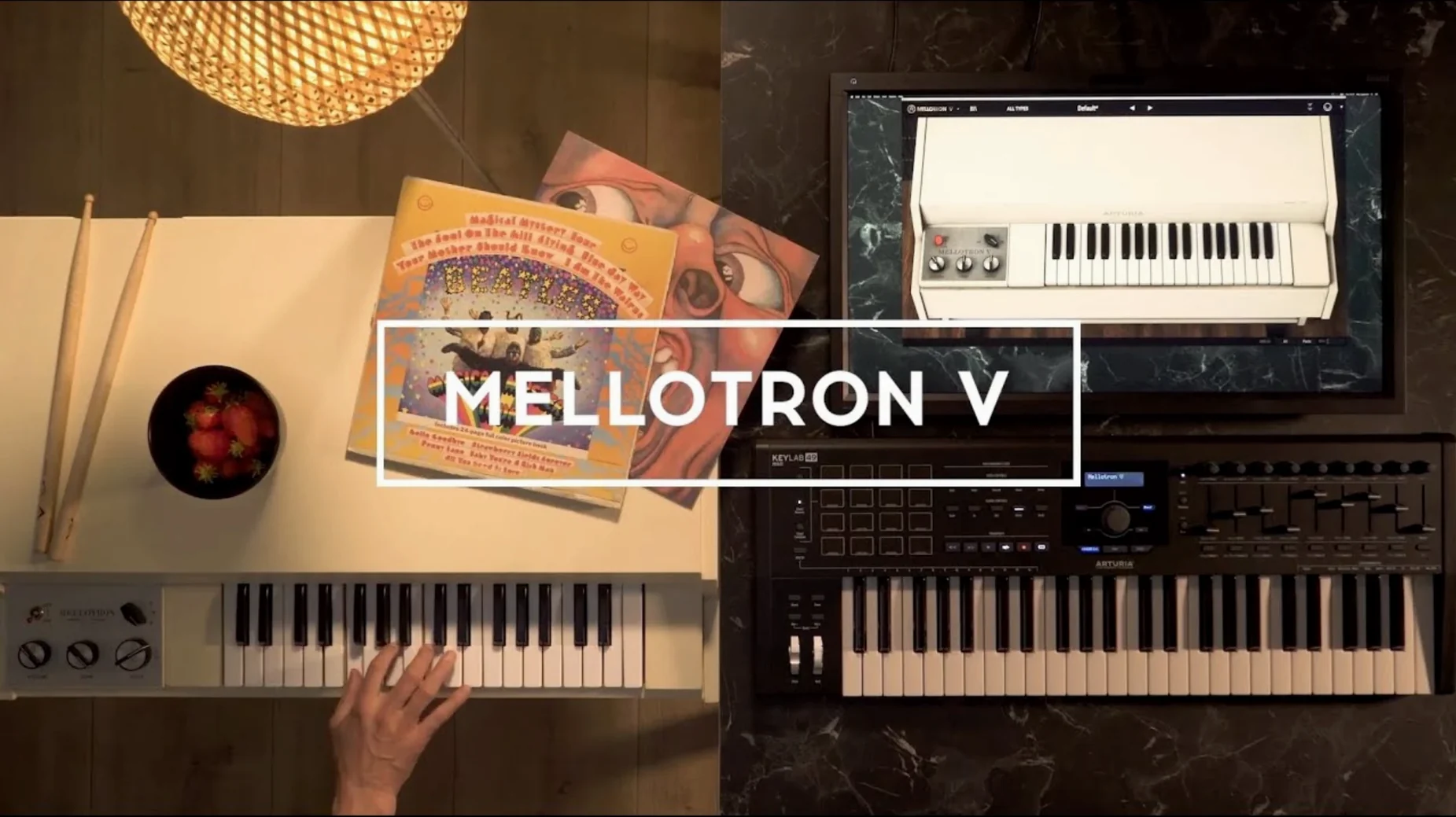
Description
Keyboardists who need genuine tape-string textures without servicing a fifty-year-old cabinet reach for this. It models the mechanics and the charm.
Check it works with your host
The plug-in runs on macOS 11 or later, 64-bit only, on both Intel and Apple silicon Macs.
Load a sound
Sixty-five original tape banks give you flutes, choirs, strings and brass with the original artefacts. You can also drop your own WAV, AIFF or FLAC files into a track—up to eight user samples, or a mix of two factory tapes and six of your own.
Shape it
The ADSR envelope and a set of presets get you started quickly. Preset searching and playlist naming now work without crashing, and favourites stay sorted even with shuffle on.
Finer tape speed control with Cmd-drag
Hold Cmd while dragging the tape speed knob for finer control. The manual doesn't shout about it.
Right-click any track's name to duplicate it instantly. Saves building similar layers from scratch when you want flute A slightly brighter than flute B.
The noise floor fader isn't just for authenticity. Pull it down to zero and the samples clean up enough for modern pop—no tape hiss, no motor rumble, just the tone. Push it past noon and you get the wobbly artefacts of a poorly-serviced unit. Both sounds have their place.
User samples map across the keyboard automatically if you drag a folder of 96 properly named WAV files onto a track. Name them C1.wav through C8.wav and they land on the right keys without any fiddling.
A single-track pad from scratch
- Open the plug-in on an instrument track. Pick the empty "Init" preset so nothing colours your starting point.
- Load the "3 Violins" tape bank on track 1. Set the volume halfway.
- Add a second track with the "Mixed Choir" bank. Tune it up 7 semitones using the pitch knob for a harmonic layer that sits above the strings.
- On track 3, drag in six short vocal swells from your own sample library. Keep them quiet—around 25% volume.
- Set the ADSR attack to 800ms on all three tracks. Release to 600ms.
- Switch the mechanical noise to about 30% and the tape wear to 15%.
- Add the built-in plate reverb at 40% wet. Engage the high-pass filter around 200Hz so the low end doesn't build up mud.
- Hold a chord. Ride the track volume faders with your mouse while the notes sustain—the blend shifts like a real tape machine drifting in and out of alignment.
Composers drop moody texture into a mix in seconds
Film and game composers who need melancholic texture in thirty seconds. The factory choirs and strings sit in a mix without fighting for space, and the mechanical noise gives cues an organic feel that pure synth pads lack.
Producers working in psychedelic rock or trip-hop. Loading your own drum breaks or vocal phrases onto the tape tracks turns the plug-in into a lo-fi phrase sampler—pitch the samples down by an octave and they degrade in ways a standard sampler won't replicate.
Sound designers who build patches from scratch. The combination of two factory tapes plus six user slots per track means you can crossfade between orchestral and found-sound layers. Automate the tape speed parameter for pitch-warp risers that don't sound like a generic synth sweep.
Keyboard players who own a hardware Mellotron but need a reliable backup for live work. The plug-in loads from a laptop, doesn't go out of tune mid-set, and the preset playlist improvements in version 1.9.3 mean you can organise songs in setlist order without crashes.
What’s new
Improves playlist editing, preset playlist naming and preset naming. Improves favourite preset management and preset search. Fixes bugs.
Requirements
- macOS 11 or later
- 64-bit host
- Intel or Apple silicon Mac
FAQ
Do my playlists disappear if I reinstall the plug-in?
No. Playlists remain visible after removing and reinstalling the instrument.
Comments 0
Sign in or create an account to leave a comment.
No comments yet…
If you’ve installed it, say how it went. Mention your Mac and macOS version — it helps the next person more than you’d think.
More in VST Plugins
All in VST Plugins-
 Arturia FX Collection
2026.02
Apple Silicon
Arturia FX Collection
2026.02
Apple Silicon
-
 Arturia Pigments
7.0.1-6772
Apple Silicon
Arturia Pigments
7.0.1-6772
Apple Silicon
-
 Arturia V Collection 11 Pro
2025.20.26
Apple Silicon
Arturia V Collection 11 Pro
2025.20.26
Apple Silicon
-
 Arturia Emulator II V
1.6.2
Apple Silicon
Arturia Emulator II V
1.6.2
Apple Silicon
-
 Arturia Efx AMBIENT
1.0.0
Apple Silicon
Arturia Efx AMBIENT
1.0.0
Apple Silicon
-
 Arturia Analog Lab V
5.12.0
Apple Silicon
Arturia Analog Lab V
5.12.0
Apple Silicon
-
 Ample Sound Ample Guitar LP III
4.0.1
Apple Silicon
Ample Sound Ample Guitar LP III
4.0.1
Apple Silicon
-
 Ample Guitar M
4.1.0
Apple Silicon
Ample Guitar M
4.1.0
Apple Silicon