
Vellum for macOS
Description
You've got a finished manuscript. The writing is done, but now you need a clean EPUB for Apple Books and a properly typeset PDF for a paperback run. That's the job Vellum takes off your desk. Version 4.1.5 needs macOS 11 or later and runs natively on Apple silicon and Intel.
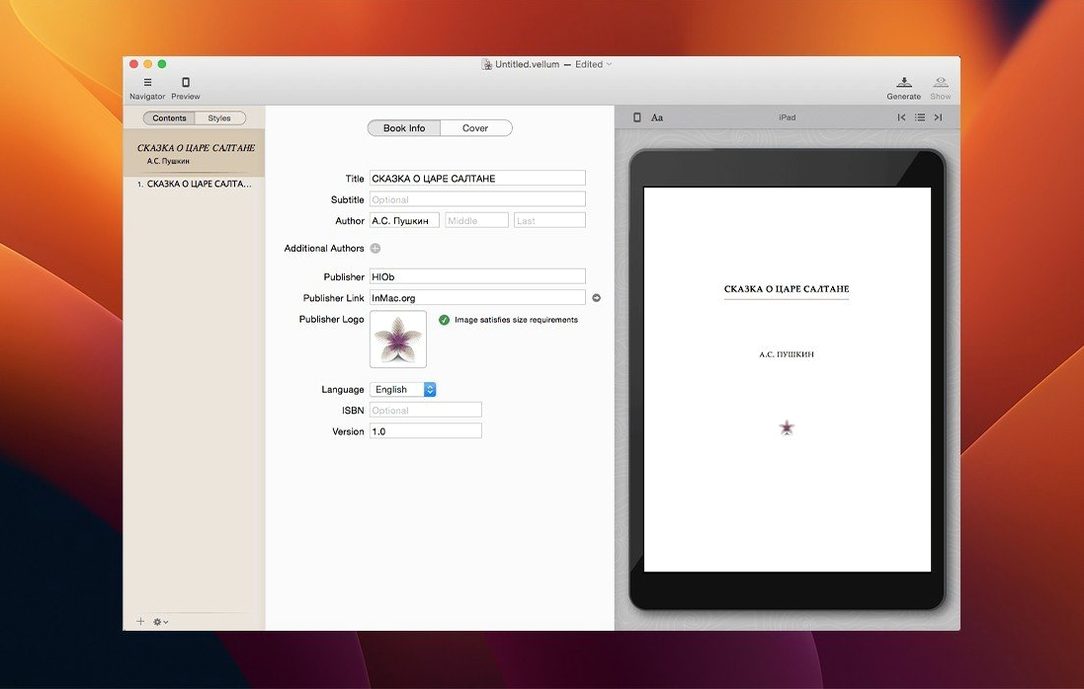
The app imports your manuscript and builds a title page, a table of contents and styled chapter openings. You pick a trim size and it adjusts margins, page numbers, headers and footers without manual fiddling. Copyright-page details sit inside the app, not in a separate document.
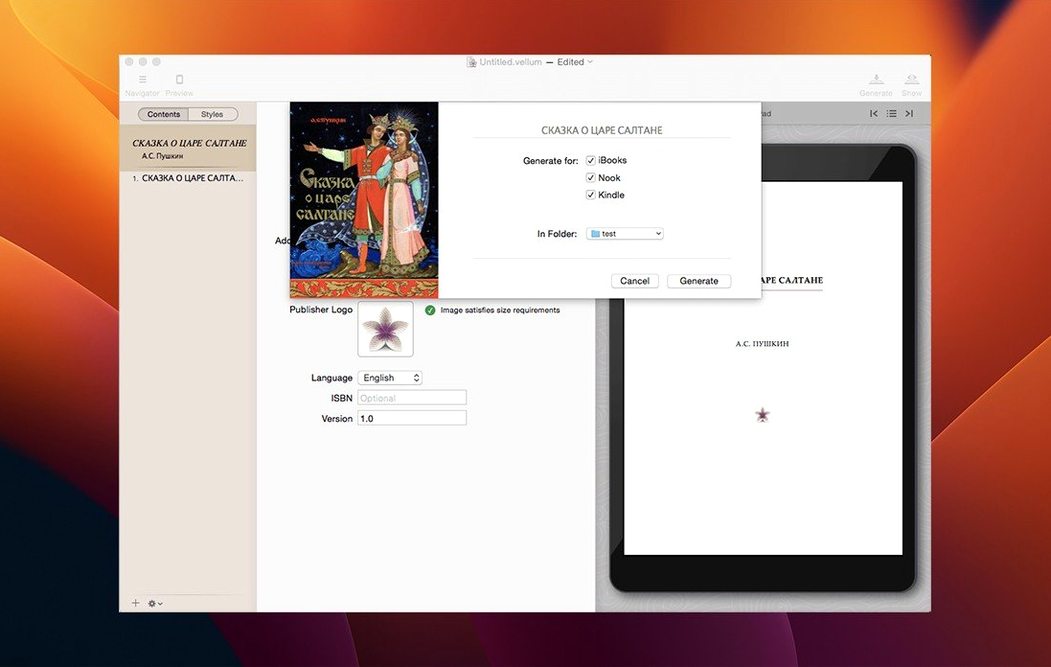
As you edit, the preview updates straight away — no export-and-check loop. Widow control and spread balancing happen automatically. When you're happy, Vellum generates files for Kindle, Kobo, Apple Books and other platforms.
If you need to fix a typo later, you regenerate the ebook files from the same project. You can also start a book from scratch and write straight into its structure.
Cmd-Return and other time-savers hiding in plain sight
Most people open Vellum, import a manuscript and head straight for the style picker. A few things sit off to the side that save real time once you know they're there.
When you're inside a chapter, pressing Cmd-Return starts a new chapter instantly — no need to click back to the navigator. The Element browser (tucked under the View menu) lets you drop in things like epigraphs, block quotes or ornamental breaks without hunting through toolbar buttons. If you've pasted text from Word and the spacing feels off, Edit → Paste and Match Style strips the cruft in one go.
For print editions, the Page Layout inspector shows a live thumbnail of the current spread. Clicking it opens a full-screen preview that refreshes as you adjust widow settings or tweak hyphenation. On a laptop screen, that beats squinting at a shrunken preview panel.
Vellum remembers your last export format per book. If you're sending review copies to a Kindle beta reader, it defaults to .mobi next time you hit Export — one less dropdown to check.
How Vellum sits alongside a few alternatives
If you're already using Scrivener, you know it's built for drafting and organising research — not for finished-page output. Vellum doesn't try to replace Scrivener; it picks up where a Scrivener compile leaves off. Many authors draft in Scrivener, export a .docx, then pull it into Vellum for the final book files.
Atticus runs in a browser and on Windows, which Vellum doesn't. But Atticus handles print and ebook formatting in one tool, much like Vellum does. The difference is in the preview. Vellum's live preview updates as you type or change settings, and the print preview is built on a proper typesetting engine — Atticus leans on browser rendering, which can mean more fiddling with margins and orphans.
InDesign gives you complete control over every line and glyph for print. That control comes at a cost in time and learning curve. Vellum doesn't let you kern individual pairs or draw custom text frames, but it gets a paperback to press-ready condition in an afternoon rather than a week. For ebook output, InDesign's EPUB export still needs cleanup; Vellum's is production-ready without post-processing.
Editing title, author and ISBN before the ebook leaves your Mac
Can I edit the book's metadata inside the app?
Yes. The book info panel covers title, author, publisher, ISBN, language and description. It writes these into the generated ebook files so they appear correctly on retailer pages and device libraries.
Does it handle right-to-left languages?
The current version doesn't offer specific Arabic or Hebrew typesetting support. It's built around Latin-script workflows. If your manuscript mixes scripts, you may need to check the output carefully.
What happens to my existing footnotes and endnotes?
Vellum picks them up from the imported .docx and converts them to pop-up footnotes in the ebook files, with a back-link to the text. Print editions render them as traditional page footnotes.
Can I use my own fonts for print?
Yes. You can embed licensed fonts for the body text and headings, and Vellum embeds them into the PDF it generates. For ebooks, the app respects the device's reading-system fonts — embedded fonts in reflowable ebooks cause more problems than they solve, so Vellum doesn't push them.
Requirements
- macOS 11 (Big Sur) or later
- Apple Silicon or Intel 64-bit processor
FAQ
Can Vellum handle print layouts as well as ebooks?
Yes. You select a trim size and the app automatically sets margins, page numbers, headers and footers for a print-ready edition.
What happens if I need to update a published ebook?
You make the changes in Vellum and regenerate the ebook files — no need to redo the formatting from scratch.
Comments 0
Sign in or create an account to leave a comment.
No comments yet…
If you’ve installed it, say how it went. Mention your Mac and macOS version — it helps the next person more than you’d think.