
QuickBooks Mac Plus for macOS
Description
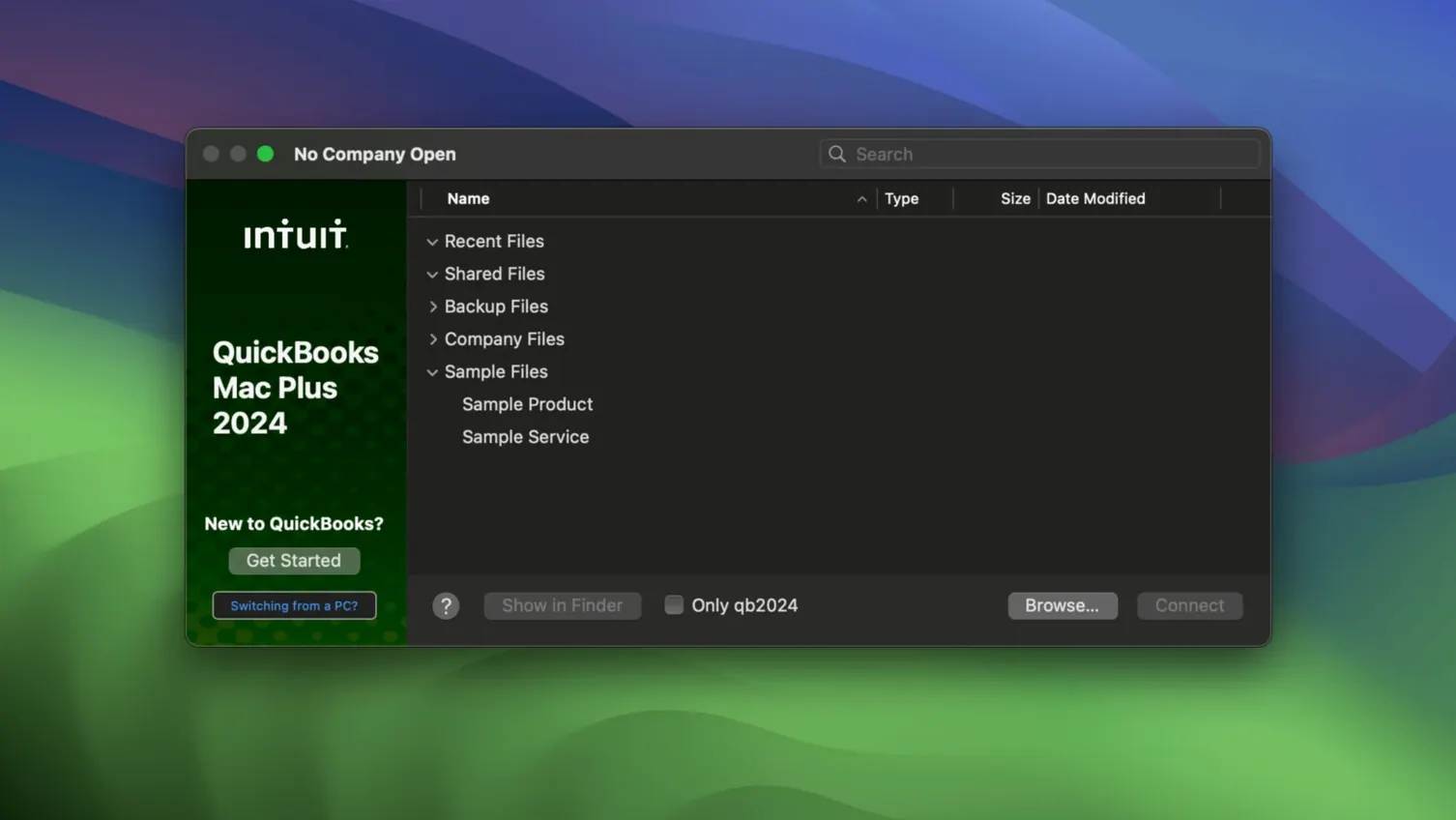
QuickBooks Mac Plus runs on Apple Silicon and Intel Macs. You need macOS 12 Monterey or newer. The current build is 23.1.9.R10 Plus and it is an English-only app.
The R10 update brings two practical backup changes. A Backup Save As option now lets you make manual backups without fussing with the default location. Company-specific backup locations are also supported, so each client file can point to its own folder.
What stayed the same is the core feature set small businesses actually lean on. You can create and send invoices, run payroll, and let the software handle tax calculations. Receipt uploads and storage keep the paper pile off your desk. Detailed reporting is still there for working out where the money went.
It remains a desktop accounting tool that does not need a browser tab to function. Worth it if your books live on one Mac and you like them there.
Bank feeds breaking after macOS updates
A few things trip people up more often than they should. Here are the ones worth knowing about before you lose an afternoon.
Bank feeds stop updating. This usually happens after a macOS update or when the bank changes its connection requirements. Disconnect the account inside QuickBooks, wait a minute, then reconnect it. If that does not fix it, check that the bank's own website lets you log in without extra two-factor steps — sometimes the feed chokes on a new security prompt.
Company file refuses to open after copying it from another Mac. The file may be locked by macOS. Select it in Finder, press Command-I, and check the permissions at the bottom of the info window. Your user account needs Read & Write. If you moved the file on a USB stick formatted as NTFS, copy it to the desktop first — QuickBooks cannot open files on NTFS volumes.
Payroll tax tables are out of date. QuickBooks Mac Plus downloads tax table updates automatically, but the feature sometimes goes quiet after months of use. Open the Payroll menu and pick Check for Updates. If nothing happens, quit the app, restart the Mac, and try again.
Reports print with missing columns. The default paper size sometimes switches to US Letter when your printer expects A4. In the print dialog, switch to Page Setup and set the paper size explicitly. The report preview will usually show the problem before you waste a sheet.
Your books stay local when internet or cloud pricing fails
QuickBooks Mac Plus suits people who run a business from one or two Macs and do not want accounting to depend on a web app. If your internet goes down or the cloud service changes its pricing, your books are still right there on the desktop.
Freelancers and sole traders who send invoices, track expenses and need basic payroll will find it does the job without extra complexity. Small retail shops that track inventory in real time benefit from the product-and-services list, which updates stock counts as you create invoices.
Bookkeepers handling multiple clients appreciate the company-specific backup folders added in R10. Each client file can point to its own backup location, which makes Friday-afternoon backups less of a guessing game. The ability to import data from Excel and Xero tables also saves time for anyone migrating from a spreadsheet system or switching from another accounting package.
Mac-only households that have never touched a Windows version of QuickBooks tend to settle in fastest. There is no translation step between what the screen shows and what a Windows tutorial describes, which matters when the tax deadline is close.
Voiding transactions instead of deleting them
Most early headaches come from treating QuickBooks Mac Plus like a spreadsheet with nicer fonts. It is a double-entry system underneath, and undoing a mistake is not always one click.
Deleting transactions instead of voiding them. A voided transaction stays in the audit trail. A deleted one vanishes and can leave accounts out of balance. If something was entered wrong, void it and create the correct entry — do not just hit delete and hope nobody asks later.
Skipping the chart of accounts setup. The default list works for a general-purpose business, but if you run a café or a consultancy, your categories should reflect that. Spend twenty minutes customising it before you enter a year's worth of receipts. Renaming accounts later while transactions already reference them creates a mess.
Forgetting to set a closing date. Once a tax period is filed, set a closing date and a password. This stops you or anyone else from accidentally changing last quarter's numbers while working on the current one.
Importing messy Excel files. The import tool will happily bring in whatever you give it. Clean the spreadsheet first — one header row, no merged cells, no blank columns — or the resulting company file will need more fixing than the manual entry you were trying to avoid.
What’s new
Adds a Backup Save As option for manual backups. Adds company-specific backup locations.Requirements
- macOS 12 Monterey or newer
- Apple Silicon or Intel Mac
Comments 0
Sign in or create an account to leave a comment.
No comments yet…
If you’ve installed it, say how it went. Mention your Mac and macOS version — it helps the next person more than you’d think.