UPDF 2 - AI-Powered PDF Editor for macOS
Description
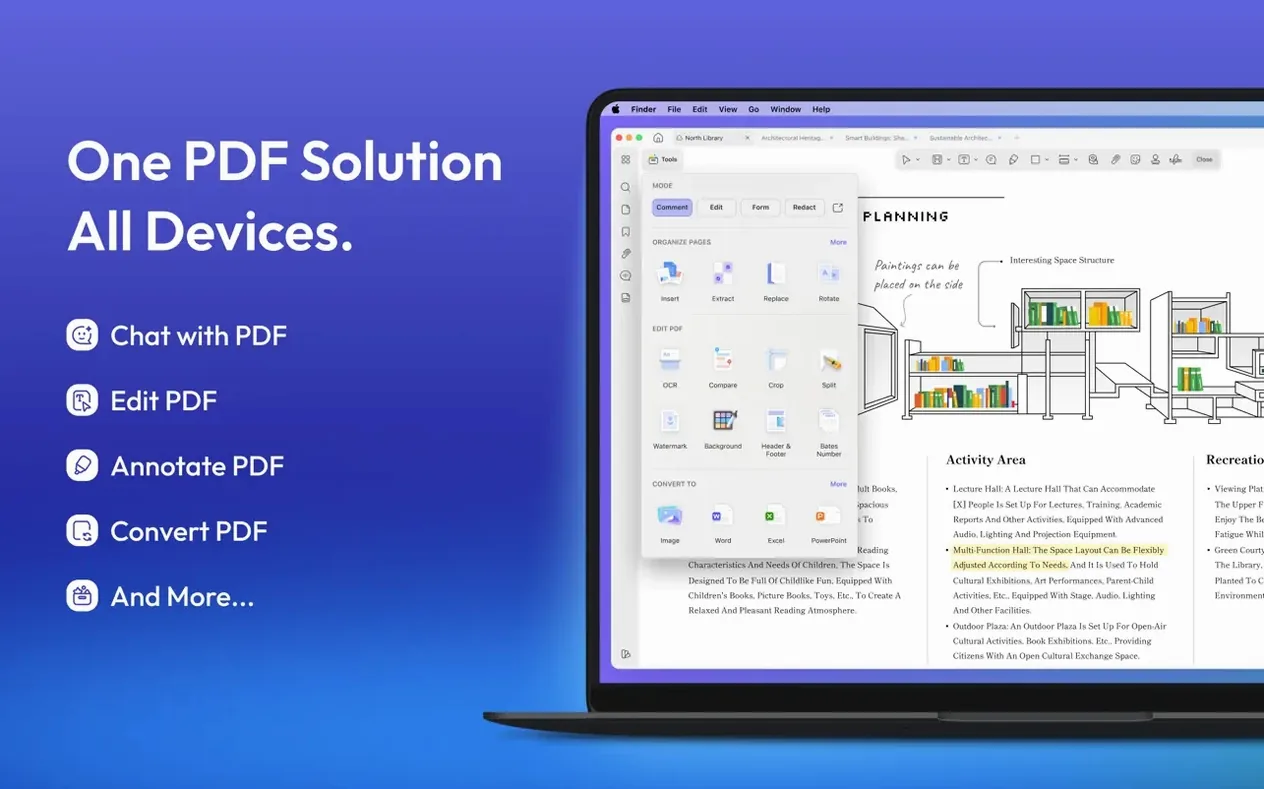
UPDF converts PDFs into 13 formats straight out of the box. That includes DOCX, XLSX, PPTX, and a run of image types from PNG to GIF. Version 2.5.6 needs macOS 11 or later and runs on Apple silicon and Intel.
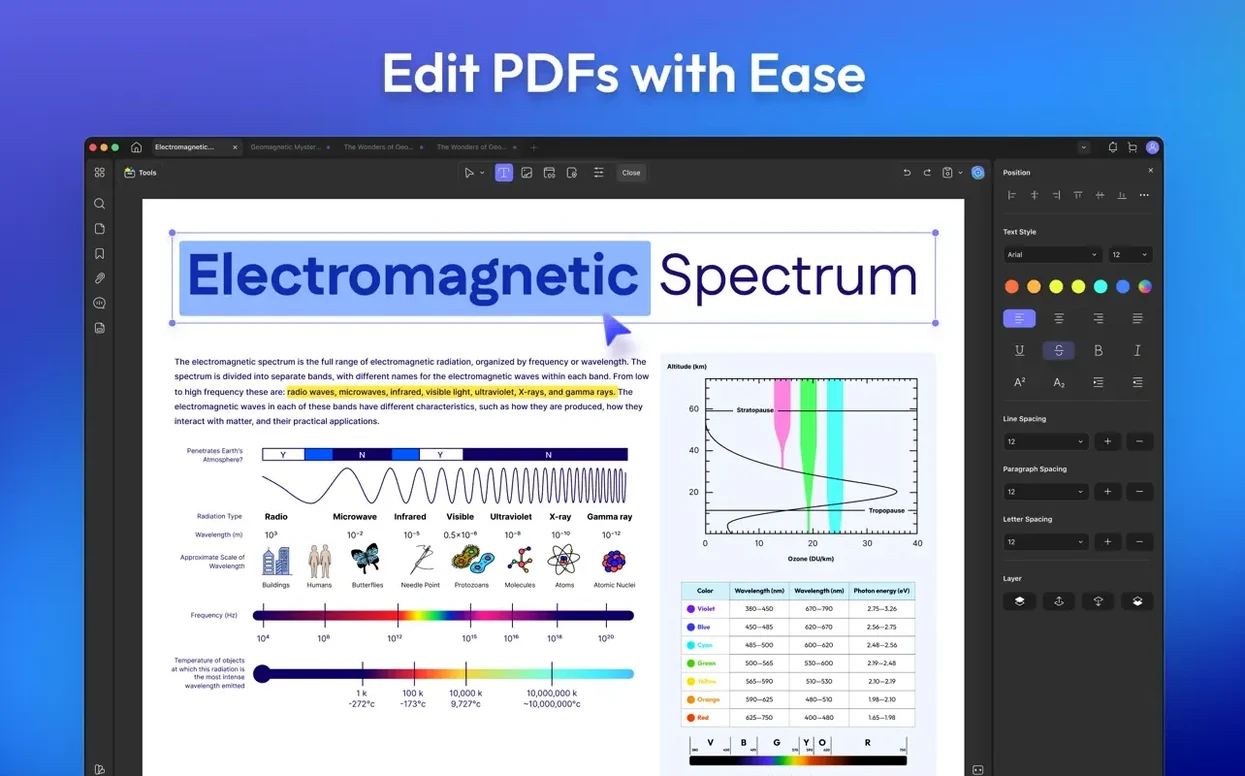
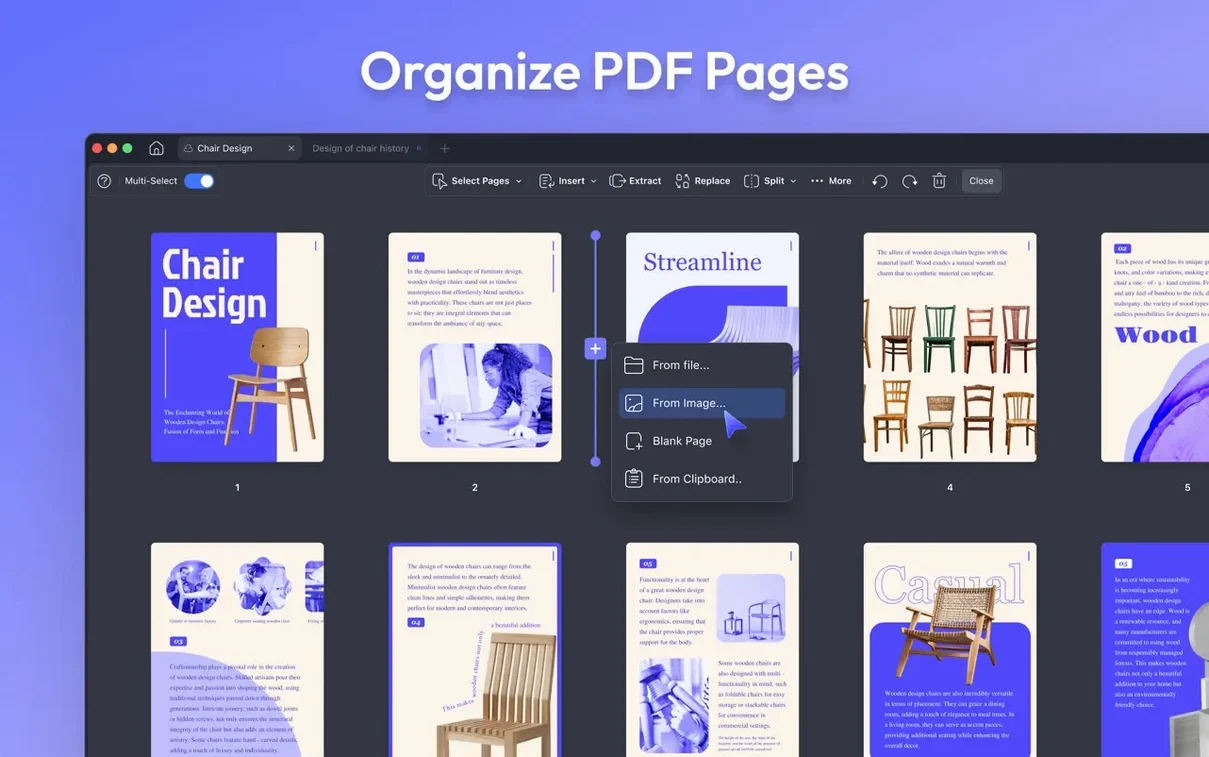
Drag pages to reorder, then edit body text
- Re-order pages with drag and drop. Open a PDF, click the page thumbnails icon, and pull pages into a new sequence. You can also insert, extract, rotate or delete pages from the same panel.
- Edit text directly. Click any text block and change the font, size or colour. Version 2.5.6 also adds custom rotation for images and text, so a slightly wonky scan is easy to straighten.
- Convert a PDF to DOCX. Hit the Export button and pick Word. You get an editable document to work on.
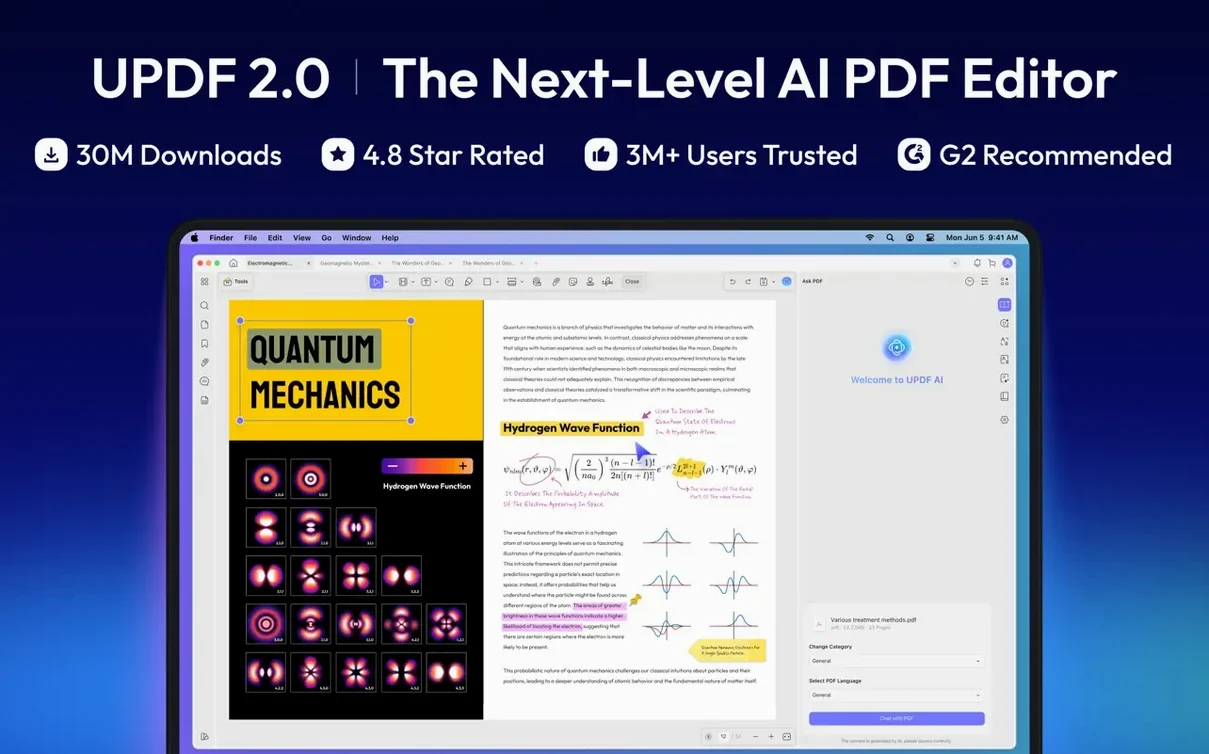
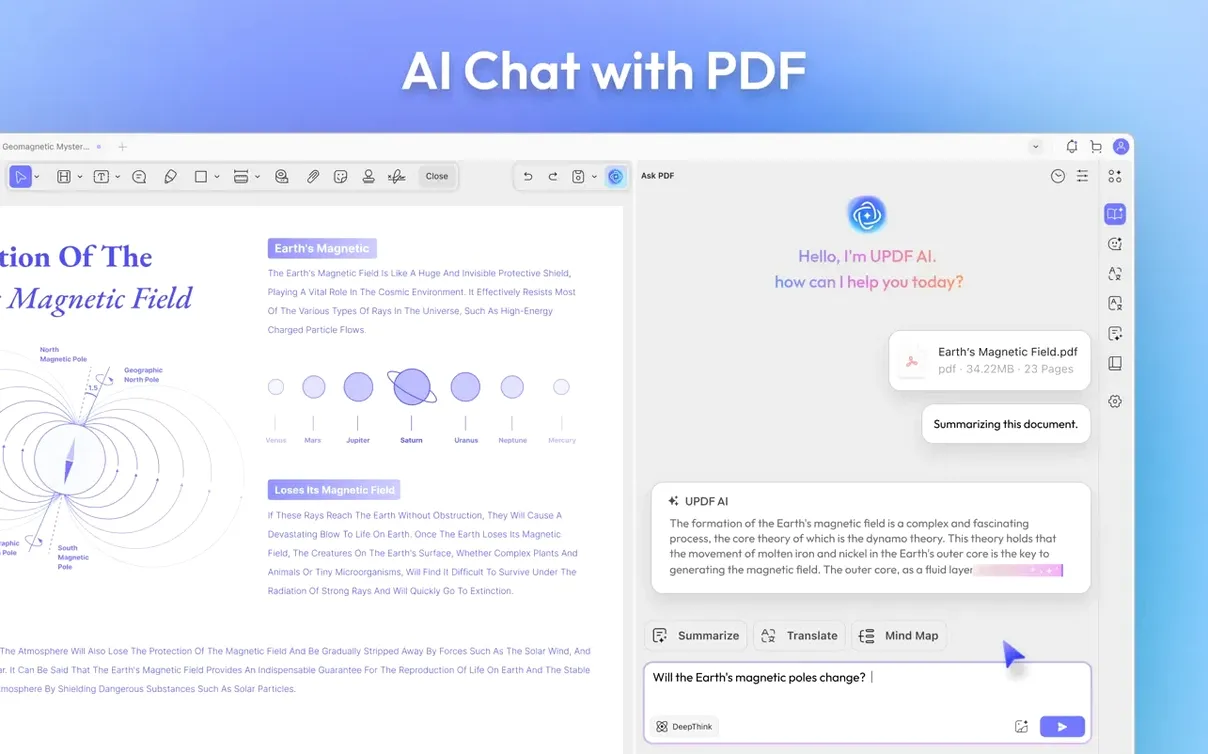
- Ask the AI to summarise. Select a paragraph and use the AI chat to pull out key points. It works as a fast alternative to reading dense reports cover to cover.
What makes the editing practical
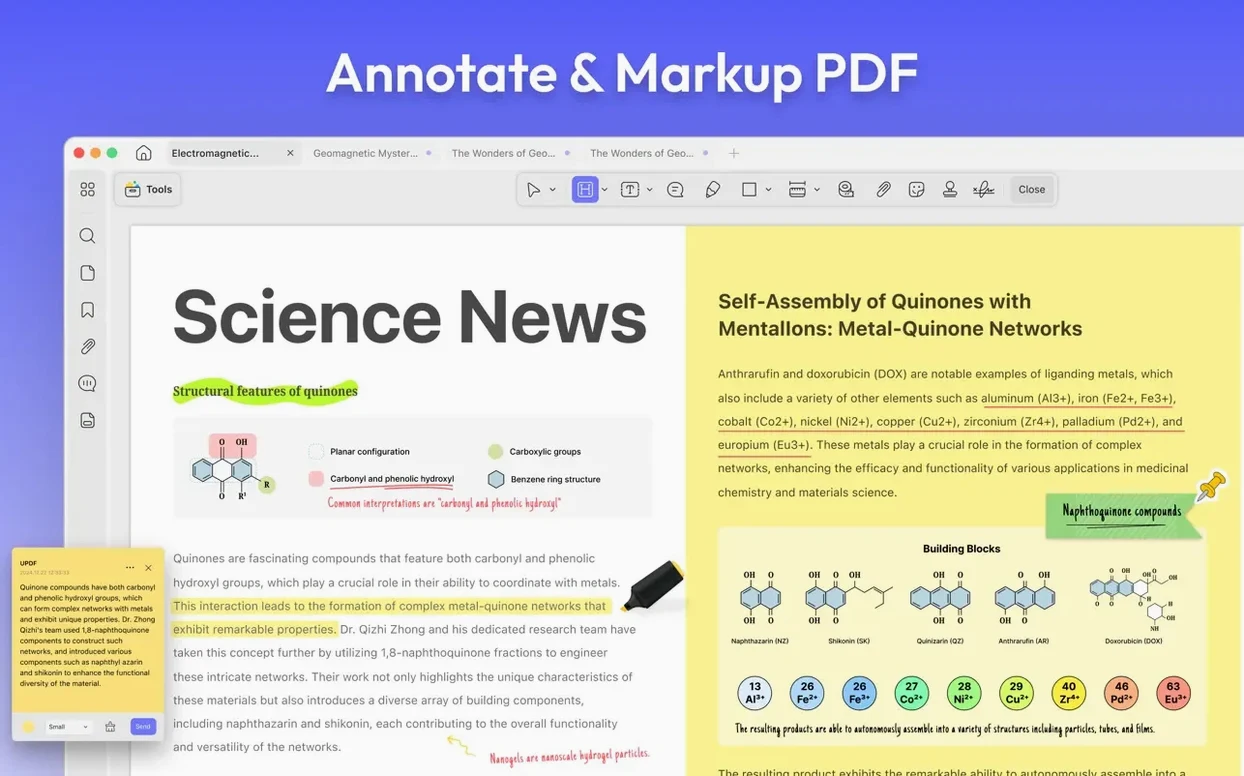
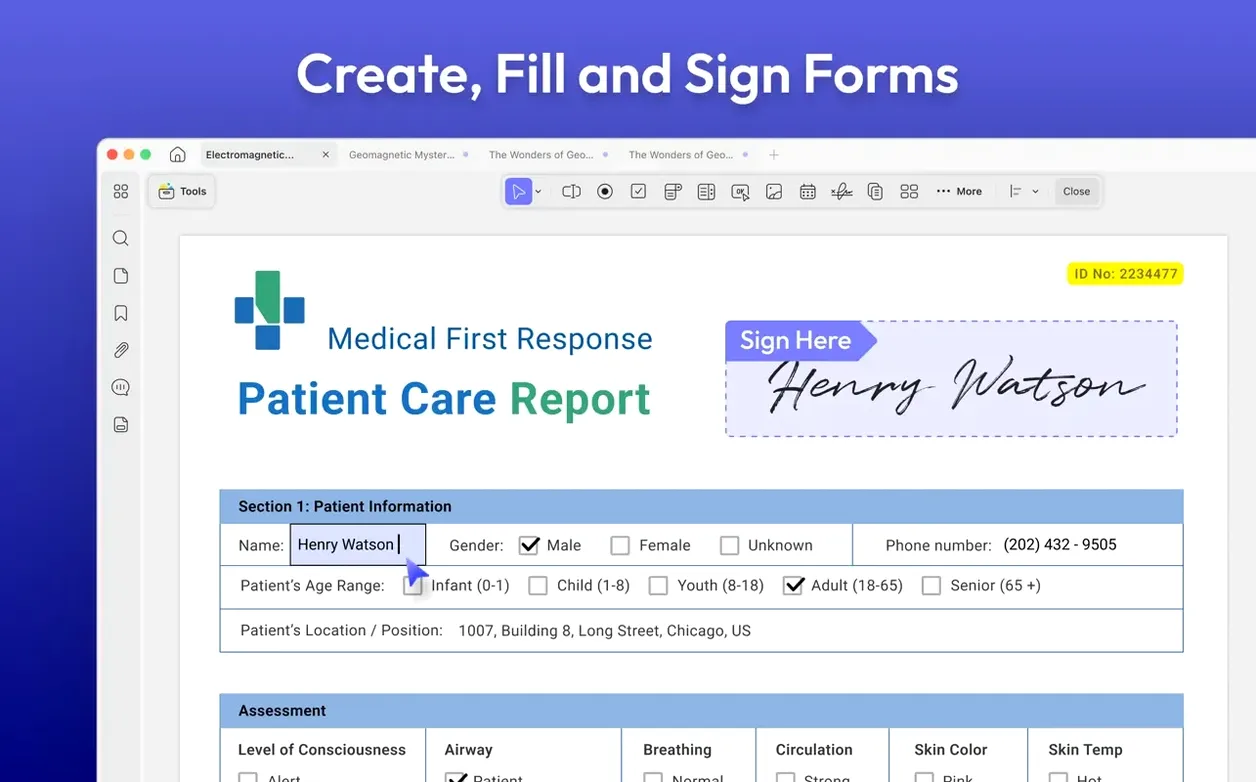
UPDF's annotation set covers the basics without clutter. You get notes, text boxes, callouts, shapes, stamps and signatures. Links can be added or removed from pages and web addresses. For forms, you can create interactive fields and fill them right inside the app. The 2.5.6 update also added toggles for PDF/A and digital signature detection, so the app flags compliance matters without extra steps.
Where PDF Expert feels quicker but UPDF adds AI
PDF Expert is faster for pure reading and lightweight markup. It opens large files with less hesitation and its scrolling is glass-smooth. But its editing toolkit stops short of what UPDF offers — no built-in AI chat, no batch OCR, and far fewer export formats. You notice the gap when a PDF needs real content surgery rather than a few highlights.
PDFpen (now Nitro PDF Pro) goes deeper on OCR and redaction, and its AppleScript support is useful if you write your own automation. The trade-off is interface clutter. UPDF keeps the toolbar simpler and the AI features are genuinely useful for summarising long contracts or translating a paragraph without leaving the document. If you spend most of your day tweaking text in PDFs rather than redacting legal documents, UPDF feels less like work.
Adobe Acrobat remains the benchmark for pre-press and accessibility checks. But for everyday editing, form creation and batch conversion, UPDF covers the same ground without the weight. The 2.5.6 update — with manual crop-box control, custom rotation and split-on-print — closes some gaps that used to push people back to Acrobat for finishing touches.
Stop PDF/A warnings and pick your export format
- Turn off PDF/A detection unless you need it. Version 2.5.6 added a toggle for this. If you are not archiving documents for compliance, switching it off stops unnecessary warnings when you open standard PDFs.
- Set your default export format. Head into preferences and pick the conversion type you use most — DOCX or plain text, for example. It saves two clicks every time you batch-process a stack of files.
- Adjust the crop-box margin manually. The 2.5.6 update added manual control in Remove White Margins mode. The auto setting is good, but pulling the handles yourself gives cleaner results on scanned pages with uneven borders.
What’s new
- Adds custom rotation for images and text.
- Adds split-across-documents option when batch printing double-sided PDFs.
- Adds toggles for PDF/A document detection and digital signature detection.
- Adds multi-select delete in the Comment and Form lists.
- Improves manual crop-box adjustment in Remove White Margins mode.
Requirements
- macOS 11 or later
- Intel and Apple Silicon Macs
FAQ
What file formats can UPDF convert a PDF into?
It converts to DOCX, XLSX, PPTX, TXT, RTF, CSV, HTML, XML, and the image formats PNG, JPEG, BMP, TIFF and GIF.
Does UPDF let you create PDFs from scratch?
Yes, you can create PDFs from Word, Excel or PowerPoint files, images, scans, screen captures, the clipboard, or a blank document.
What macOS version does UPDF need?
UPDF requires macOS 11 or later and runs on both Intel and Apple Silicon Macs.
Comments 0
Sign in or create an account to leave a comment.
No comments yet…
If you’ve installed it, say how it went. Mention your Mac and macOS version — it helps the next person more than you’d think.