iA Writer for macOS
Description
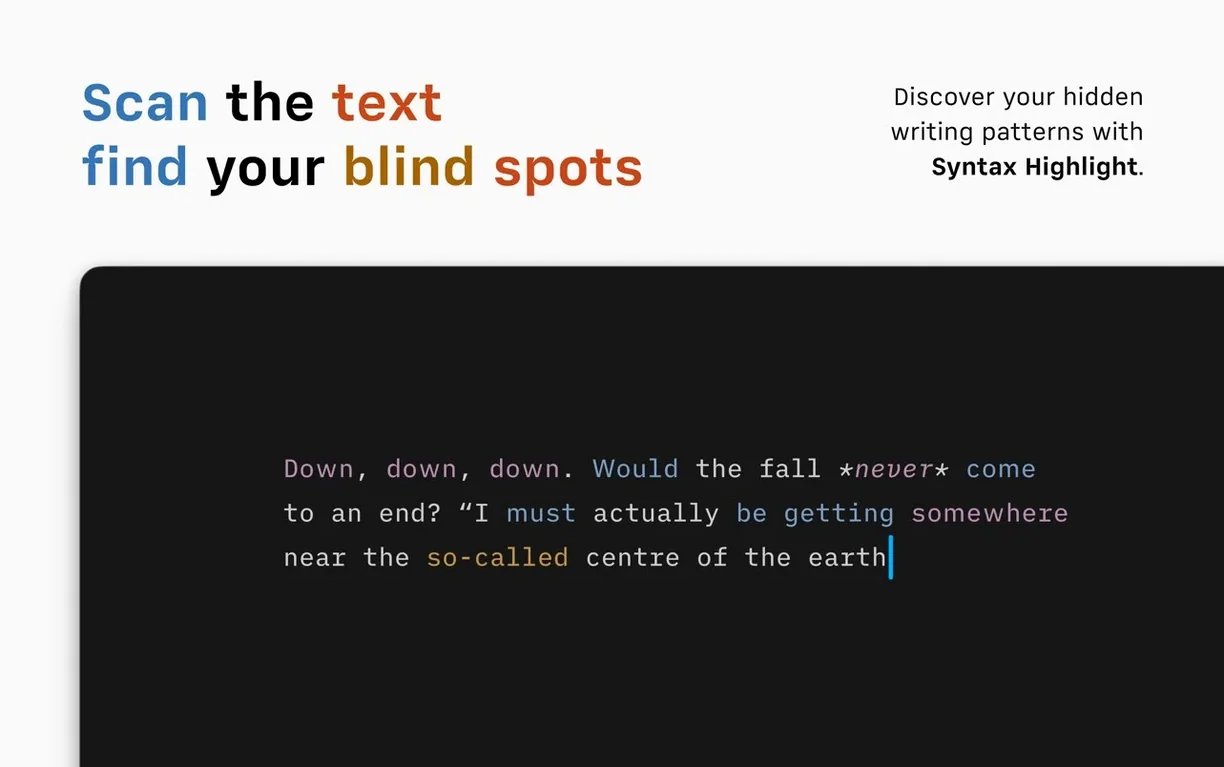
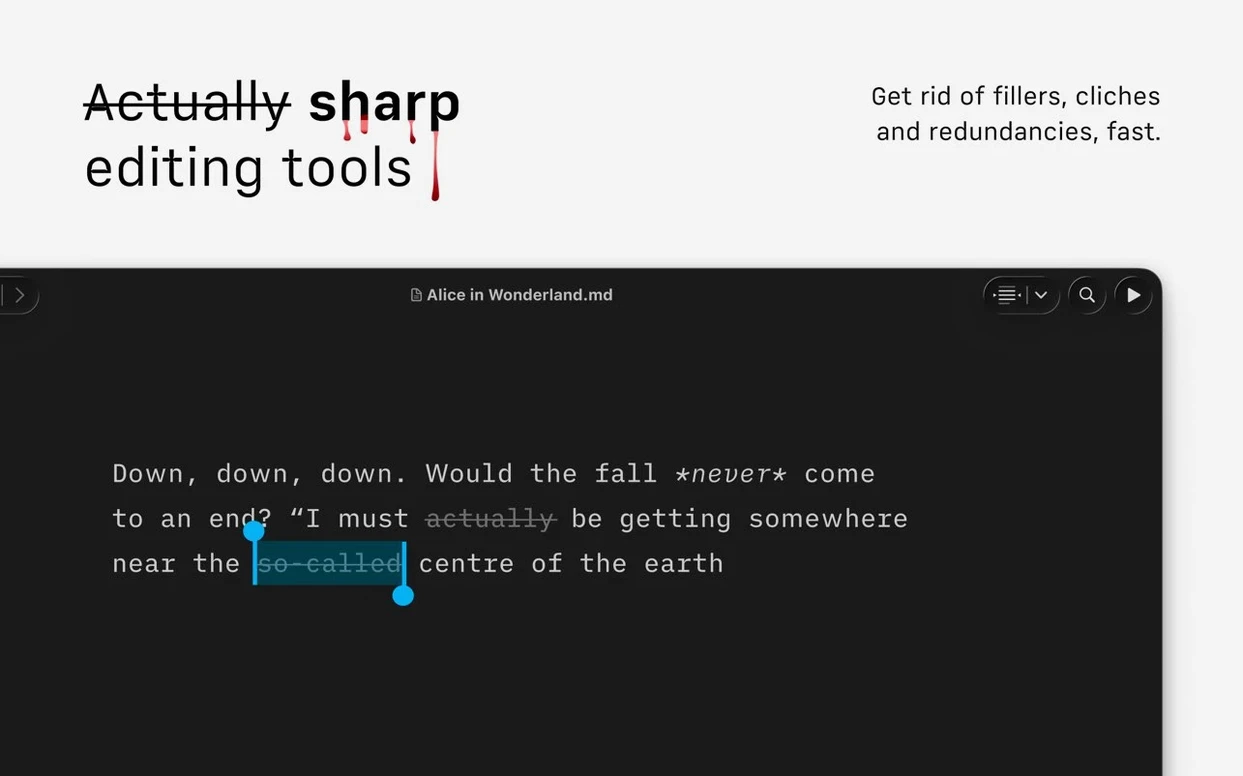
The Style Check kicks in after you finish a draft. It flags weak verbs, repeated nouns, and adjectives that don't earn their keep. Not as a grammar lesson — more like a second pair of eyes before you send work out.
One writing session from blank page to published
A short piece for a blog doesn't need a dozen features. What it needs is a path that stays clear:
- Open iA Writer. One font, one blank page. The interface gets out of the way.
- Write in Markdown. Headings, links and quotes stay readable in plain text.
- Run Style Check on the finished draft. Swap a few lazy verbs, cut three redundant adjectives.
- Preview the HTML export to check formatting, then send it straight to WordPress or Medium from the File menu.
- For a print-ready copy, export to PDF with a template that matches the publication's look.
What holds it together
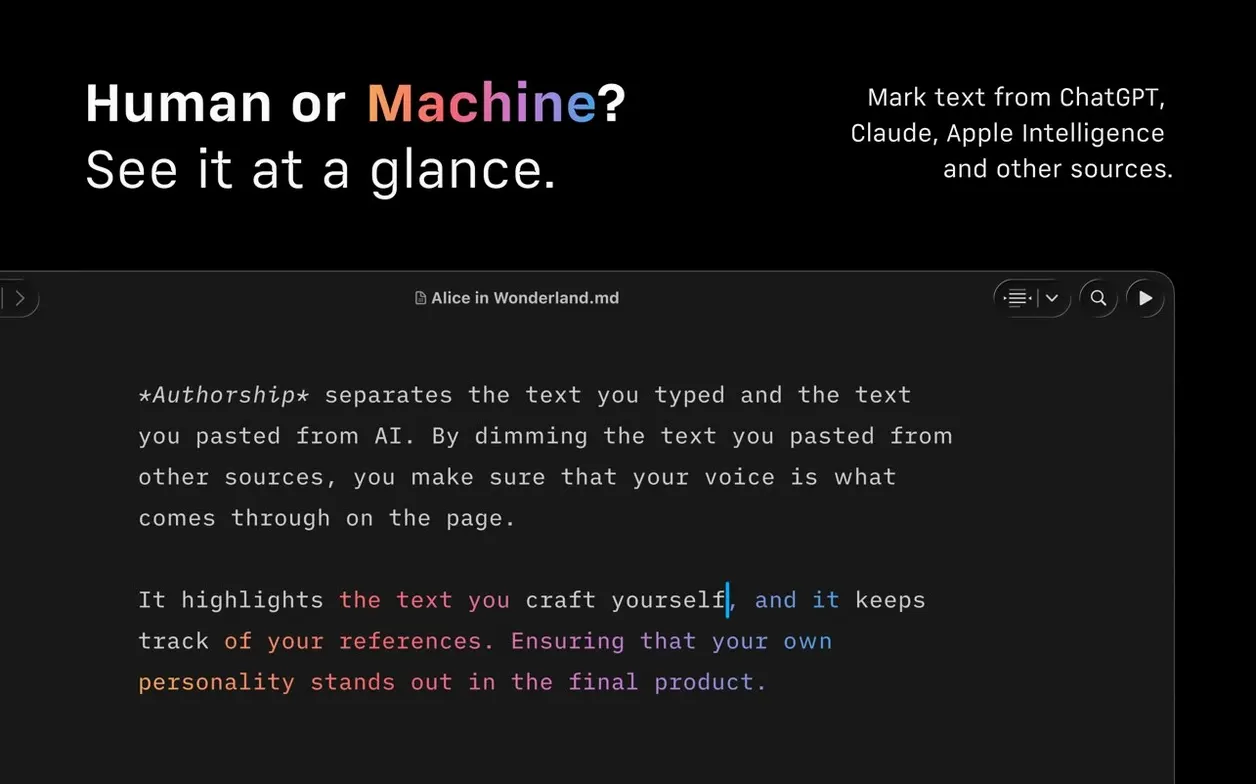
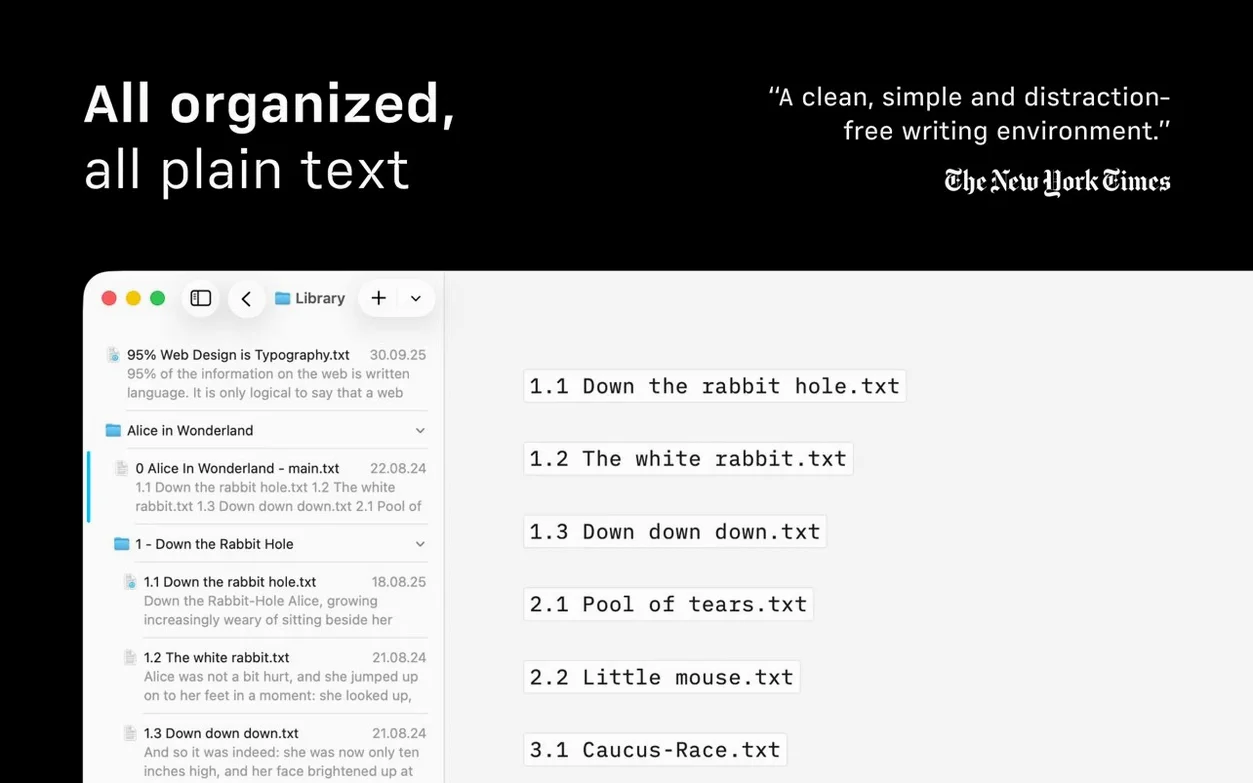
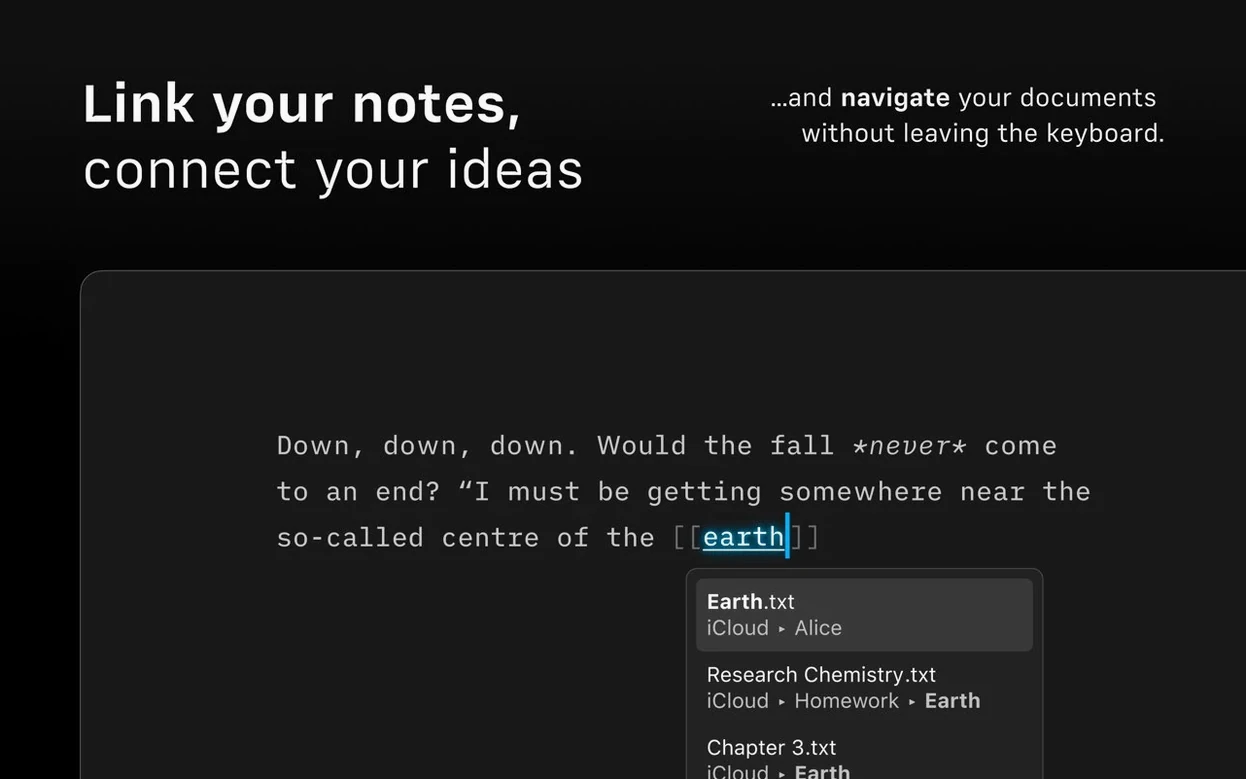
Version 8 adds a compact Library layout that hides dates and excerpts — useful when you have thirty drafts and need to see just the titles. Authorship indicators now show author colours in menus, which helps when you hand a document between a writer and an editor. The Document Outline with Quick Search lets you jump to any heading without scrolling. It runs on Intel and Apple Silicon Macs, needs macOS 10.15 or later, and supports Voice Control and Reduced Motion for accessibility.
Type “pdf” and the export command appears
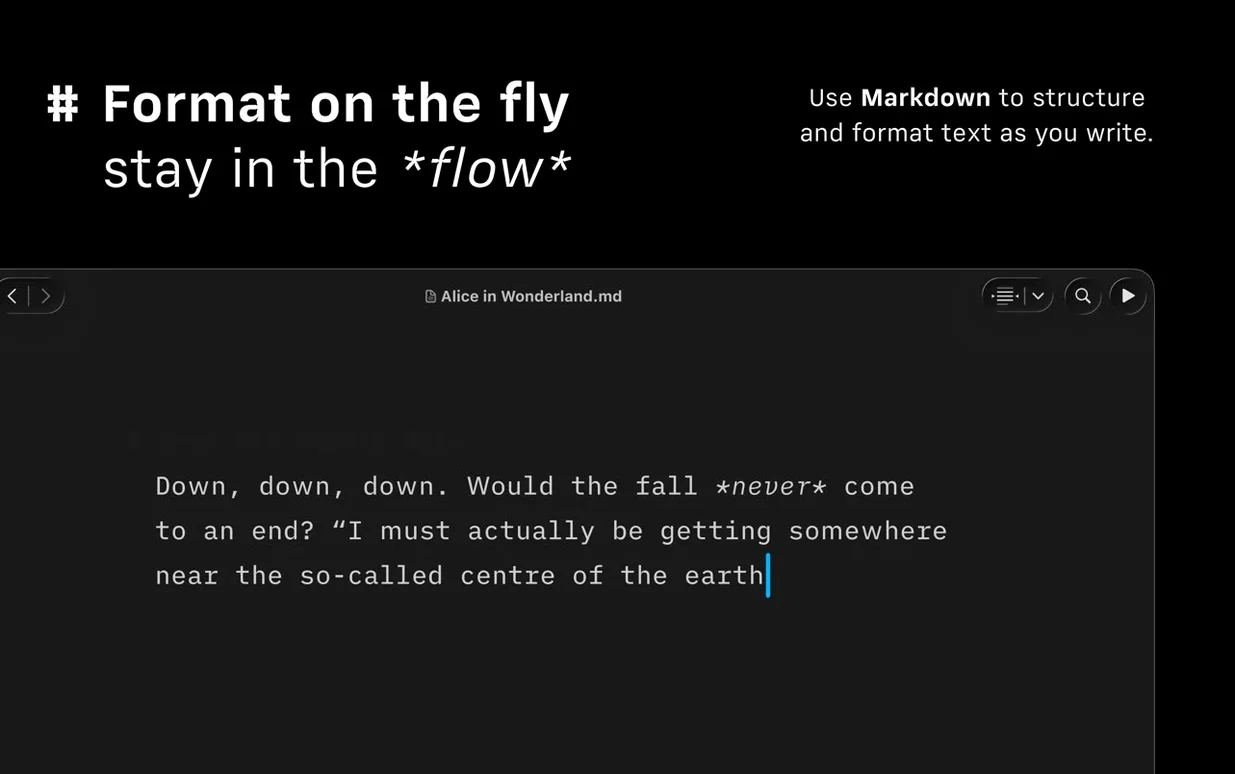
The Command Palette arrived in version 8 and it’s easy to ignore if you prefer menus. Press ⌘⇧P and you get a single search field that covers formatting, export, and document actions. Type “pdf” and the export command appears. Type “bold” and it applies the formatting without your fingers leaving the keyboard. It learns from use — the commands you call most often rise to the top.
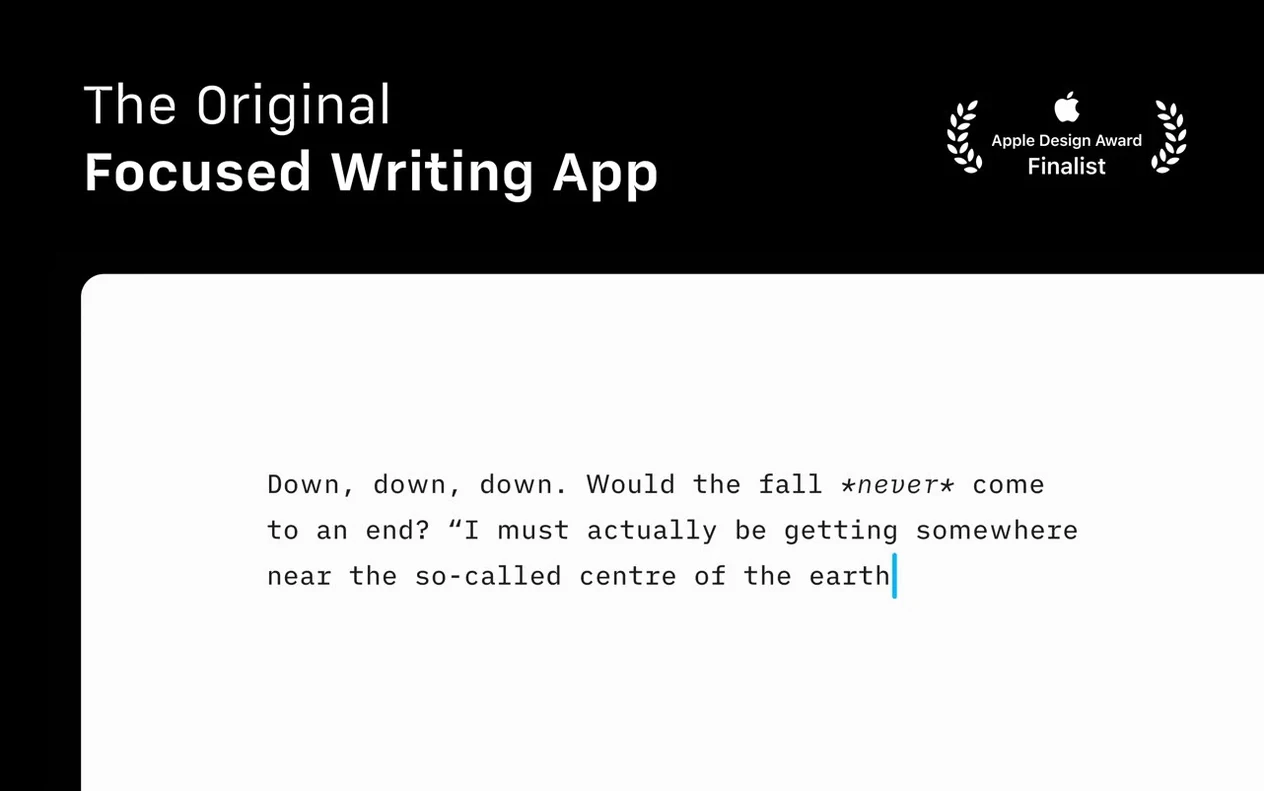
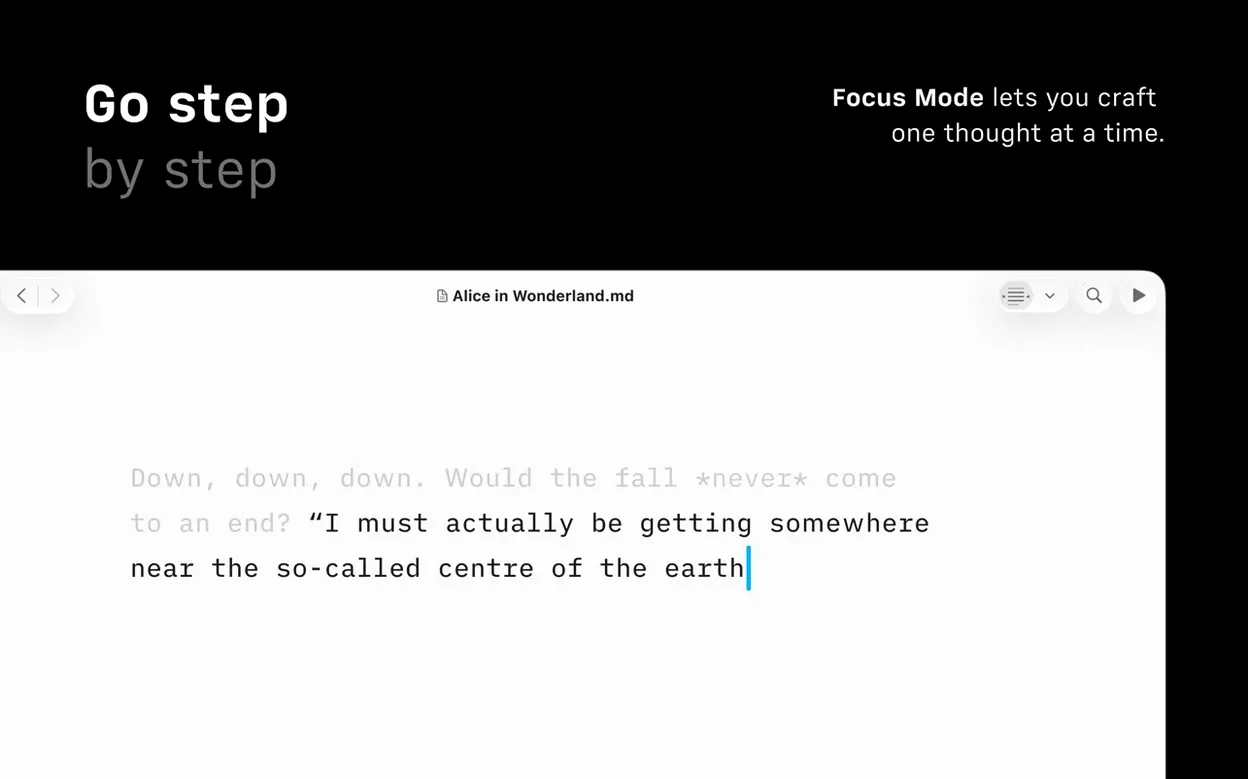
Focus Mode does more than dim old paragraphs. Click the focus indicator in the toolbar and switch between sentence, paragraph, and full document. For line-editing a messy first draft, sentence mode keeps your attention narrow. The subtle animation respects the system-wide Reduce Motion setting, so it won’t annoy anyone who needs minimal movement on screen.
The Library’s compact layout isn’t just cosmetic. Right-click any folder in the sidebar and choose it. The preview snippets vanish, leaving a tight list of filenames. If you store drafts across iCloud, Dropbox and a local folder, the unified search bar at the top finds a file regardless of where it lives. That’s three cloud services, one search box, no Finder windows.
From a single Markdown file to HTML email and a blog post
Say you have a monthly newsletter that goes out as HTML email and a linked blog post. The raw copy lives in a Markdown file with frontmatter for the subject line and publish date.
Here’s how a single issue moves from notes to sent:
- Open the newsletter template — a
.mdfile with placeholder headings for the intro, three stories and the footer. Duplicate it for the new issue. - Write each story block under its heading. The Document Outline (View > Show Document Outline) gives you a clickable list of sections so you can jump between stories without scrolling past finished text.
- Run Style Check on the full draft. Weak verbs get a purple underline, repeated nouns a grey one. Fix half of them; leave the ones that sound natural.
- Export to HTML to preview how the email will render. Copy the output into your email platform and send a test to yourself.
- Publish the same file to WordPress from the File menu. iA Writer handles the connection, so the Markdown converts to clean HTML on the site.
- Export a PDF version for the archive. Apply a custom template with the newsletter’s header and footer — templates are just HTML and CSS files you drop into the app’s Templates folder.
The whole job takes one app, one file format, and about forty minutes once the template exists.
Hide everything except the sentence you’re writing
Students writing long-form essays benefit from the Document Outline and Focus Mode together. Outlining a dissertation chapter becomes a matter of listing headings, then tackling each one in full-screen sentence focus. The distraction-free approach suits anyone whose main enemy is a browser tab.
Bloggers who publish to WordPress or Medium skip the copy-paste dance. Write once, publish directly, and the formatting survives intact. The Style Check catches filler words before a post goes live — useful when an editor isn’t available.
Technical writers and developers who already work in plain text find the Markdown preview and syntax highlighting predictable. The app doesn’t hide the markup; it makes it readable. If you’re searching for ia writer mac download because you want a writing tool that stays out of your way, the workflow above fits that brief.
What’s new
Adds Document Outline navigation with Quick Search. Includes a refreshed interface for macOS 26 and later. Fixes a few small bugs.
Requirements
- macOS 10.15 or later
- Works natively on both Apple Silicon and Intel 64-bit Macs
FAQ
Can iA Writer export to Word format?
Yes. It exports to DOCX, HTML, and PDF directly from the app.
Comments 0
Sign in or create an account to leave a comment.
No comments yet…
If you’ve installed it, say how it went. Mention your Mac and macOS version — it helps the next person more than you’d think.