Matlab R2025b for macOS
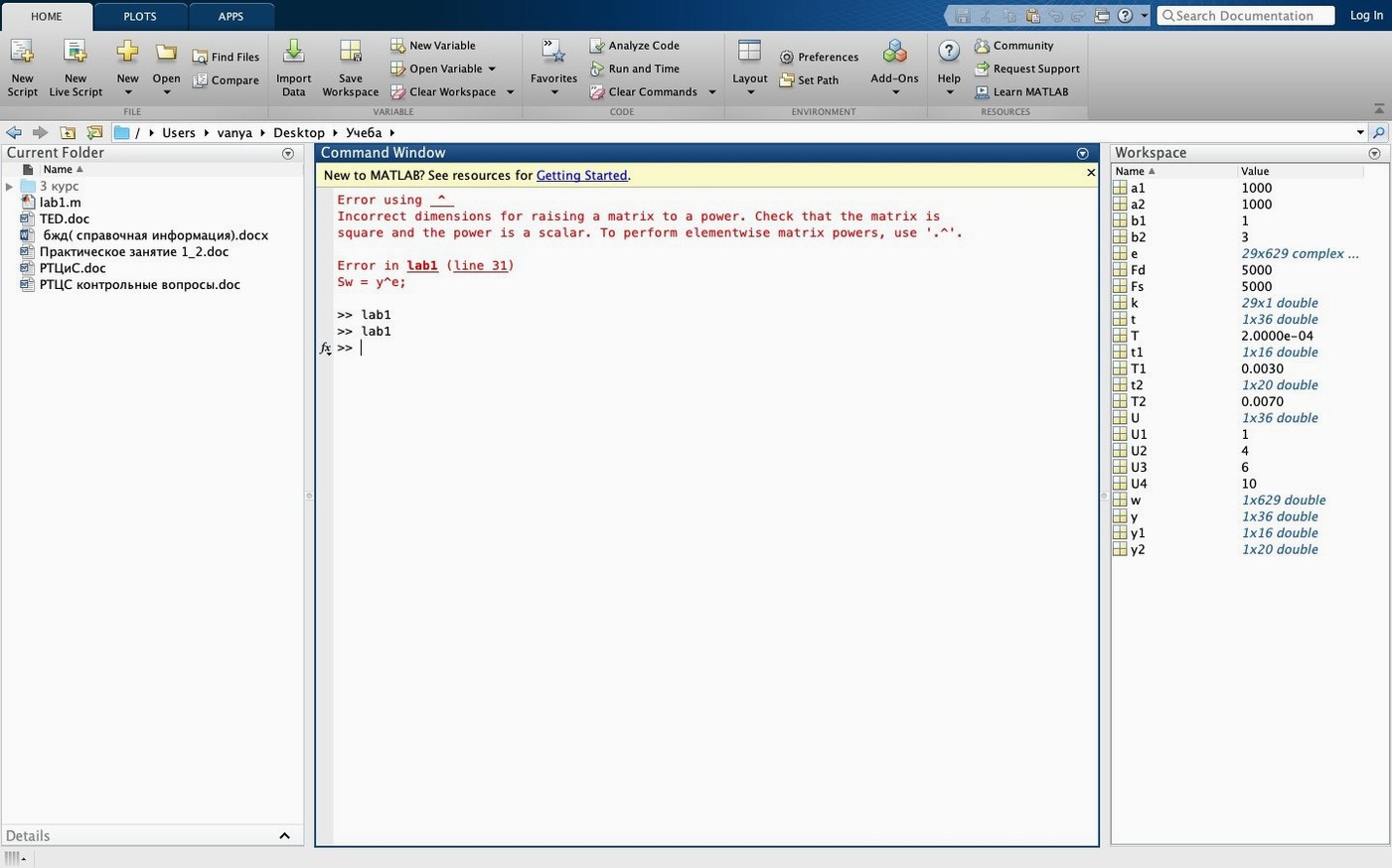
Description
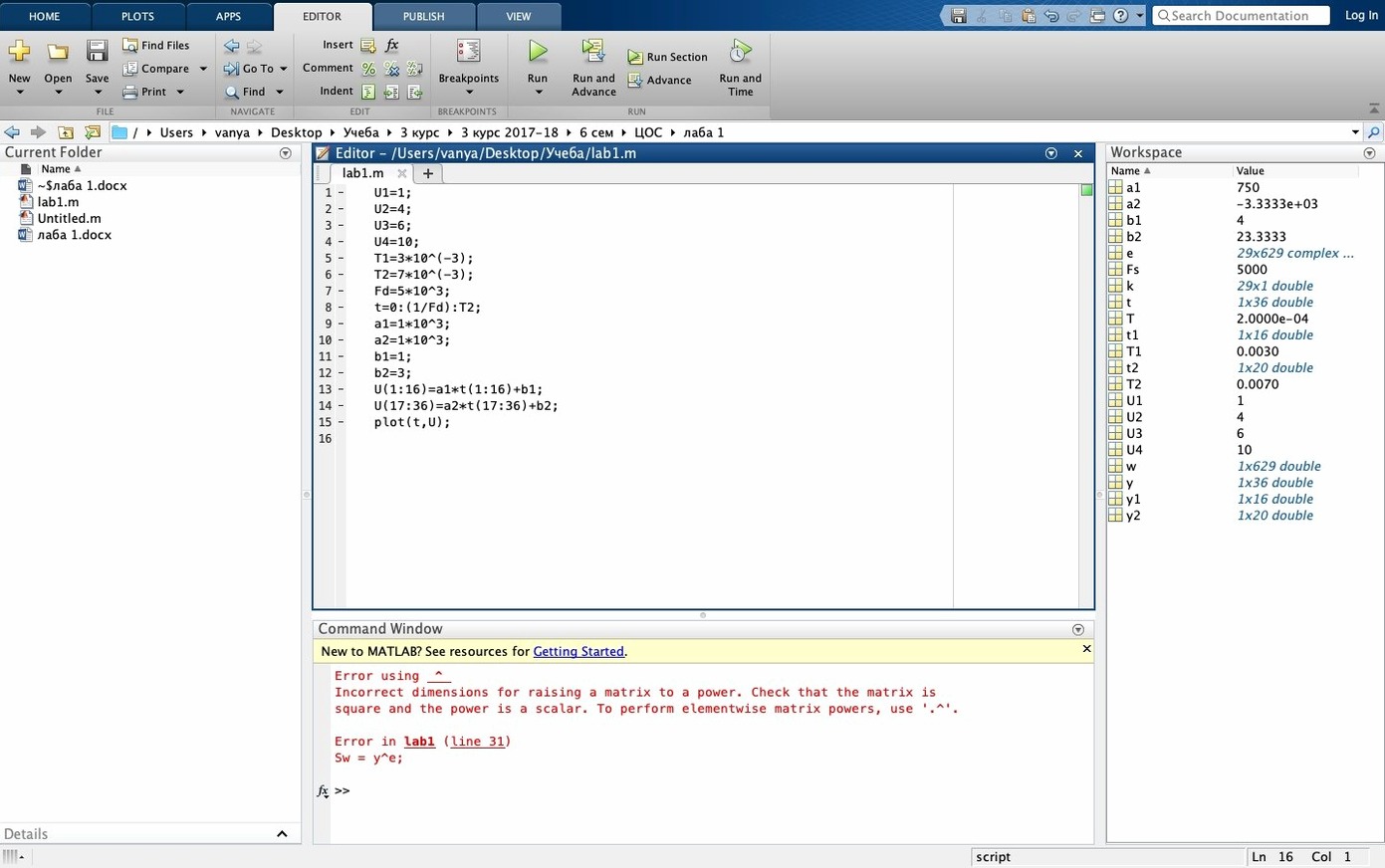
If you already use Excel for heavy data work, MATLAB is what you reach for when the spreadsheet hits its limits—large matrices, custom algorithms, or models that need a proper programming environment. R2025b needs macOS 12.6 or later, runs natively on Apple silicon and still supports Intel Macs.
What does the numerical core actually handle?
It works with real, complex and symbolic matrices. You get linear algebra, FFT and polynomial functions, basic statistics, and numerical differential equation solvers built in.
Between spreadsheets and a full IDE
It sits between your spreadsheet and a full programming IDE. Use it to analyze data, develop algorithms, and create models for financial engineering or control systems without switching to a separate development stack.
What's actually new in this release?
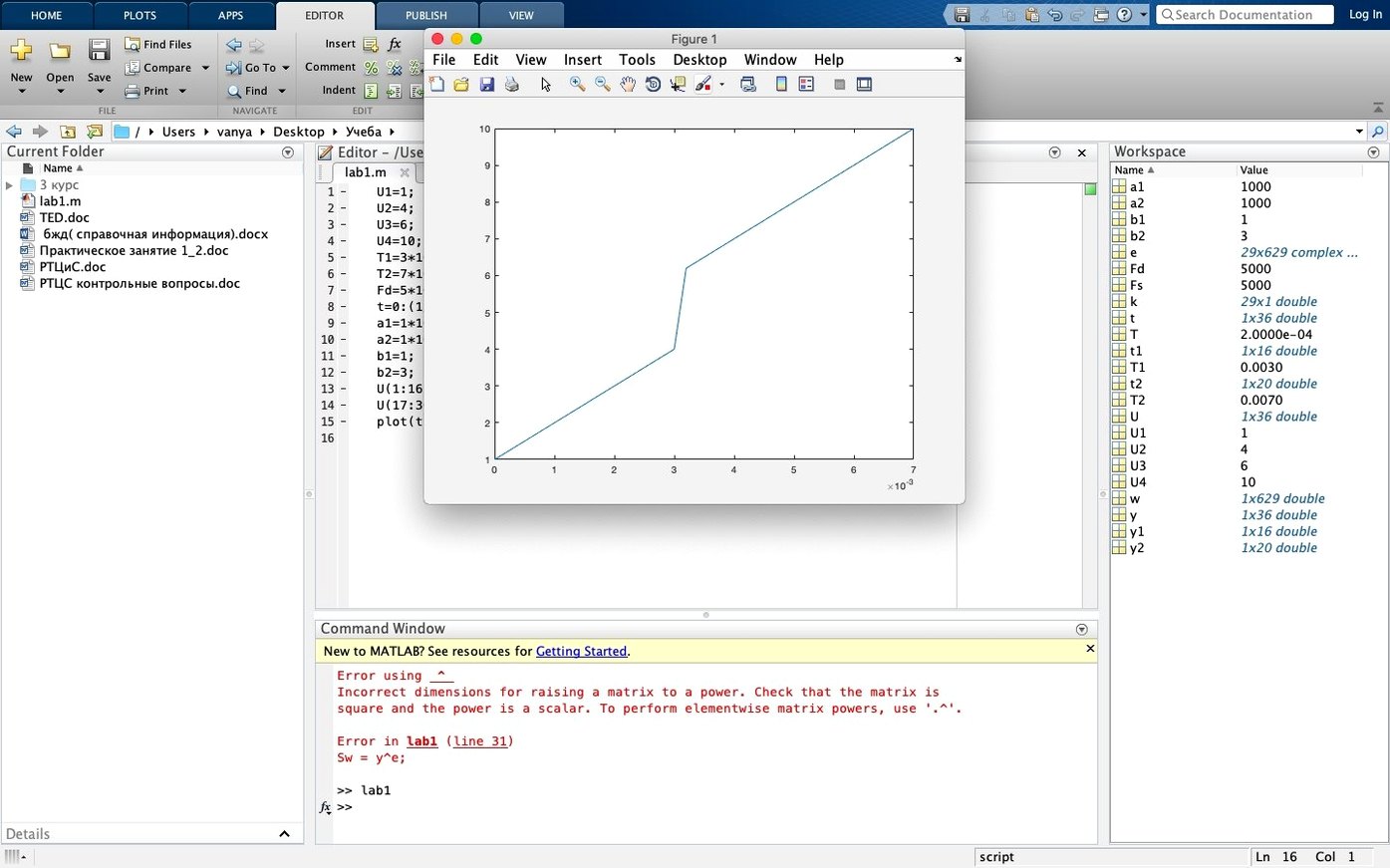
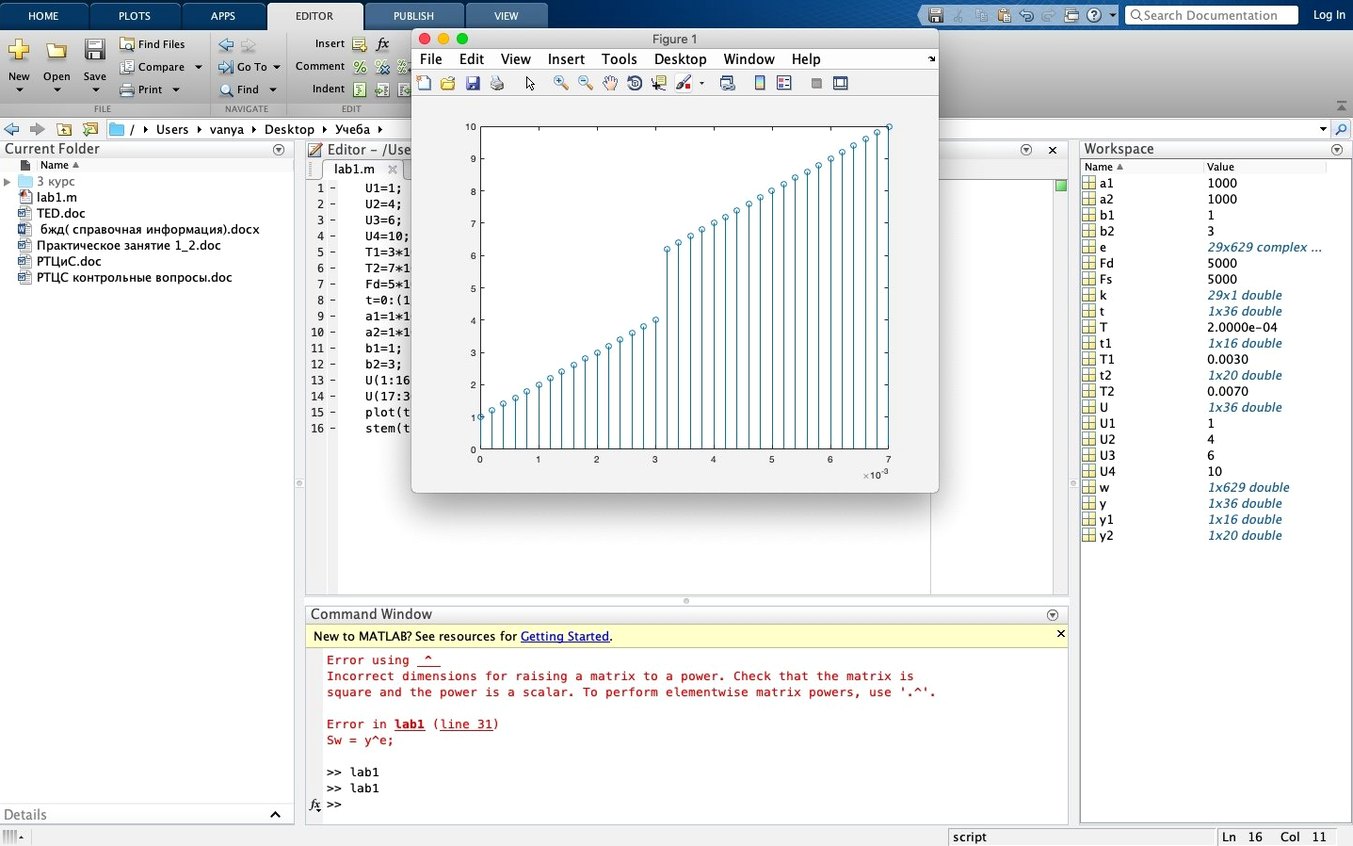
R2025b adds light and dark themes for the desktop, figures and apps. A new figure container lets you manage figures and tools in one window, and you get side panels for the Debugger, Source Control, Test Browser and Code Issues.
Control systems and signal processing tasks
Control systems engineers and signal processing folk are the natural home crowd—the toolboxes are built around their daily needs. If you're validating a filter design or tuning a PID loop, you're not fighting the environment.
Computational biologists and financial quants benefit for a different reason. They bring datasets that would choke a spreadsheet, and need a scripting language that handles matrix operations without a fuss. Image and video researchers live in the figure container and the new dark theme makes long sessions on a bright studio display less punishing.
Data analysts who lean heavily on Python might find it overkill—unless they need Simulink or specialist toolboxes. For those users, there's a real payoff only when the work demands deeper simulation or control logic.
Cleaning 50 Hz hum from accelerometer data
Say you have an accelerometer dataset full of 50 Hz mains hum and drift. Here's a path from raw CSV to a clean plot.
- Import with
readtable('sensor_data.csv'). Check for gaps withsummary(). - Plot the raw FFT using the new figure container—dock the signal and its spectrum side by side. The spike at 50 Hz is obvious.
- Design a band-stop filter with
designfilt()in the Signal Processing Toolbox, centered on 50 Hz with a tight notch. - Apply it with
filtfilt()to avoid phase shift. Follow up with a high-pass filter at 0.5 Hz to strip out sensor drift. - Drop breakpoints in the Debugger panel to step through the filter coefficients. The side panel keeps callouts tidy instead of scattering five floating windows everywhere.
- Export the cleaned time series with
writetimetable()and save the figure as a dark-themed PDF for a report.
It's a routine cleanup, but the new desktop layout means you spend less time dragging windows around. That matters when you're iterating on filter parameters six times before lunch.
What’s new
Adds light and dark themes for the desktop, figures and apps. Adds new desktop sidebars and task panels. Quality and stability improvements throughout.
Requirements
- macOS 12.6 or later
- Apple Silicon (native) or Intel
- English interface
Comments 0
Sign in or create an account to leave a comment.
No comments yet…
If you’ve installed it, say how it went. Mention your Mac and macOS version — it helps the next person more than you’d think.