GoodNotes for macOS
Description
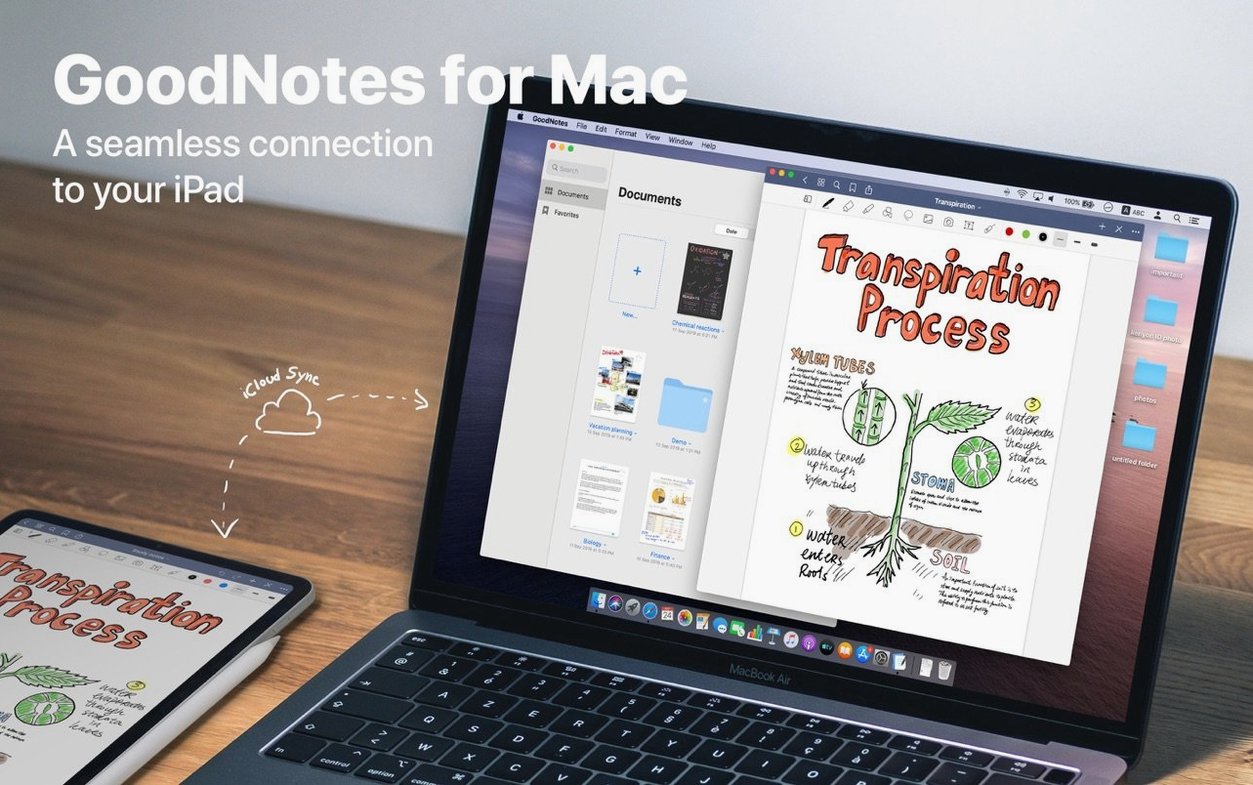
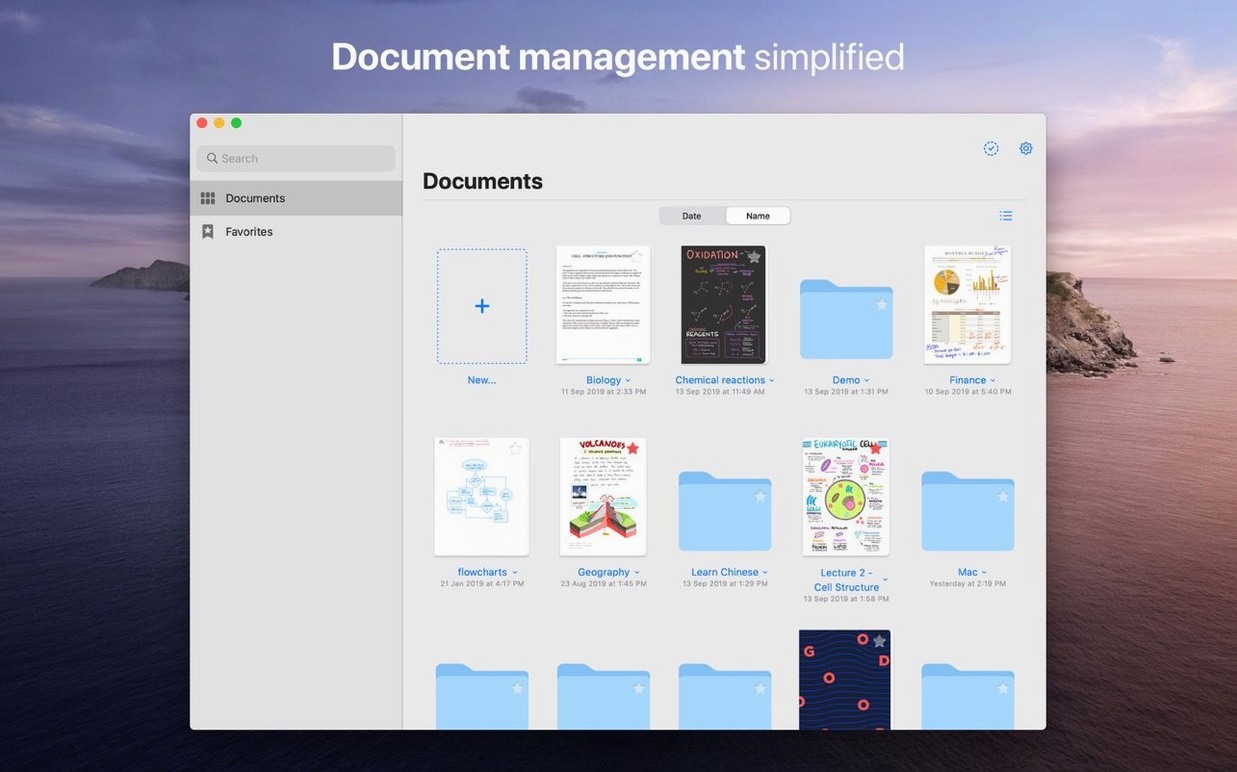
If you've ever used a physical notebook with a built-in index, you'll get GoodNotes straight away. It treats each document like a real pad, but adds tools paper can't offer. The Mac version opens the same files you scribble on with an iPad, synced through iCloud.
Import a PDF for marking up
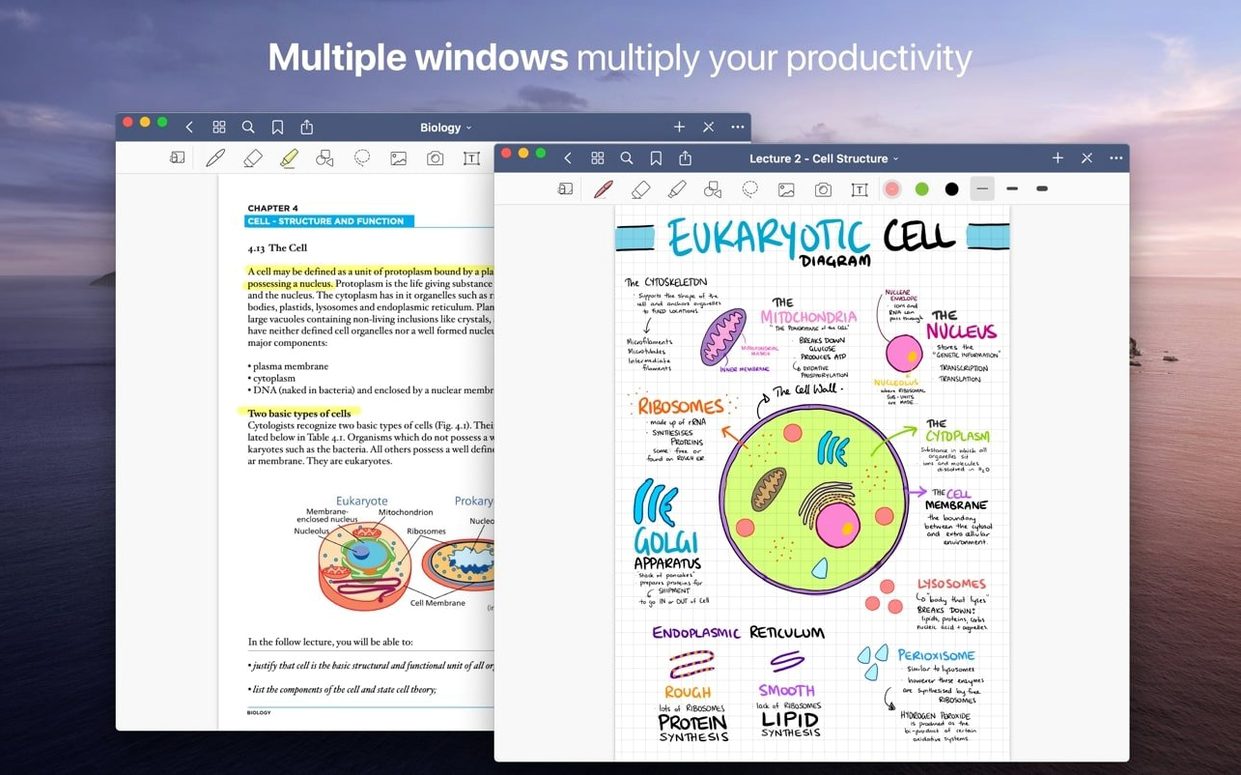
Drag in any PDF or image and start annotating. Live hyperlinks inside the file stay clickable, so research papers and reports behave properly.
Clean up a sketched diagram
The Shapes tool snaps rough lines into neat geometry. When you want to remove only the marker layer while leaving the notes beneath, the separate ink-only erase option handles it.
Build a table of contents
Double-click opens my renovation PDF exactly where I left it
I open GoodNotes mid-morning with a PDF of rough site notes already waiting from the iPad. The document lands in a folder called Renovations — three subfolders deep, exactly where I left it. Double-click opens it in under a second on an M1 Air.
- I add a new page at the end, pick the fountain pen tool, and scribble a quick floor-plan tweak with the trackpad. Not pretty, but fast.
- Two mistakes in the corner. I switch to the stroke eraser, tap once, and the whole wobbly line disappears. The marker layer stays untouched.
- The builder needs a clean copy. I drag the page thumbnail straight to the desktop — out pops a PDF, no export dialogue needed.
I switch to a fresh notebook, paste in a screenshot of a product spec, and circle a dimension with the highlighter. The marker ink sits transparent behind the shape. I move the circle a few points left by selecting it and nudging. A corner of the image shifts with it because I forgot to deselect it first. Undo. Try again. GoodNotes remembers the undo stack across tools, which is a small mercy.
Before closing, I favourite the page so it appears in the sidebar for Tuesday's call. The whole session took maybe eight minutes. The fan never spun up.
Trackpad handwriting feels functional but ink appears without lag
Handwriting input on the Mac trackpad is functional rather than delightful — it's clearly built for a Pencil — but ink appears without lag. Typed text boxes snap to the grid the same way. Scrolling through a 200-page notebook with dozens of images stays smooth on Apple Silicon; on an older Intel i5 it hesitates after about page 80 if the pages are photo-heavy.
iCloud sync is the quiet achiever here. Edits made on the iPad appear in the Mac sidebar within a few seconds, assuming a reasonable connection. The app never beachballed during a sync, though I did see a "Document locked" warning once when I opened the same file on two devices simultaneously. Closing one resolved it.
In Activity Monitor, GoodNotes idles at around 120 MB of RAM with two notebooks open. That figure climbs with large imported PDFs — a 90-page scanned document pushed it to 280 MB. Still modest. Battery drain is negligible compared with a browser. Crashes across a week of daily use: none. The only slowdown came when I dropped thirty PDFs into the library at once; the thumbnail generation took a few seconds, then recovered.
Switch palm rejection to highest sensitivity on Mac
Out of the box, GoodNotes makes sensible choices, but three adjustments make a real difference to daily work.
- Stylus & Palm Rejection. Even on Mac, switch palm rejection to its highest sensitivity. It prevents stray trackpad swipes from leaving ink trails when your hand brushes the surface.
- Auto-Backup. Turn on the automatic PDF backup to a local folder. iCloud is fine for sync, but a local backup saves panic if a notebook corrupts — rare, but it happens.
- Default Text Box Style. Set your preferred font, size and colour once in the typing tools panel. Every new text box inherits it, so you stop reformatting Helvetica 12 every time.
The Shapes & Lines sensitivity slider is also worth a look. Dropping it slightly makes the shape recognition less aggressive, which helps when you're drawing rough connectors that you don't want snapped into perfect arrows.
If you grabbed the goodnotes dmg or used a goodnotes mac download route to install it, these tweaks turn a capable notebook viewer into something that fits how you actually work. The same applies whether someone got the app alongside a goodnotes 5 download ipad or a goodnotes 5 download mac package — the preferences pane is identical across platforms, which keeps things simple.
Create custom navigation points inside long notebooks. Jump straight to a chapter or meeting section without scrolling through pages.
Requirements
- macOS 10.15 or later
- Apple Silicon or Intel 64-bit
FAQ
Can I erase just part of a line in GoodNotes?
Yes. The eraser can remove an entire stroke at once or only the portion you drag over, which is handy for tidying up handwritten notes without redoing everything.
Does GoodNotes sync between Mac and iPad?
It syncs changes through iCloud with other Macs, iPads and iPhones. Your notebooks stay current across all your Apple devices.
Can I import PDFs into GoodNotes on Mac?
You can import PDF files and images for annotation. Live hyperlinks that were already in the PDF remain active.
Comments 0
Sign in or create an account to leave a comment.
No comments yet…
If you’ve installed it, say how it went. Mention your Mac and macOS version — it helps the next person more than you’d think.