LookAway for macOS
Description
You’re three hours into a report, the cursor blinking in time with your dry eyes. A notification slides in from the menu bar: two minutes until your next break. You finish the sentence, look out the window, and the timer runs.
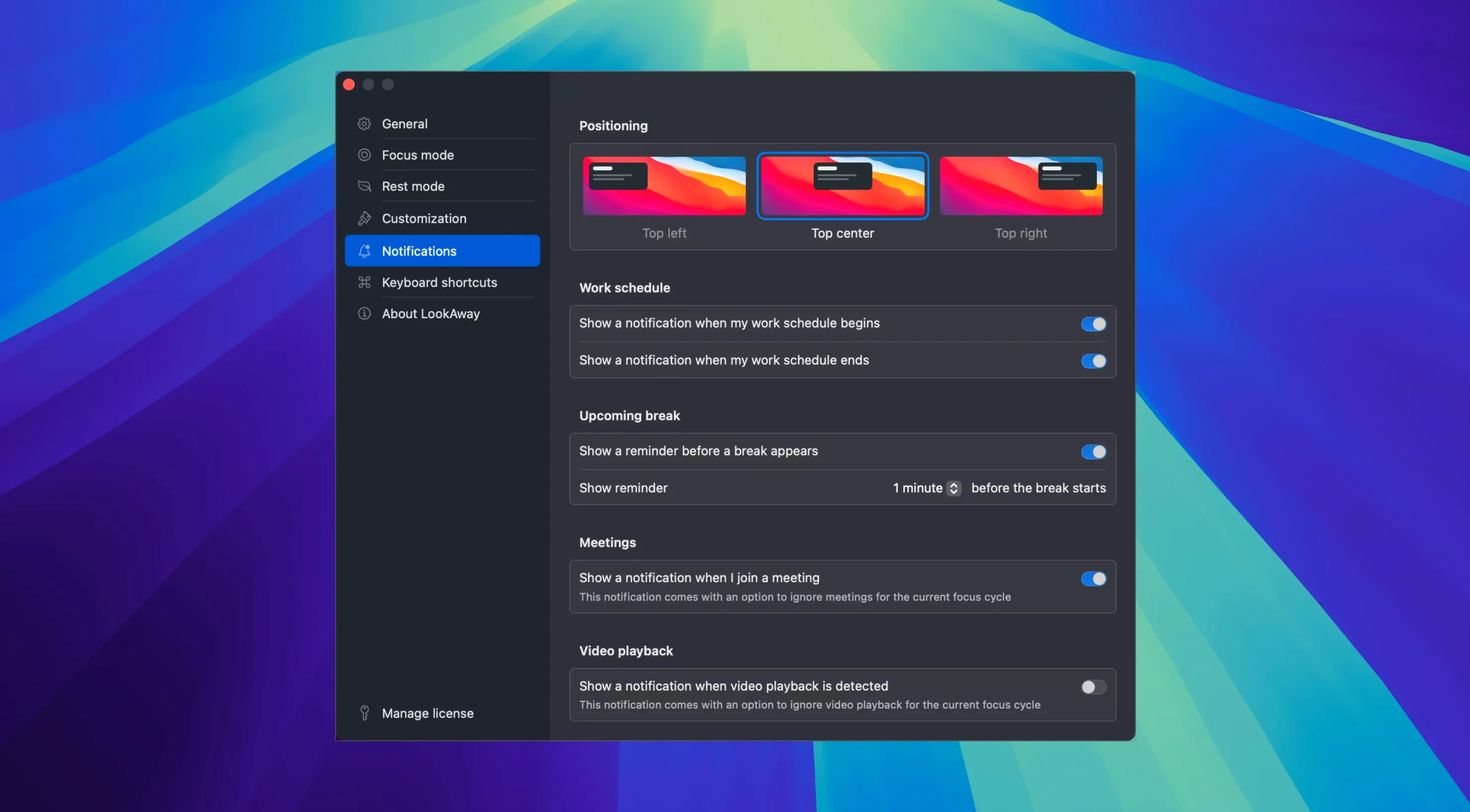
Nudges you before each pause so you’re never caught mid-flow
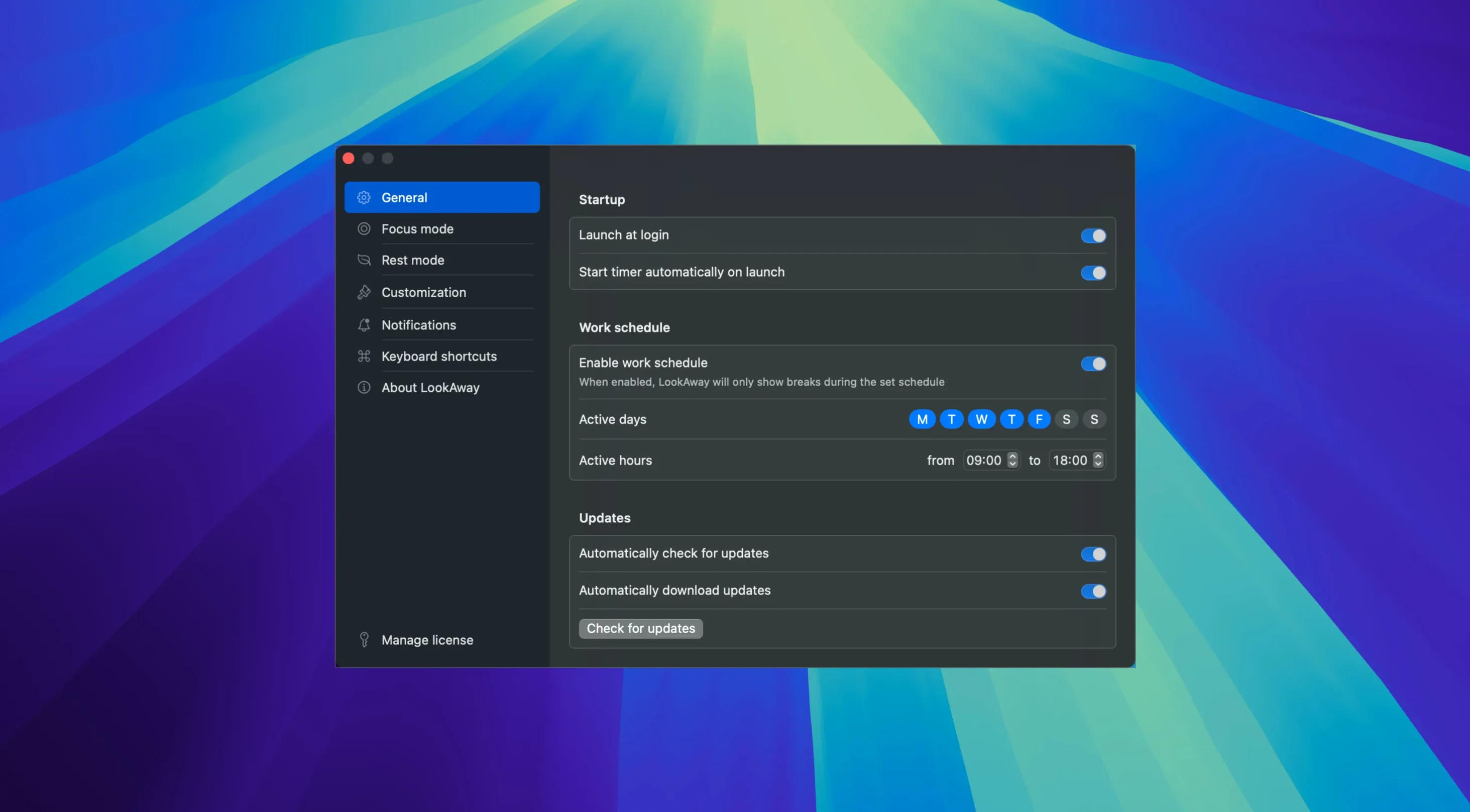
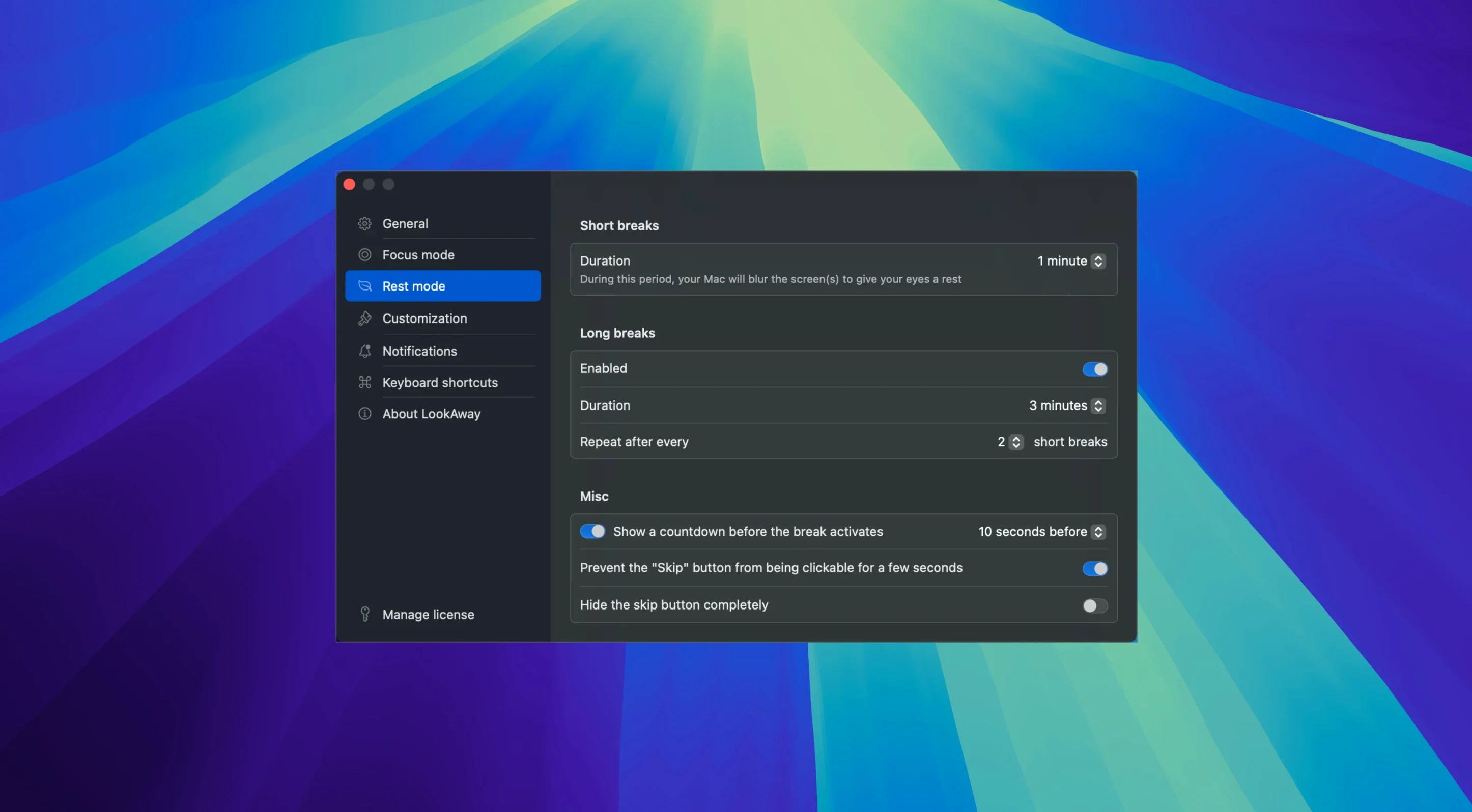
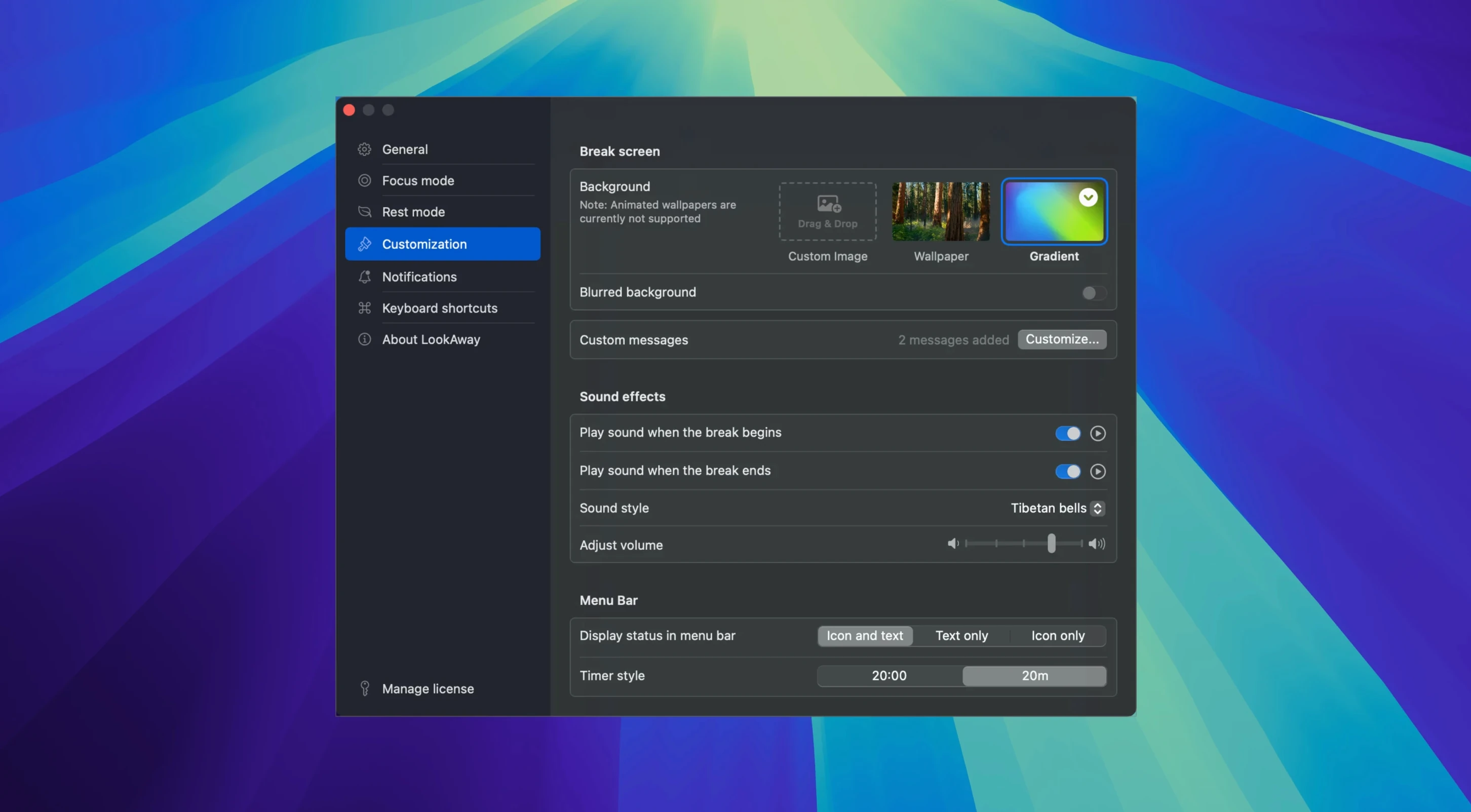
LookAway does one job without fuss. It prompts you to take short pauses and longer screen breaks at intervals you set. You get a notice before a break begins, so you’re never caught mid-flow. A quiet sound plays when the time is up, which spares you clock-watching.
Detects calls and presenting so breaks don’t interrupt
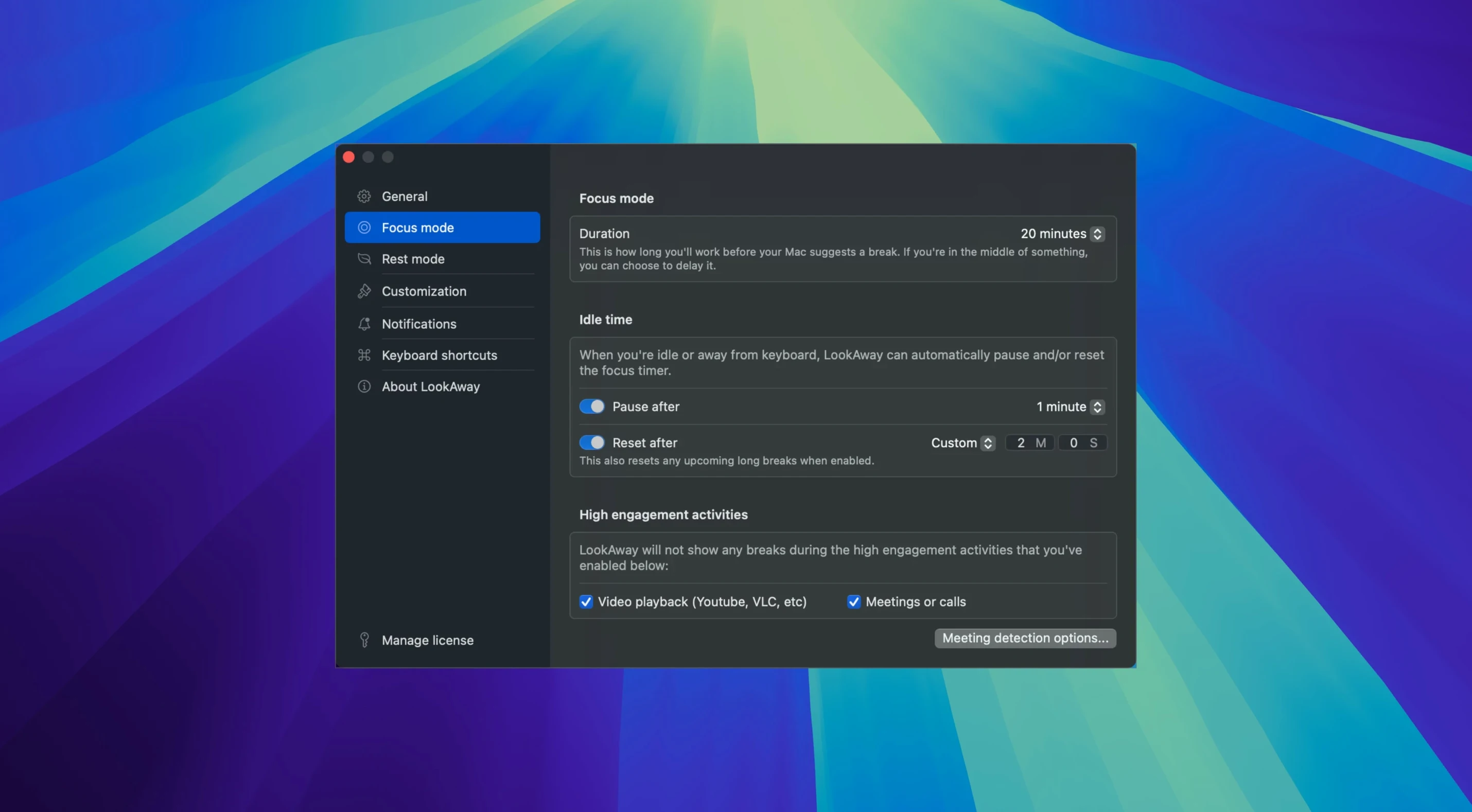
LookAway steps back when you’re on a call. It detects meetings and pauses reminders automatically, so it won’t interrupt a presentation or a client chat. If you work with a second display, the app covers both screens — the break overlay doesn’t leave one monitor exposed. It runs on macOS 13 or later and expects nothing more than to be left in the background.
Beginners often set the short-break interval too low — five minutes between breaks sounds healthy, but it chops the day into fragments. A better starting point is 25 minutes of work with a 20-second pause. You can tighten it later if your screen time feels relentless. Another common slip: ignoring the pre-break notification and letting a break ambush you mid-typing. Those ten seconds of warning are there so you can finish a thought. Use them.
People also miss the idle detection entirely. If you step away to make coffee and LookAway pauses the timer, it resumes when you return — not before. That stops the app nagging you the moment you sit back down. But if you leave the Mac unlocked while you chat to a colleague, the timer keeps running. Lock the screen or flip the meeting-detection setting on, and the app sorts itself out.
Lives quietly in the menu bar with brief, barely visible CPU spikes
LookAway sits in the menu bar using less than 80 MB of RAM on an Apple Silicon Mac. It wakes to show a notification, then settles again. CPU spikes are brief and barely register in Activity Monitor — a fraction of a second to render the overlay, then silence. On an Intel machine the footprint is similar, though the overlay animation can hitch if the GPU is already busy with heavy video work.
Stability is uneventful in the best way. The app runs for days without a crash, even across sleep-wake cycles. Break overlays draw reliably on both displays, and the sound cue fires on time. The only quirk I’ve seen: if you dismiss a break overlay with a frantic tap of the Escape key, the timer occasionally resets to the start of the same break period. A minor thing, and it doesn’t happen if you wait for the countdown to finish.
The meeting detection uses a lightweight accessibility hook — no calendar access, no microphone. That keeps resource use flat and privacy simple. If you’ve grabbed a lookaway torrent mac build and want it to stop beachballing every time a call starts, check that the accessibility permission is still enabled for the cracked copy — System Settings tends to revoke it on unsigned binaries.
Requirements
- macOS 13 Ventura or later
- Intel and Apple Silicon Macs
FAQ
Does LookAway pause when I’m in a meeting?
Yes. It detects calls and meetings and pauses break reminders automatically until you’re free.
Will it work with my extra monitor?
Yes. LookAway supports multiple displays so the break screen covers all connected monitors.
Comments 0
Sign in or create an account to leave a comment.
No comments yet…
If you’ve installed it, say how it went. Mention your Mac and macOS version — it helps the next person more than you’d think.