Complete Anatomy for macOS
Description
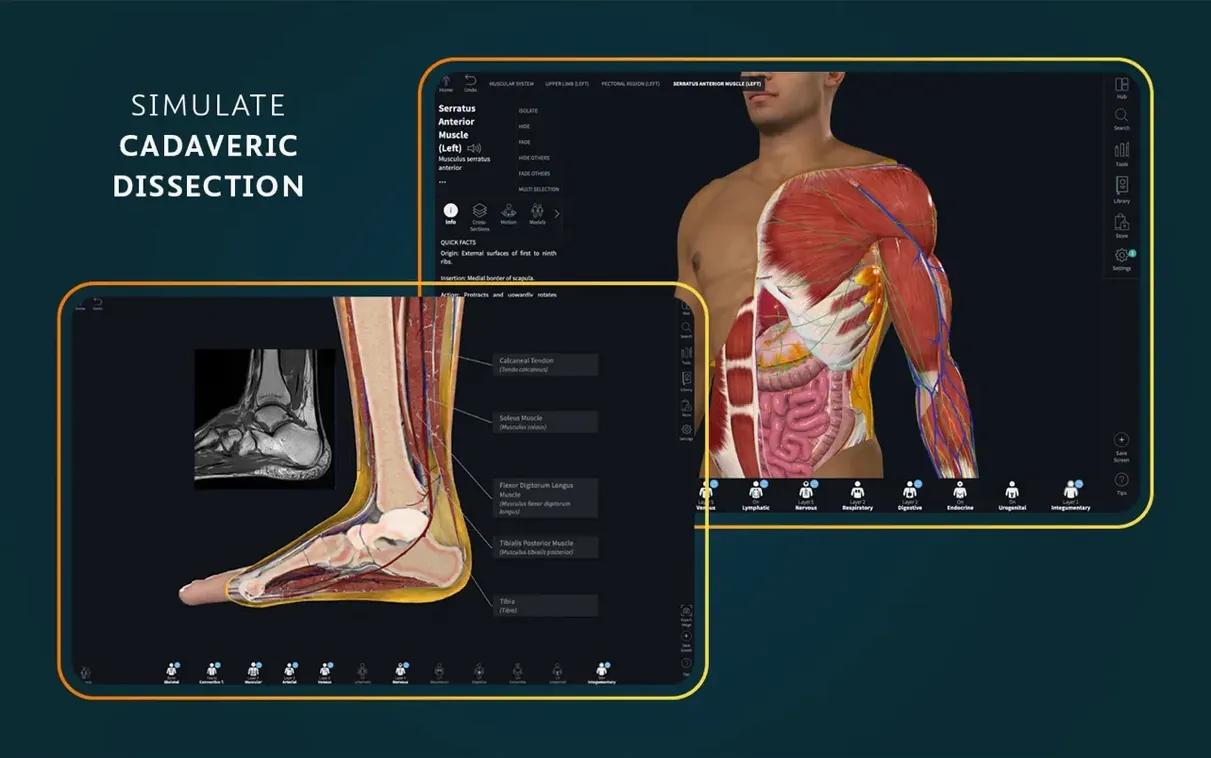
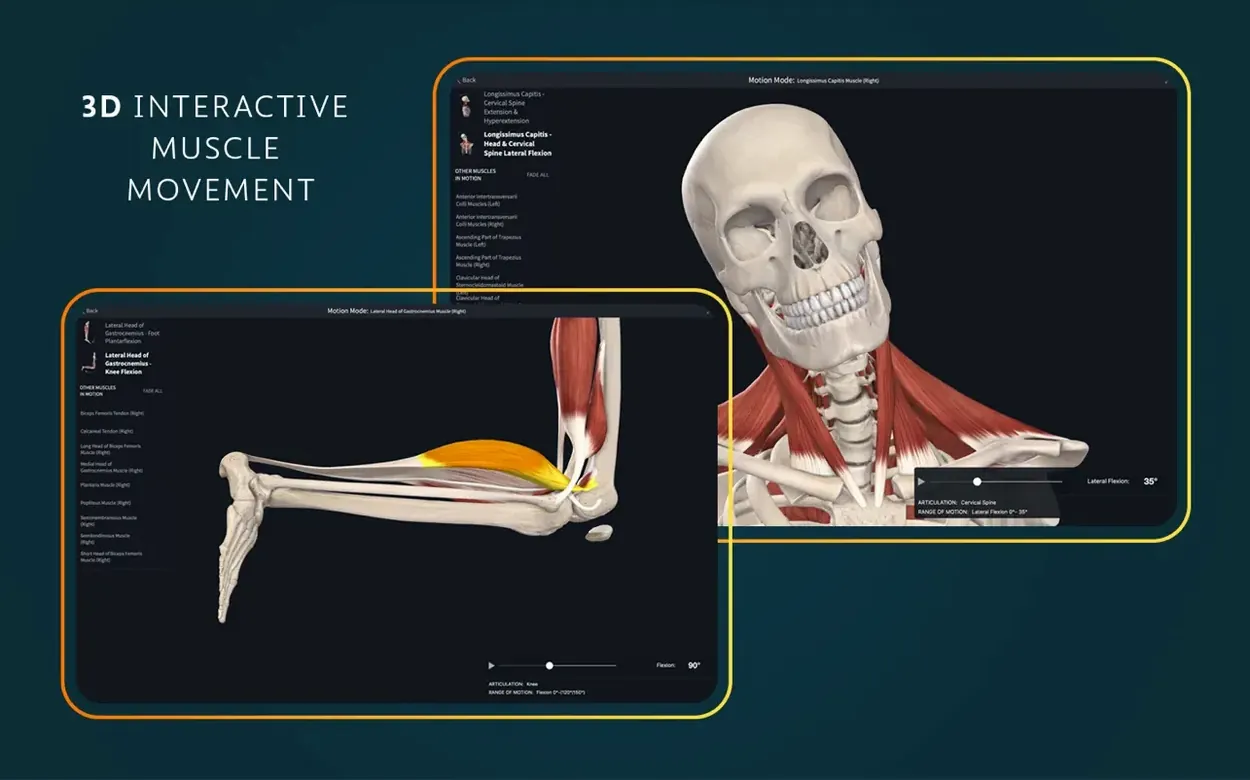
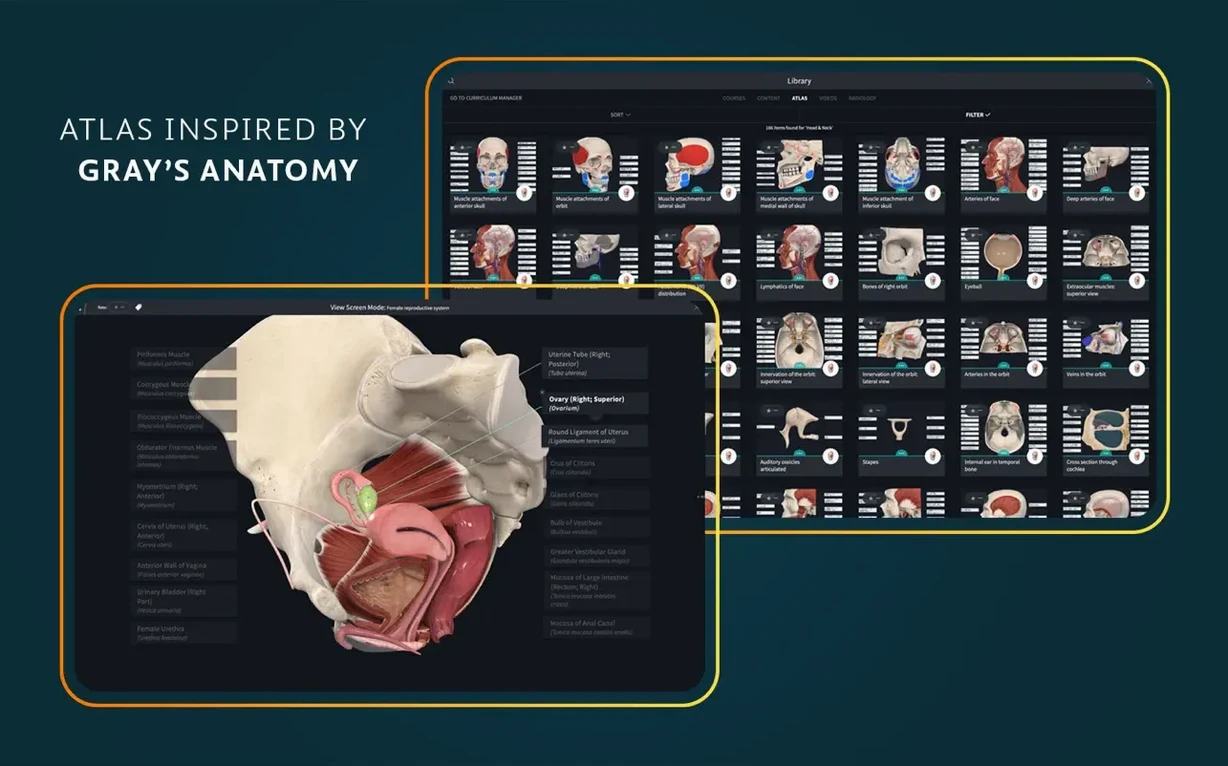
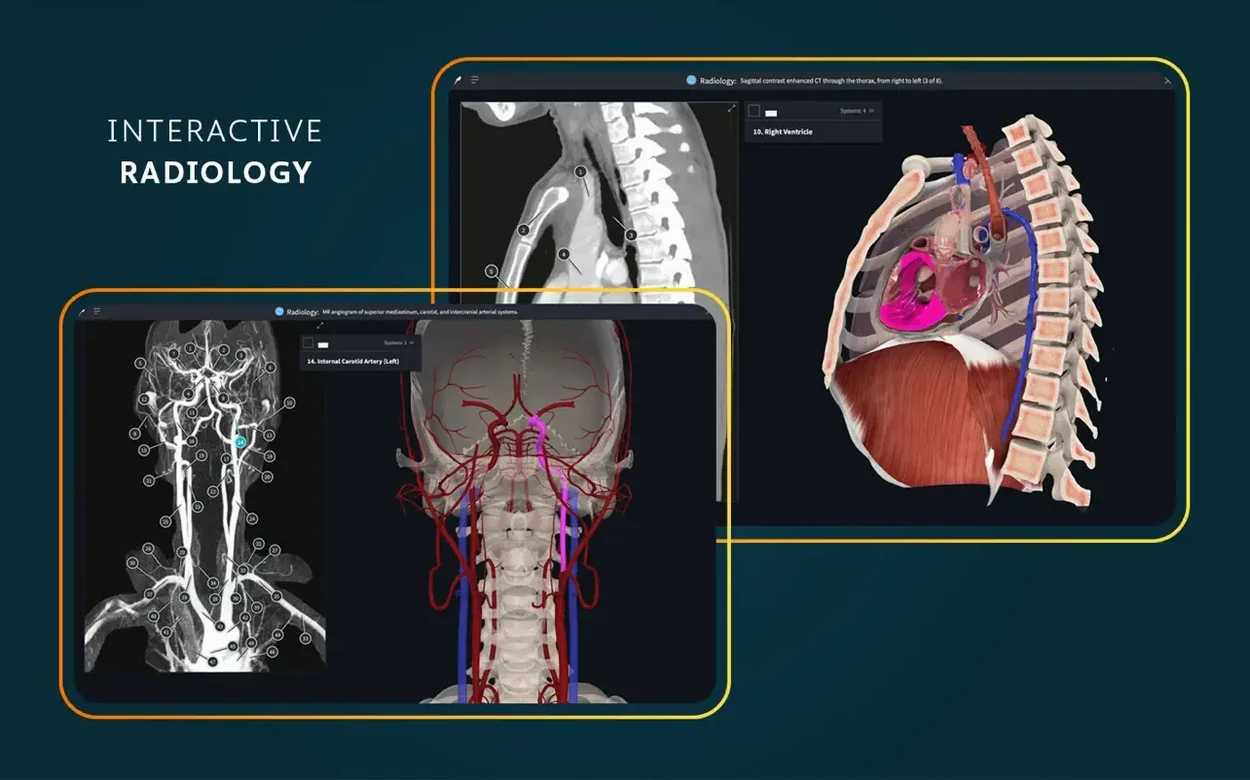
More than 700 screens make up the atlas, but that is just the flat reference material. The app itself is a 3D anatomy learning platform that moves. You get dynamic cross-sections and real-time muscle movement, which means a bicep actually contracts when you click the right tool. The radiology view sits alongside the interactive models, so you can cross-check a scan against a living structure without switching to a textbook.
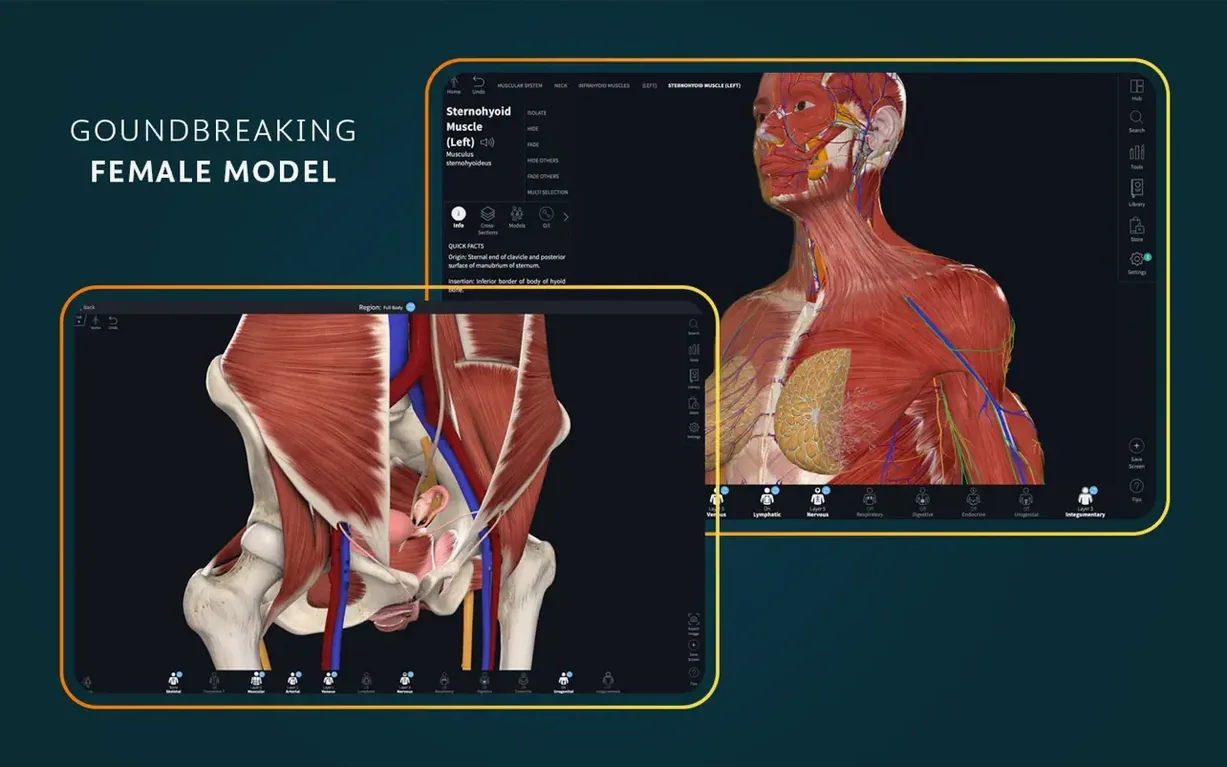
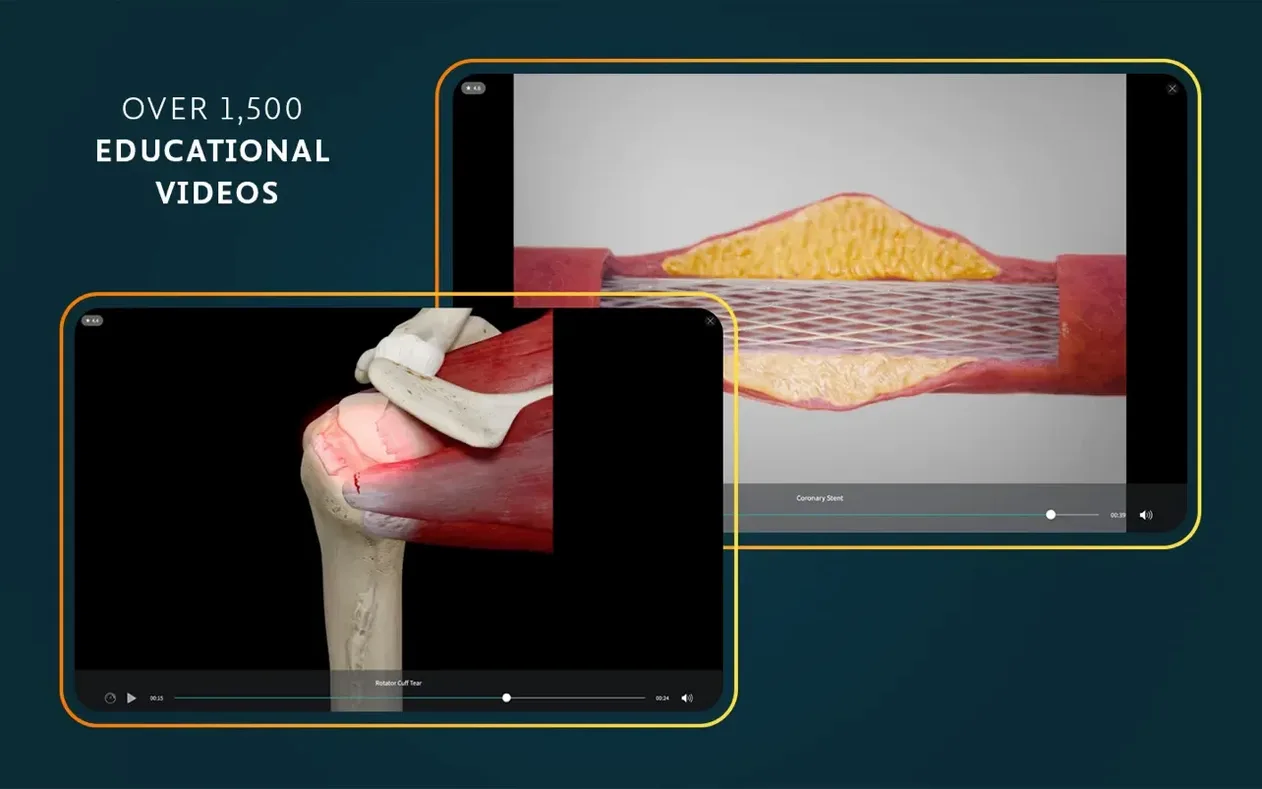
The content stretches beyond a basic skeleton. Female anatomy, dissection courses, point-of-care ultrasound and clinical correlations are all in the package. Those 1,500 clinical videos are not decorative. They tie the models to real practice. The interface comes in English, German, Spanish, Simplified Chinese and French.
It needs macOS 11.0 or later and runs natively on both Apple silicon and Intel Macs. Copy the app into Applications and launch it from Launchpad. A signed-in account is required for full functionality, so expect a login screen on first launch.
A regional anatomy session, start to finish
Suppose you are prepping for a spot test on the forearm. You open the app, sign in, and head straight to the musculoskeletal section. A full skeleton loads, but you zoom into the right radius and ulna and pin them to the foreground. Everything else fades back. You then layer on the flexor compartment muscles one by one, rotating the model 30 degrees to confirm the radial artery's path across pronator teres. The real-time muscle movement tool lets you simulate wrist flexion, so you watch flexor carpi radialis shorten while the extensors on the dorsal side relax. You cross-reference against a radiology view — an AP wrist film — and trace the same soft-tissue shadows you just saw in 3D. The session ends with the clinical correlations panel, which links a deep解剖 dissection screenshot to a short video on carpal tunnel syndrome. That is the forearm done in about forty minutes, without a single highlighter or flashcard.
Dissecting the beating heart — a typical session
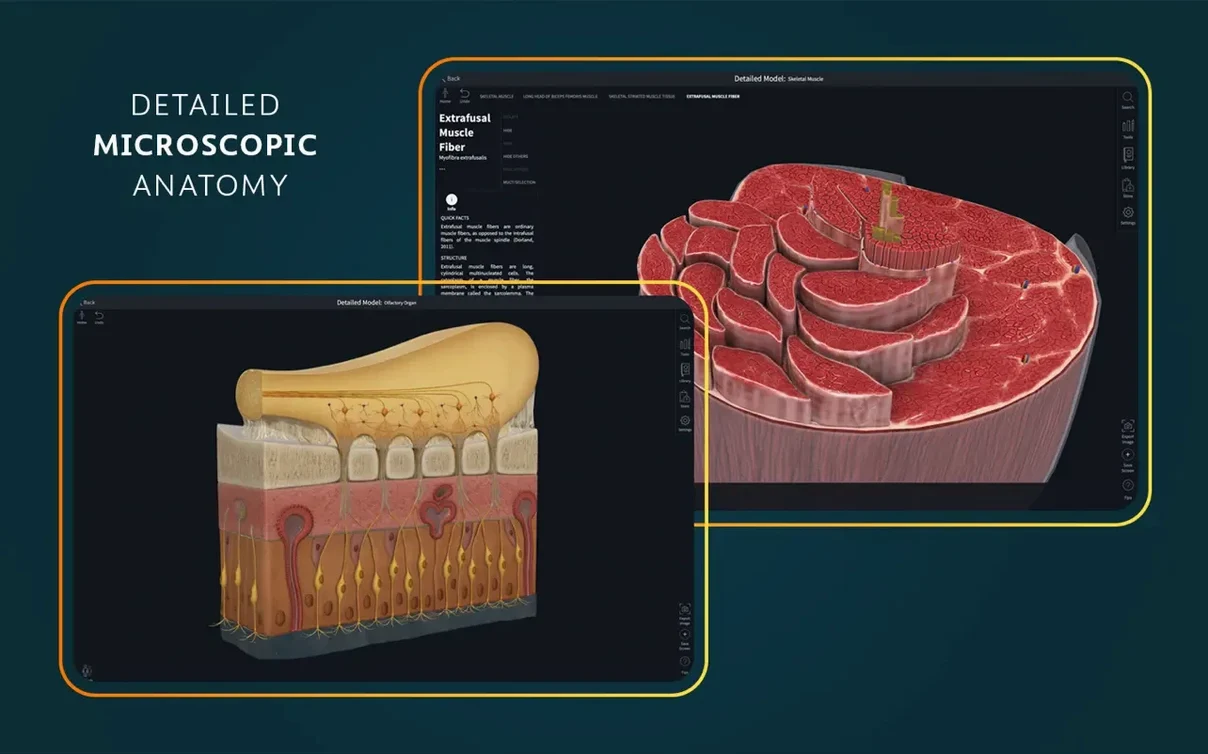
You launch the app around 8pm, coffee on the desk, and pick the beating heart model from the main menu. The heart opens in a default anterior view, chambers contracting in a steady rhythm. You pause the cycle at mid-systole and start stripping layers: pericardium off, then the epicardial fat. You pull the left ventricle forward and zoom through the interventricular septum, checking trabeculae carneae from an angle no dissection hall ever offered. A tutor once mentioned that the right coronary artery's marginal branch gets missed easily, so you isolate the vessel tree and trace it end to end. You toggle the radiology overlay — a contrast CT — and match the vessel's curve to the scan. The session shifts to the microscopic anatomy models for twenty minutes, because cardiac muscle histology is on the same exam. You finish by queuing three clinical videos on myocardial infarction, note a couple of cross-section views that confused you, and close the lid.
Rehearse a dissection step you saw only once
Does this replace a dissection lab? No. It sharpens what you learn in the lab. You can revise a关系 relationship, test yourself on a spatial layout, or replay a dissection步骤 step you only saw once. It works alongside prosections and textbooks, not instead of them. The dynamic cross-sections help you imagine what lies ahead before you pick up a scalpel, but the weight of a real muscle is something no screen delivers.
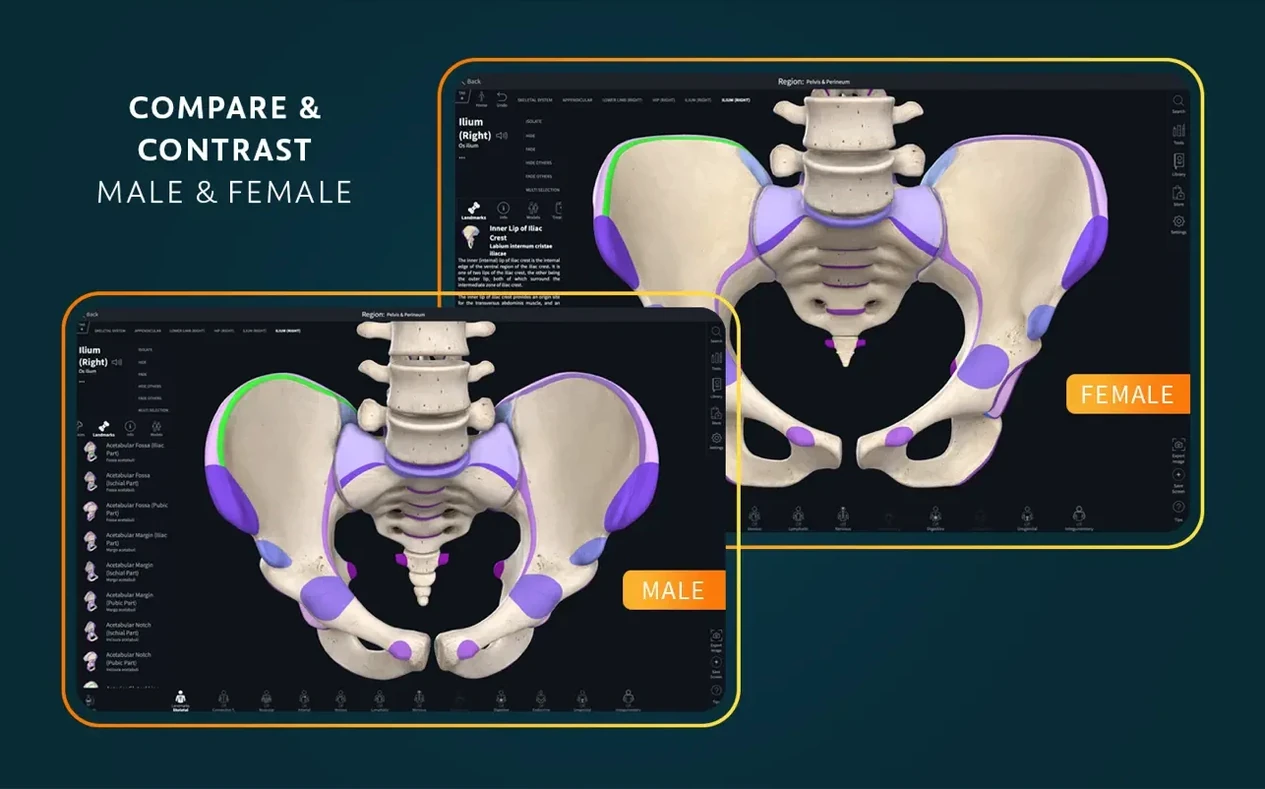
How much of the model is female anatomy? The platform includes a full female pelvis and reproductive system, plus a female thoracic and abdominal model. You are not stuck with a default male template with a different pelvis swapped in. The female models cover the same musculoskeletal and organ detail, and the clinical videos include examples across both.
Does the AR mode work on a Mac? The AR mode relies on a camera feed, so it targets iPads and iPhones. On a Mac you get the same model fidelity, radiology views, and tools — just without the augmented-reality overlay. If you need AR, you use the mobile version. On a desktop, the larger screen makes cross-section work and multi-model comparisons faster.
Worth it if you study anatomy and would rather watch a structure move than read about it.
What’s new
Improves support for iOS 26.
Requirements
- macOS 11.0 or later
- Apple Silicon and Intel Macs
- A signed-in account for full functionality
Comments 0
Sign in or create an account to leave a comment.
No comments yet…
If you’ve installed it, say how it went. Mention your Mac and macOS version — it helps the next person more than you’d think.