YT Saver for macOS
Description
You've found a workshop recording you need to reference offline. It's late, the hotel Wi‑Fi is patchy, and you'd rather not leave it streaming. YT Saver Mac fetches the file directly to your drive, ready for whenever you can look at it properly.
- Multi‑source downloading. Grabs video and audio from a wide range of streaming sites, not just the obvious one.
- Built‑in converter. Saves straight to MP4, MOV, AAC, WAV and other formats — no separate transcoding step.
- Faster fetch. Uses its own download engine to pull files at higher speed than standard browser grabs.
- Simultaneous jobs. Queues up multiple videos and downloads them in parallel rather than one at a time.
- Private mode. Locks downloaded content inside a password‑protected folder, keeping work projects out of sight.
It runs on Intel Macs back to OS X 10.10, with a localised interface in twelve languages. Worth reaching for when you need offline copies without waiting around.
Offline teaching and multi-source research
People who teach, present or study offline. If you run workshops in rooms where Wi‑Fi is unreliable, you'll grab the clips you need beforehand. Researchers who collect interview footage from multiple sources find the simultaneous downloads a genuine time‑saver — queue up six videos, walk away, come back to a folder full of MP4s.
Language learners benefit too. Download subtitled content once, then replay it on a train or a plane without buffering. Musicians who pull reference tracks from streaming sites like that they can save directly to WAV or FLAC, skipping the step of running a separate audio converter afterwards.
The private‑mode folder suits anyone sharing a Mac. Freelancers who hot‑desk, families with one computer, or anyone downloading work‑related media they'd rather not have pop up in a shared recents list.
It's less useful for people who only ever download the odd clip from one site. The built‑in browser and multi‑source engine are overkill if your needs stop at a single video every fortnight. But for bulk offline archiving, it fits.
Converting a lecture series to phone audio
Say you've found a ten‑episode lecture series. You want the audio on your phone for the commute, not the video files. Here's the shortest path.
- Open YT Saver and use the built‑in browser to navigate to the playlist page. Log into the site if needed — the browser handles sessions like a regular one.
- Copy the playlist URL from the address bar.
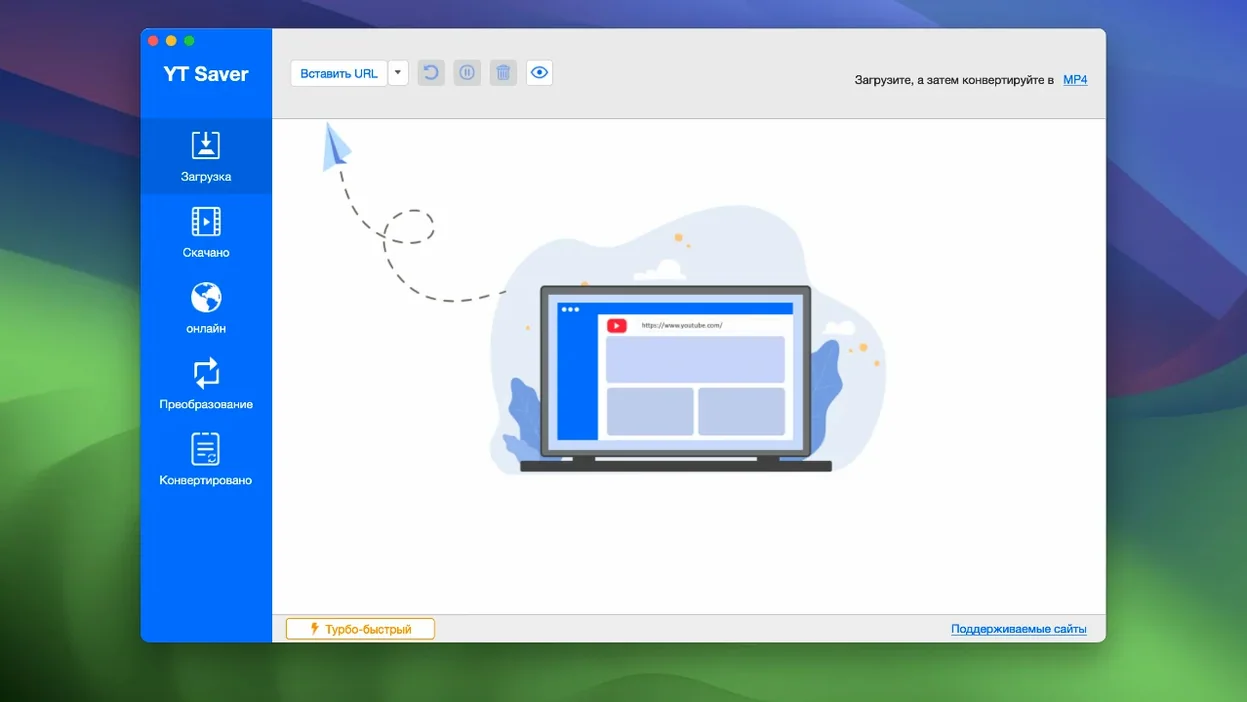
- Click Paste URL in the main window. The app scans the link and lists all detected episodes.
- In the output‑format drop‑down, pick M4A or MP3. The app shows estimated file sizes.
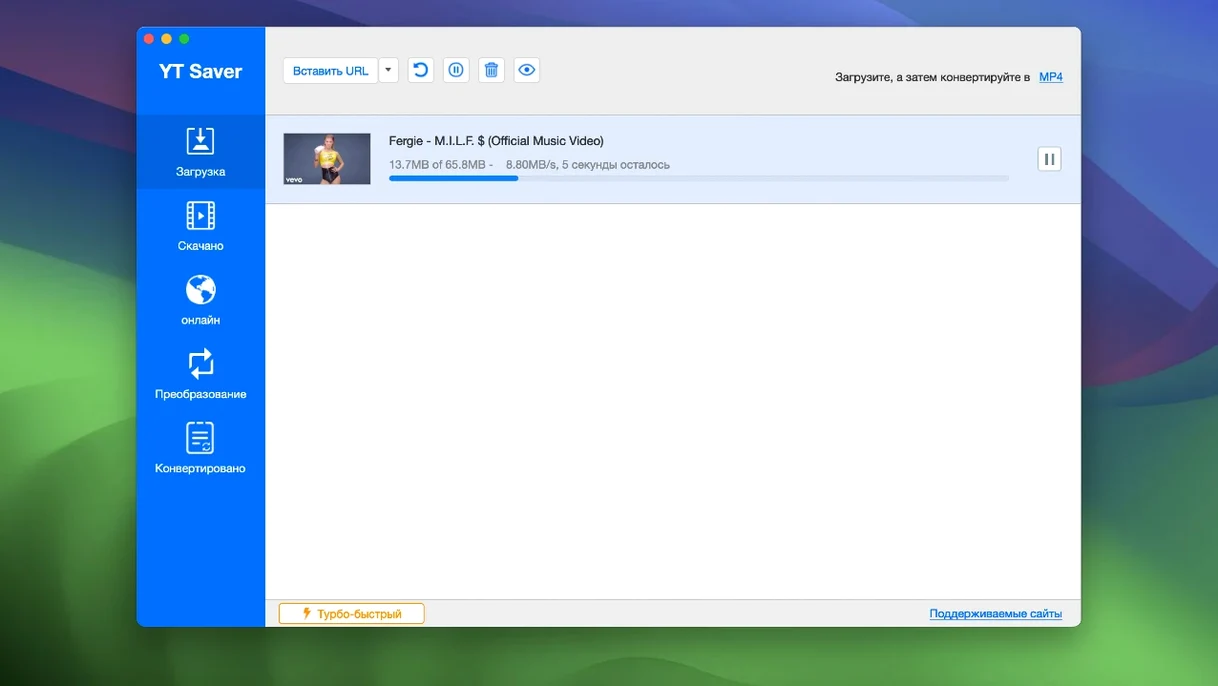
- Click Download All. The queue panel shows each item's progress. With the faster download engine, a ten‑minute talk usually lands in under a minute on a decent connection.
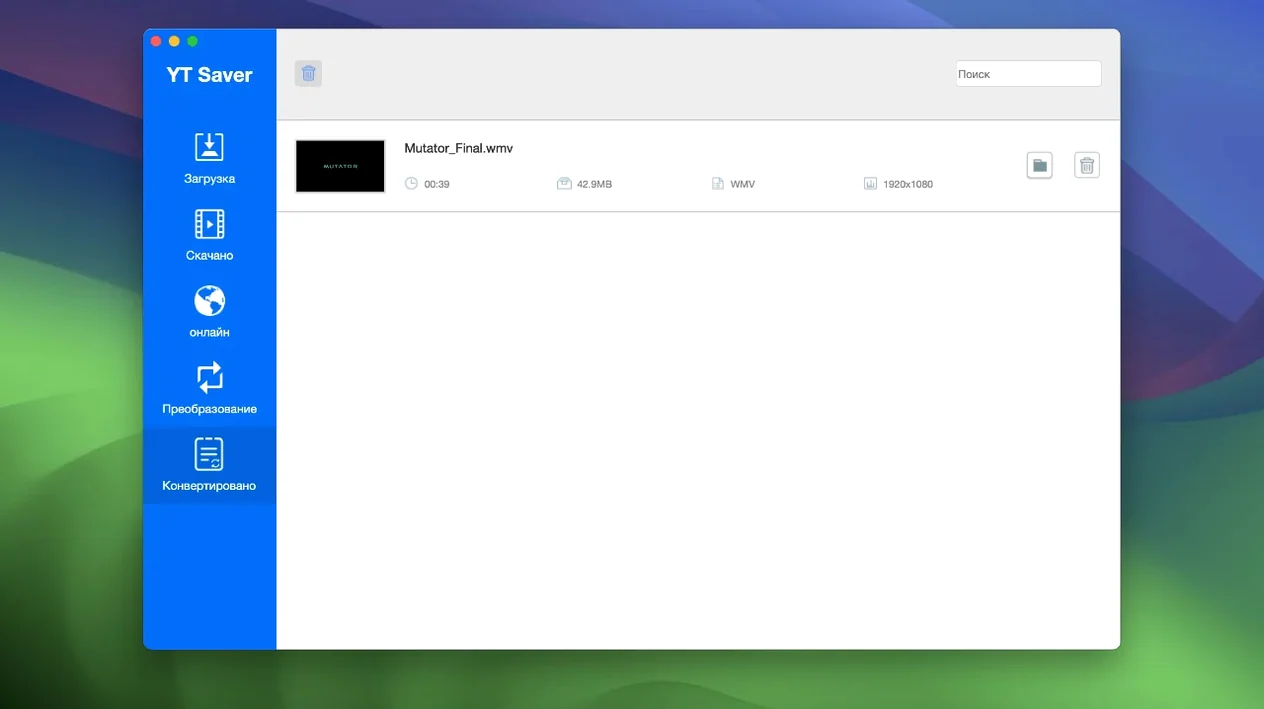
- Once finished, find the files in your chosen output folder — named by episode title, not random strings.
If macOS blocks the app on first launch, you'll need the Gatekeeper‑friendly mount step and a quick Terminal Enter bypass before dragging it into Applications. After that it opens without fuss.
When a playable video won't download
Assuming every site works the same way. The app supports over 10,000 sites, but some platforms serve DRM‑wrapped streams it cannot touch. If the built‑in browser plays the video fine and the download still fails, that's usually the reason — not a bug in YT Saver itself.
Ignoring the format picker. A surprising number of people leave the output set to its default, then wonder why they got an MP4 when they wanted audio. Check the drop‑down before you click download. It's right there in the main panel, not hidden in preferences.
Downloading one video at a time. The app handles parallel queues, but new users often paste a URL, wait, paste the next one, wait. Paste all your links into the queue at once. Let it chew through them while you do something else.
Forgetting private mode exists. If you share your Mac and download something you'd rather keep to yourself, toggle private mode on before you start. It's not retroactive — switching it on after downloading won't move existing files into the locked folder.
Expecting the built‑in browser to replace Safari. It's there for convenience — logging into streaming accounts, navigating to video pages, copying URLs — not as a daily driver. Its job is to make the download workflow self‑contained, not to become your main browser.
Requirements
- OS X 10.10 or later
- Intel 64‑bit processor
FAQ
What formats can YT Saver convert to?
It converts video to MP4 and MOV, and audio to AAC, WAV, among other common formats — all built in.
Does it work on older Macs?
Yes. It requires OS X 10.10 or later and runs on Intel‑based Macs with 64‑bit architecture.
Comments 0
Sign in or create an account to leave a comment.
No comments yet…
If you’ve installed it, say how it went. Mention your Mac and macOS version — it helps the next person more than you’d think.