Winclone Pro for macOS
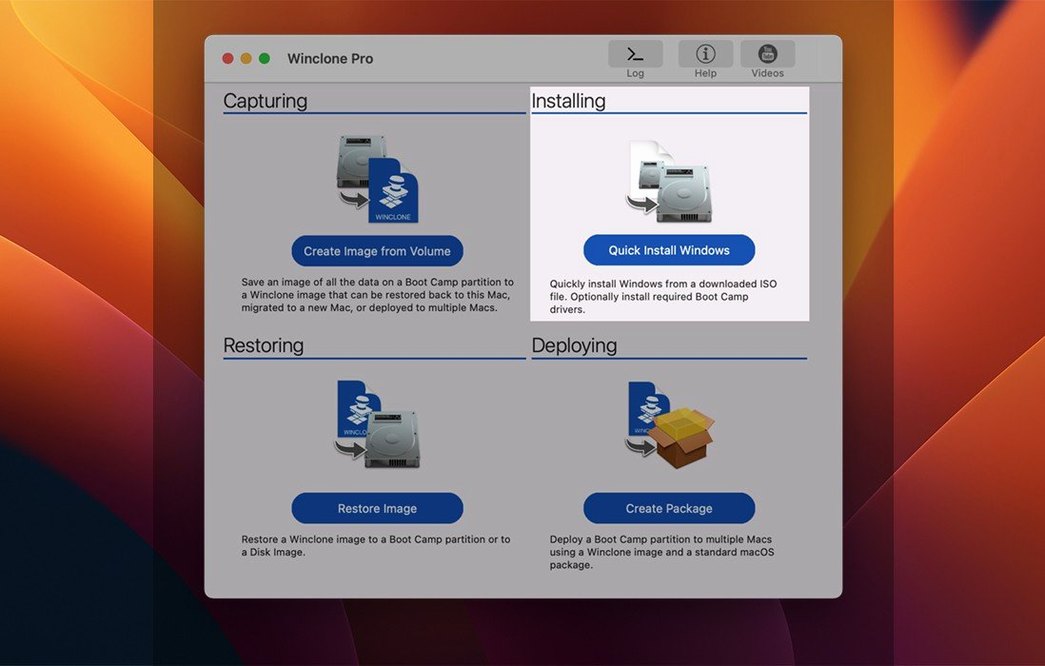
Description
The 10.5 update is a lean one. Twocanoes verified Tahoe compatibility and tightened the OS requirements. No new features to unpack, just a signal that the Pro tool stays current for the people who rely on it — business IT staff and education labs managing fleets of Intel Macs with Boot Camp.
Disk-to-disk and the file system
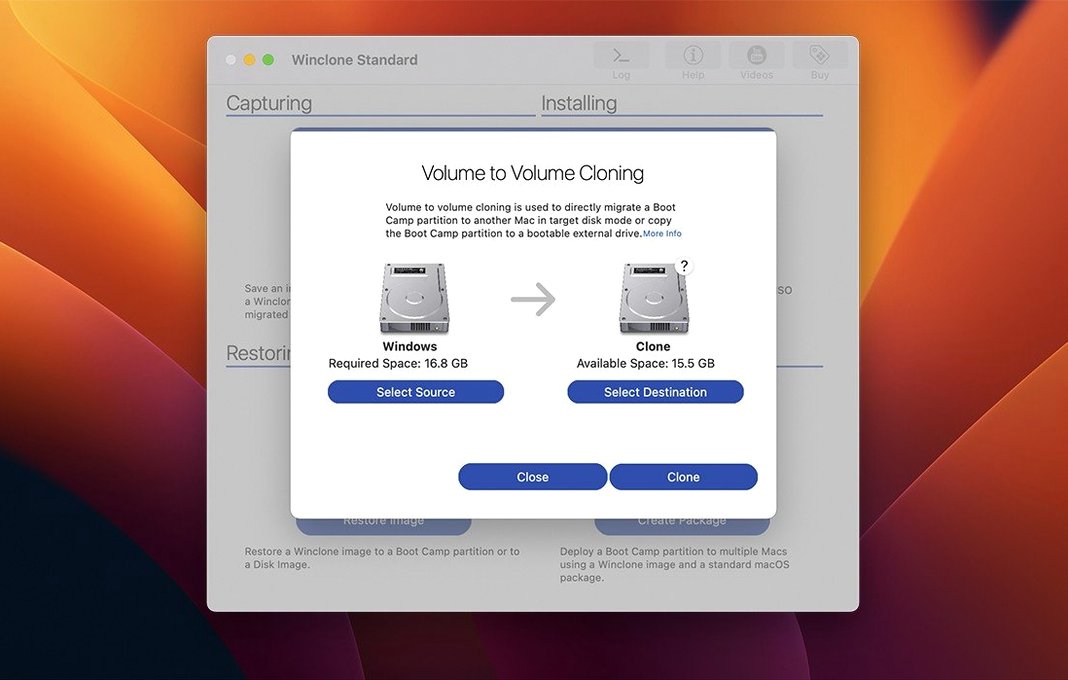
Local disk-to-disk migration is where Winclone Pro earns its keep. You can push a Windows installation straight from one volume to another without an intermediate image file. The app also lets you shrink or expand the Boot Camp file system during the process, which is useful when moving to a drive of a different size. A progress estimate and completion percentage keep you informed — no staring at a beach ball wondering if it's stuck.
Bootability and deployment
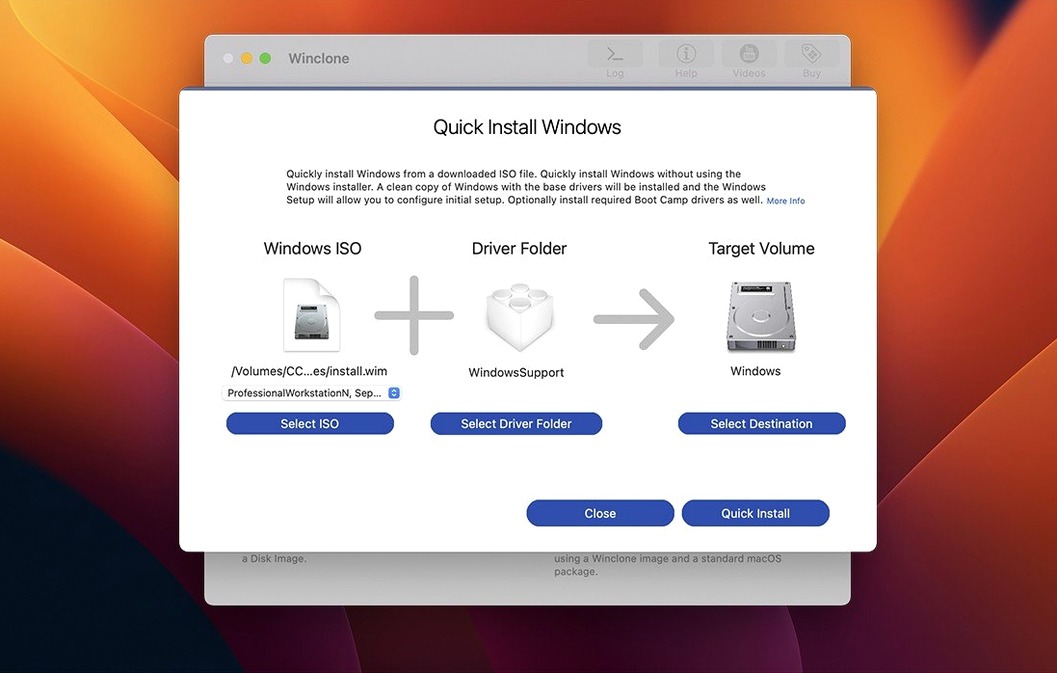
The Pro edition includes the controls an admin needs to make an image bootable. You can create a legacy bootable installation or configure EFI booting for Windows 7 and later. That matters in mixed environments where hardware spans several Mac generations. Package deployment support ties into MDT and SCCM workflows, so the tool slots into existing imaging infrastructure rather than demanding its own.
Resizing a lecturer's Windows partition on Monday morning
Picture a Monday morning in a university IT office. A lecturer's 27-inch iMac needs a larger Windows partition for a new GIS module — the old 80 GB slice is choking. Winclone Pro is already on the admin MacBook.
- Connect the iMac in target disk mode via Thunderbolt.
- Launch the app. It finds the Boot Camp volume immediately.
- Click Save Image, point it at a folder on the server, tick Incremental so next time only changes get written. The progress bar starts moving. A soft chime sounds when it finishes.
- Run Make Package from the saved image — this builds an installer that re-creates the partition from scratch on the destination drive.
- Boot the iMac from a USB stick, run the package, and in about 25 minutes the new 200 GB Boot Camp volume appears, Windows intact, exactly as the lecturer left it.
The sound notification at the end of each step is a small thing that saves you from staring at the screen. Failures get a different tone — you learn to recognise it from across the room.
CPU and disk impact only while cloning
Winclone Pro is not a background app. You open it, do the job, close it. That suits its resource profile — idle, it uses nothing. During a clone operation it'll peg one or two CPU cores and saturate the disk I/O, which is exactly what you want. It does not get in the way of other work, but you would not run a Logic Pro session while restoring a 120 GB image.
Stability under sustained use is solid. The app has survived years of point releases on the same machine without corrupting a partition table. The GPT and MBR detection routine catches mismatches before they become boot failures, which is the kind of quiet safety net you appreciate when deploying twenty lab machines in an afternoon. Memory usage stays predictable: around 150 MB during a clone, dropping back to 60 MB when idle. No leaks worth mentioning over a full workday.
Where you feel the Intel-only limitation is on newer admin Macs. The tool runs under Rosetta 2 without fuss, but you notice the translation layer in slightly slower block-level transfers compared to a native Intel machine. Still, a 60 GB image restore takes about the same time it did three years ago — the bottleneck is the disk, not the app.
Sequoia and Tahoe checks in the latest maintenance release
The 10.5 release is a maintenance tick. Updated OS requirements mean exactly what it says: if your admin machine is now on Sequoia, the app has been checked against it. The Tahoe compatibility verification matters for enterprise deployments where the management server runs a specific build. No new buttons, no altered workflow — the interface still looks the way it did when the current design landed.
Under the surface, the incremental imaging engine got quieter and more reliable across the 10.x line. Earlier versions sometimes tripped over Windows updates that changed the Boot Camp driver stack; recent builds handle those silently. The package deployment output now plays more predictably with MDT task sequences, which reduces the number of times you have to tweak a script by hand. If you are still running a winclone 9 image, the jump to 10.x is mainly about that deployment reliability — the cloning itself was already mature.
One practical change: recent builds ask fewer questions. The app now assumes you want EFI booting on anything Windows 10 or later, which matches reality in most shops. You can still override it in the preferences, but the default saves a click every time.
What’s new
Updates OS requirements. Verifies Tahoe compatibility.Requirements
- macOS 10.15 or later
- Intel Mac
- English interface
Comments 0
Sign in or create an account to leave a comment.
No comments yet…
If you’ve installed it, say how it went. Mention your Mac and macOS version — it helps the next person more than you’d think.