Wondershare Recoverit for macOS
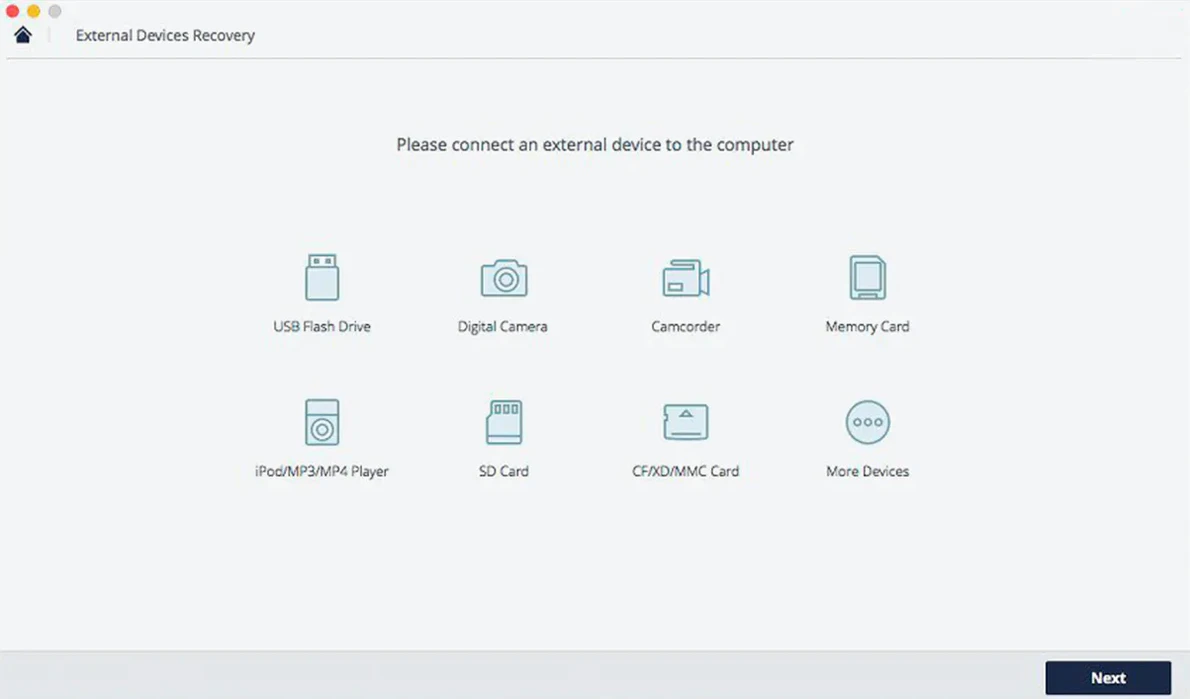
Description
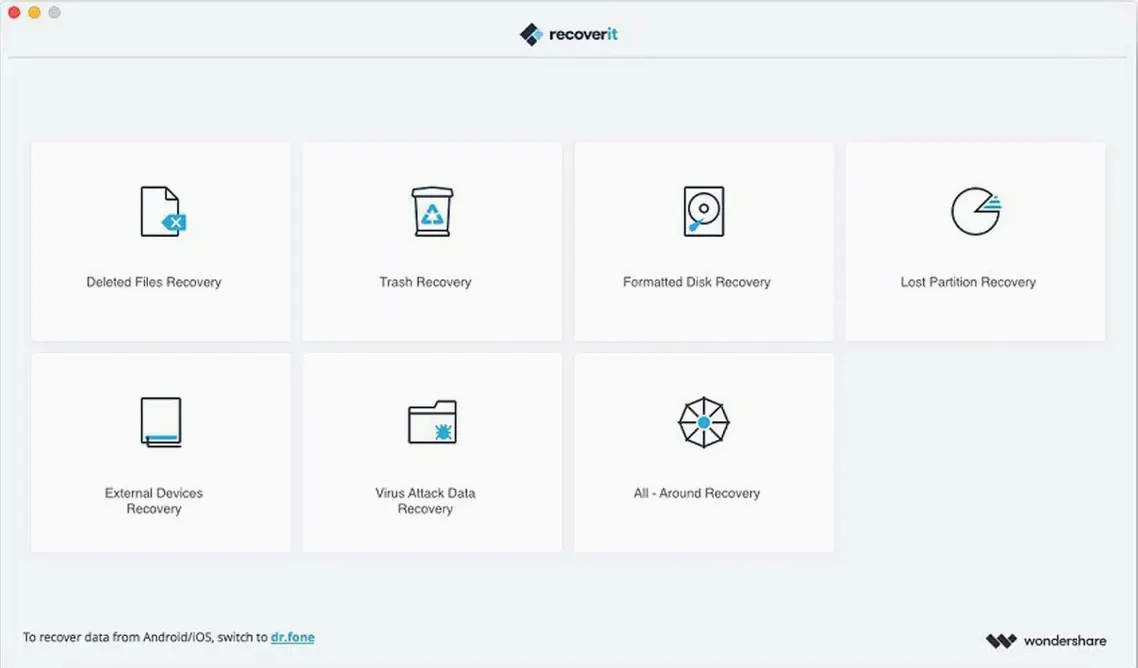
Students with a dead USB stick and graphic designers who just emptied the wrong folder. That is who spends time with data recovery apps. Recoverit is one of the Mac utilities that turns up for that moment.
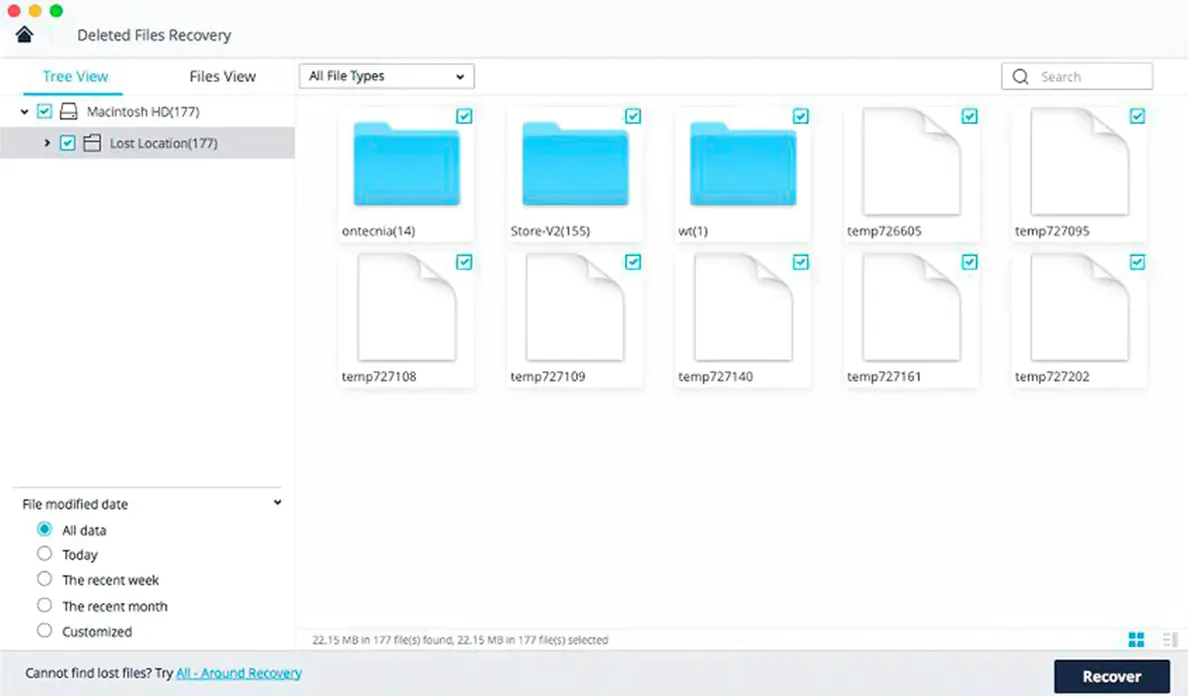
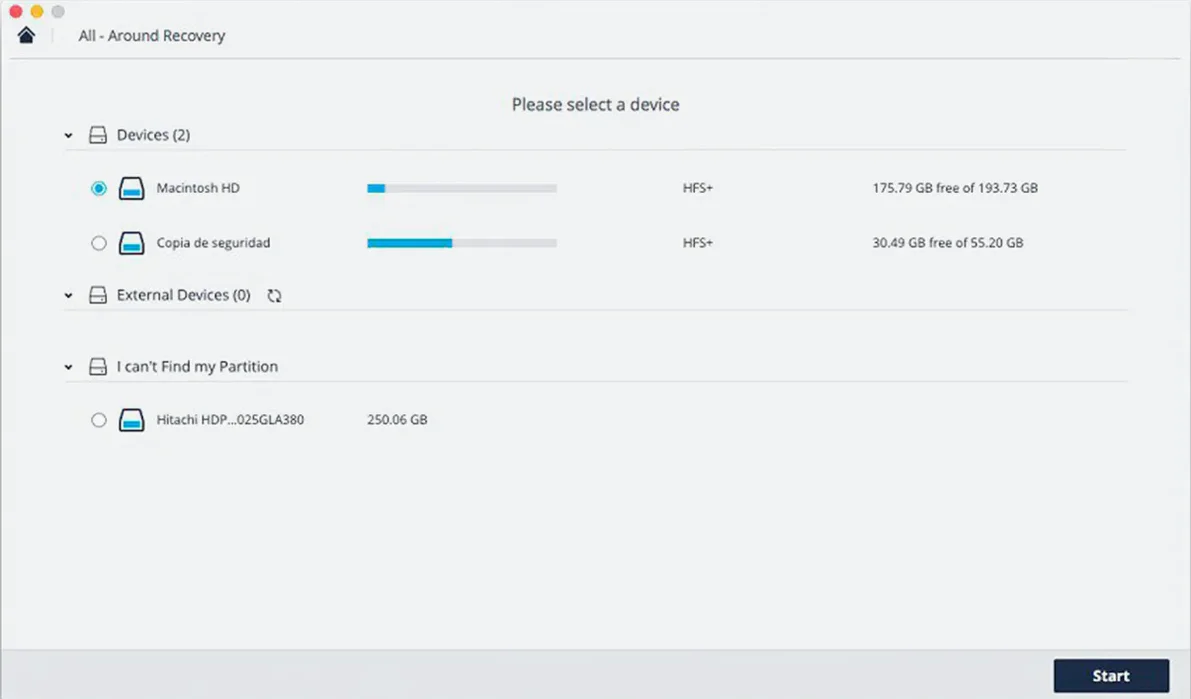
You pick a drive and let it scan. The deep scan takes a while — expect to leave it running over a lunch break on a full SSD. Files appear in a flat list as they are found, sorted by type.
Recovering a single deleted PSD from a formatted SD card is the realistic test. The preview pane shows you the image before you commit to restoring it, which saves you from hoarding corrupted thumbnails.
Recovering a formatted CFexpress card full of RAW and MOV files
Imagine a freelance photographer who shoots all morning, swaps CFexpress cards between sessions, and accidentally formats the wrong card before the files hit the laptop. The card contains seventy RAW files and a handful of short MOV clips. She plugs the reader into her Mac, opens Recoverit, selects the card, and starts a deep scan. Twenty minutes later the preview pane shows her first five images. She checks a few, marks the ones she needs, and recovers them to an external drive. The MOV files take longer to verify but all play back without glitches. She loses nothing except a bit of pride.
Pause a scan, eject the drive, and resume later without losing progress
A few things in the interface are easy to overlook. The pause and resume button during a scan lets you stop halfway through, eject a drive, and continue later without losing the progress. Handy when you only have one card reader and need to switch tasks.
The filter bar above the results list narrows by file type instantly. Click “Photos” and the list collapses to JPG, TIFF, RAW, PSD, PNG, BMP, and GIF. Much faster than scrolling through thousands of mixed entries. You can also search by filename fragment if you remember even part of it.
Right-click any found file and choose Preview to open a larger view in a separate window. The inline preview panel is fine for a quick check, but a full-size preview tells you whether that PSD still has all its layers intact.
The recover to folder prompt remembers your last chosen destination. If you are pulling files from multiple drives in one session, that saves four or five clicks each time.
When the scan finds nothing or stops early on a drive
The scan finds nothing — or stops early. This happens most often with drives that have hardware problems, not logical file deletion. Check that the drive is actually mounted in Finder. If the disk spins up but does not appear, Recoverit cannot help. If it appears but the scan hangs, try a shorter “Quick Scan” first. The deep scan pushes the drive harder and can stall on bad sectors.
Recovered files open as blank or corrupted. This is common with files that were partially overwritten before recovery. For images, try opening them in Preview and exporting as a new TIFF; sometimes the header is damaged but the pixel data is fine. For DOCX files, change the extension to .zip and extract the XML inside — you can often salvage the text even if formatting is gone.
Recoverit asks for permissions repeatedly. On newer macOS versions, the app needs Full Disk Access to scan system folders and external drives. Go to System Settings > Privacy & Security > Full Disk Access and make sure Recoverit is toggled on. If it is already listed, remove it with the minus button, then add it again. That clears stale permission tokens.
The app feels sluggish during a scan. It is an Intel binary running under Rosetta 2 on Apple Silicon Macs. Background scans compete with other disk I/O, so close anything that reads or writes heavily — Lightroom imports, Final Cut renders, large file copies. Letting the scan run overnight often yields better results.
Updated preview engine now renders newer camera RAW formats
Version 14.0.20.6 brought a handful of changes that affect day-to-day use more than the changelog suggests. The file preview engine now handles newer camera RAW formats that previously showed only a generic icon. That matters less for JPG shooters and a lot for anyone with a recent mirrorless body.
The scan algorithm got less aggressive about retrying bad sectors — it marks them faster and moves on. That means deep scans finish sooner on failing drives, though they may report fewer found files on truly degraded media. A fair trade-off if you just want the job done.
Recovery of fragmented video files improved slightly. MOV and MP4 files split across non-contiguous blocks now have a better chance of reassembling correctly. The preview still shows a thumbnail for partially reconstructed files, so you can judge whether the clip is worth keeping.
The Gatekeeper workaround step remains unchanged, as does the Intel-only binary. No universal build yet, so Rosetta 2 stays part of the picture on M-series Macs.
The app runs on Intel Macs back to macOS 10.14. No Apple Silicon native build, so Rosetta 2 does the heavy lifting on newer machines.
Requirements
- macOS 10.14 or later
- Intel processor (Apple Silicon Macs run the app via Rosetta 2)
FAQ
Can Recoverit restore files after emptying the Trash on a Mac?
Yes, it scans the drive for data that is no longer indexed by macOS. Select the disk, run a scan and look for your files in the results.
What storage devices does Recoverit for Mac work with?
It recovers data from internal Mac drives, external USB disks, SD cards and other storage devices you can mount in macOS.
Comments 0
Sign in or create an account to leave a comment.
No comments yet…
If you’ve installed it, say how it went. Mention your Mac and macOS version — it helps the next person more than you’d think.