VOX: MP3 & FLAC Music Player for macOS
Description
It runs on any Mac with macOS 10.15 or later, Intel or Apple Silicon. It has native ARM support, so M-series machines get the full benefit without Rosetta.
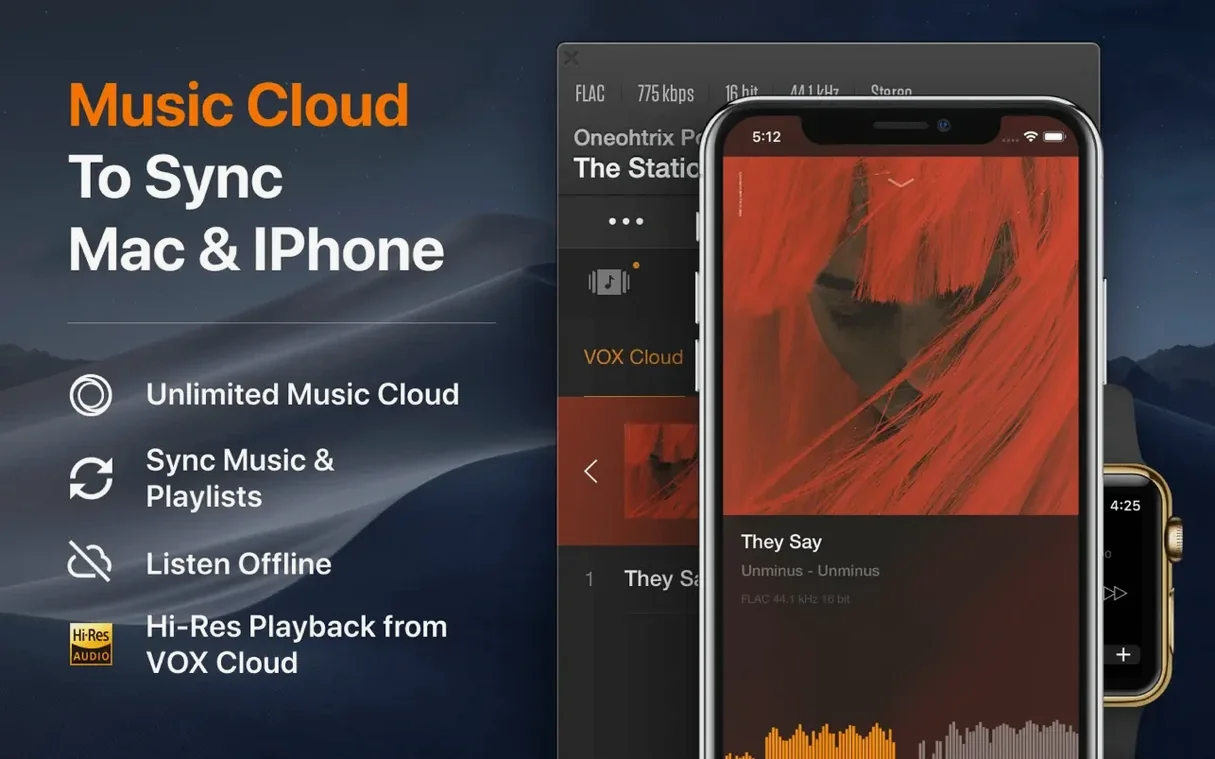
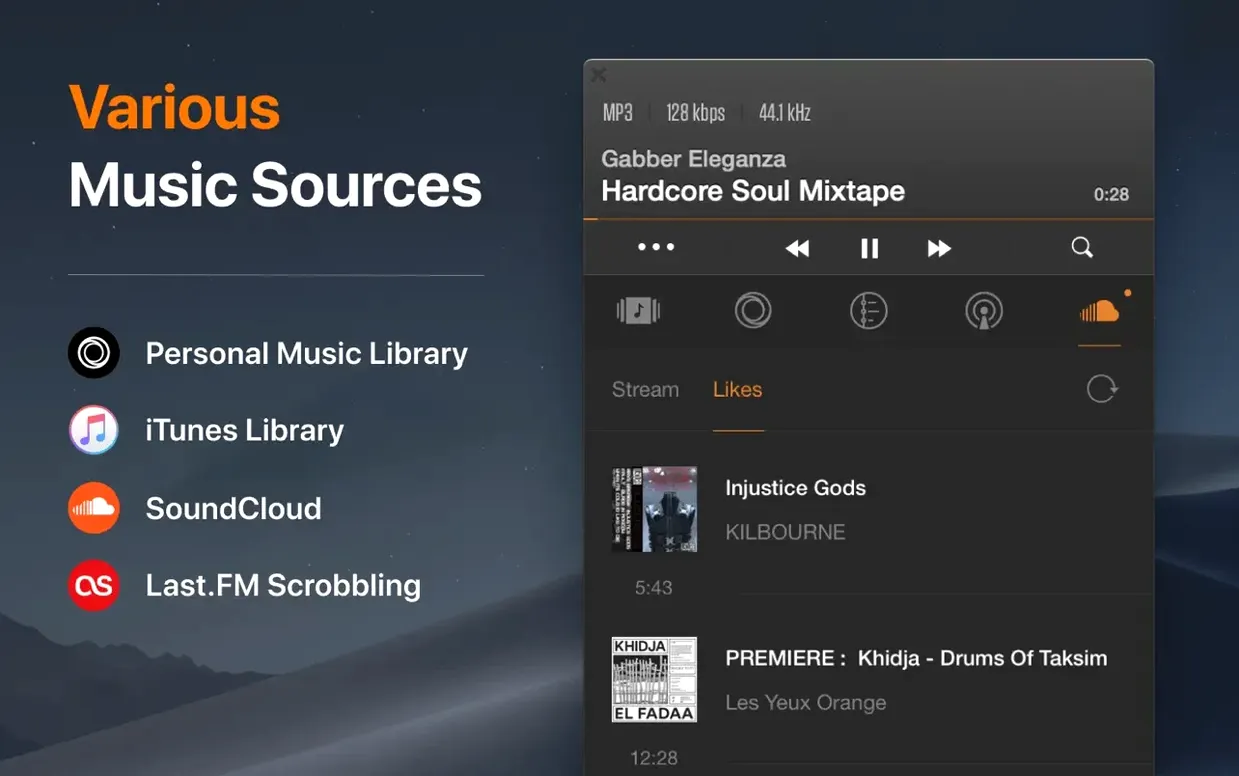
VOX is built around your own library — local folders, NAS boxes and network drives. Formats aren't a problem. It plays MP3, FLAC and Hi-Res audio up to 24-bit/192 kHz, and it handles CUE files properly. If you've got multichannel files, 5.1 playback works without extra tinkering. Playlists come in via M3U, PLS or XSPF and just work.
Experienced users will notice the things it doesn't do: no catalogue syncing, no subscription nag, no cloud-upload insistence. It reads your folder structure and plays what's there. The interface language can be switched to Russian, English, Traditional Chinese or Japanese, which is handy on shared machines.
A local FLAC library that reads straight from your NAS folders
People with large FLAC libraries stored on a NAS. VOX reads network shares directly and indexes folders as they are — no importing, no database to rebuild when a drive letter changes. If your collection already has a sensible Artist/Album folder structure, you're up and running in seconds.
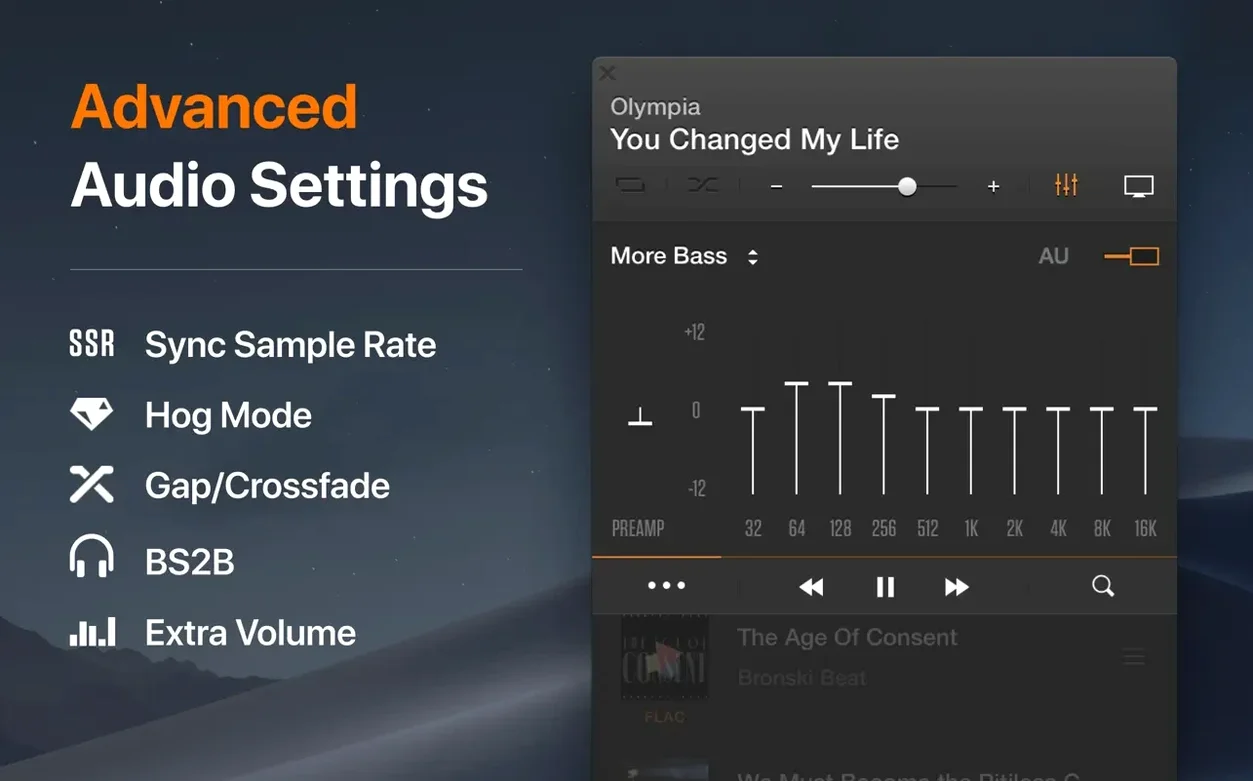
Headphone listeners with a USB DAC. The app's own audio engine bypasses macOS system processing and talks straight to the hardware. That matters when you're playing 24-bit files and don't want the OS resampling them behind your back.
Anyone who's grown tired of the Catalina-and-later Music app. VOX opens, shows your library and plays tracks. It doesn't try to sell you a subscription or shuffle you into a streaming catalogue. The interface stays out of the way.
If your workflow involves CUE sheets — single-file album rips with a companion CUE file — the player parses them correctly and shows individual tracks. Not every Mac player gets that right.
Keep playback alive when your Mac tries to sleep
Playback stops when the Mac sleeps. By default, macOS puts the system to sleep on a timer. Open System Settings, go to Battery or Energy Saver, and set "Turn display off after" to a longer interval or use the caffeinate command in Terminal for long listening sessions.
NAS folders don't appear. VOX needs the share mounted in Finder first. Connect to your NAS via the Finder's Go > Connect to Server menu, then point the player at the mounted volume. If permissions are tight, check that the share allows read access for your Mac's user account.
Hi-Res files sound no different. Confirm your DAC is selected in VOX's audio output preferences, not "System Default." The app can show bit depth and sample rate in the status bar — switch that on to verify the file and the output chain match.
DSD playback stutters on older Intel Macs. DSD decoding asks more of the CPU. Close other audio apps and avoid heavy background tasks. On machines with 8 GB of RAM or less, switching from DoP to native DSD output in preferences sometimes helps.
Think of it as the player you use when you've already organised your music and just want it to sound right.
Requirements
- macOS 10.15 or later
- Apple Silicon or 64-bit Intel Mac
FAQ
Does VOX support Hi-Res audio on Apple Silicon Macs?
Yes. It has native Apple Silicon support, and VOX handles Hi-Res playback up to 24-bit/192 kHz on any Mac running macOS 10.15 or later.
Can VOX play music directly from a NAS or network drive?
Yes. You point it at a folder on a NAS or network share and it plays the files directly, without importing them into a library database first.
Does it handle cue sheets and multichannel files?
It does. CUE file support is built in, and the player can output 5.1 multichannel audio if your hardware supports it.
Comments 0
Sign in or create an account to leave a comment.
No comments yet…
If you’ve installed it, say how it went. Mention your Mac and macOS version — it helps the next person more than you’d think.