
Topaz Photo for macOS
Description
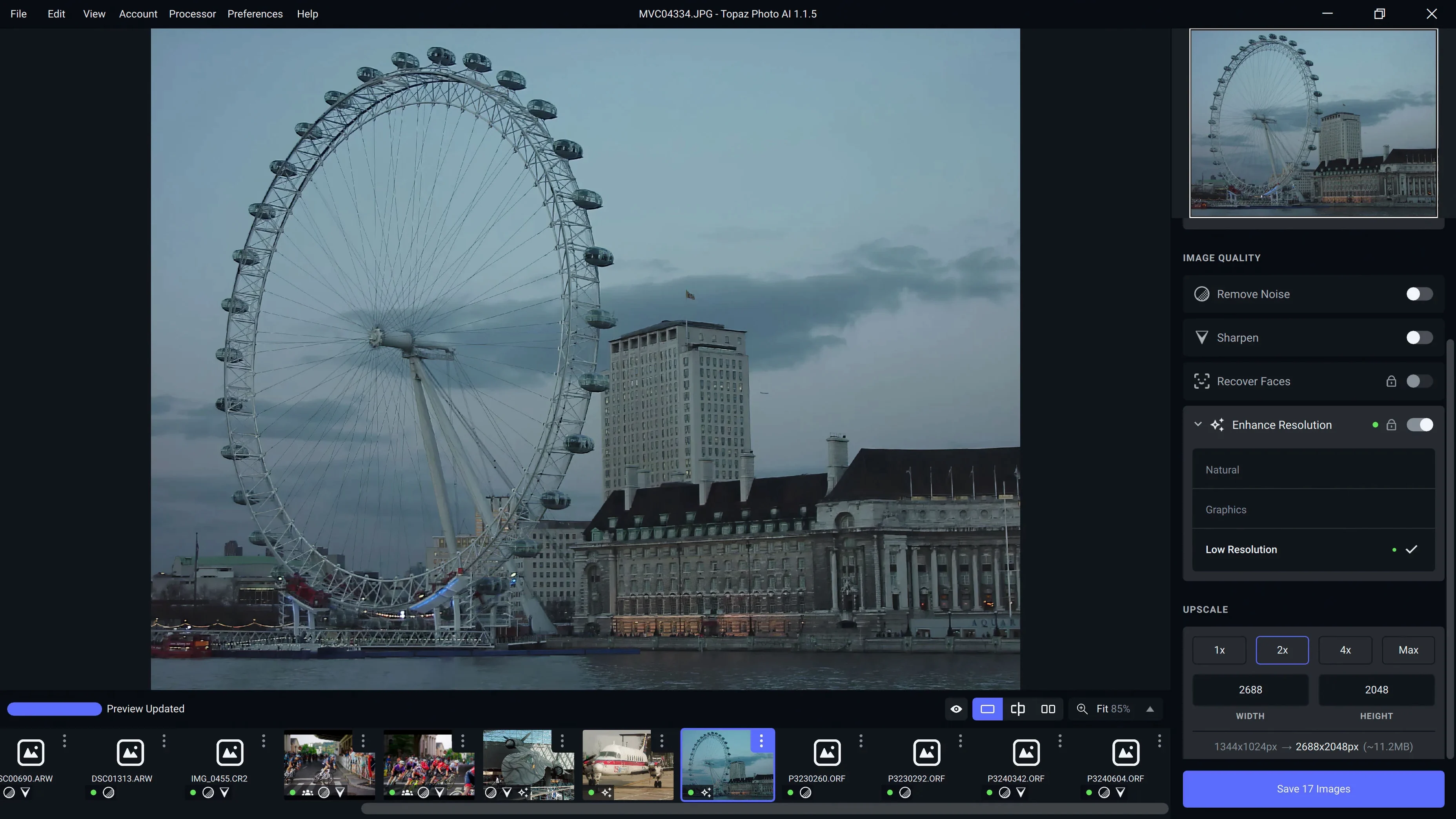
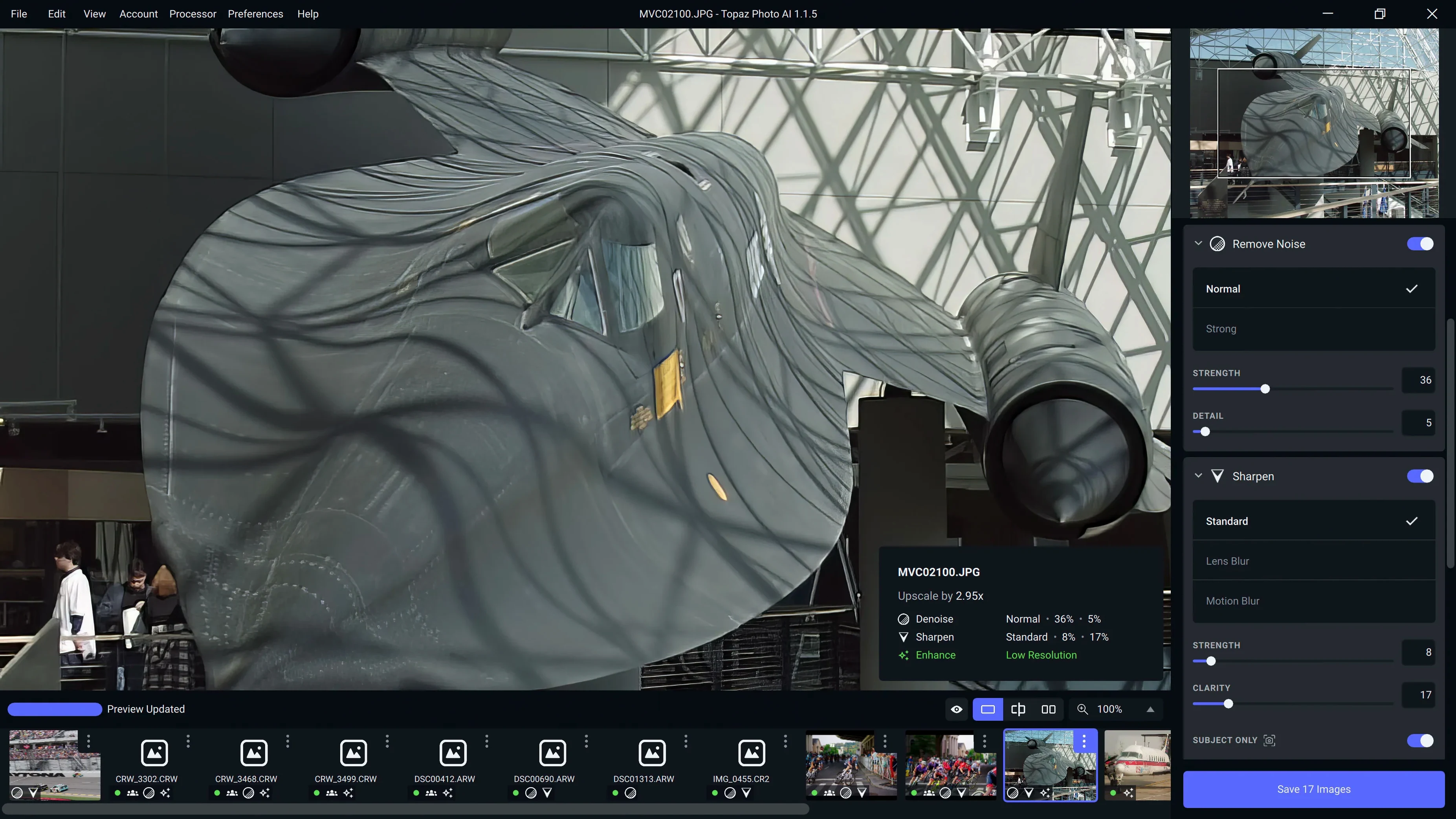
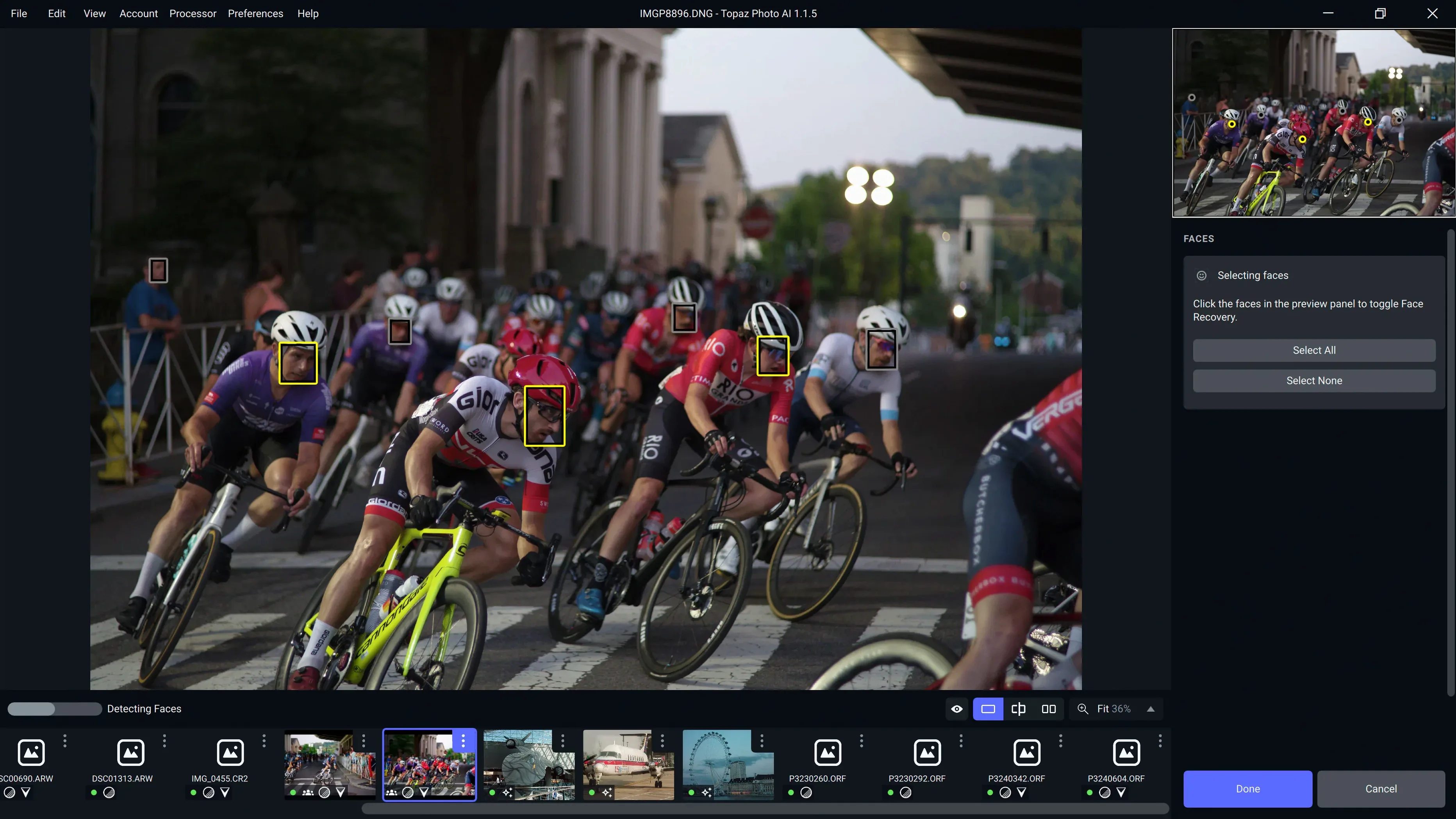
Topaz Photo AI is a desktop app that fixes three common photo problems with a single tool: soft focus, digital noise, and low resolution.
Sharpening — Targets camera shake, motion blur, and slightly missed focus. It does not just crank up edge contrast; it reconstructs detail the lens should have caught.
Denoising — Cleans up grain and chroma noise while keeping skin textures and fine patterns intact. Useful for high-ISO shots from any camera, including the newly supported Sony A7RV, A7RVI, and Alpha 9 III.
Upscaling — Enlarges images with plausible new pixels, not soft mush. Version 1.7.0 removed the old Neuroserver output-size cap, so you decide how big the result gets.
The app runs on macOS 12 and later, native on both Apple Silicon and Intel 64-bit Macs. It succeeds the older Photo AI, adding the Wonder 3.5 model for sharper results. The interface is English only. Worth it if you routinely rescue imperfect but important frames.
The patch step gets skipped
The app is straightforward until it isn't. A few things trip people up regularly.
The patch step gets skipped. The Patch.command file needs to run after the main installer. Without it, the app asks for activation every time. If you get stuck in an activation loop, close the app, run the patch again, and re-open.
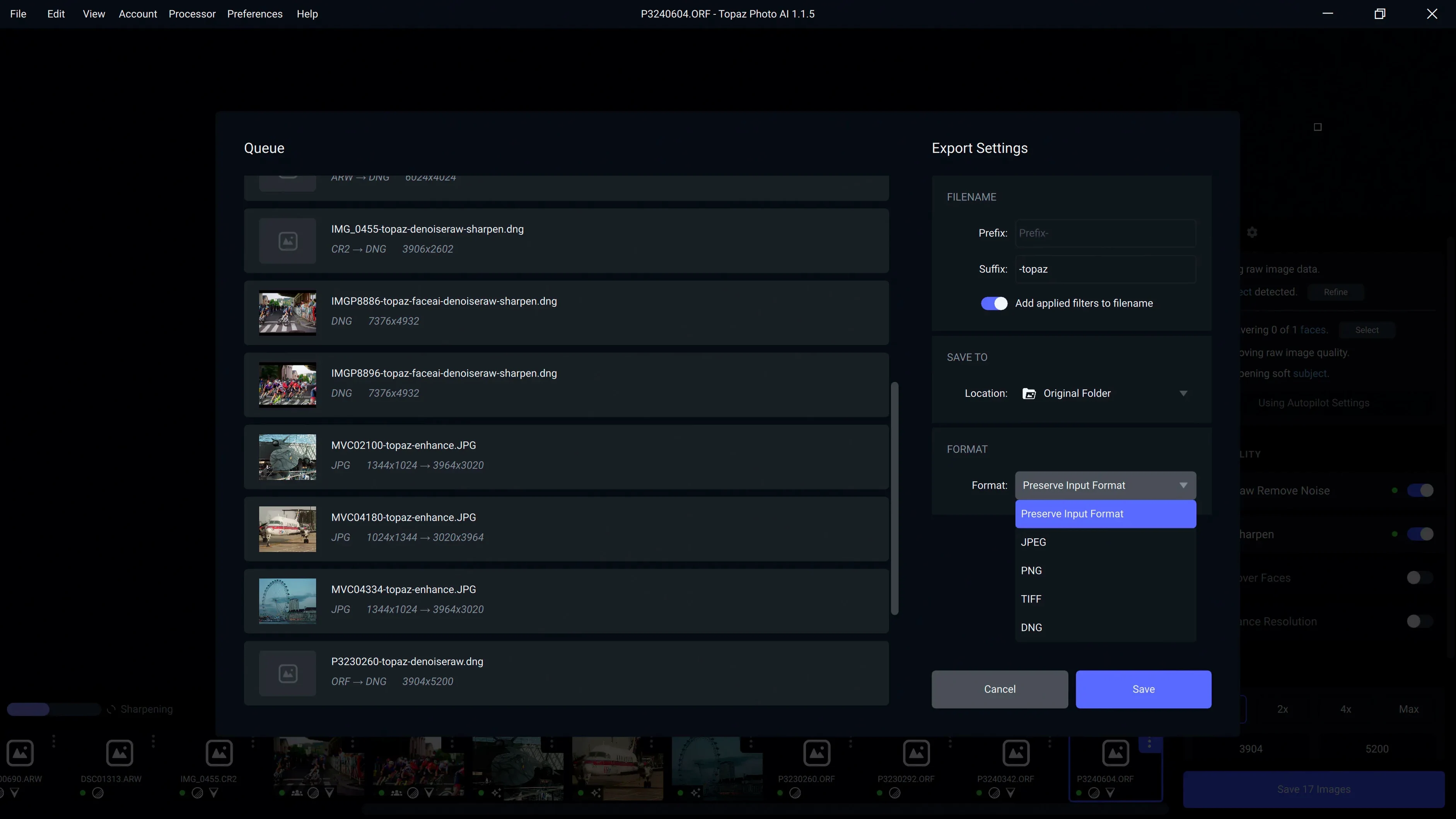
Processing hangs on large exports. Version 1.7.0 removed the output-size restriction, which means you can now ask for enormous upscales. That is fine until you feed a 60MP raw file and ask for 4x. Give it a realistic batch — three or four images at a time — and let it breathe.
Apple Silicon users sometimes see slower first-run speeds. The AI models load on demand. The first image after launch takes longer while the engine warms up. Subsequent edits fly. If it feels sluggish, quit other GPU-heavy apps; Topaz wants the full Metal pipeline to itself.
Camera raw support confusion. The app reads raws but hands off demosaicing to macOS. If your camera is very new and macOS hasn't caught up, convert to DNG first or shoot raw+JPEG. The newly added Sony A7RV, A7RVI, and Alpha 9 III profiles help, but they don't bypass the system-level raw decoder.
When noise or blur cross the line Lightroom can't handle
Versus Adobe Lightroom's Enhance. Lightroom's Super Resolution and AI Denoise are built in and convenient. They produce good results on mildly soft or noisy files. Topaz Photo AI pulls ahead when the problem is severe — heavy motion blur, ISO 12,800 grain, or a crop that needs 3x upscaling. Lightroom is a one-click affair; Topaz gives you sliders and preview toggles that let you dial in the balance yourself. If you already live in Lightroom, Topaz feels like a specialist you call for the hard cases.
Versus ON1 NoNoise AI. ON1 tackles noise and sharpness in one panel, and its raw processing is deeper. For landscape photographers who want a non-destructive raw workflow, ON1 fits better. Topaz Photo AI is simpler: open an image, pick what hurts, fix it, save a TIFF or JPEG. No catalog, no database. That makes it quicker for one-off rescues — old scans, social media grabs, a wedding shot where the flash didn't fire.
Versus Upscayl. Upscayl is free and open-source, and it does one thing — upscaling — with a handful of models. It is a good tool for enlarging line art and game textures. Topaz Photo AI costs more effort to set up and handles the full trio: sharpen, denoise, upscale. If you only need occasional upscaling and never touch raw files, Upscayl does the job. If you are salvaging photographs rather than graphics, Topaz earns its place.
Twenty hero shots worth the extra pass
Event and wedding photographers. You shoot 2,000 frames in mixed light, and twenty of them are the ones the client will frame. Those twenty get the Topaz pass — noise cleaned, eyes sharpened, crops upscaled for large prints. Nobody notices the processing; they notice the photo looks right.
Archivists scanning old prints and slides. Scanned film carries grain, dust texture, and the softness of aged optics. Denoise and sharpen run together can pull a usable 8x10 from a 35mm slide that looked hopeless. The upscaler helps when the original scan resolution was modest.
Anyone who crops heavily. Modern sensors give you megapixels to spare, but a heavy crop throws most of them away. Up-scale the result back to a printable size and the AI fills the gaps better than bicubic resampling ever could. Wildlife and sports shooters live here.
Mac users who want a focused tool. If you already own a general-purpose editor, you might just want one thing done well. Topaz Photo AI does not replace your raw processor; it sits beside it. Open a problem file, fix it, save it, move on. That simplicity keeps it off the shelf and in the dock.
What’s new
- Adds Wonder 3.5 model.
- Removes the Neuroserver output-size restriction.
- Adds support for Sony A7RV, Sony A7RVI, and Sony Alpha 9 III.
- Fixes bugs.
Requirements
- macOS 12 or later
- Apple Silicon or Intel 64-bit Mac
FAQ
What is the Wonder 3.5 model in version 1.7.0?
It is the current sharpening and detail-reconstruction engine that ships with Topaz Photo AI 1.7.0, replacing the previous Wonder model for better results.
Comments 0
Sign in or create an account to leave a comment.
No comments yet…
If you’ve installed it, say how it went. Mention your Mac and macOS version — it helps the next person more than you’d think.