
Termius for macOS
Description
Termius stores your connections in the cloud. Not just the hostnames — it syncs keys, known_hosts files, snippets and terminal themes across every device you sign into. That means a session you set up on a Mac in the office appears on your Windows machine at home with no extra work. For people who search for a termius torrent, this sync engine is the thing that makes the app useful beyond a single machine.
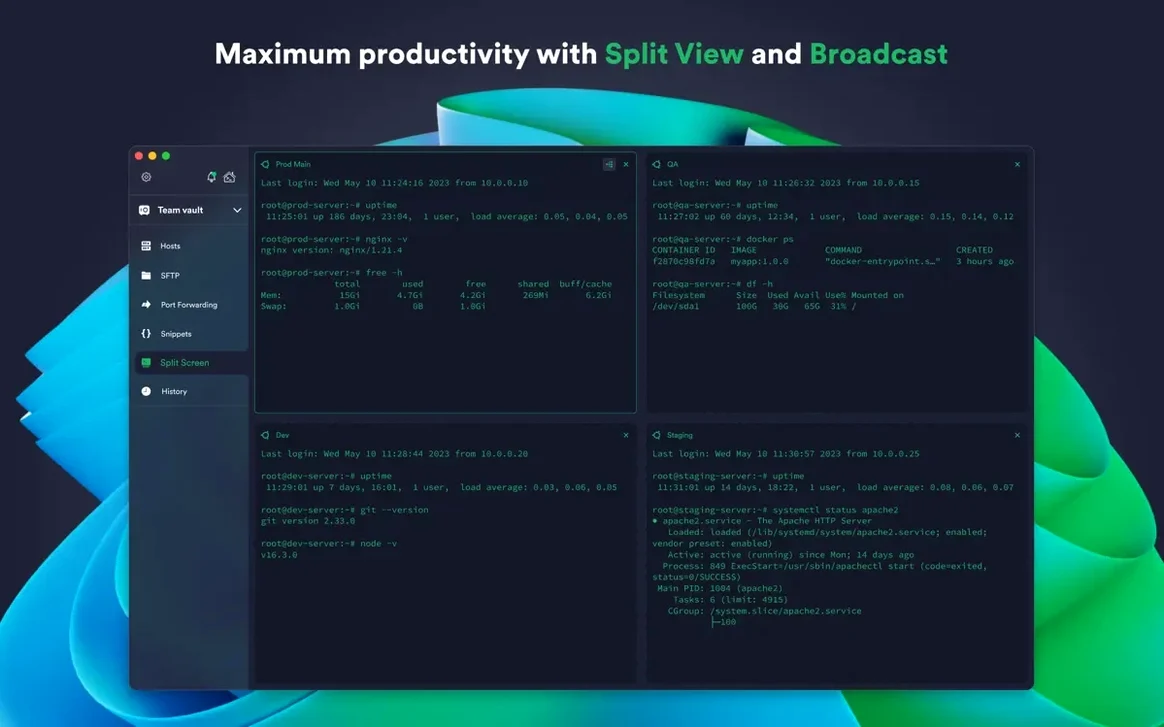
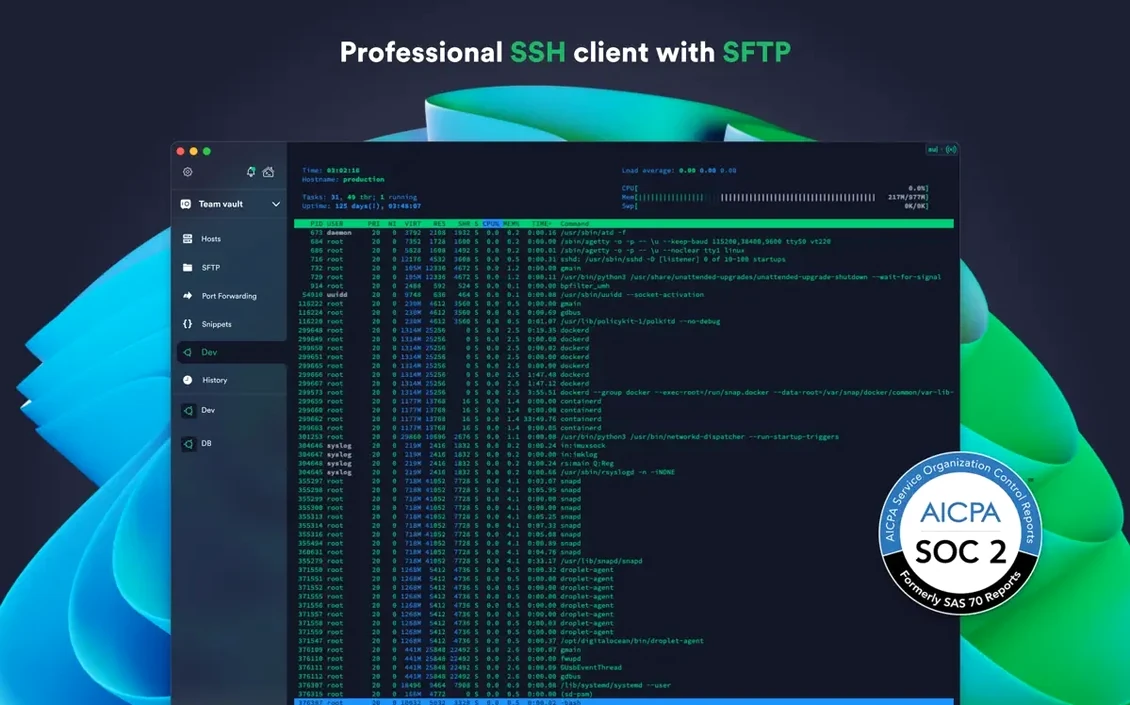
The desktop app handles multiple concurrent SSH sessions in tabs and side-by-side split panes. Each connection can have its own font, theme and environment variables. Key handling covers ECDSA, ed25519 and the chacha20-poly1305 cipher. You also get jump-server and proxy support, plus integrations for AWS and DigitalOcean if you spin up cloud instances regularly.
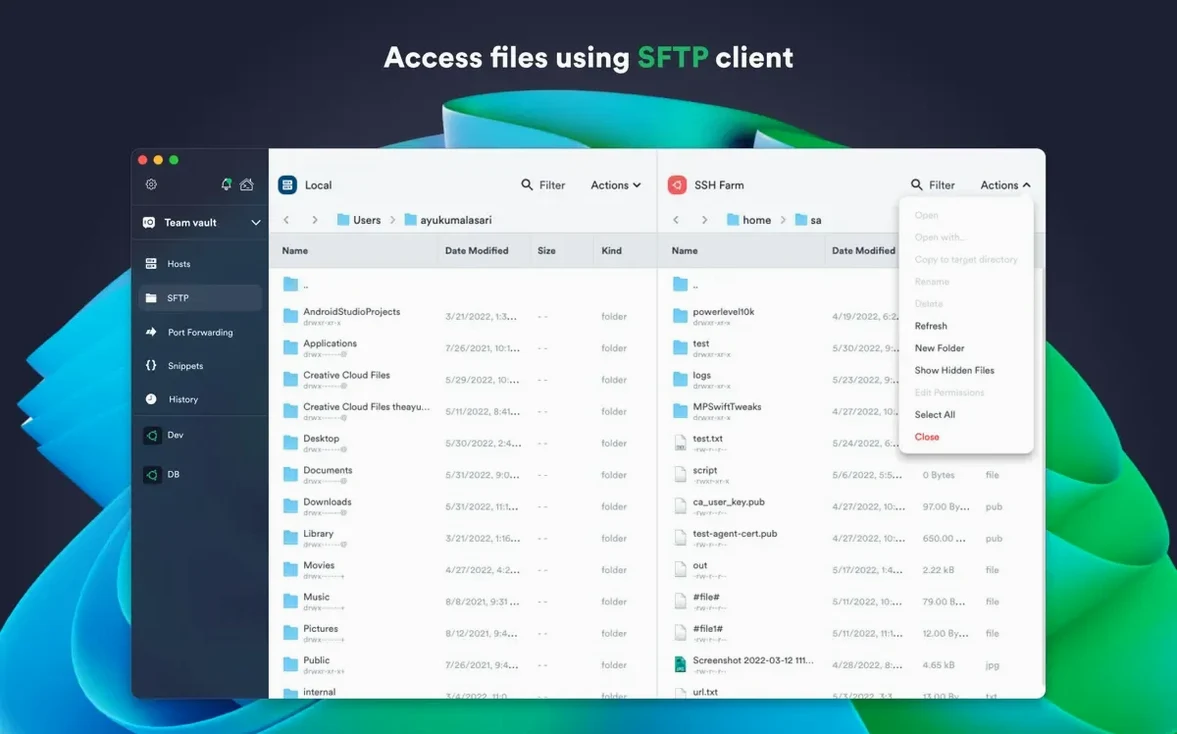
People looking up a termius crack Mac often find the sync layer works fine once you let it through the firewall. Version 9.35.4 brings stability fixes to that layer. It runs on any Mac from High Sierra onward, both Intel and Apple Silicon, with the website version handling its own updates. SFTP is built in, so you can browse remote directories without launching a separate client.
The interface stays in English. No localisation packs to worry about. If you only need a local terminal, it's overkill — but for anyone managing hosts across several machines, the sync is what earns its keep.
Stop typing the same long commands every session
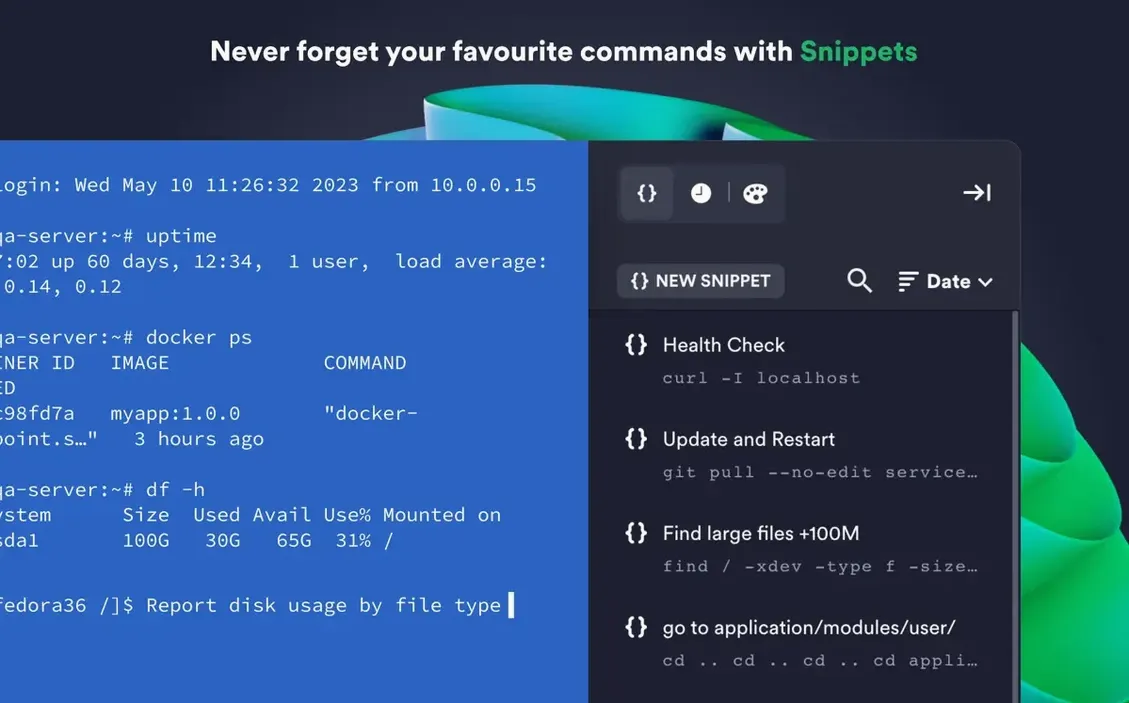
Most new users treat Termius like a dumb terminal and ignore the snippet library. They type the same long commands by hand every session — docker exec -it followed by container IDs they keep looking up — when the app can store those commands with a label and fire them with one click. Set up a dozen snippets in your first week and you stop being a typist.
Another common slip: saving credentials in the connection settings instead of using the keychain. Termius can hold keys and passphrases separately from host entries, which means you rotate one key and every connection updates. People who paste passwords directly into the host config end up redoing work later.
Beginners also ignore the environment variables panel. If your remote hosts expect LANG or EDITOR set a certain way, you can bake that into the connection rather than running export lines at the start of every session. It saves ten seconds each time — which adds up fast for anyone who opens thirty shells a day.
And the split-pane feature goes unnoticed for months. People open separate windows, lose track of which machine they're on, and paste commands into the wrong terminal. Two panes side by side, one staging server and one production, cuts that risk immediately.
Unlock keys with Touch ID instead of passphrases
Termius plays well with the macOS keychain. If you unlock secrets with Touch ID, the app can retrieve keys without asking for a passphrase again. That ties into SSH agent forwarding too — your local keys stay local, which means a compromised jump box doesn't hand over your credentials.
For cloud-heavy workflows, the AWS and DigitalOcean integrations pull instance lists directly. You spin up a droplet in the DigitalOcean web panel, and Termius shows it in the host list within a minute. No copying IP addresses by hand. If you run something like Transmit for heavy file work, you'll still use SFTP inside Termius for quick edits, then switch to a dedicated client only when you need folder sync or diffing.
A typical setup on a termius mac installation sees the app pinned to the Dock alongside a note-taking tool and a browser. The shared command history means you can run something on a dev box, switch to the office Mac, and recall the exact command without digging through shell history files. It's not a replacement for a proper logging setup, but it bridges the gap when you move between desks.
Pick up exactly where yesterday left off
You sit down with coffee and open the MacBook. Termius is already running from yesterday. You tap the Touch ID sensor, the vault unlocks, and the host list populates — thirty-two connections across three data centres, all tagged by environment.
First task: check disk space on the staging cluster. You click a saved snippet labelled "df staging" and it fires df -h | grep -v snap across four hosts simultaneously in a split view. The output scrolls in each pane. One machine is at 87 percent capacity — you make a mental note.
Next, a developer needs logs from last night's batch job. You open a new tab, pick the production jump box, and the connection routes through the proxy you configured months ago. From there you hop to the app server. The terminal theme switches to the red-tinted production scheme you set up so you never confuse environments. You run tail -n 500, select the output, and paste it into Slack.
The afternoon brings a new droplet to configure. You create it in the DigitalOcean web panel, switch back to Termius, and hit the refresh button on the cloud integration. The droplet appears. You right-click, choose "Connect," and the app handles the initial key exchange. Five minutes later the base packages are installed, and you save the connection with a label for the rest of the team.
Before closing the lid, you glance at the snippet library and add two more commands you typed manually today. Tomorrow they'll be one click. The sync icon spins for a moment — those snippets are already on the Windows machine at home.
What’s new
Stability improvements.
Requirements
- macOS 10.13 or later
- Intel 64-bit or Apple Silicon Mac
- English language interface
Comments 0
Sign in or create an account to leave a comment.
No comments yet…
If you’ve installed it, say how it went. Mention your Mac and macOS version — it helps the next person more than you’d think.