
TablePlus for macOS
Description
TablePlus runs on any Mac with macOS 12.6 or later and works natively on both Intel and Apple Silicon machines.
Connect to four database engines in one Mac window
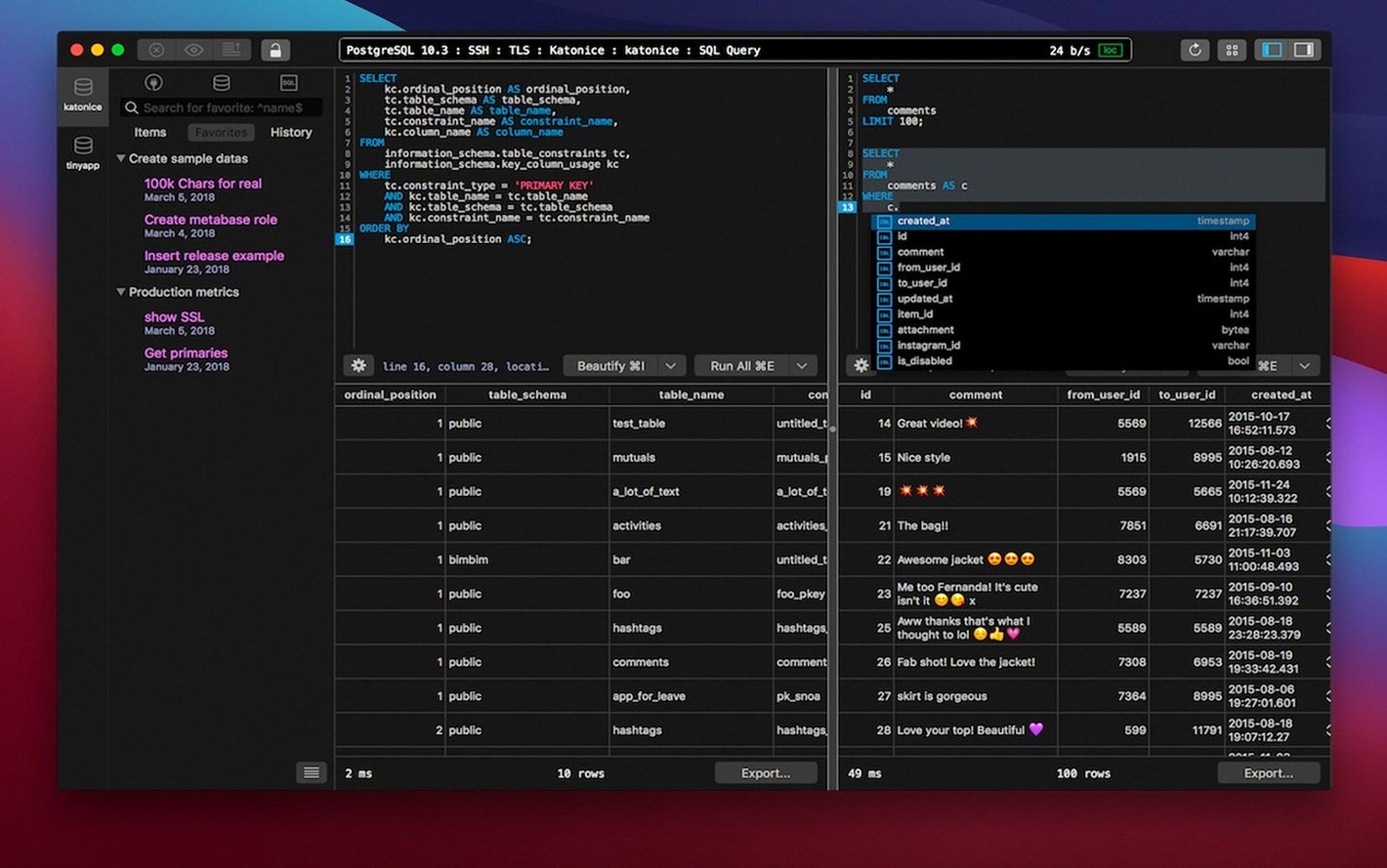
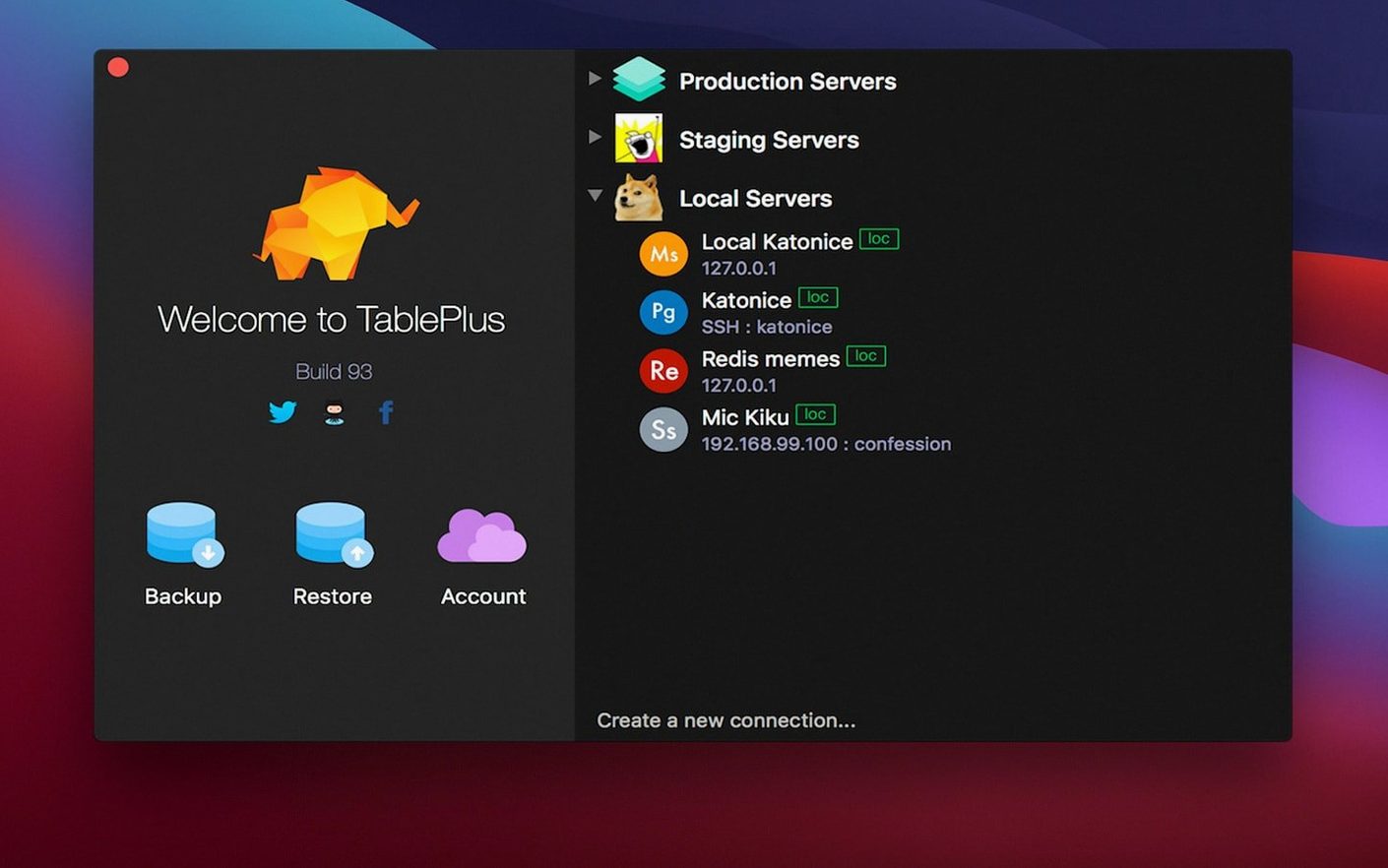
TablePlus is a native macOS tool for managing relational databases. You can connect to MySQL, PostgreSQL, SQLite, and Microsoft SQL Server from one window.
Say you need to pull order totals from a PostgreSQL database and drop the results into a local SQLite file. You open two connections in separate tabs. A query editor with syntax highlighting catches a typo before you run it—the script editor flags the error in a red bar underneath. You copy the corrected query, run it against both databases, and save the session.
A few things that help: multiple tabs and windows keep connections separate. Dark mode is there if you want it. And if a query ever hangs, a safe mode launch stops auto-reconnection and custom settings loading.
Native Mac app with tabs, dark mode, and safe mode
- Supported databases — MySQL, PostgreSQL, SQLite, Microsoft SQL Server, plus others
- Query editor — syntax highlighting and error reporting
- Interface — native Mac app with tabs, windows, and optional dark mode
- Safe mode — launches without saved connections or plugins
Start with two or three databases and save filters early
Don't import your entire connection library on day one. Bring over two or three databases you touch daily and get comfortable with the tab behaviour first.
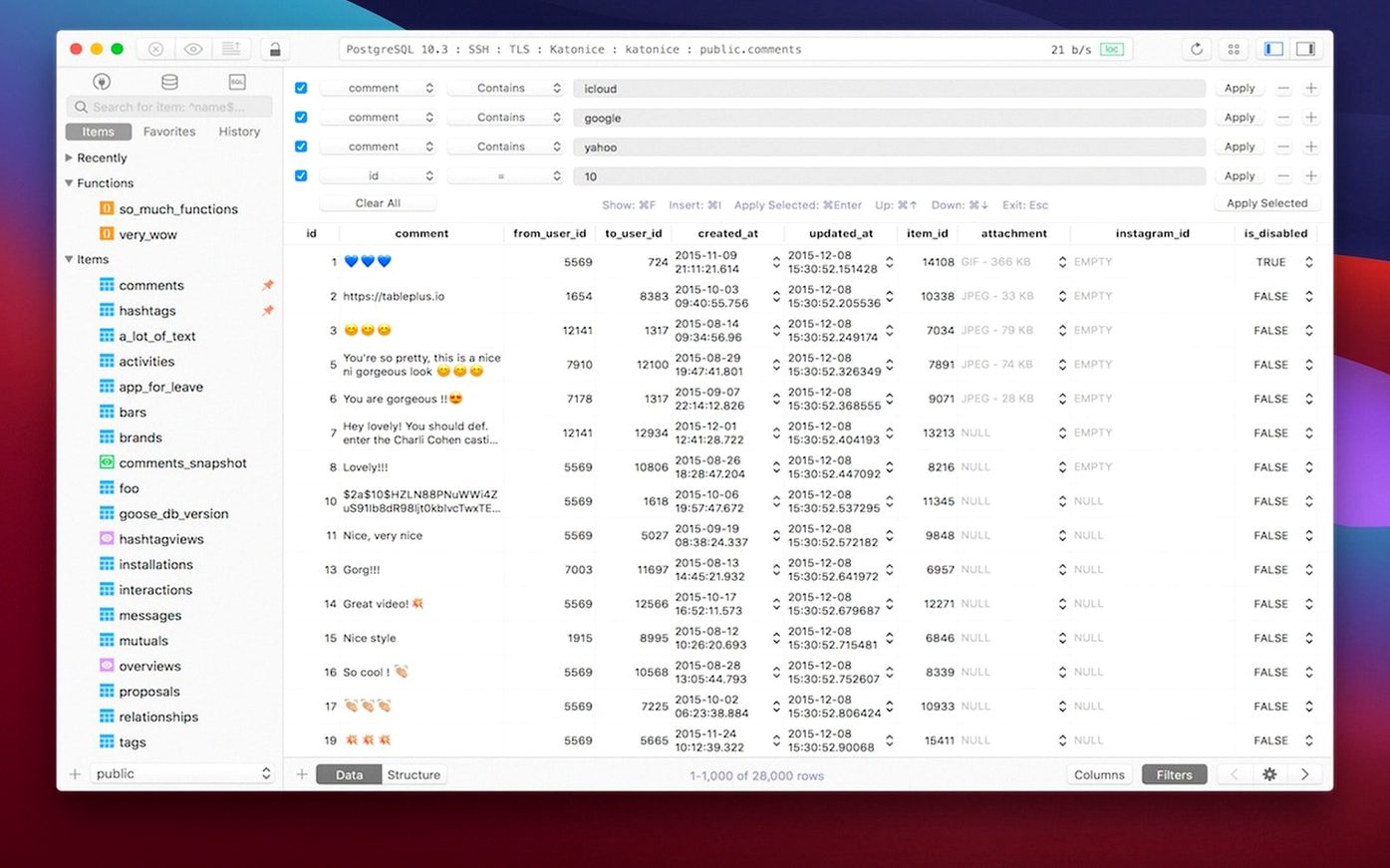
The quickest win is setting up a few saved filters. Open any table, type a filter expression in the column header, hit Return, then choose Save as Default Filter from the filter menu. Next time you open that table, only the rows you care about appear. It saves you from retyping WHERE status = 'pending' forty times a day.
If you work with long-running queries, pin the result tab. Right-click the tab after a query finishes and choose Pin Tab. The result set stays put while you run new queries in a fresh tab. That way you can compare two outputs without exporting to a scratch file.
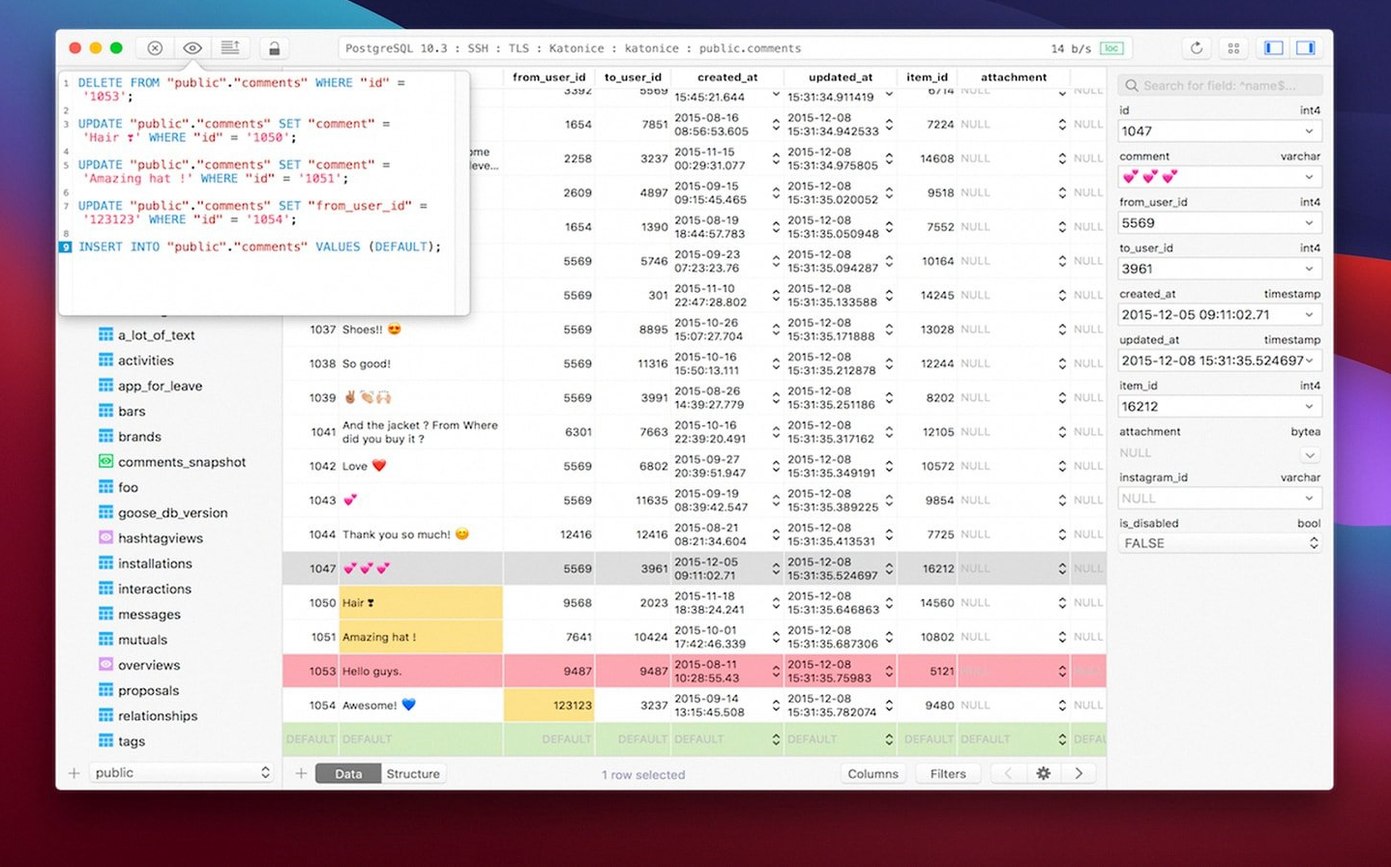
One more thing: the inline row editor is fast, but it bites. Double-click a cell, change the value, and the change commits when you press Enter—not Tab, not clicking away. Watch for the tiny pencil icon in the row header. No icon, no edit. It's the first thing people trip over.
Lighter than DBeaver, more visual than the command line
TablePlus sits somewhere between a bare command-line client and a full admin suite. It doesn't try to be everything.
Next to DBeaver, the difference is weight. DBeaver handles a long list of databases, offers ER diagrams, and runs on Java. That means it carries a heavier footprint and a busier interface. TablePlus feels leaner on a Mac. If you only need MySQL, Postgres, SQLite, and SQL Server, the smaller toolset is an advantage, not a gap.
Compared to Sequel Ace (or its predecessor Sequel Pro), TablePlus earns its keep when you switch between different database engines in the same afternoon. Sequel Ace is MySQL and MariaDB only. It does that one thing very well, with a clean Mac-native feel. But the moment you need to query a Postgres instance, you're opening another app.
Against pgAdmin, the gap is narrower for Postgres-only users. pgAdmin runs in a browser, gives you server-side dashboard graphs, and costs nothing. TablePlus trades those graphs for a native window that starts faster and handles multiple connections in a simpler tab layout. Pick your priority.
Flip these editor defaults before your first serious query
Open Preferences before you do anything serious. A handful of defaults are worth flipping immediately.
- Indent with spaces, not tabs — Under the Editor tab, switch indentation to spaces. Team code reviews get noisy when half your team uses literal tabs.
- Query timeout — The default timeout is generous. If you work with large tables, set a lower limit under the General tab. A hung query locking a production table for ten minutes is a bad start to the morning.
- Auto-commit — It's on by default. If you prefer manual transaction control, turn it off in the connection settings. The Safe Mode preference won't override per-connection auto-commit.
- Font size in the query editor — The out-of-the-box size feels small on a Retina display. Bump it up one or two points. Your eyes will thank you by Wednesday.
Last one: if a colleague sent you a TablePlus connection file, open it from Finder, not from the app's connection window. Double-clicking the file imports it directly. Dragging it onto the dock icon works too.
What’s new
Build dated 2026-03-05.
Requirements
- macOS 12.6 or later
- Runs on Intel and Apple Silicon Macs
- Interface language: English
FAQ
Which database engines does TablePlus support?
The documentation lists MySQL, PostgreSQL, SQLite, and Microsoft SQL Server, among others.
Does it work on Apple Silicon Macs?
Yes, the developer page confirms native Apple Silicon support.
Comments 0
Sign in or create an account to leave a comment.
No comments yet…
If you’ve installed it, say how it went. Mention your Mac and macOS version — it helps the next person more than you’d think.