superwhisper for macOS
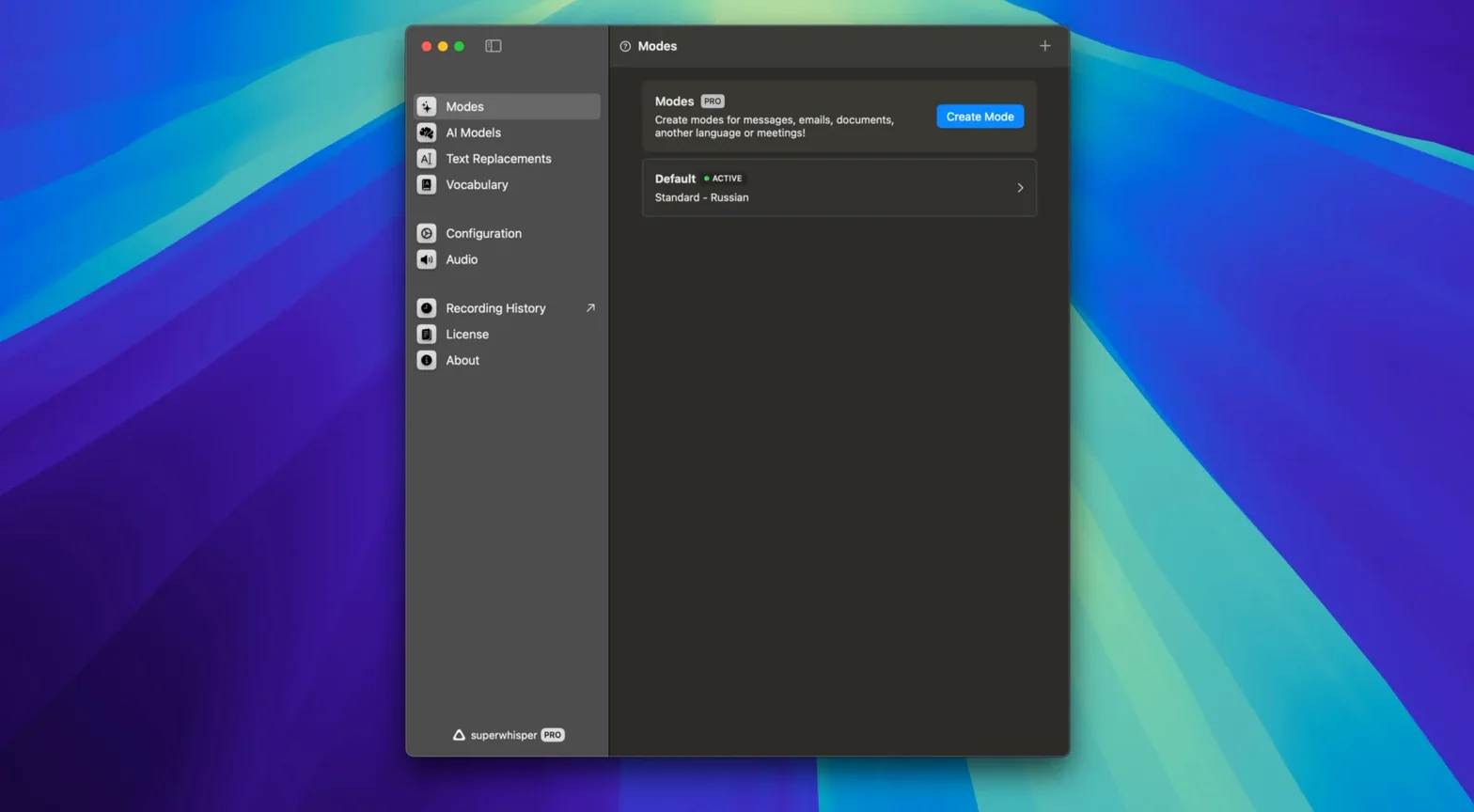
Description
Four languages sit on the device from day one. No cloud queue, no upload spinner — the model runs locally and starts turning speech into text as soon as you pick a microphone.
How a typical session runs
- Select the input device from the menu bar drop-down. The app picks up anything you have connected — a Yeti, the internal Mac mic, a headset.
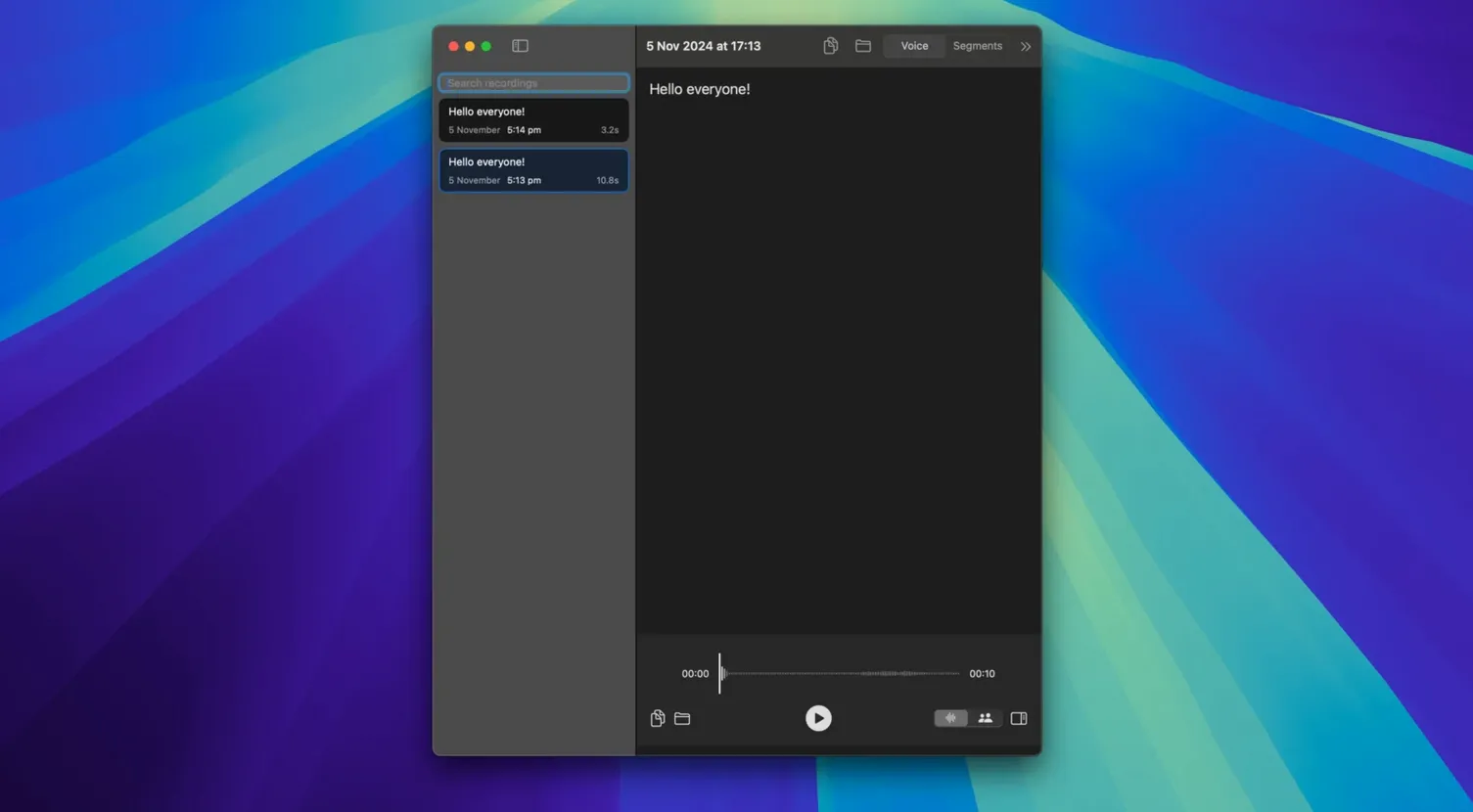
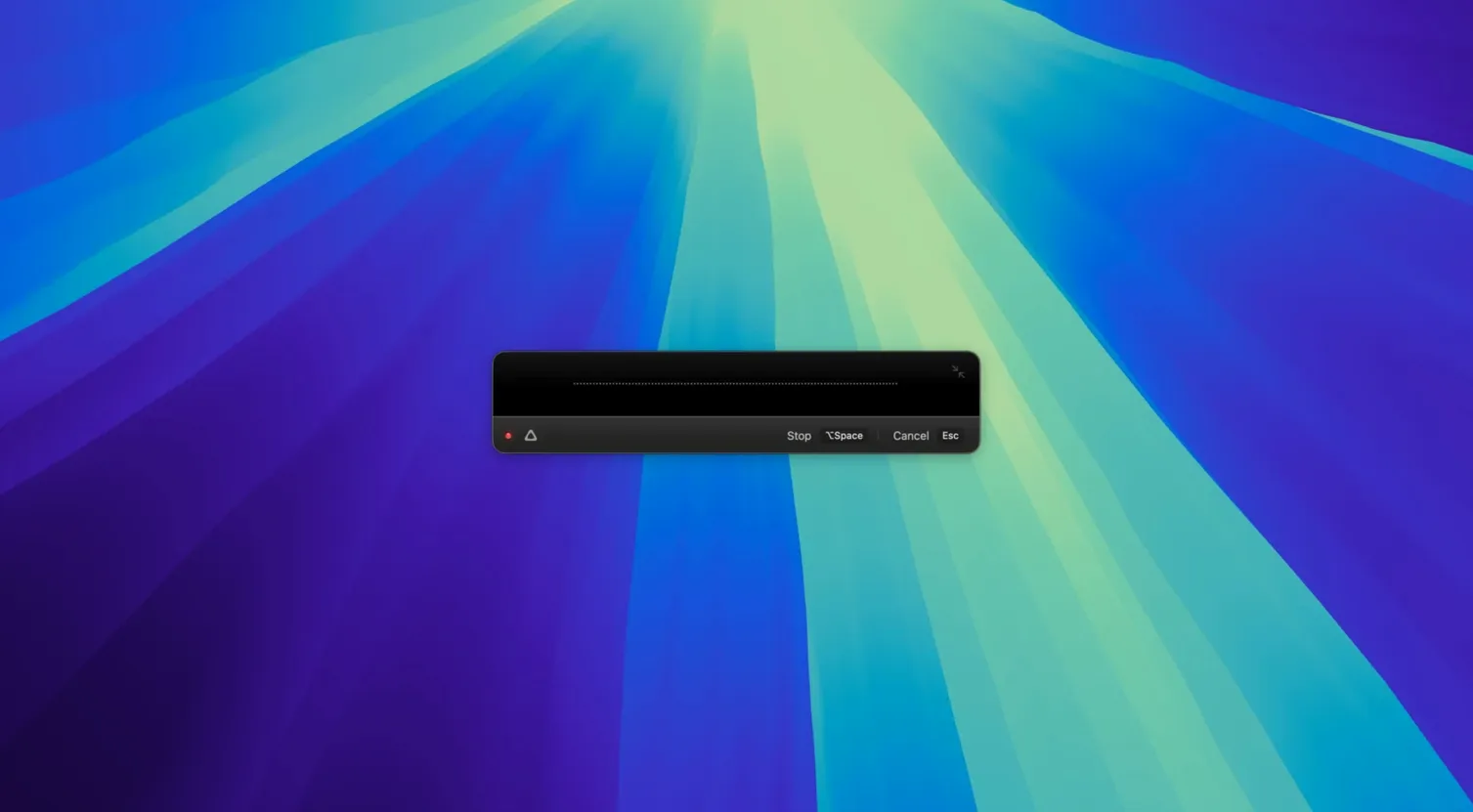
- Press the keyboard shortcut or click record. superwhisper starts transcribing immediately. The text appears in a plain editing panel, not a cluttered dashboard.
- Edit in place, then copy out to wherever the text needs to land. There is no export wizard; you just select and paste.
The whole loop stays offline. That matters on patchy Wi-Fi or when the script you are dictating should not touch a remote server. macOS 13.3 and later, Apple Silicon or Intel, one download — the formula has not changed much since the early builds, and that is mostly a compliment.
Right-click the menu bar icon to skip copy-paste
The menu bar icon hides more than a mic selector. Right-click it and you can toggle auto-paste — the app drops the transcribed text straight into whichever field you were in when you hit record, no copy step needed. Useful when you are filling a long form or firing off a dozen emails back to back.
Custom vocabulary is the feature most people skip, then wish they had not. Hit ⌘, and add the names, product codes, or daft abbreviations your team uses every day. The model stops guessing "Kowal" as "coal" and gets it right first time. You can import a CSV list too, though Windows line endings caused a hiccup until version 2.18.5, which sorted that.
Another quiet timesaver: the app remembers your last input device. Plug the headset in tomorrow and it picks up where you left off. No re-selecting, no dropdown dance.
Dictate three paragraphs with a soft chime
Monday morning, eight unread threads. You open the first reply, click into the compose field, and press the superwhisper shortcut — let's say ⌃⌥Space. A soft chime confirms it is listening. You dictate three paragraphs while looking at your notes, not the screen. The text streams into the editing panel, punctuation guessed but easily corrected.
You spot "Jira ticket 442" rendered as "dear ticket 442." A quick edit in the panel, then you hit ⌘C and paste into the email. The panel clears itself ready for the next message. By the third reply you have stopped thinking about the tool at all; it has become a pipe from voice to text.
Later, offline in a café with no Wi-Fi, you dictate half a report. The model hums along on-device — no lag, no privacy worry. You copy the result into Pages, add formatting, and call it done. The whole session never touched the internet.
Draft on a train with no signal
Writers who draft long passages by speaking, then polish on the keyboard, find it clicks fast. The offline model means a train journey with no signal is still productive time. Anyone typing out interview recordings gets a shortcut too: play the audio through a virtual cable, let superwhisper transcribe it, and tidy up the text afterwards.
Developers and support staff who type the same phrases repeatedly benefit from the custom vocabulary. Feed it your routing codes, error strings, or client surnames and the transcription accuracy jumps noticeably. People handling sensitive material — legal notes, medical dictation, internal strategy docs — value that nothing leaves the machine. If you are searching for a superwhisper torrent or a way to download superwhisper for mac without jumping through account hoops, the local-first design is the real appeal: you install it, you own the data, end of story.
Mac users on older hardware do fine as well. The app runs on Intel and Apple Silicon alike, so a 2019 MacBook Pro still keeps up. Anyone who has burned time correcting cloud transcription errors will notice the difference within a morning.
Requirements
- macOS: 13 or later
- Architecture: Apple Silicon, Intel 64-bit
FAQ
Does superwhisper need an internet connection to work?
No. All transcription runs on the device, so you can use it offline without any data leaving your Mac.
Which macOS versions can run superwhisper 2.18.4?
It requires macOS 13.3 or later and supports both Apple Silicon and Intel Macs.
Can I use superwhisper on my phone?
Versions are available for iOS and Android, but the macOS build is a standalone desktop app.
Comments 0
Sign in or create an account to leave a comment.
No comments yet…
If you’ve installed it, say how it went. Mention your Mac and macOS version — it helps the next person more than you’d think.