
Sublime Text for macOS
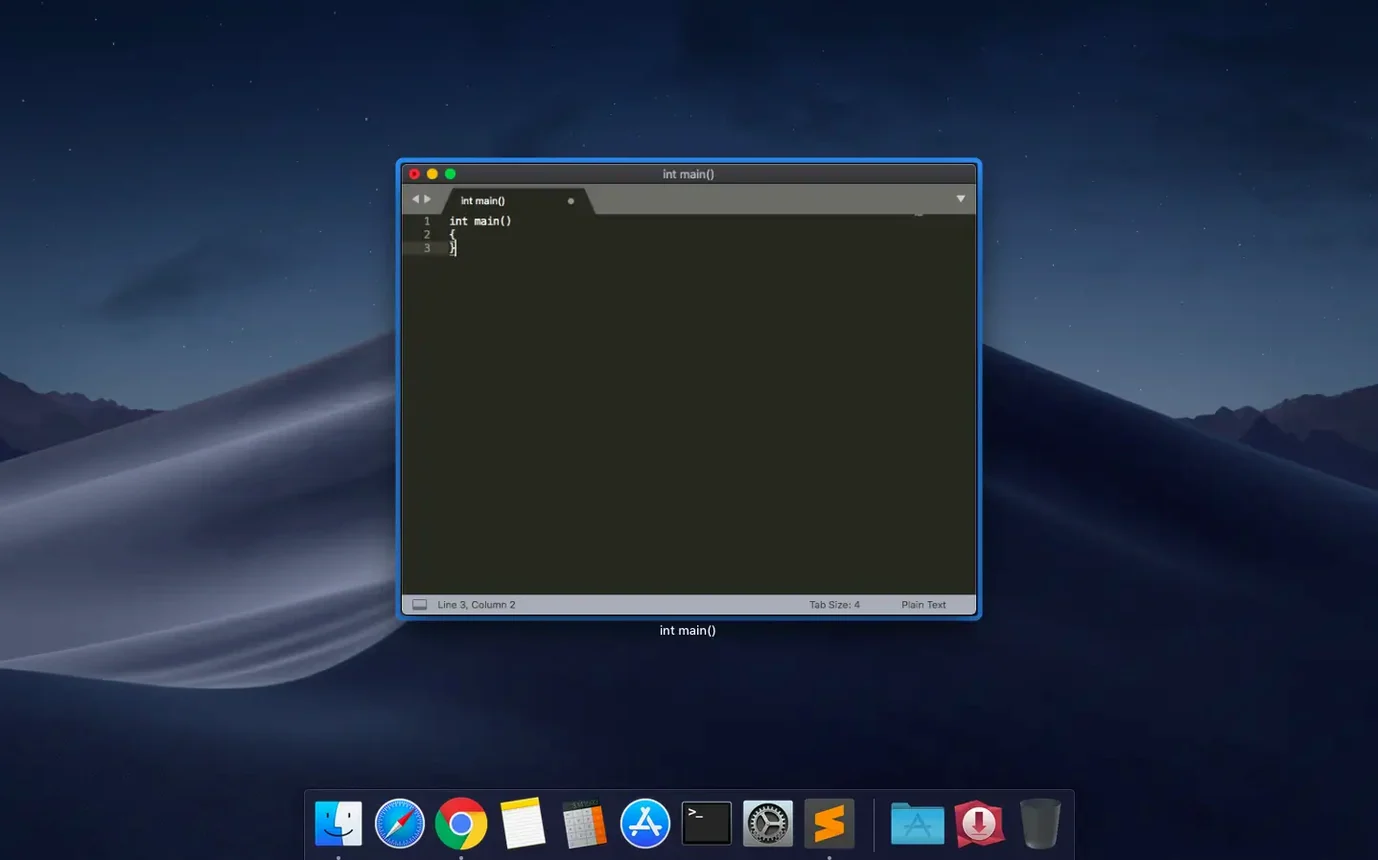
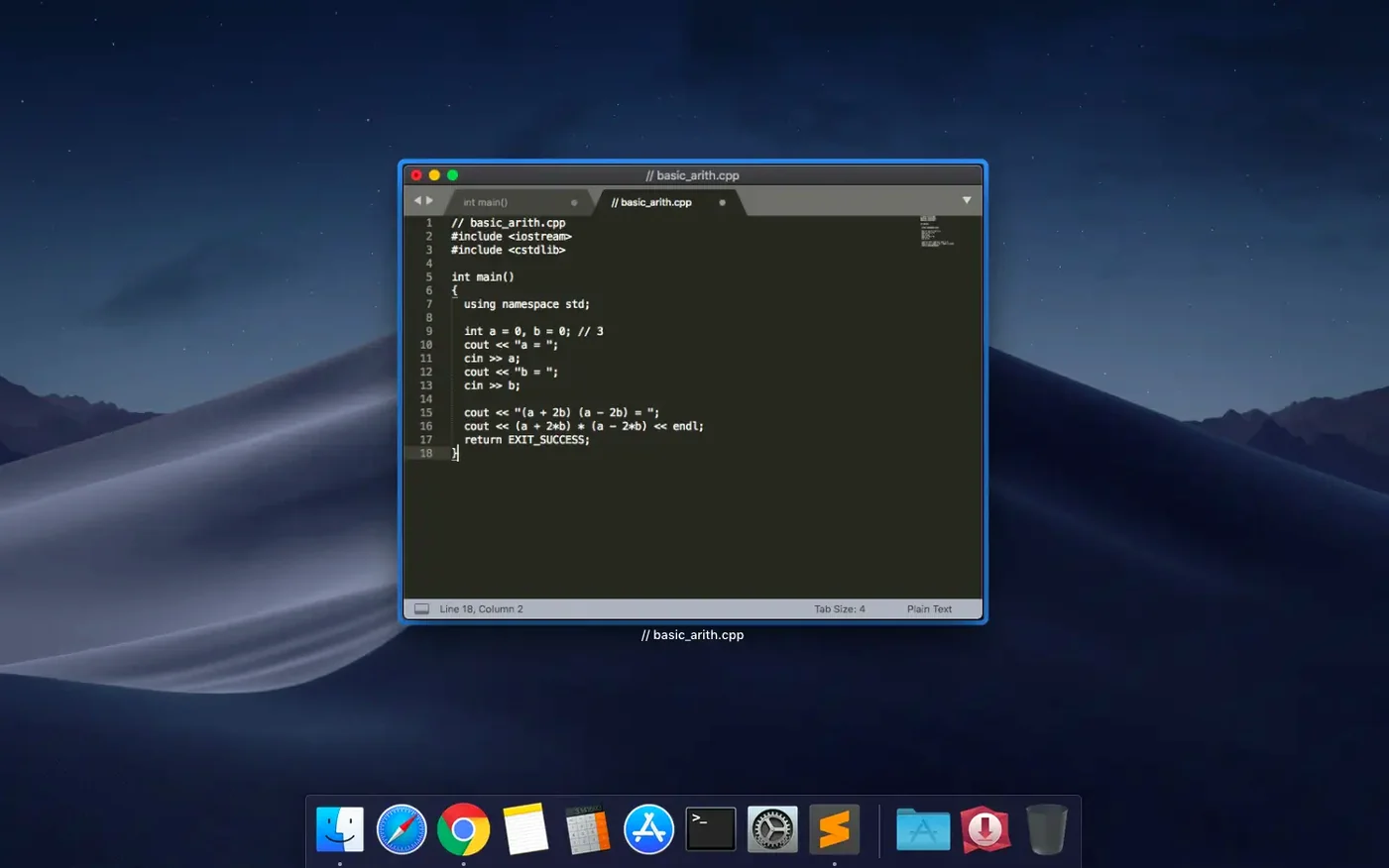
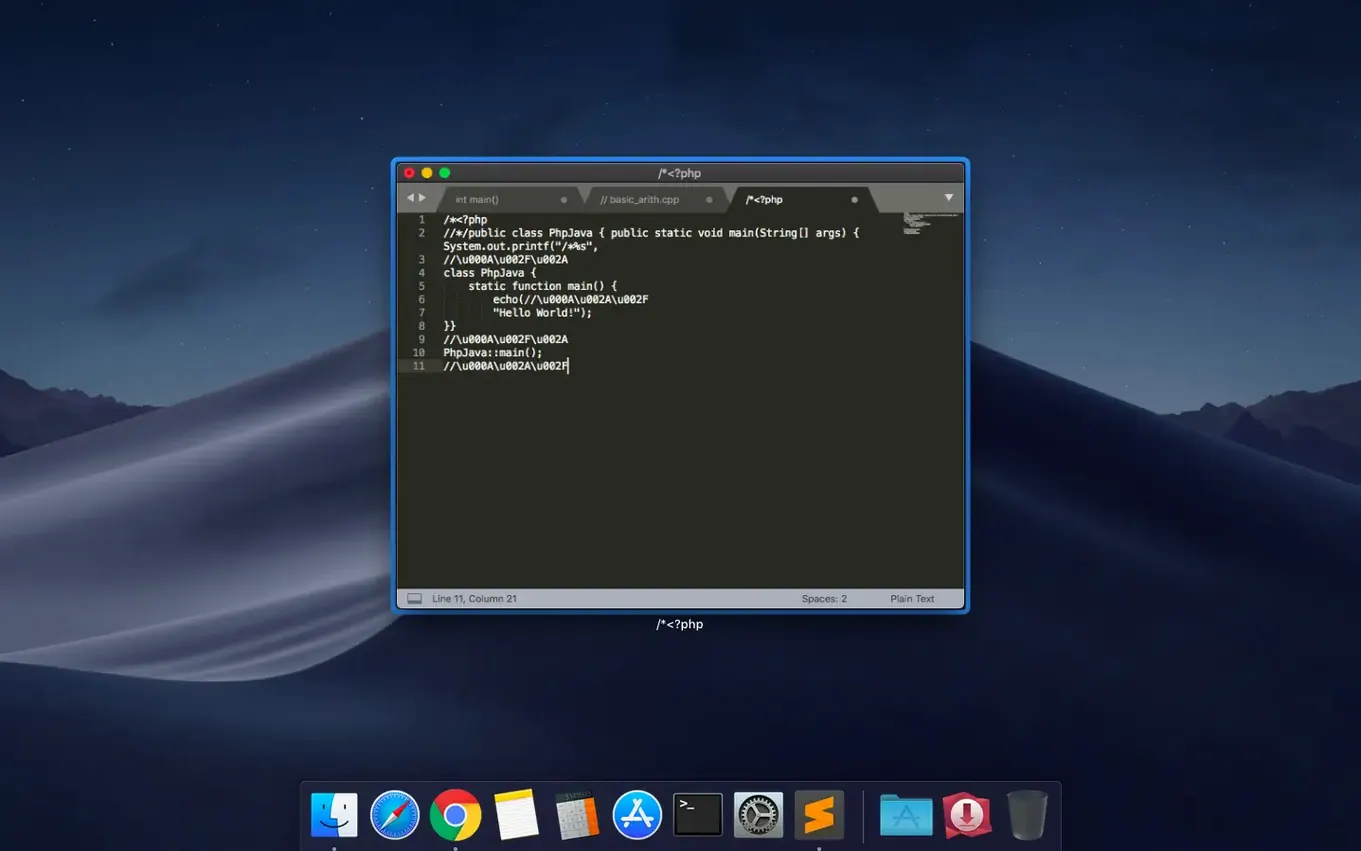
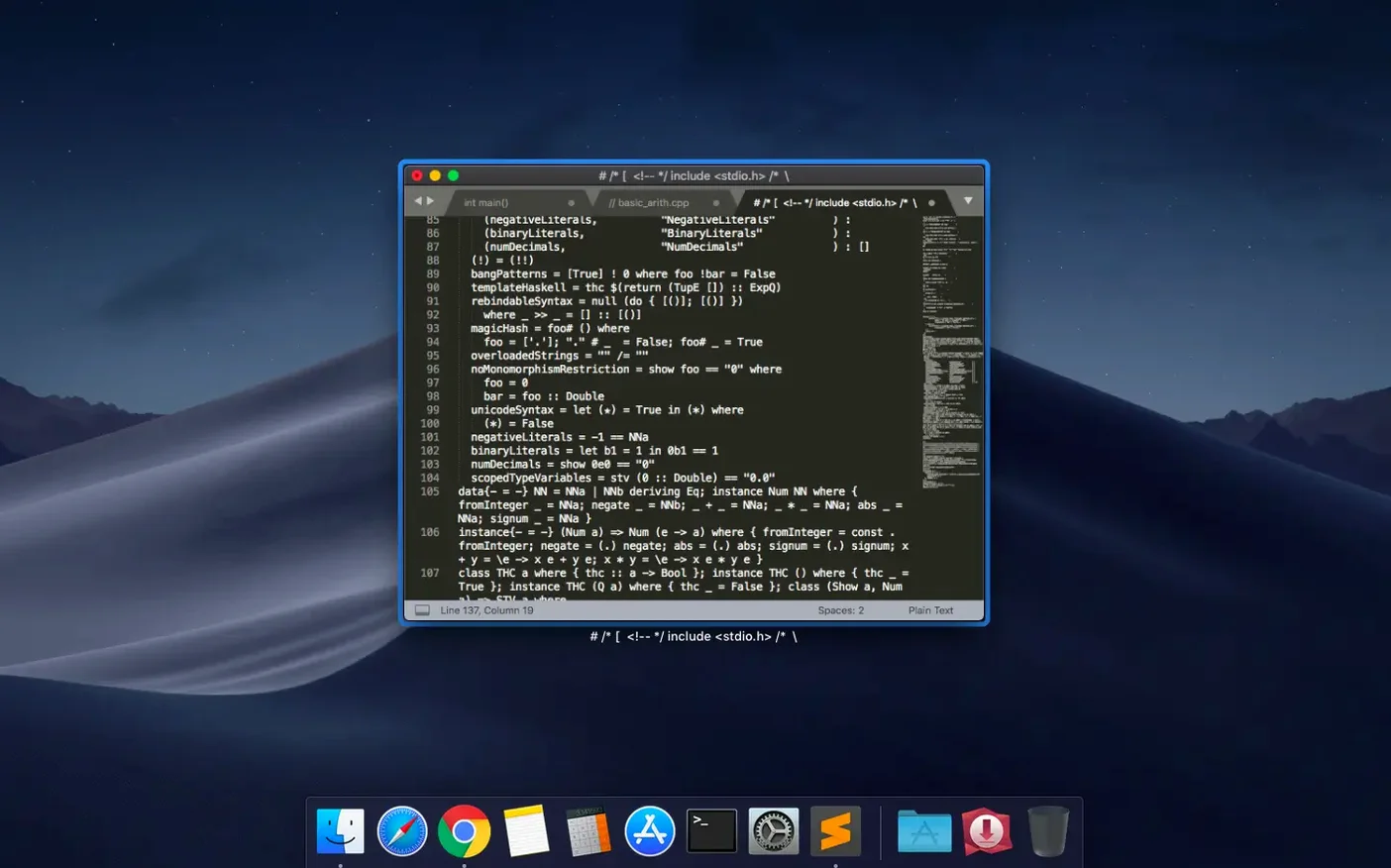
Description
Runs on macOS 10.13 and later as a Universal 2 binary, so it opens natively on Intel Macs and Apple Silicon machines.
What it is — A text editor built for code, markup and prose.
Auto-save — Work in progress is kept safe without you having to remember to hit save.
Fuzzy file navigation — Open files by typing a few characters of the name instead of digging through folders.
Search-as-you-type — Results appear in the document while you type the search term.
Build systems — Run compilers and scripts directly from the editor; no need to switch to Terminal.
Macros and repeat — Record a sequence of edits once, then replay it across other blocks of text.
Plugins — Add language support and tools via the package system.
Themes — Switch visual themes or install new ones to match how you like to work.
A straightforward editor that leaves your Mac's other tools alone and stays focused on text. Worth it if you want a fast, cross-platform editor that doesn't get in your way.
Build 4215 restores the broken vintage M command
Build 4215 landed on 25 September 2026 with two fixes that matter in daily use. The vintage M command had stopped working — a regression that tripped up anyone using Vim-style keybindings for marking lines. That's back to normal now.
The other fix is less visible but wider in reach. A compatibility snag with macOS 10.13 and 10.14 got sorted, so the editor no longer misbehaves on older High Sierra and Mojave setups. If you'd been holding off updating because of glitches on those systems, this build clears the way.
Sublime Text 4 brought a handful of changes over the 3.x line that you feel in everyday use. GPU rendering keeps the interface responsive even with large files. The minimap — that zoomed-out view of your file on the right — redraws more smoothly. Multiple cursors (column selection across dozens of lines) no longer stutter. Apple Silicon support arrived properly, so the editor launches instantly on M-series Macs rather than chugging through Rosetta translation. For anyone who keeps three or four panes open side by side, the redraw lag that crept in on retina screens is largely gone.
Context-aware autocomplete got smarter about guessing variable names and function signatures from your project, not just the open file. Tab completion for snippets now previews the snippet body before you commit, which saves undoing the wrong expansion.
Turn off tab completion when it hijacks indentation
Sublime's defaults are sensible but a few tweaks make a big difference.
Turn off tab completion if it fights you. By default "tab_completion": true means pressing Tab cycles through autocomplete suggestions. Some people love it; others find it hijacks indentation. Set it to false in Preferences and use Ctrl+Space to summon completions on demand instead.
Set a project folder for fuzzy search. Out of the box, Cmd+P searches files from the top-level folder you opened. Dragging a project root into the sidebar and saving it as a .sublime-project keeps that scope locked in, so Cmd+P always knows where to look.
Change the minimap behaviour. The minimap is useful for long files but eats a slice of screen width. Toggle it with View → Hide Minimap or set "always_show_minimap": false in your user settings if you only want it for specific file types. Some people set it to appear only when files exceed a certain line count — worth experimenting via a syntax-specific setting block.
Trim trailing whitespace on save. Add "trim_trailing_white_space_on_save": true. It keeps diffs clean and stops linters from moaning about invisible junk at line ends.
First launch blocked by macOS Gatekeeper
macOS blocks the app on first launch. Mount the disk image, then run Open Gatekeeper friendly if the installer includes it. Press Enter in the Terminal window that appears. Drag the app to Applications, open it. If macOS still complains, right-click the app and choose Open — that one-time bypass works on any unsigned app without needing Terminal.
Package Control won't install packages. Sometimes the channel list fails to fetch because of a stale cache. Open the Command Palette (Cmd+Shift+P), run Package Control: Remove Channel to clear the default channel, then Package Control: Add Channel and re-add it. Failing that, check your Mac's network proxy settings — Sublime uses the system proxy by default, and a misconfigured proxy blocks package downloads silently.
Syntax highlighting is wrong for a file type. Click the file-type label in the bottom-right corner of the window and pick the correct syntax from the list. To make it stick, add a line like "extensions": ["mdx"] to that syntax's settings or create a custom .sublime-syntax file. Quicker workaround: use View → Syntax → Open all with current extension as….
What’s new
Fixes the vintage M command not working. Fixes a compatibility issue with macOS 10.13 and 10.14.
Requirements
- macOS 10.13 or later
- Intel or Apple Silicon Mac (Universal 2 binary)
Comments 0
Sign in or create an account to leave a comment.
No comments yet…
If you’ve installed it, say how it went. Mention your Mac and macOS version — it helps the next person more than you’d think.