Super Vectorizer Pro for macOS
Description
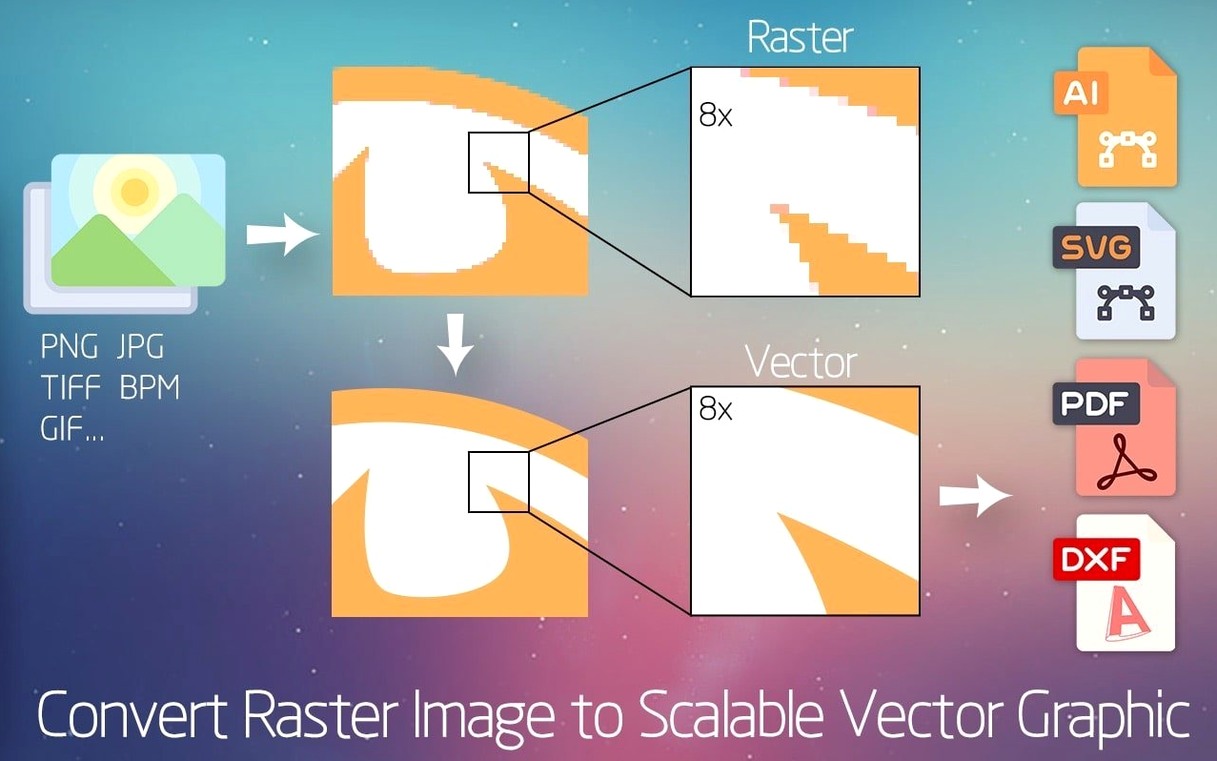
More than 70 input formats feed the trace engine. That covers old scans, raw camera files, and obscure bitmap variants without a pre-conversion step.
Trace a logo from a messy scan
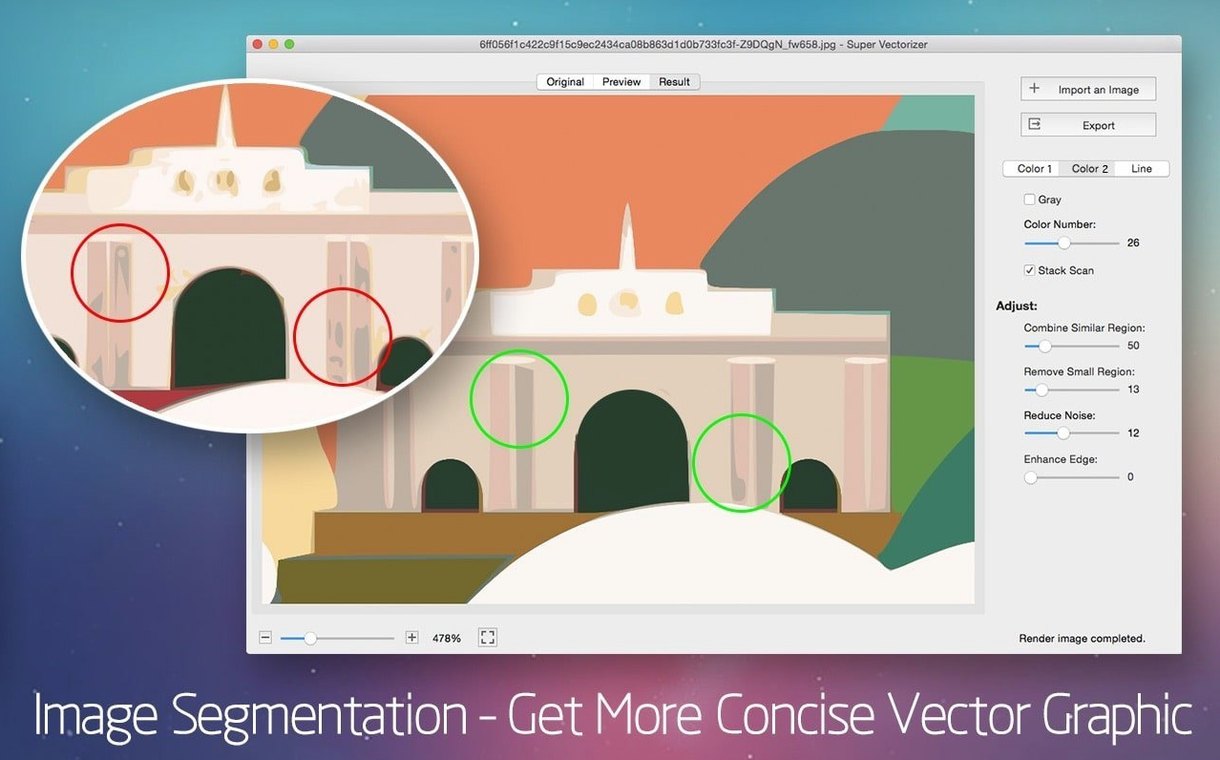
A low-resolution JPG with compression artefacts can still produce a clean SVG. The colour segmentation tools group similar tones, so you get flat, editable shapes instead of a thousand tiny blobs.
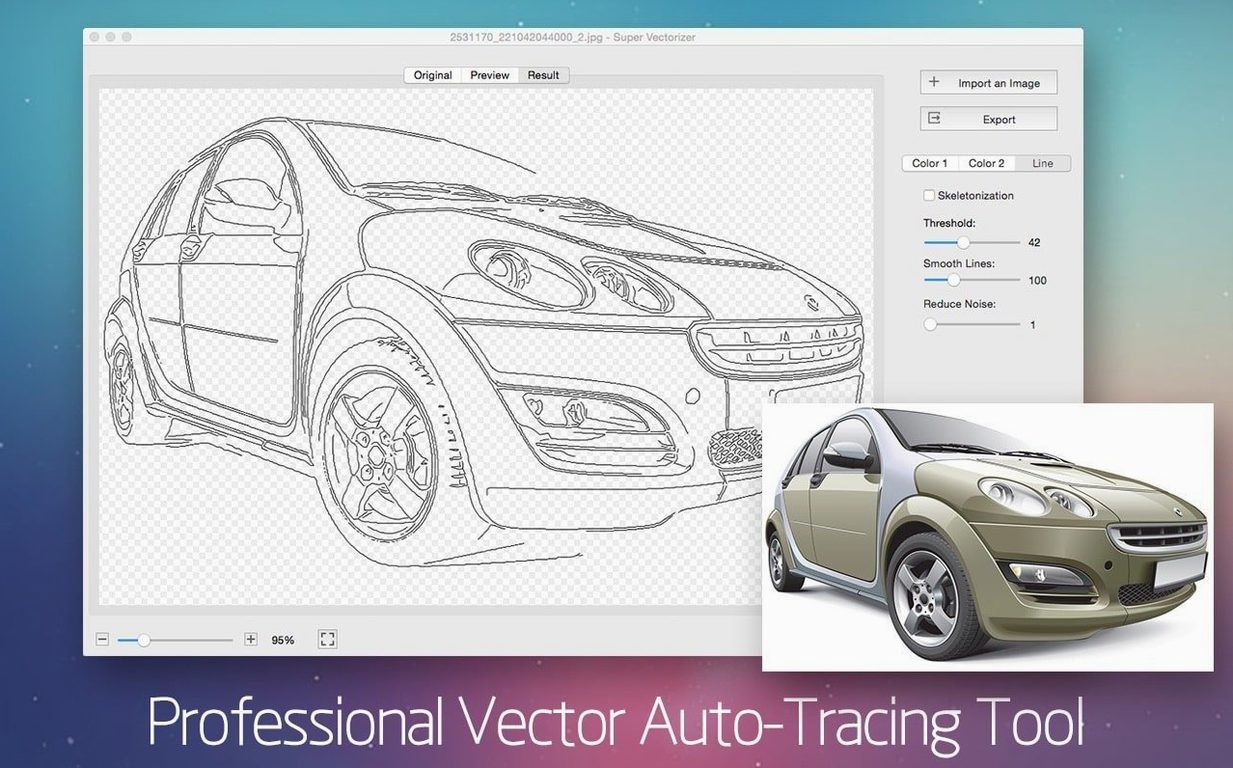
Extract line art with skeletonization
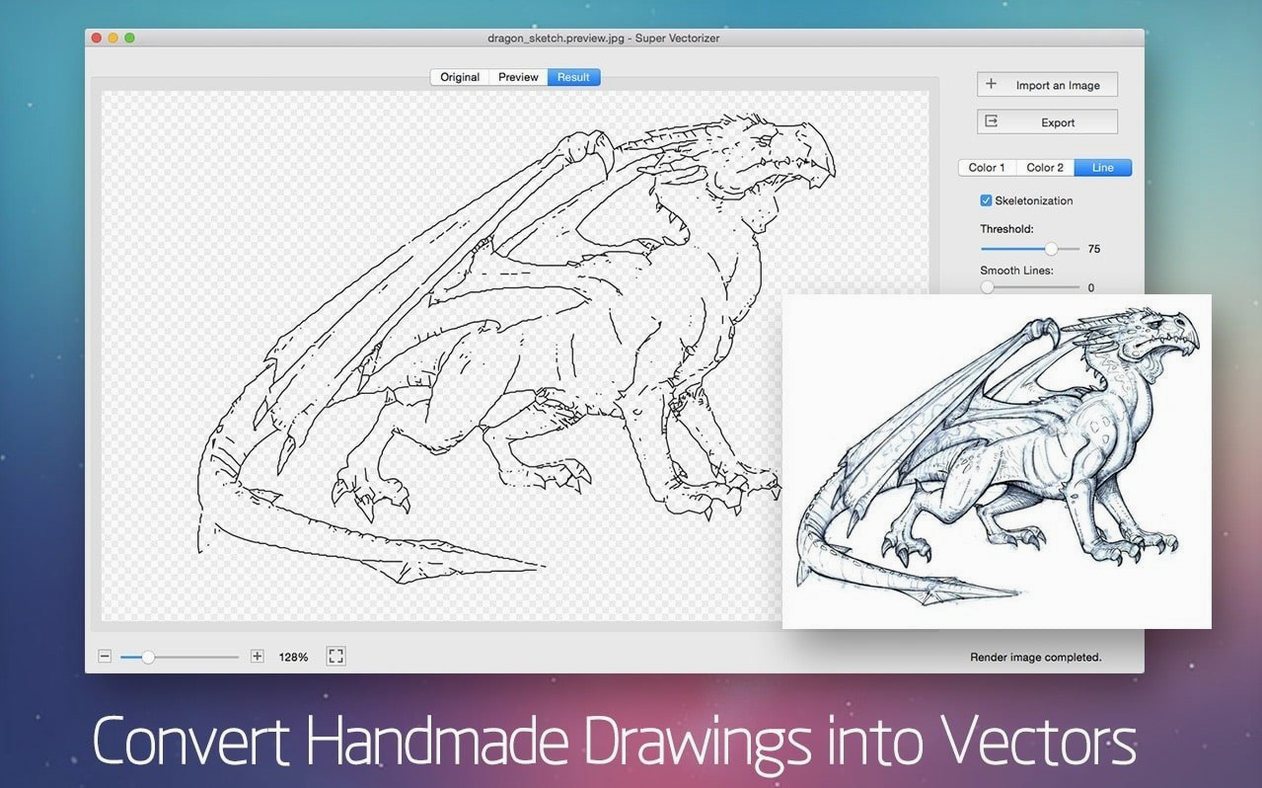
For line drawings, the skeletonization function finds the centre line of each stroke. It ignores fill, ignores noise, and gives you a true single-path result ready for DXF export to CAD software.
Export multi-layer vectors for layout work
Draggable preview split for halftone inspection
The preview pane is draggable. You can resize the comparison split with a simple drag left or right — useful when you need to inspect how a halftone area translates to paths. Double-click the divider and it snaps back to centre.
Right-click any colour swatch in the palette panel to merge it with its nearest neighbour. This is faster than reducing the colour count and re-tracing, especially when a gradient posterises into two shades that should really be one.
Holding Option while clicking a path-selection tool toggles between add-to-selection and subtract-from-selection modes. The status bar doesn't advertise this. Neither does the menu.
If you drop a folder of images onto the dock icon, Super Vectorizer Pro queues them in the order they appear in Finder. Batch processing respects the settings from your last manual trace, so do a single test run first to confirm edge fidelity before committing twenty files.
Why choosing 64 colors bloats a 3-color logo
The most common one is cranking the colour count to 64 on every image. A line-art logo with three flat colours does not need 64. It needs 3 or 4. Extra colours create tiny orphan shapes that bloat the SVG and make editing miserable. Start low. Add colours only when genuine detail vanishes.
Another early error: ignoring the minimum shape area slider. Leaving it at zero means every speck of scanner dust becomes a vector object. Move it to around 10–15 px² and the trace engine quietly discards single-pixel noise while keeping letters and icons intact.
People often trace a full-colour photograph, export to SVG, and then wonder why the file is 40 MB. The app gives you paths, not compressed pixels. A photograph becomes thousands of vector shapes. That's not a bug — it's just the wrong tool for the job. Use it for artwork with clear edges, not continuous-tone portraits. If you need a sims 2 super collection mac download, this isn't it. Similarly, searching for sims 2 super collection mac free download won't help your vector workflow.
Skeletonization trips up newcomers who feed it a filled shape instead of a stroke. The algorithm looks for the medial axis. A solid circle gives you a dot, not a ring. Trace line mode only where lines exist.
4 seconds to trace a 3000px scan on Intel
On a 2020 Intel MacBook Pro with 16 GB RAM, a 3000-pixel-wide scan traces at 16 colours in roughly four seconds. The same file with skeletonization and single-path output finishes in under two. Apple Silicon chips cut that time roughly in half — the ARM build is native, not translated.
Memory use is predictable. A 6000-pixel photo with 32 colours will temporarily allocate about 1.2 GB during the analysis pass, then release it once the paths are written. The app does not balloon over time. I left it open across three sleep-wake cycles while batch-tracing a folder of scanned blueprints; the memory footprint stayed flat at around 400 MB idle.
Crashes are rare but not mythical. The one repeatable trigger I've found is dragging the colour-sensitivity slider too fast during a real-time preview on a very large image. Let the preview catch up before adjusting again. For anyone who ended up here looking for a Super Vectorizer Pro crack or a Super Vectorizer Pro torrent, version 2.3.3 from the developer behaves itself — just match your macOS version to the build's requirements and you're set.
When the trace separates colour bands, you can send them out as stacked AI or PDF layers. No manual ungrouping required.
Requirements
- macOS 10.10 (Yosemite) or later
- Apple Silicon or Intel 64-bit Mac
Comments 0
Sign in or create an account to leave a comment.
No comments yet…
If you’ve installed it, say how it went. Mention your Mac and macOS version — it helps the next person more than you’d think.