Steinberg Nuendo for macOS
Description
A dialogue editor plays a scene for the director. The director asks for a different take, layered with room tone and a revised spot effect. The editor pulls the Comp Tool onto the grouped tracks, swaps the take, and plays it back without leaving the timeline. That is the kind of precision Nuendo is built for.
| What | Details |
|---|---|
| Developer | Steinberg |
| Current version | 15.0.30 |
| Updated | 2026-06-03 |
| macOS | macOS 11 or later |
| Architecture | Intel and Apple Silicon |
| Interface | English |
Nuendo is a post-production workstation for film, television, game audio and immersive sound. Version 15.0.30 brings fixes and workflow tweaks across several areas. The Comp Tool with Group Editing has been tidied up so grouped-track comping behaves. The Analyzer track got changes, and imported track settings plus archive handling work more predictably. Folder track routing, Quick Link MIDI assignments and the Score Editor with locked global tracks all received attention. On the plug-in side, the Multiband Envelope Shaper's bypass is more efficient and the Direct Offline Processing interface for VST Bass Amp and VST Amp Rack was fixed. The download sits under 1.8 GB.
400-track scrolling stays smooth on Apple Silicon
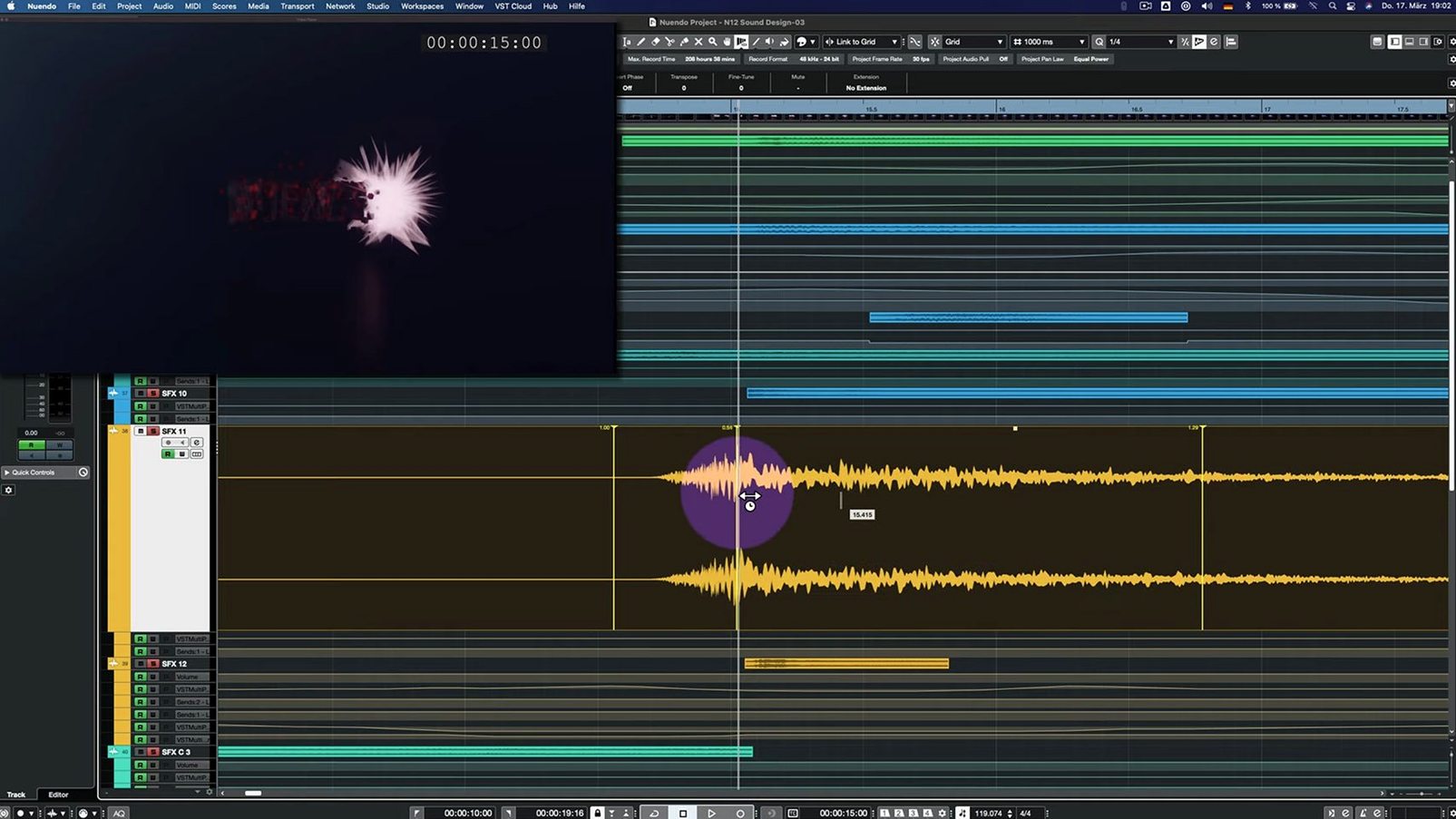
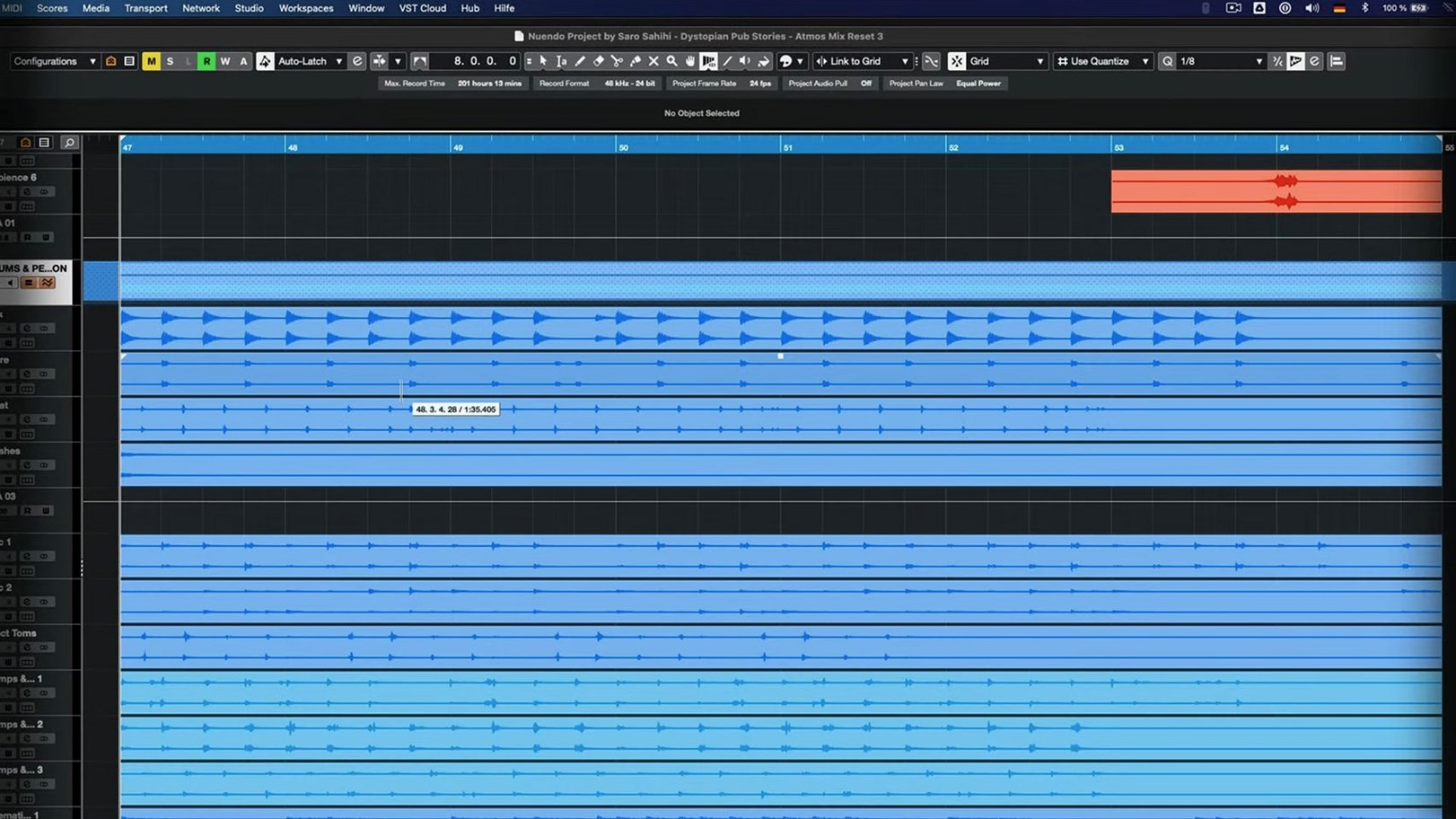
Speed depends on the project. A 90-minute feature with dense ADR, ambience beds and object-based panning will make any machine work, but Nuendo on Apple Silicon stays responsive. I've seen sessions with 400 tracks scroll without stutter. The transport reacts instantly when you hit play from a dead stop, even with video running on a second display.
Memory use is reasonable for what it holds. A full post session with picture running hovers around 4–6 GB. The app doesn't leak noticeably over a long day. Auto-save kicks in fast and doesn't freeze the UI the way some DAWs do. That matters when you're ten hours into a mix and the director is behind you.
Stability is one of its quieter strengths. Crashes are rare if your plug-ins are current. The 15.0.30 build fixed a few edge cases that used to irritate — particularly the Direct Offline Processing window glitching with VST Amp Rack, and the Score Editor throwing a fit when a global track was locked. Those are small things unless you hit them at the wrong moment.
Comp Tool stops phantom crossfades on grouped tracks
Steinberg doesn't rewrite the mixer every release, and that's fine. Version 15.0.30 is a tidying-up pass. The Comp Tool with Group Editing now behaves when you comp across grouped tracks — no more phantom crossfades or selections jumping to the wrong lane. If you comp dialogue daily, that fix alone saves twenty minutes of swearing.
The Analyzer track adjustments make loudness and spectral readings more reliable across different routing setups. Folder tracks with Group Channel functionality had a routing quirk that's been sorted, so bussing a folder to a group no longer breaks solo logic. Imported track settings and archives transfer more cleanly between projects, which matters when you're pulling an ADR chain from last week's session. Quick Link and MIDI port assignments also got tightened up — less chance of a control surface mapping drifting after a project reload.
On the plug-in front, the Multiband Envelope Shaper's bypass optimisation is genuinely noticeable. In a heavy session with real-time processing, bypassing it no longer leaves a CPU dent. The VST Bass Amp and Amp Rack fix in Direct Offline Processing is a cosmetic-plus-functional win: the window no longer draws half-broken when you call it up on a clip.
A game audio editor's afternoon
A sound designer on a mid-size RPG needs to cut creature vocals for 40 dialogue lines, then place them into an ambisonic environment for a cave scene. She opens the session with video capture from the build, drops the raw takes onto a folder track, and uses the Comp Tool to assemble the best snarls and breaths. Group Editing keeps the three close-mic layers locked together while she works through the takes.
She routes the comped folder through a Group Channel with a room reverb set to a 3rd-order ambisonic output. The Analyzer track sits on the master, showing LUFS and spectral balance as she levels the vocals. A quick export goes to the developer for review, and she keeps the archived track settings for the next creature type. The session never leaves one window.
Project opens with last mix state and video on the left
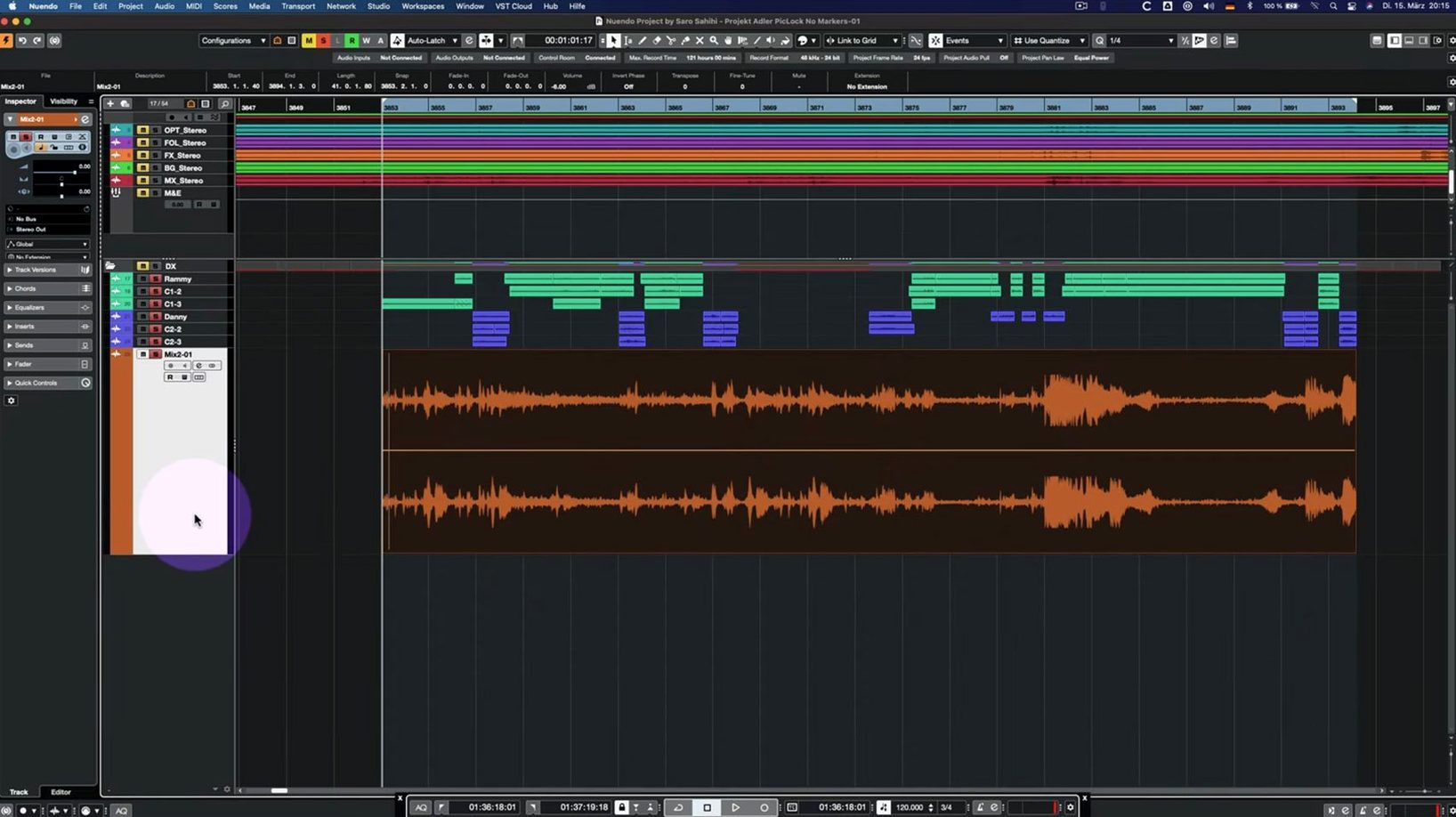
Double-click the project file. Nuendo loads the last mix state, picture track on top, dialogue folders below, grouped effects further down. Video appears in the dedicated window on the left display.
First task: spot a missing line. Drag the alternate take from the MediaBay into the dialogue track, open the Comp Tool, and slide the new take into the lane. Play it with room tone underneath. The director nods. Commit the comp.
Next: a Foley pass for footsteps on gravel. Arm the record tracks, loop the scene, and record three takes. Use the Comp Tool with Group Editing on to keep the left and right footstep mics in sync. Swipe across the best sections, then flatten.
Mix check: open the Analyzer track, run the loudest scene, and glance at the integrated LUFS readout. Tweak the dialogue bus level by half a dB. Hit save — auto-save already caught it thirty seconds ago, but old habits die hard.
Export a reference mix for the producer. The whole session — picture playback, 120 tracks, real-time reverb, Analyzer running — stays under 40% CPU on a recent Mac. Shut down, go home at a reasonable hour. That's the point.
What’s new
Fixes and enhancements in several areas.
Adds Analyzer track changes.
Updates folder track routing and Group Channel behaviour.
Improves imported track settings and track archives handling.
Adjusts Quick Link and MIDI port/channel behaviour.
Fixes the Comp Tool with Group Editing.
Fixes Score Editor behaviour with locked global tracks.
Fixes Direct Offline Processing interface for VST Bass Amp and VST Amp Rack.
Improves Multiband Envelope Shaper bypass performance.
Requirements
- macOS 11 or later
- Intel or Apple Silicon Mac
- Under 1.8 GB disk space
FAQ
What is Nuendo used for?
It is an audio post-production workstation built for dialogue editing, sound design and mixing in film, television, games and immersive audio formats.
Does Nuendo 15.0.30 work on Apple Silicon Macs?
Yes. It runs natively on both Intel and Apple Silicon Macs and requires macOS 11 or later.
Comments 0
Sign in or create an account to leave a comment.
No comments yet…
If you’ve installed it, say how it went. Mention your Mac and macOS version — it helps the next person more than you’d think.