Shottr for macOS
Description
Designers who need to compare two mockups side by side. Developers inspecting pixels. Anyone who writes documentation and keeps losing reference images behind other windows. Shottr handles the screenshot basics, then adds a few things that save a surprising amount of time.
Float a screenshot above all other windows
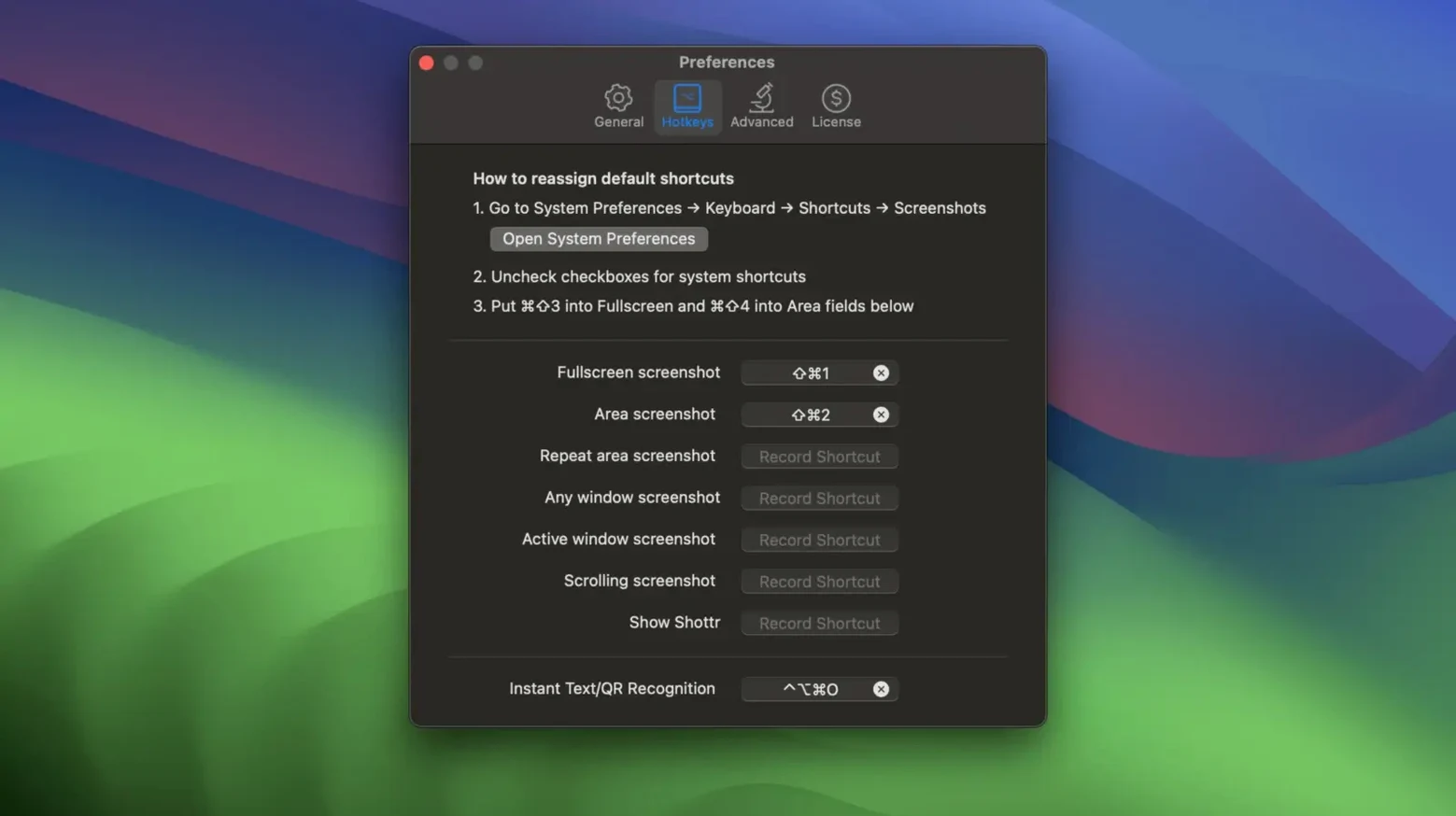
The standout feature is the ability to pin a screenshot as a floating window that stays on top of everything else. No more shuffling between apps to check a measurement or match a colour. The built-in colour picker copies the hex value under the pointer without taking a shot first. You can zoom right in for pixel-level inspection, and the scrolling capture handles long web pages or tall folders in one go. Annotation tools cover text, freehand drawing, highlights, and a spotlight effect that darkens everything outside a selected area. The OCR reads QR codes and text from images.
Native Apple Silicon app, needs Catalina or later
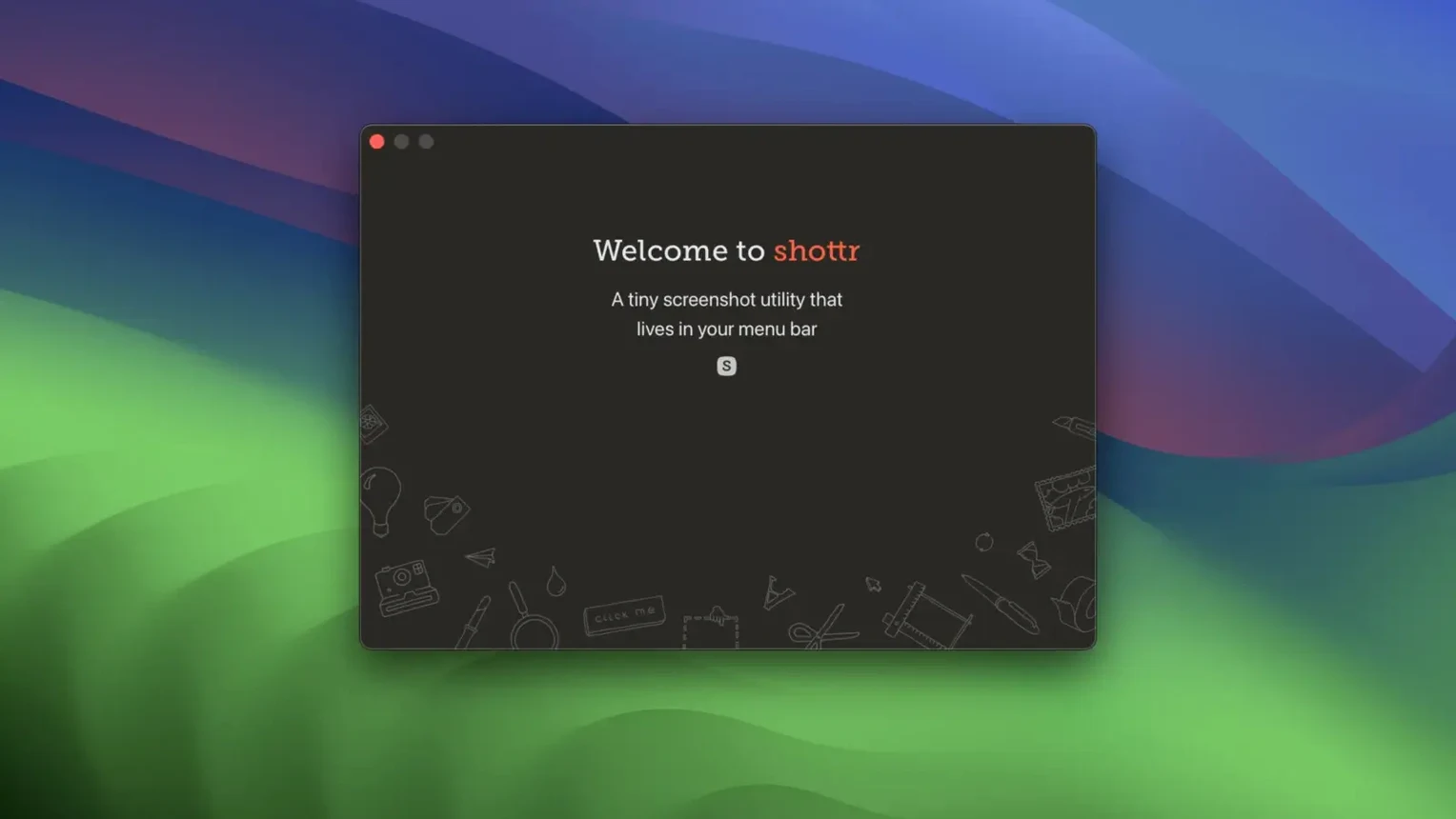
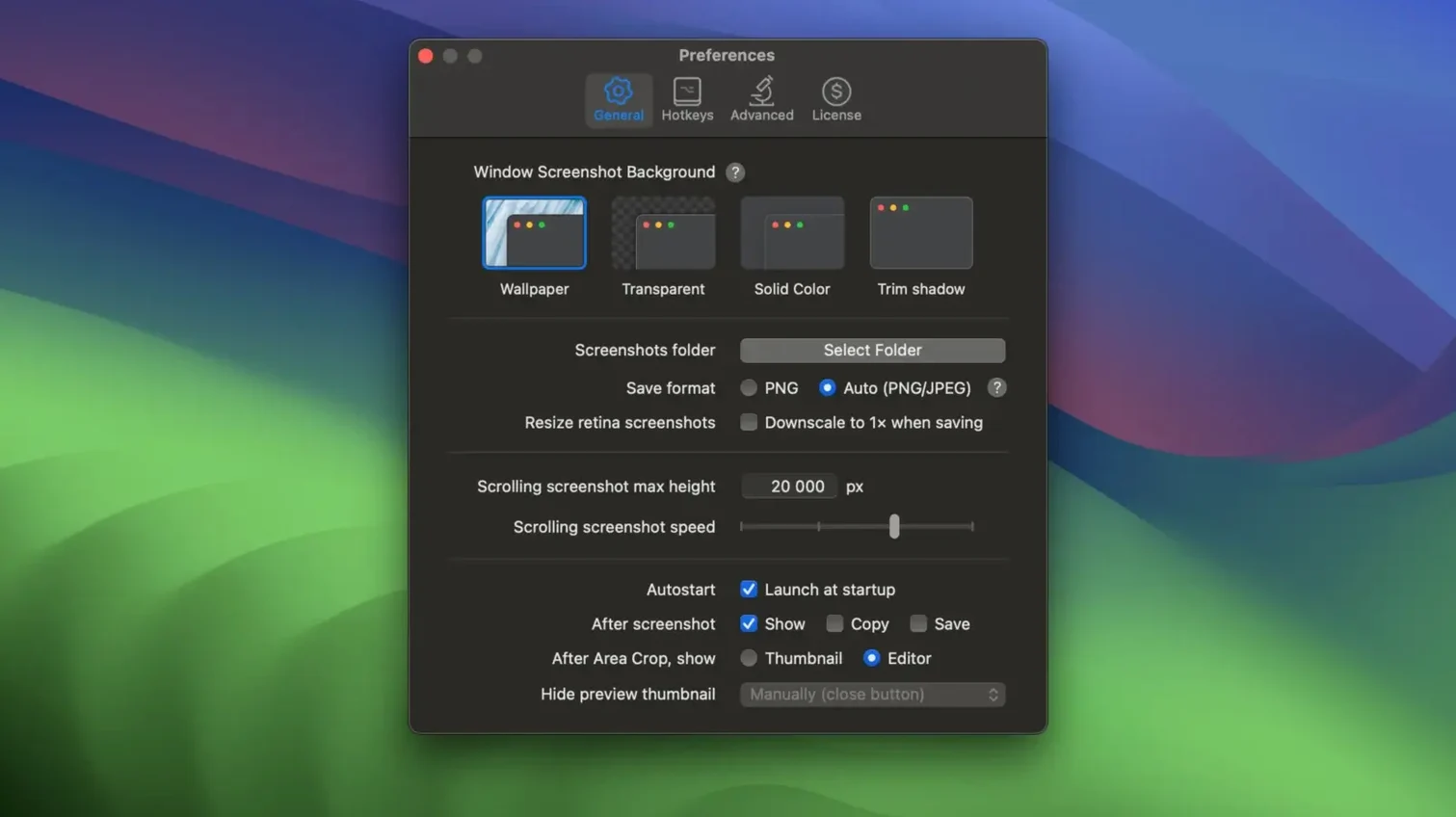
Shottr is a native app built for Apple Silicon and 64-bit Intel processors. It needs macOS 10.15 Catalina or later. Saving is straightforward: Command-S sends a shot to the folder you choose. The interface is in English. It is a single-purpose tool that loads fast and stays out of the way until you need it.
Toolbar greyed out after a full-screen capture
Hitting the shortcut for a full-screen capture and wondering why half the toolbar is greyed out. Shottr is modal: you pick what you want first—area, window, scrolling—then annotate. The buttons adapt to your last choice. It catches people out for the first few days.
Another one: forgetting the pinned screenshot is live. Dragging a file onto a pinned window overlays it, which is brilliant when you know about it and baffling when you don't. Right-click the pin to detach the overlay if you do it by mistake.
Beginners also ignore the screen ruler entirely. It hides under the same menu as the colour picker. Vertical and horizontal measurements appear in points, and you can drag the endpoints after drawing. It is quicker than taking a screenshot and counting pixels in a separate editor.
Hold Option to move a marquee you placed slightly off
- Hold Option while dragging a selection to move the entire marquee instead of resizing it. Useful when you misjudge the starting corner by a few pixels.
- Space bar toggles between moving the selection and resizing it, same convention as other Mac graphics tools.
- Press C mid-annotation to pick up the colour under the cursor without switching tools. The hex value lands on your clipboard.
- Scroll wheel zooms when the loupe is open. Combined with the alignment crosshair, it turns pixel inspection into something you do in seconds, not minutes.
- Double-click a pinned window to dismiss it quickly. Beats hunting for a close button while your desktop is a mess.
If you grab a shottr torrent mac build from a third-party site, make sure it's the universal binary so it runs natively on Apple Silicon without translation overhead. The real thing updates cleanly and stays native on Apple Silicon without any fiddling.
What’s new
Fixes a handful of bugs and tidies up a few rough edges from the last release.
Requirements
- macOS 10.15 (Catalina) or later
- Apple Silicon or Intel 64-bit Mac
Comments 0
Sign in or create an account to leave a comment.
No comments yet…
If you’ve installed it, say how it went. Mention your Mac and macOS version — it helps the next person more than you’d think.