
PasteNow for macOS


Description
List view styles change how you scan what you’ve copied. Text, links, images and code sit in temporary storage until you need them again. That’s the core of this clipboard manager from Ding Zhou.
macOS 12 minimum, Apple Silicon and Intel supported
PasteNow needs macOS 12 or later. It supports Apple Silicon and Intel 64-bit Macs, so older Macs that can’t run a recent system are out. There is also an iOS version, but that’s a separate app.
A clipboard history list without snippet bloat
Copy 'em adds snippets, PasteNow stays a focused history
MacPaw's Copy 'em does more with its built-in snippet organiser and drag‑and‑drop pasteboard. If you collect boilerplate replies, that's useful. PasteNow doesn't try to be a snippet tool. It stays closer to a straight history list.
Pastebot from Tapbots is fussier about formatting. It can apply text filters on paste — great if you always strip rich text, less great if you just want the last thing you copied. PasteNow's approach is simpler. You pick a list view and you move on.
Unclutter puts notes and files above your clipboard history, so it competes for different desk space. PasteNow sticks to one job. For people who already have a notes app they trust, that's a cleaner fit.
Pop open pinned clips right under the cursor
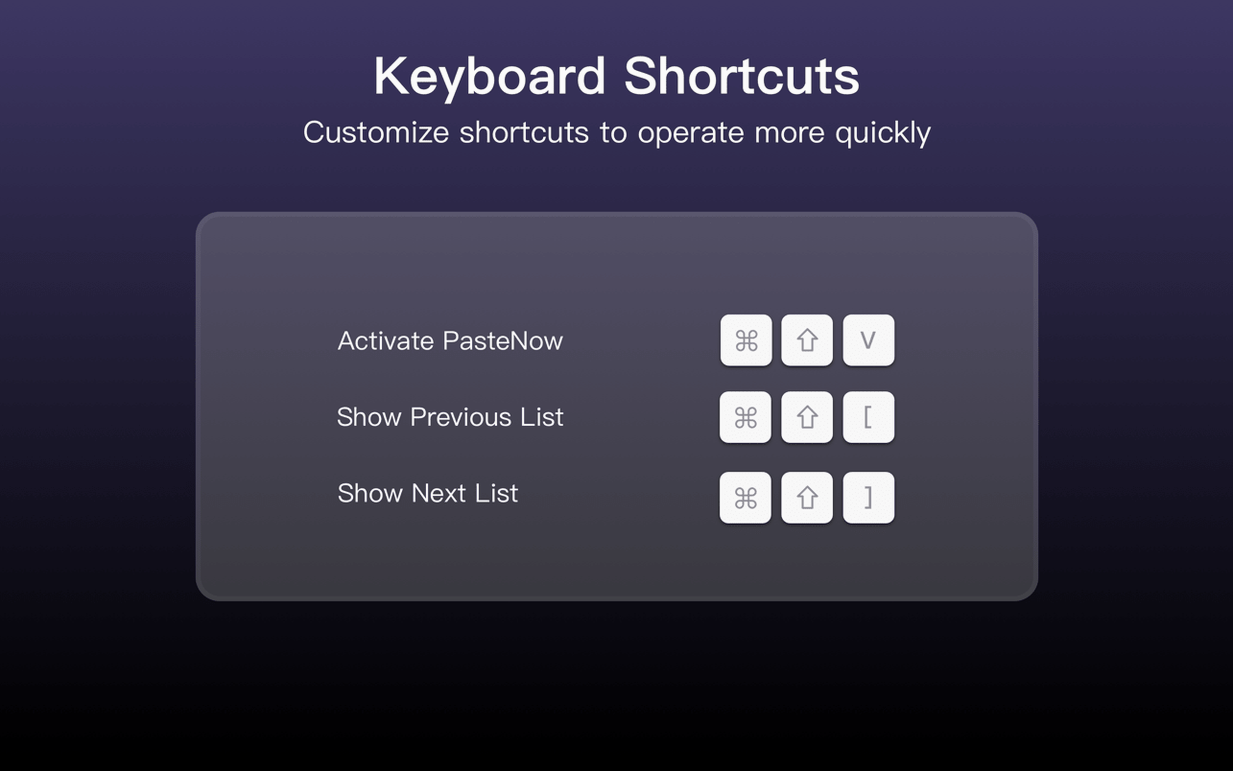
Someone on a busy help desk copies error codes, ticket numbers and config snippets all day. With PasteNow, they hit a shortcut and a compact list opens right under the cursor. No mouse, no switching windows.
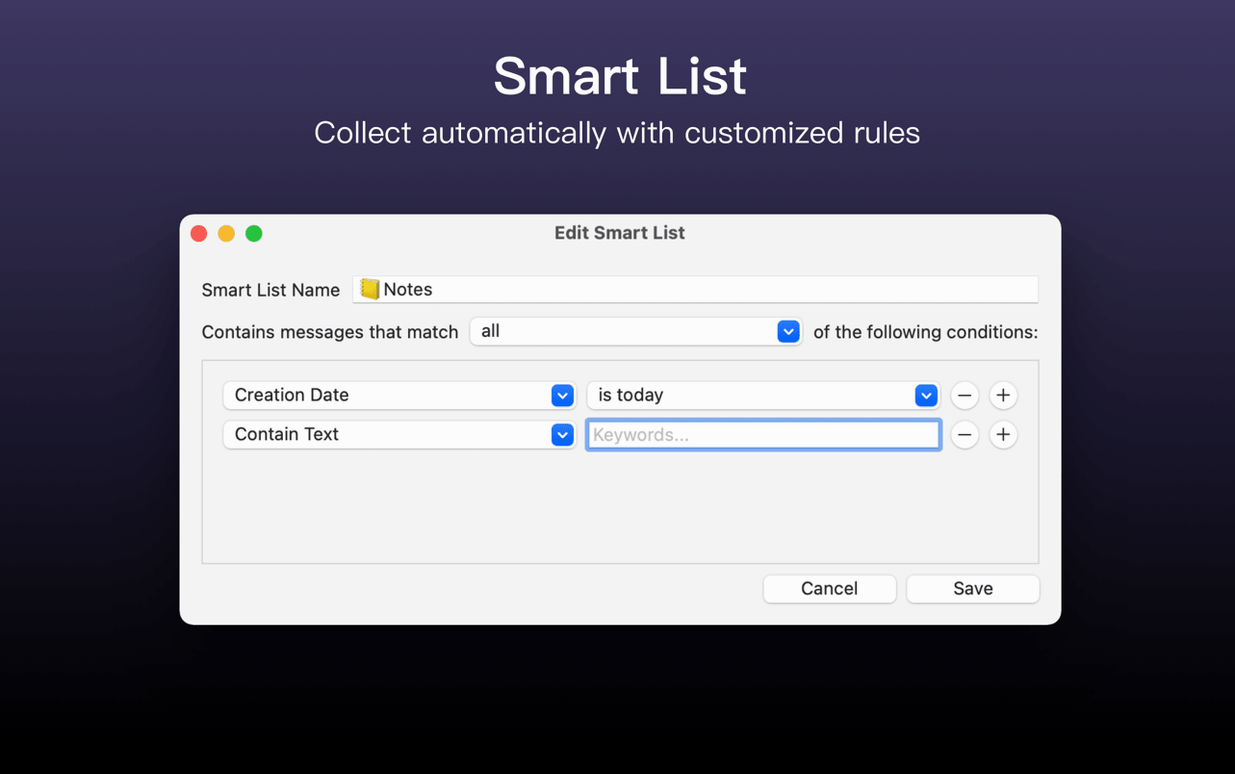
They pin a couple of frequent replies — a password-reset link, a standard sign-off — so those never scroll out of history. Smart lists are set to show only items tagged "network" when they're troubleshooting a VPN issue. Later, when they switch to a billing query, a different smart list is one click away. Nothing gets lost between calls.
At the end of the shift, they clear the history. Tomorrow it starts fresh.
Smarter filtering and tighter list views now sync reliably
The current build is 2.32. Earlier versions sharpened smart list filtering so large histories stay manageable. List views got refinements for dense text — less padding, more items visible at once. iCloud sync between Mac and iOS became steadier after a round of fixes, though you still need both apps to use it.
The shortcut for pasting near the cursor was tightened up. It used to be a bit twitchy in some text editors; now it lands where you expect. If you grabbed a PasteNow Mac torrent to try before committing, just make sure you're on the latest point release so those cursor fixes are actually in place.
You pick a list view that suits the content you keep. The interface switches between English, Traditional Chinese and Simplified Chinese.
Requirements
- macOS 12 or later
- Apple Silicon or Intel 64-bit
FAQ
What does PasteNow store?
It keeps temporary data: text, links, images and code you’ve copied.
Which Macs does PasteNow support?
Apple Silicon and Intel 64-bit Macs running macOS 12 or later.
Comments 0
Sign in or create an account to leave a comment.
No comments yet…
If you’ve installed it, say how it went. Mention your Mac and macOS version — it helps the next person more than you’d think.