Parallels Desktop for macOS
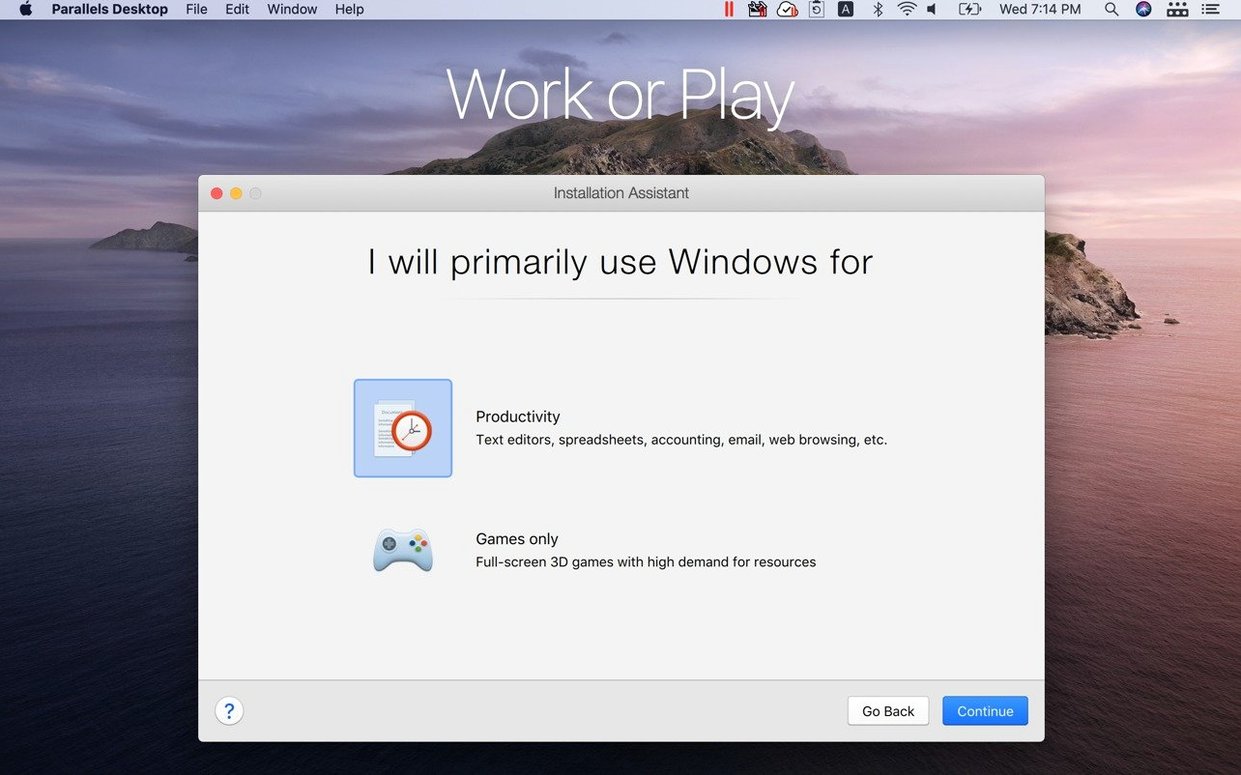
Description
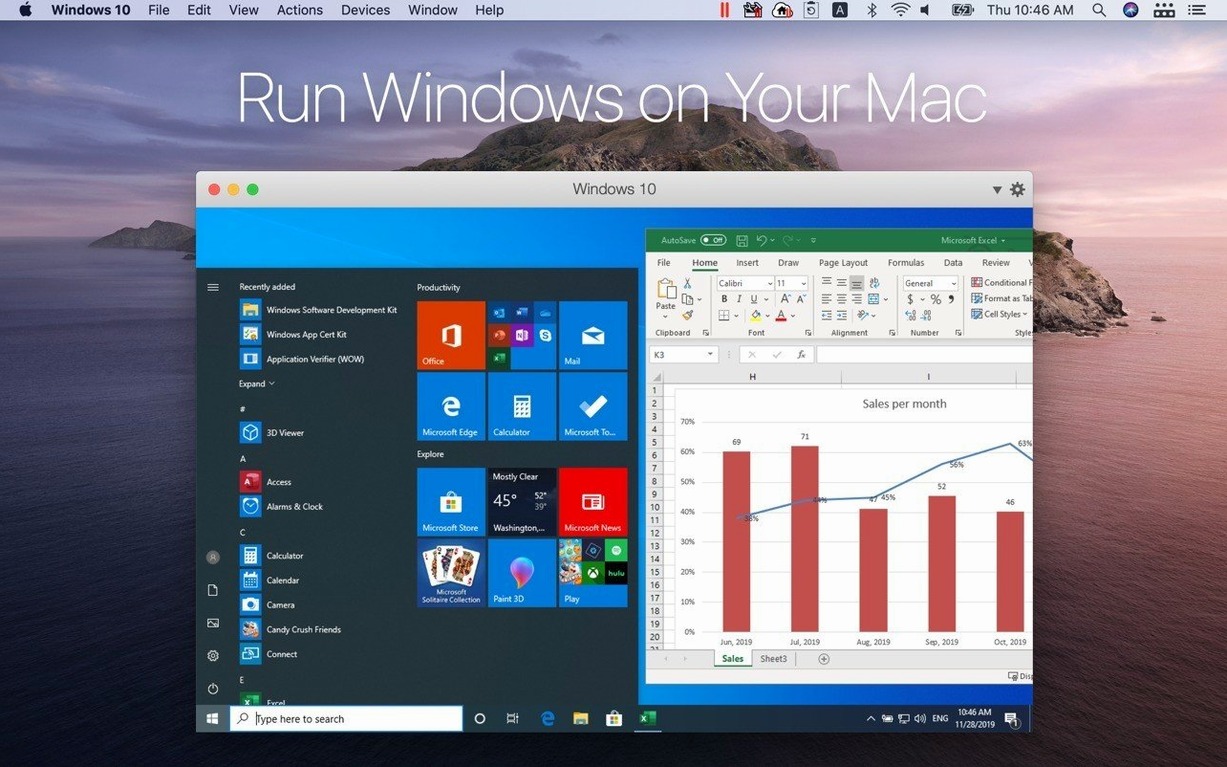
Anyone who needs a Windows app on a Mac eventually hits the same wall. Parallels Desktop knocks it down without forcing you to restart.
Coherence mode — the Windows interface vanishes. You launch a Windows app from the Mac Dock and it behaves like any other Mac window. Copy and paste text or images between systems as if they were one.
Shared folders — drop a file on the Mac desktop, open it seconds later from Windows. No USB sticks, no cloud round-trips.
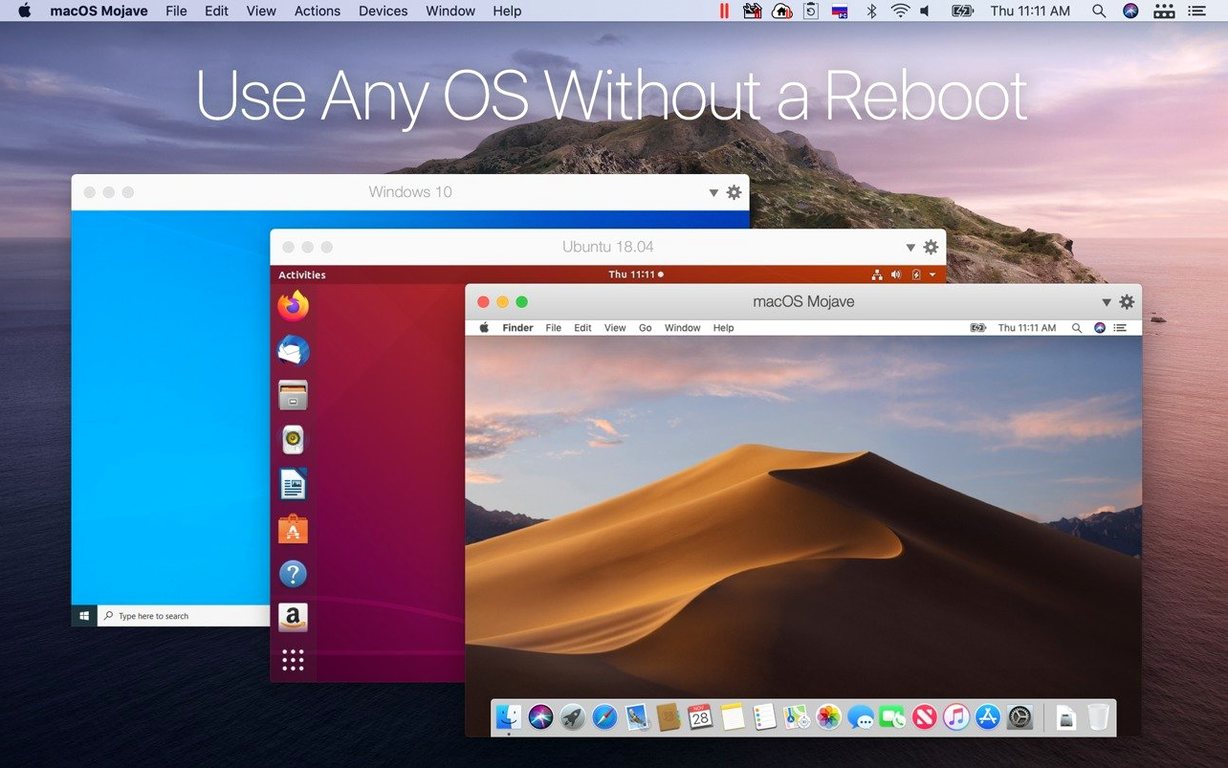
Apple Silicon native — the first Microsoft-authorised solution for running Windows on M-series chips. ARM architecture means the guest system doesn't fight the hardware.
Linux guests — Ubuntu, Fedora, Debian and Kali all run alongside macOS without fuss.
Starving the VM of RAM
Most problems I saw on the help desk came from the same handful of mistakes. Avoid them early and you'll skip a lot of frustration.
Starving the VM of RAM. Parallels defaults to a sensible allocation, but some people dial it down to 2 GB "to save memory for macOS." Then they wonder why Windows crawls. Give a Windows 11 VM at least 4 GB. If you run anything heavier than a browser, bump it to 6 GB. Your Mac has unified memory — the VM uses what it needs and releases it when idle.
Ignoring the snapshot tool. Before installing dodgy printer drivers, registry cleaners, or anything from a forum that starts with "trust me," take a snapshot. It's a two‑click insurance policy. If Windows turns sour, you roll back in seconds instead of rebuilding the VM from scratch.
Treating Coherence like a magic wand. Coherence works brilliantly for single apps. It gets confused when you have six Windows apps open, each with its own notification, taskbar thumbnail, and context menu fighting for attention. Learn to switch between Coherence and a windowed desktop depending on the task. Sometimes a plain window with a Start menu is faster.
Forgetting about disk space. The virtual disk grows but it rarely shrinks on its own. Deleting files inside Windows frees logical space; Parallels doesn't always reclaim it from your Mac's SSD automatically. After a big cleanup, run the "Reclaim disk space" option from the VM's settings.
Install Parallels tools immediately
Once the installer finishes and Windows boots, do these six things before you settle into daily work.
- Install Parallels Tools immediately. The VM runs without them, but mouse movement feels wrong, graphics stutter, and shared folders won't work. The installer usually prompts you — don't skip it.
- Set shared folders to "Map as network drive." This gives Windows a persistent drive letter for your Mac home folder. Much cleaner than browsing a network path every time you save a file.
- Turn off Windows notifications for the first hour. A fresh Windows install will bombard you with tips, Cortana nudges, and Edge promotions. Silence them in Settings > System > Notifications before they drive you up the wall.
- Pin your two most-used Windows apps to the Mac Dock. Right‑click the app icon in Coherence and choose "Keep in Dock." They stay there even when the VM is suspended, and launching one wakes the VM automatically.
- Decide on your shutdown habit. Suspend is fast and resumes where you left off. Shutting down fully reclaims RAM and forces Windows Update to finish pending jobs. I suspend during the day, shut down overnight.
- Check the "Travel mode" setting. If you work on battery and don't need Windows constantly, enable it. It extends your Mac's battery by cutting background VM activity when the window is minimised.
Windows 11 boots in under ten seconds
Nobody wants a virtual machine that feels like treacle. This one doesn't — provided your expectations match the hardware.
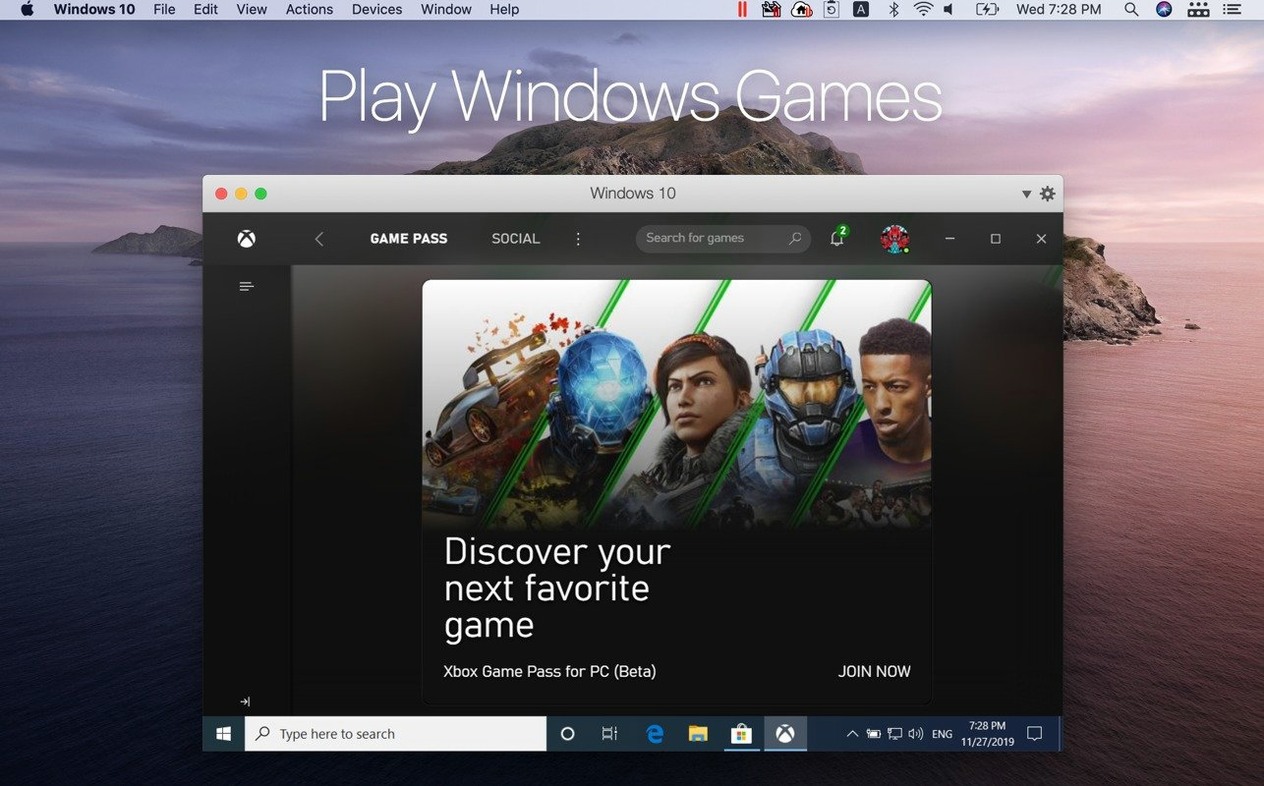
On an M‑series Mac with 16 GB of RAM, Windows 11 boots to the desktop in under ten seconds from a suspended state. Cold boot from a shut‑down VM takes about twenty. Application launch times inside the VM are close to native for Office, browsers and lightweight tools. Heavy 3D work still carries a penalty — the virtualised GPU is competent but not a match for a discrete card in a gaming desktop.
Memory use sits around 3–5 GB for a Windows VM with a few Edge tabs and Outlook open. macOS Activity Monitor reports the total; the VM process itself is transparent. CPU idle draw is near zero when the VM window is minimised. Under load, expect the fans to spin up — that's the Mac doing real work, not a sign of trouble.
Stability has been uneventful. Version 27.0.2 addresses exactly that — general stability and security fixes. I haven't seen a kernel panic or a corrupted VM state in months of daily use. Windows Update runs inside the VM without breaking the integration layer, which was not always true five years ago. The ARM SystemReady SR certification for this build means the firmware behaves predictably with standard ARM operating systems, so Linux guests boot with fewer quirks.
One edge case: if you hunt down a parallels desktop cracked build from a torrent, you're on your own. Signed builds from the developer get the security patches and the VM driver updates that keep the shared clipboard and drag‑and‑drop working. A Parallels Desktop 26 crack or a Parallels Desktop crack floating around a forum might boot Windows today, and with a few tweaks it can keep humming along — just be ready to pin your macOS version so a point release doesn't surprise you. And when it breaks, it breaks silently — clipboard stops syncing, or the VM refuses to resume. I've cleaned up enough of those messes. A Parallels Desktop Mac torrent also tends to skip the Parallels Tools version matching, which is where most of the smoothness lives. Worth sorting out the Tools alignment yourself.
Megan ditched her old Dell laptop
Megan runs a small practice from her MacBook Air. Her clients send Excel workbooks, PDF bank statements, and the occasional QuickBooks company file. QuickBooks Desktop is Windows‑only. Before Parallels, she kept an old Dell laptop on her desk just for that one application.
Now her morning looks like this: she opens the MacBook lid, clicks the QuickBooks icon in her Dock, and by the time she's poured coffee the VM has resumed and the application is ready. The company file lives in a shared folder on her Mac desktop, backed up by Time Machine alongside everything else. She copies transaction descriptions from a client's email in Apple Mail and pastes them directly into a QuickBooks register. She drags a PDF from Finder onto the QuickBooks attachment pane. No export, no import, no USB stick.
When tax season hits and she needs four Windows apps open simultaneously, she switches from Coherence to a full‑screen Windows desktop on a separate Space. Three‑finger swipe right — Windows. Three‑finger swipe left — macOS. Her Dell sits in a cupboard, battery long dead, and she hasn't thought about it in over a year.
What’s new
Fixes overall stability and security issues. Adds out-of-the-box support for Ubuntu 26.04 LTS, Ubuntu 26.04 LTS x86_64 emulation, Fedora 44, Debian 13.6, and Kali Linux 2026.2. Certified as ARM SystemReady SR 3.1 (VE band).
Requirements
- macOS 26 or later
- Apple Silicon Mac
Comments 0
Sign in or create an account to leave a comment.
No comments yet…
If you’ve installed it, say how it went. Mention your Mac and macOS version — it helps the next person more than you’d think.