Pacifist for macOS
Description
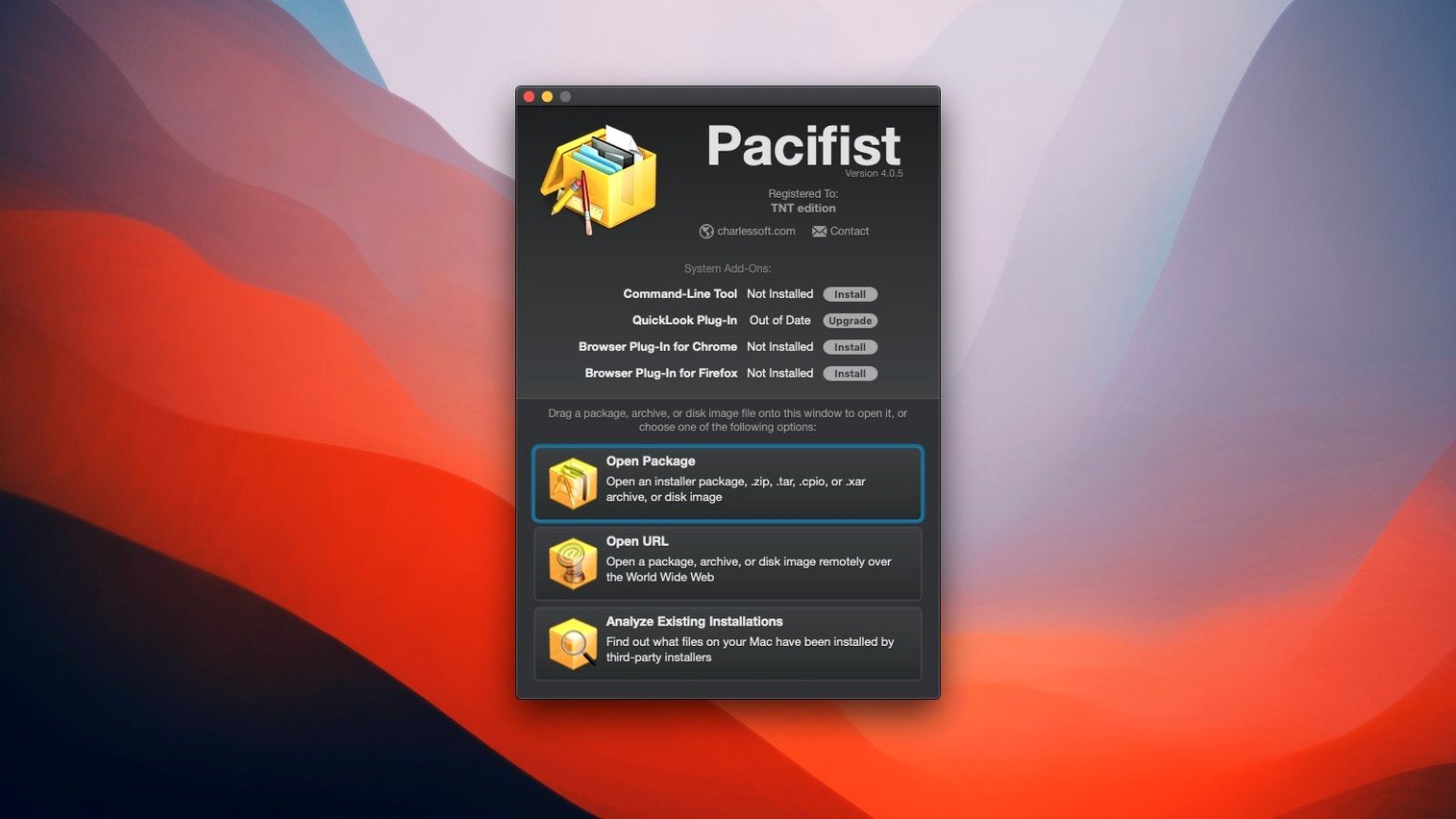
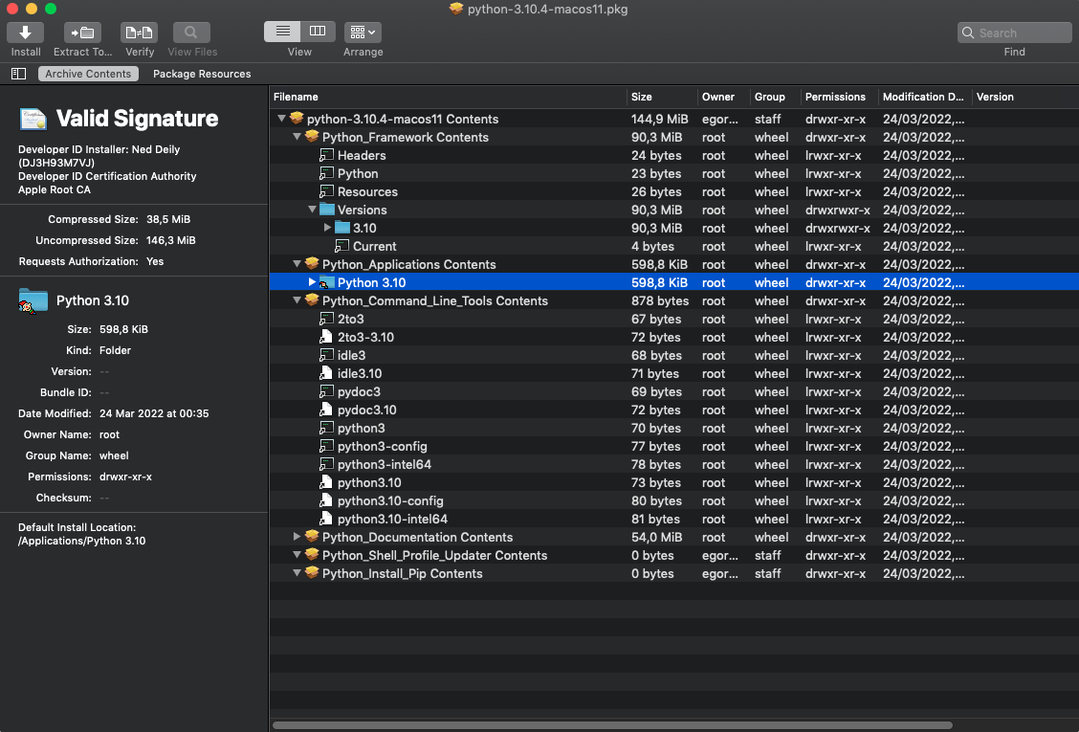
Someone sends you a .pkg and you want to see what it actually installs before double-clicking. That is the kind of job Pacifist exists for. It opens macOS packages, disk images and a decent range of archives so you can grab individual files or just check what is inside.
| What it does | Current version |
|---|---|
| Opens .pkg, .dmg, .zip, .tar, .tar.gz, .tar.bz2, .xar | 4.1.4 |
| Single-file download from some archives over HTTP | macOS 10.15–11.x supported |
| Identifies kernel extension installers and their origin | Intel only |
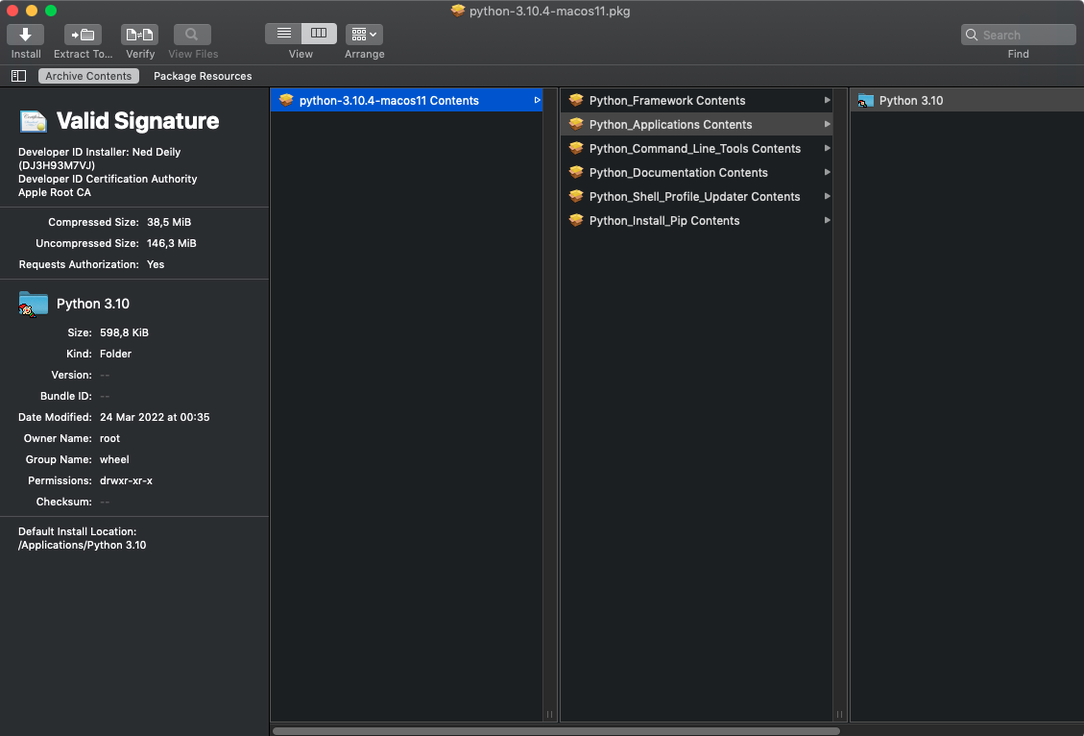
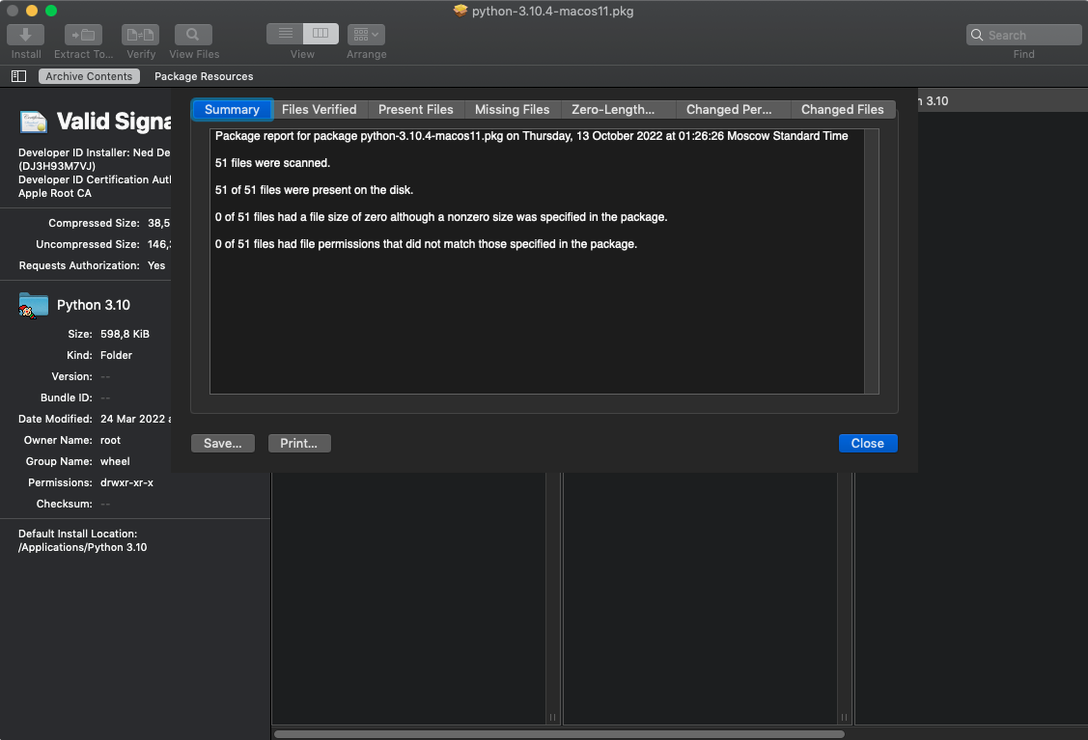
For an experienced user, the real value is in the quieter tools. You can inspect a package's payload before installation, spot which installer placed a kernel extension and whether it came from Apple or a third party. The single-file HTTP download from supported archives saves you pulling down a whole .zip just to get one config file. Version 4.1.4 adds better asset catalog extraction and macOS Tahoe compatibility, along with some bug fixes. It is not a flashy app, but it gives you control when a package looks suspicious or you just need one file out of an archive.
How a sysadmin uses it
A Mac sysadmin at a university gets a ticket: Adobe Acrobat's PDF plugin has vanished from a lab machine. Instead of reinstalling the whole Creative Cloud package, she grabs the original .pkg installer she archived six months ago, opens it in Pacifist, finds the single plugin file inside the payload, and extracts it to the right folder. Five minutes, no reboot, no waiting for Adobe's updater to pull down 3 GB. She keeps a copy of Pacifist on a USB stick precisely for this kind of surgical repair. In a managed environment where re-imaging a machine is a last resort, being able to pull one missing font, framework or preference pane out of a known-good package saves hours.
Copy suspicious .pkg scripts out for inspection
Pacifist makes most sense alongside tools like Pacifist itself and a plain text editor. You spot a suspicious post-install script inside a .pkg, copy it out, and open it in BBEdit or TextMate to see what it actually does. For archive work, Pacifist slots in where the Finder's built-in unarchiver stops short — you get a flat list of every file instead of an opaque progress bar. It also pairs well with EasyFind or Find Any File when you are hunting a missing system component and need to search inside several packages at once. If you run a command-line workflow, you can extract files from .pkg bundles and then process them with shell scripts, though Pacifist itself stays GUI-only. On macOS Tahoe, the updated asset catalog parsing means designers pulling icons and image assets out of .car files can skip a separate tool and just use what they already have open.
First-run tripwires and how to fix them
A few things trip people up the first time. Here is what to watch for and how to sort it.
macOS blocks the app on launch
Gatekeeper will flag it because it is not notarised. The fix is straightforward: open Terminal, type xattr -cr /Applications/Pacifist.app and press Return. That clears the quarantine flag. If your Mac is managed by an MDM with strict policies, you might need admin approval, but on a personal machine the command works every time.
Quick Look plugin is inactive
Some redistributed builds ship without a working Quick Look extension. You will not get previews of .pkg contents in the Finder. There is no easy toggle for this — just open the file directly in Pacifist instead of relying on Quick Look. If you absolutely need it, check whether the developer offers a separate plugin download.
SIP blocks the kernel extension inspector
The tool that identifies which installer placed a kernel extension needs System Integrity Protection lowered. Most people do not need this feature day to day, so leave SIP on unless you are diagnosing a specific kernel panic. If you do disable it, turn it back on afterwards via csrutil enable in Recovery mode.
Large .pkg files feel slow
Opening a multi-gigabyte macOS installer package can take a while on older Intel machines. Pacifist parses the entire payload index before showing you the file list, so there is no incremental loading. Let it finish — force-quitting mid-scan corrupts nothing, but you just start over. If you are extracting a single small file, the initial scan is still unavoidable, so it is worth keeping a downloaded copy of Pacifist 4.1.4 handy rather than treating each session as a one-off.
What’s new
Adds macOS Tahoe support. Improves accuracy when parsing and extracting images from asset catalogs. Includes miscellaneous bug fixes.
Requirements
- macOS 10.14.6 or later (Intel only)
- English interface
FAQ
Can Pacifist extract a single file from a .pkg without installing everything?
Yes. You can browse the contents of a .pkg and extract individual files or folders to a location you choose.
Does Pacifist show who created a kernel extension installer?
It can identify whether the installer for a kernel extension belongs to Apple or a third-party developer.
Comments 0
Sign in or create an account to leave a comment.
No comments yet…
If you’ve installed it, say how it went. Mention your Mac and macOS version — it helps the next person more than you’d think.