ON1 Photo RAW for macOS
Description
Photographers who'd rather not hop between a catalogue app, a RAW developer, and a pixel editor tend to land on ON1 Photo RAW. It puts the core jobs—browsing, processing, and layered retouching—inside a single standalone window on your Mac. That means fewer round-trips and less clutter when you're working through a shoot.
- A layered editor sits alongside the RAW processor, so you can do local adjustments without exporting a TIFF first.
- The built-in organiser handles culling and keywording—no need for a separate library app unless you already have one you prefer.
- It runs natively on Apple Silicon and Intel Macs, and needs macOS 13 Ventura or later.
- The 2026.5.2 update brings faster filter response and extra lens profiles for recent glass.
- It reads your existing folder structure rather than forcing imports into a package, which plays nicely if you already sort files manually.
It won't replace a dedicated pixel pusher for complex composites, but as a daily driver that keeps cataloguing, RAW conversion, and local edits in one place, it earns its spot on the dock.
A layered portrait edit from start to finish
Say you've just offloaded a set of headshots. The light was uneven and there's a stray highlight on the cheek.
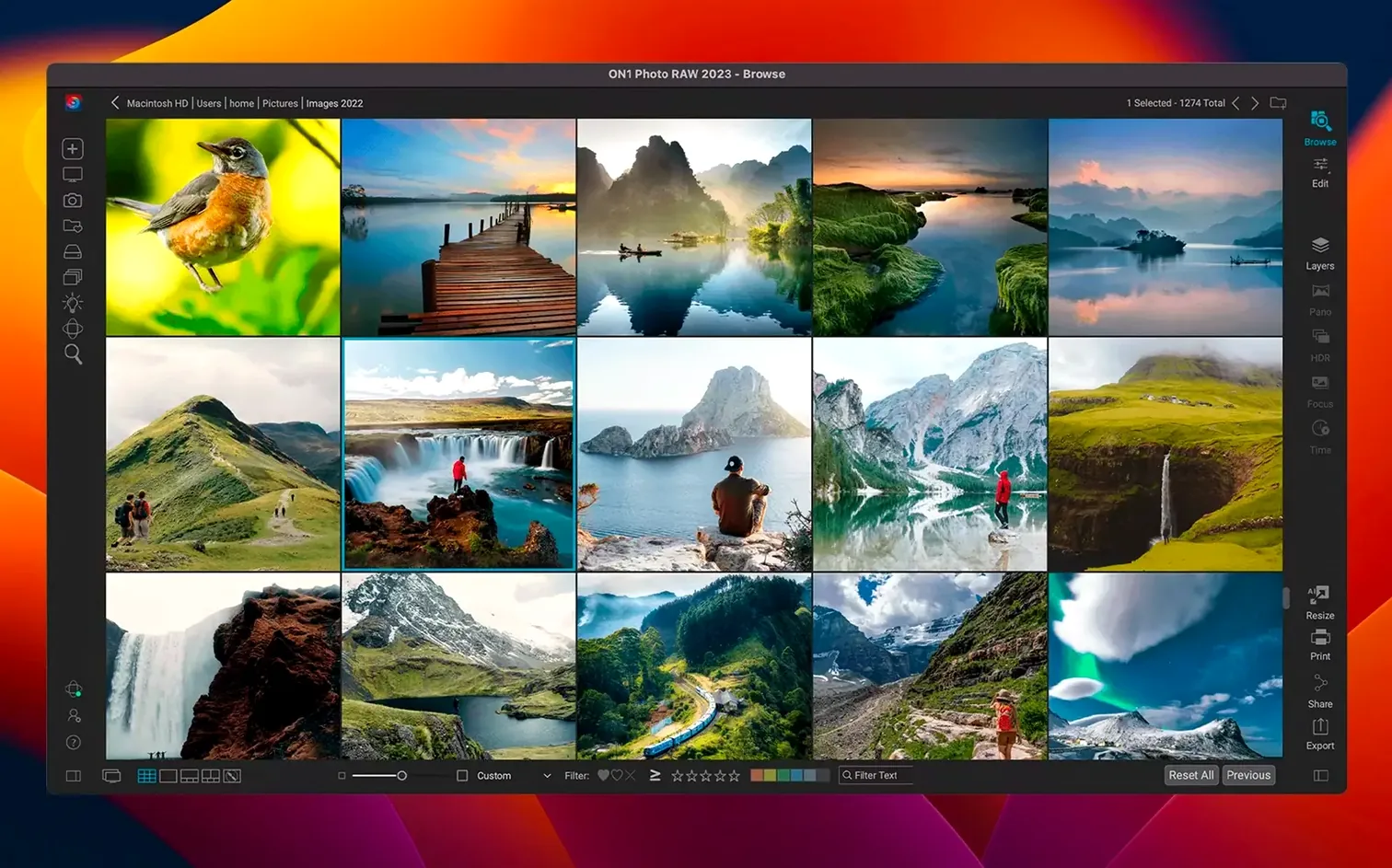
- Open the Browse module and navigate to the folder. Thumbnails draw straight from the RAWs—no import step.
- Flag the three best frames with one keystroke, then filter to show only flagged shots.
- Double-click the strongest frame. It opens in Edit, ready for RAW development.
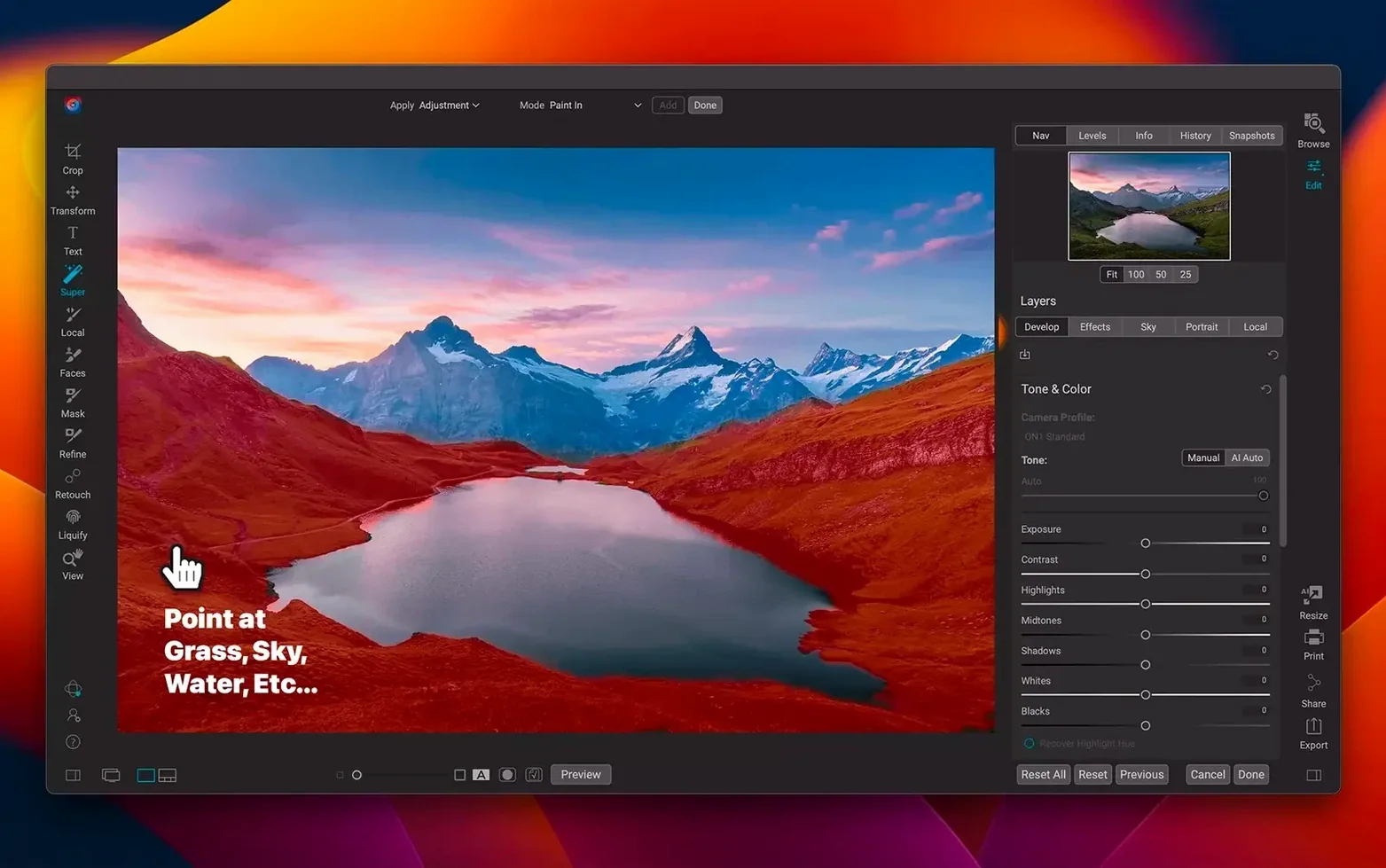
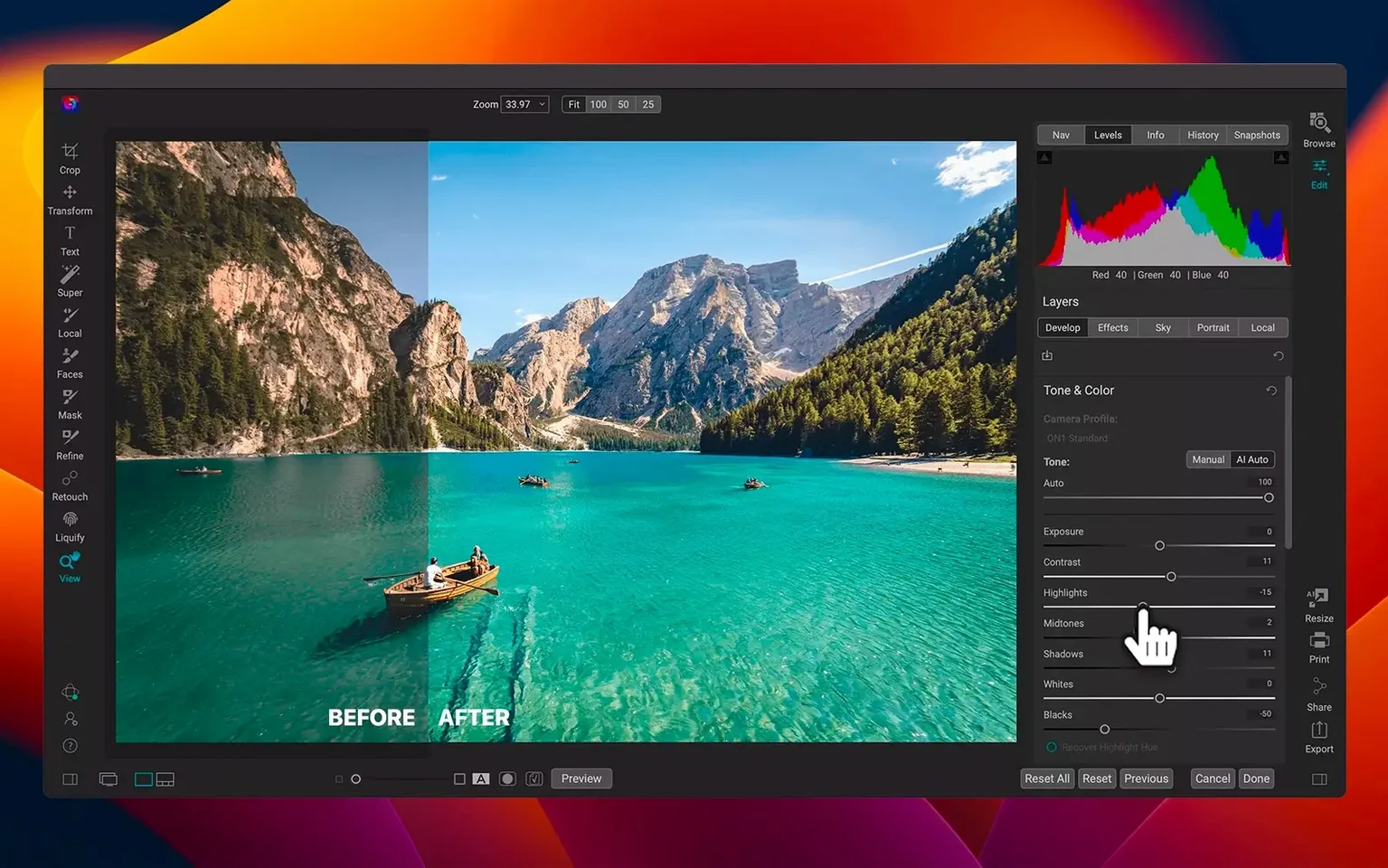
- Pull the Highlights slider left to recover detail in the cheek. Lift Shadows a touch so the eyes don't go muddy.
- Switch to the Portrait AI filter. It finds the face automatically and lets you soften skin, brighten the iris, and sharpen lashes on separate sliders.
- Add a Local Adjustments layer. Paint a mask over the background, drop exposure by half a stop, and add a slight vignette.
- Send the finished shot to Export—full-res JPEG to the client folder, resized copy to a subfolder for web.
The whole thing took under three minutes and never left one application.
Culling a fresh memory card straight from Browse
You come back from a weekend shoot with a card full of landscapes. You pop the card in, open ON1 Photo RAW, and point Browse at the card's DCIM folder. The app builds previews as you scroll—no waiting for a full import.
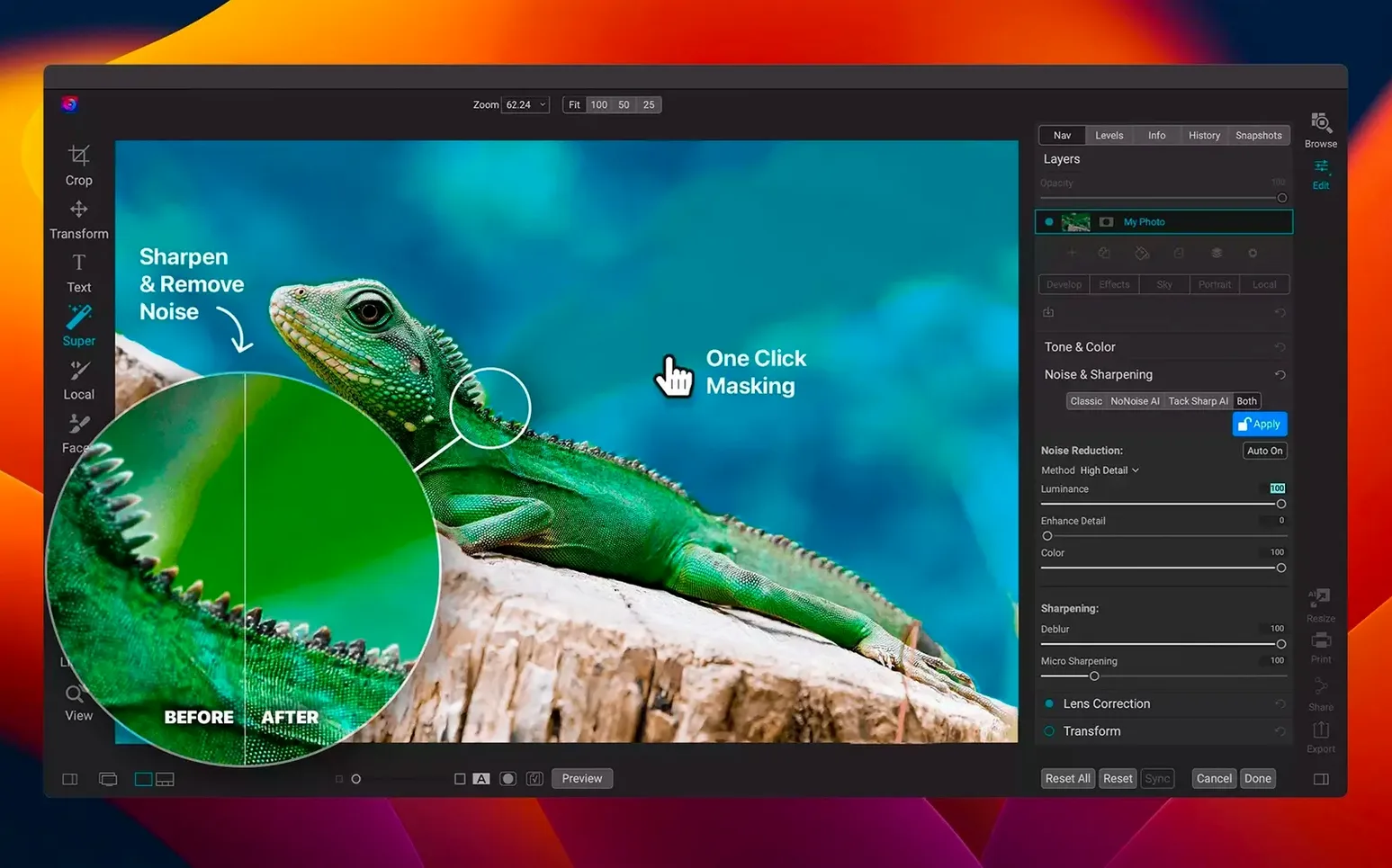
You tap T to open the culling view. Arrow keys move you forward; a tap of 1 marks a shot as a pick. Ten minutes later you've whittled 300 frames down to 18. You switch to Edit on the first keeper. The Tone & Color panel gets the exposure right. A gradient filter darkens the sky. The new Nocturnal AI filter cleans up the noise that crept into the shadows from a high ISO.
By lunch, six shots are edited, exported, and copied to the shared drive. The catalogue hasn't touched your folder layout—everything still lives where you put it.
Letting previews catch up on large RAW folders
Previews loading slowly on a big folder. ON1 Photo RAW generates full previews on the fly. If you're scrolling through hundreds of RAWs, let the app sit for a minute on the folder while it catches up. You can also drop the preview size in Preferences to speed things along on older machines.
A filter goes missing after the update. The 2026.5.2 release rearranged a few filter groups. Scroll through the Add Filter list slowly—some effects moved under new parent categories. If a custom preset vanished, check ~/Library/Application Support/ON1/Presets to make sure the file is still there.
Mask painting feels laggy. On Apple Silicon Macs, this usually means the hardware acceleration toggle got flipped off during the update. Go to Preferences → Performance and confirm that GPU acceleration is enabled. Restart the app if you change it.
RAW files look flat when opened. ON1 Photo RAW doesn't apply the camera's built-in picture style by default. In the Tone & Color panel, open the Camera Profile dropdown and pick a starting point that matches your body—"Camera Standard" or "Camera Neutral" usually gets you close to the rear-screen preview you saw while shooting.
What’s new
Adds faster filters and new lens profiles.
Requirements
- macOS 13 Ventura or later
- Apple Silicon or Intel 64-bit Mac
FAQ
Does ON1 Photo RAW work on Apple Silicon Macs?
Yes, it runs natively on Apple Silicon and Intel 64-bit Macs with macOS 13 Ventura or later.
Comments 0
Sign in or create an account to leave a comment.
No comments yet…
If you’ve installed it, say how it went. Mention your Mac and macOS version — it helps the next person more than you’d think.