
Navicat Premium for macOS
Description
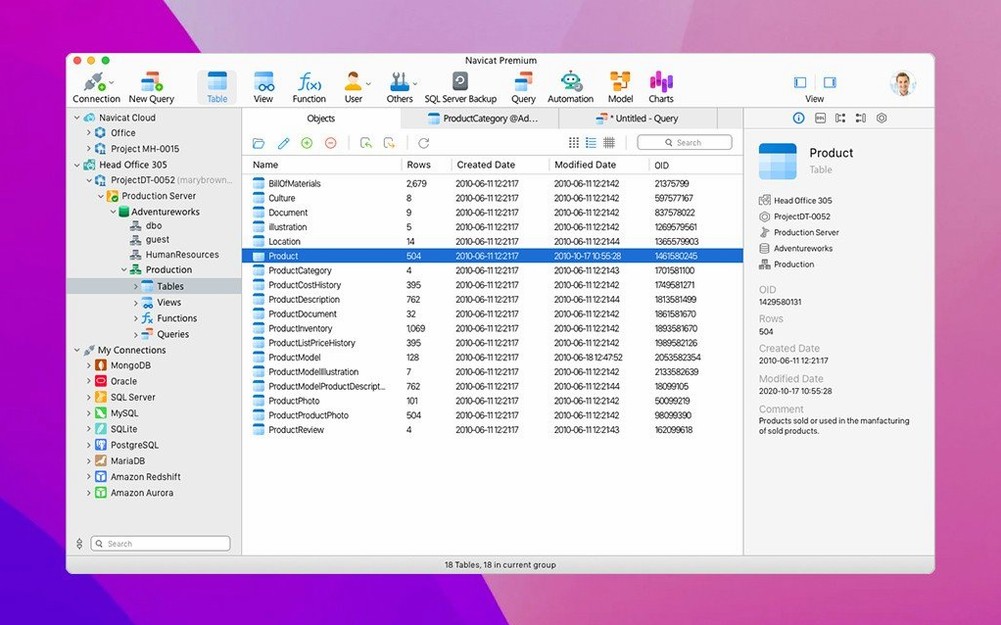
Navicat Premium 17 is a single Mac app that connects to nine database types—MySQL, MariaDB, SQL Server, PostgreSQL, Oracle, SQLite, MongoDB, Redis, and Snowflake—so you stop switching tools just to get work done.
An experienced user will live in four corners of it.
- Build queries without guesswork. The query builder lets you drag tables and joins visually, then switch to the SQL editor to tweak the output. Run the SQL Minifier on anything you inherit from a colleague and you'll get something readable in one click.
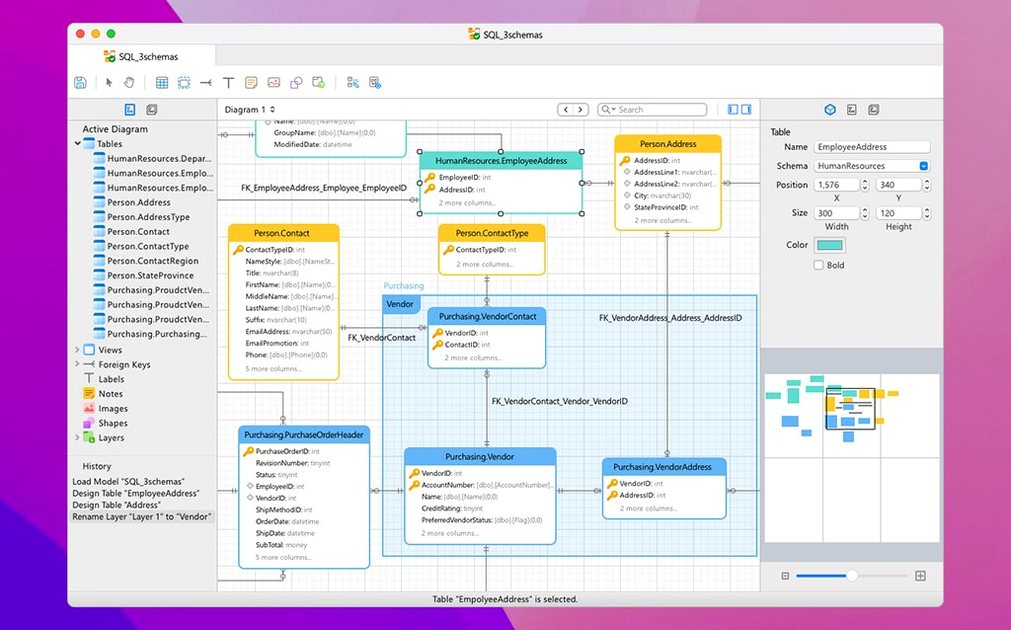
- Model what you're about to build. The ER diagram tool gives you a proper data model before you write a single CREATE statement. Reverse-engineer an existing database to see how the last person left it.
- Move data without drama. The import/export wizard handles the mapping so you're not hand-editing CSVs at 5 p.m. on a Friday. It keeps working across local and remote servers without changing the steps.
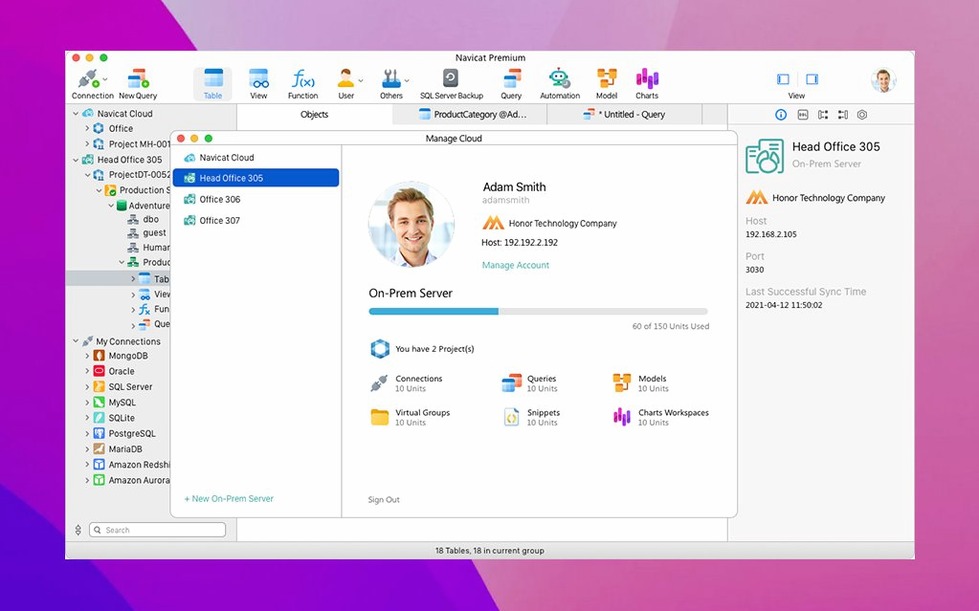
- Lock down access. The security configuration screens let you set user rights per connection. If someone should only read the reporting replica, that's where you stop them.
A typical morning for a data engineer
A data engineer opens Navicat Premium 17 with a coffee. The PostgreSQL warehouse finished its overnight batch and the MySQL application database needs a new index before the marketing team starts their report pulls. Both connections are already saved in the left panel. No separate clients, no remembering which port that one server uses.
They grab yesterday's slow query from the SQL console history, run it through the visual explain plan, spot the missing index, and add it. Then they open the Data Transfer tool to push a sanitised subset of customer records from PostgreSQL to a local SQLite file for the analytics team. Three database types, one app, no SSH tunnel reconfiguration.
Opening separate connections for each task
The most common mistake is treating Navicat Premium like it's four separate apps glued together. It's not. The import wizard, query builder, and data model all share the same connection pool. If you open a separate connection for each task you'll clutter the workspace and wonder why the app feels slow. Open one connection per server and let the tools share it.
Beginners also ignore the scheduled tasks panel entirely. They export reports by hand every Monday until someone shows them the job scheduler can run a query, dump the results to XLSX, and email it—all before they log in. The scheduler works across MySQL, PostgreSQL, and Oracle jobs from the same queue. Find it under the main toolbar, not buried in a menu.
The SQL Minifier catches people out too. They paste in a 200-line stored procedure, hit the button, and expect formatting alone. It minifies. If you want readable formatting, use the beautify option next to it. Two buttons, two very different outputs.
Working across multiple database engines daily
Mac users who work across multiple database engines daily—data engineers, backend developers who touch both SQL Server and PostgreSQL, DBAs managing heterogeneous estates—get the strongest return here. The value is in not context-switching. If you only ever connect to one MySQL instance, the single-engine Navicat for MySQL is lighter. But the moment a project pulls you into Oracle or MongoDB, Navicat Premium 17 on macOS earns its place on the dock.
People who maintain legacy systems alongside newer ones benefit too. Connecting to an old MariaDB box and a Snowflake warehouse from the same query history saves the mental overhead of remembering which tool had which saved snippet. The SSH and HTTP tunnel support means you set the connection once and forget about it.
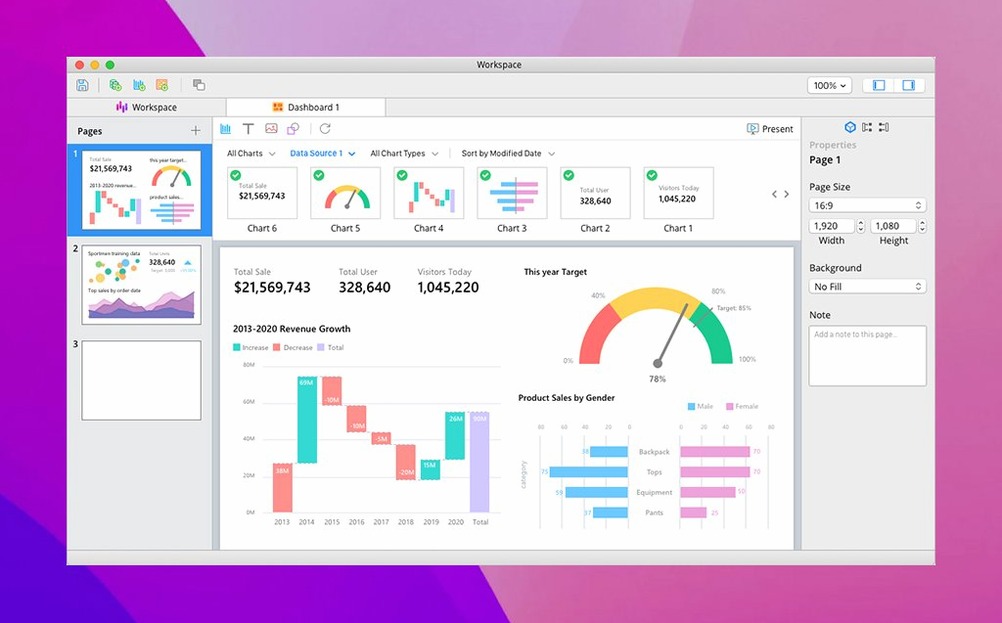
Everything else—report wizard, connection management, maintenance tasks—sits alongside these tools in the same window. You're not stitching together a workflow from three separate apps.
What’s new
Navicat Premium 17.3.12 is out with a round of stability fixes and general improvements across the database toolkit.
Requirements
- macOS 11 or later
- Apple Silicon and Intel 64-bit
FAQ
Which database engines does Navicat Premium 17 support?
It connects to MySQL, MariaDB, SQL Server, PostgreSQL, Oracle, SQLite, MongoDB, Redis, and Snowflake from one interface.
Does it include data modelling tools?
Yes. It includes an ER diagram tool for designing and reverse-engineering database schemas.
Comments 0
Sign in or create an account to leave a comment.
No comments yet…
If you’ve installed it, say how it went. Mention your Mac and macOS version — it helps the next person more than you’d think.