Native Instruments Reaktor for macOS
Description
Reaktor gets used by two very different crowds. You have producers and sound designers who just want to open a finished instrument and play. Then you have the builders — people who treat the empty workspace like a soldering bench and wire up their own oscillators, filters and sequencers. Version 6 leans into both camps with 23 new ready-made instruments and a visual Core layer for creating custom modules without writing code.
- It runs on Intel 64-bit and Apple Silicon Macs. System requirements from Native Instruments now cite macOS 13, 14 and 15, though the installer still accepts 10.15 upwards.
- The block structure is open-ended. You can build a synth, a drum machine, a multi-effect chain, or a bizarre self-playing patch that responds to MIDI in ways none of your other plug-ins do.
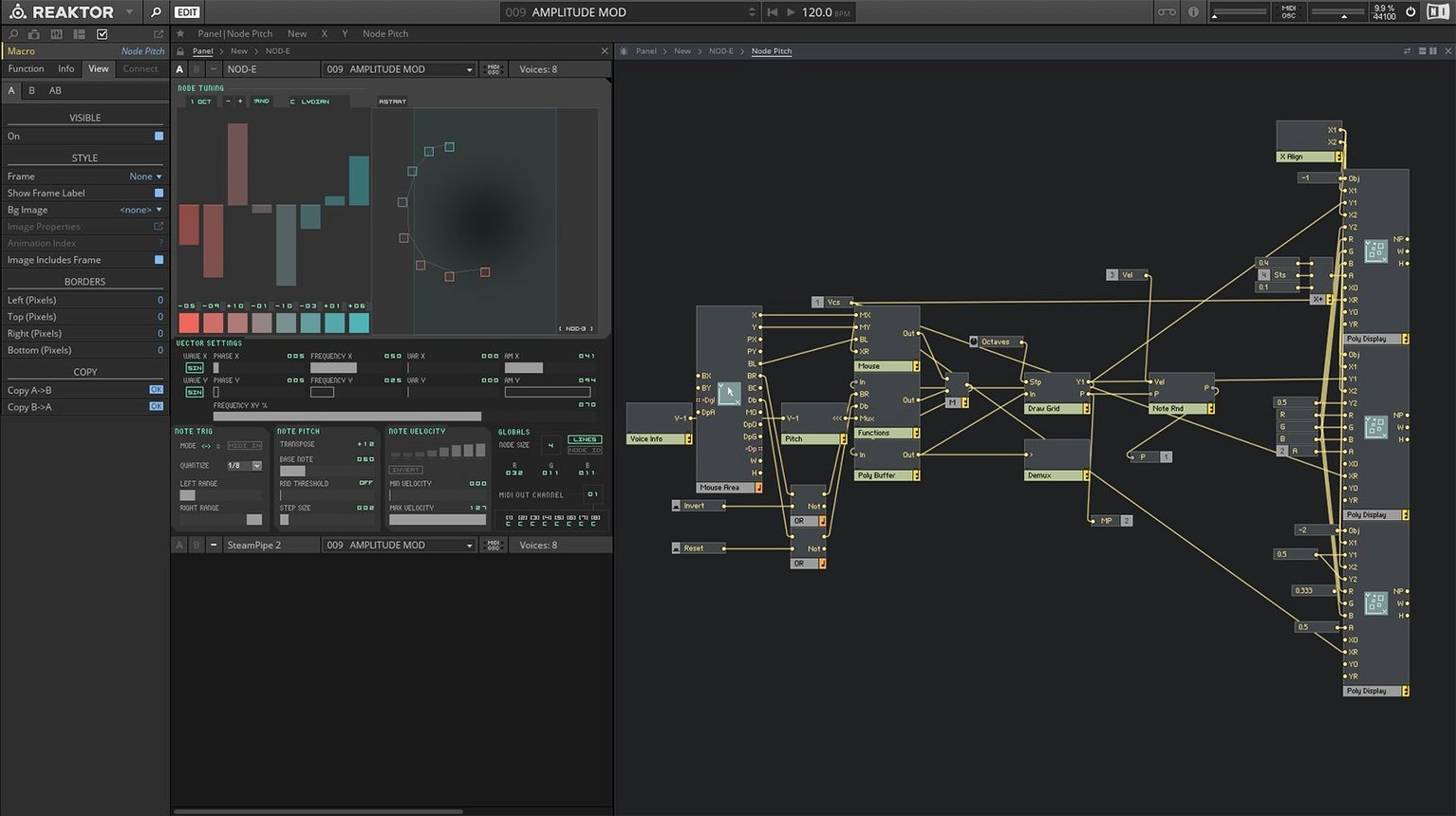
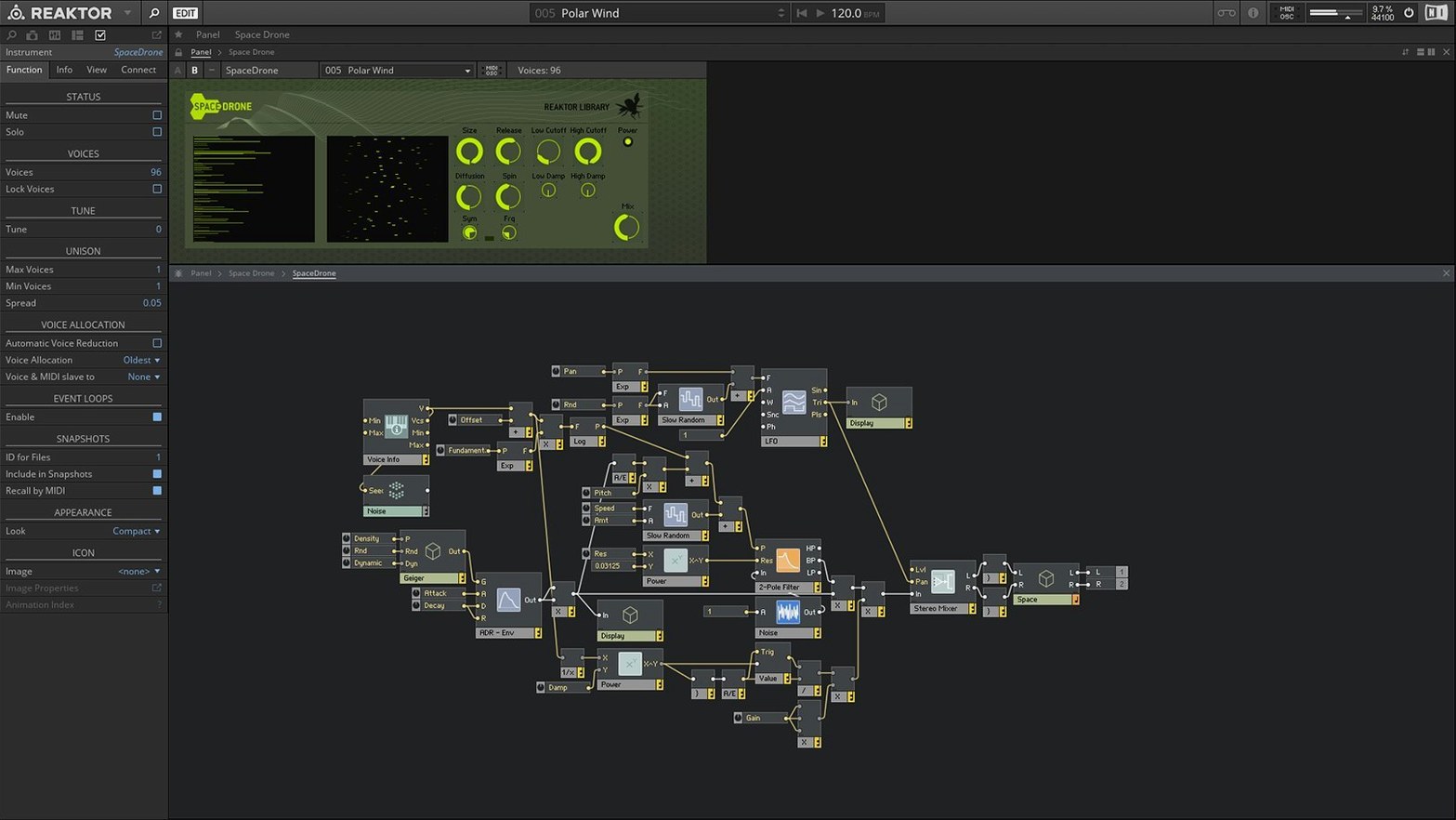
- Reaktor Core Technology, added in v6, lets you design new low-level modules inside the app itself — visually, not by typing DSP code into a text editor.
- KORE integration is still in there, which matters if you run older Native Instruments hardware or want a unified browsing layer across NI instruments.
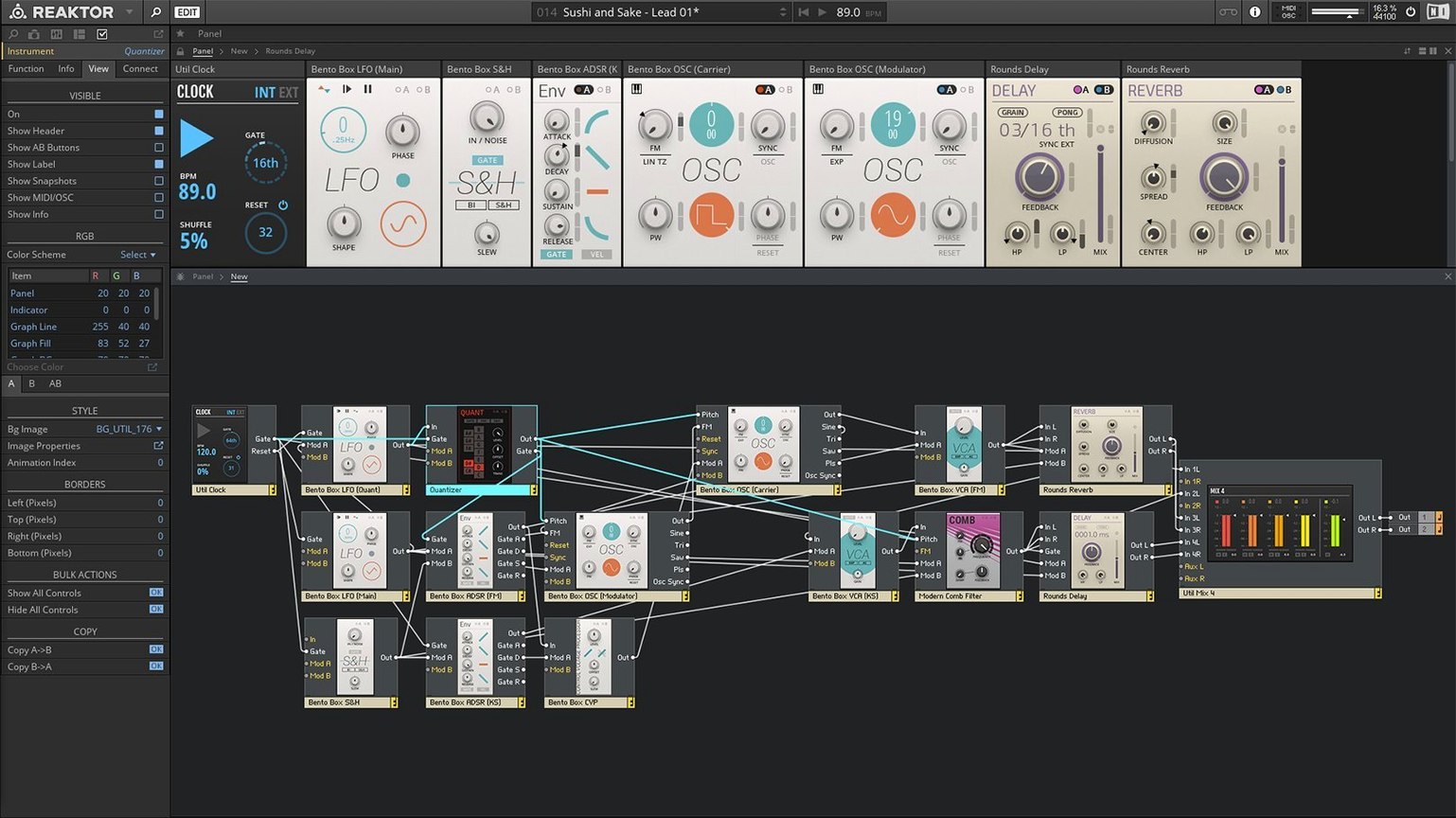
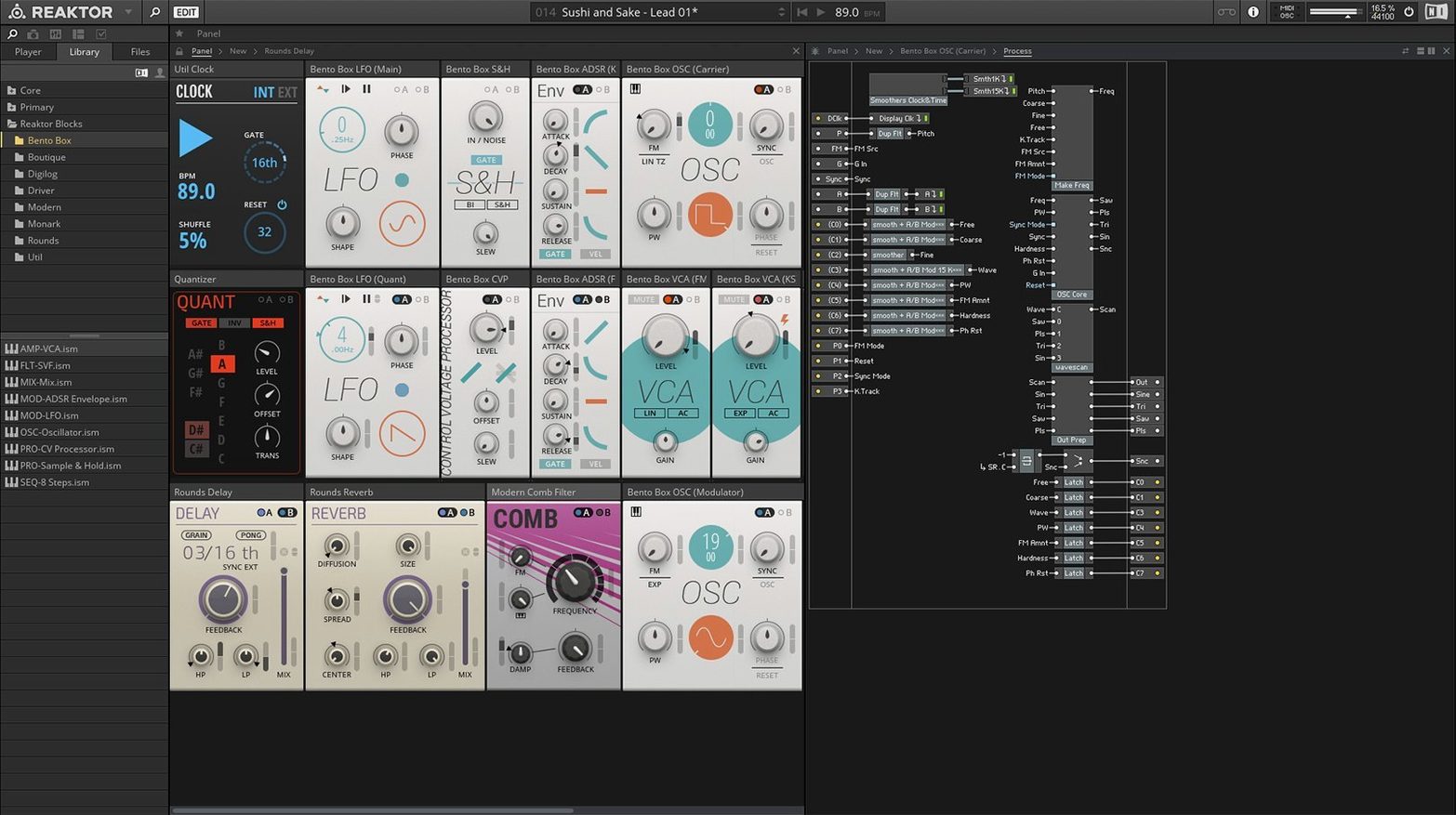
- What ships as finished content includes Blocks, a set of Eurorack-flavoured modules that snap together like a hardware rack, plus a clutch of community-favourite synths that got a proper factory polish.
It is not a plug-in you learn in an afternoon. But if you want a sandbox where the only limit is how many wires you feel like connecting, Reaktor 6 is still the one that does the heavy lifting.
Facing the blank-rack stare
The biggest one is the blank-rack stare. You open Reaktor, create a new ensemble, and you are looking at nothing. No sound, no modules, just a grey workspace. Hit Cmd+Shift+N to open the structure view. That is where the wiring lives. Double-click the background to bring up the module menu. Start with an oscillator and an output module — just to hear something.
Another classic: a downloaded user-library ensemble throws a missing-module warning. This usually means the creator used a block or macro from a different Reaktor version. The fix is boring but simple. Open the ensemble's properties, check which modules are flagged, then search the User Library or the NI forums for a replacement. Sometimes you just need to right-click the greyed-out module and pick a close equivalent from your installed set.
Plug-in scanning can trip up Logic users. If Reaktor does not appear after install, run it standalone first, let it finish its first-launch indexing, then restart your DAW. That clears the Audio Unit validation cache more often than a manual rescan does.
Things you might walk straight past
The Snapshot morphing slider sits quietly in the top bar of most factory instruments. Drag it and Reaktor crossfades between two completely different parameter states. On a pad sound, this can turn a gentle swell into a metallic scrape. On a drum machine, it warps the whole kit tuning and decay in one motion. It is also MIDI-assignable, so a mod wheel can do the sliding.
Right-click almost any knob and you will see a MIDI Learn option that works across standalone and plug-in modes. No setup menu required. The same right-click menu often includes a modulation routing shortcut — much faster than digging through the side panel tabs.
The Panel Lock toggle (padlock icon, top-right of the panel view) stops you from accidentally moving knobs or deleting wires while you play. Builders forget to mention this one. It saves a lot of swearing during a live set.
What actually changed with version 6
The 23 bundled instruments are not filler. Some, like TRK-01 and FORM, later got their own standalone releases, but they started here. Blocks arrived as proper factory content too — Bento Box, Boutique, and the Monark filter all snap together with patch cables that you drag between sockets. The wiring feels closer to Eurorack than anything Native Instruments had shipped before.
Core Technology made it possible to build DSP structures at the sample level without leaving the app. For everyday users, the practical effect is that community builders now share modules that do things the old Primary level could not touch — granular engines, physical modelling resonators, FFT manglers. Those show up in the user library, and you do not need to understand Core to load and use them.
What’s new
Adds Reaktor Core Technology for visual creation of custom modules. Includes 23 new instruments.
Requirements
- macOS 10.15 or later (Native Instruments cites 13, 14 and 15 for the latest update)
- Intel 64-bit or Apple Silicon Mac
- Interface: English
FAQ
Does Reaktor 6 work on a modern Mac?
Yes. It supports Apple Silicon and Intel 64-bit Macs, and while the installer accepts macOS 10.15, Native Instruments currently lists the latest update for macOS 13, 14 and 15.
What was actually new in version 6?
It added Reaktor Core Technology for visually building custom DSP modules, plus a collection of 23 new instruments including the Blocks format.
Comments 0
Sign in or create an account to leave a comment.
No comments yet…
If you’ve installed it, say how it went. Mention your Mac and macOS version — it helps the next person more than you’d think.