m’s HalfTone for macOS


Description
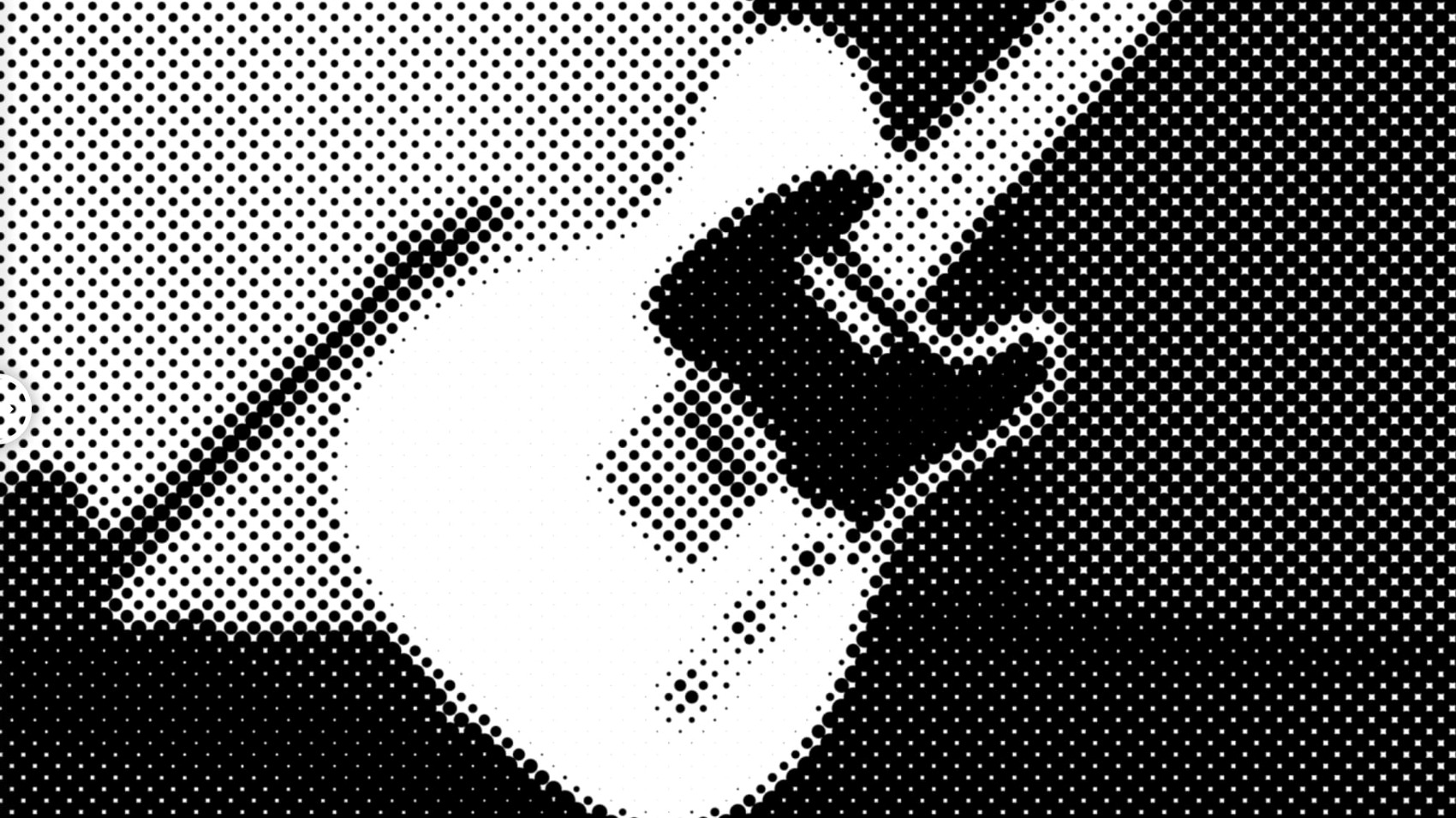
Halftone effects in After Effects usually mean fiddling with layer maps or pre-comps just to get basic dots on screen. m’s HalfTone from AE_OFF cuts through that.
Pick a shape and set the dot size
Choose circle, square or line from the shape menu. Dot size is direct — drag the slider and the pattern scales up or down on the layer immediately.
Rotate and offset the pattern
Rotation spins the whole screen at its centre. Offset shifts the dot grid without moving the layer underneath.
Dial in the alpha and sampling
Alpha controls let you feather the edges of each halftone element. Sampling adjusts how the effect reads the source luminance, so you can pull detail out of shadows or flatten highlights.
Why the default shape makes your halftone fall flat
The most common one is leaving the effect on its default shape and wondering why it looks flat. Circle, square and line each react differently to the same dot size and offset settings. Try all three on a single frame before you commit.
Another is stacking m’s HalfTone on top of a layer that already has heavy blur or grain. The sampling controls read what they’re given — feed them mush and the halftone pattern turns into noise. Pre-comp the clean footage, apply the effect there, then add your texture work afterwards.
Beginners also tend to ignore the alpha feathering. At zero it gives you hard-edged dots that can flicker on thin elements. A feather value of 2–5 pixels often settles that down without softening the overall look.
Applying directly to text layers without pre-comps
Motion designers working on title sequences and stingers get quick value here. The plugin applies directly to text layers, shape layers and solids — no pre-comps needed — so you can iterate on a comic-book or screen-print look while the deadline is breathing down your neck.
Edit assistants who do a lot of music video stylisation also tend to keep it in their toolkit. The offset control makes it easy to animate halftone drift over a locked-off shot without keyframing layer position. A couple of keyframes on rotation and offset, and a static close-up gains a restless, print-magazine energy.
VJs and live-visuals people appreciate how few controls there are. In a live setting you don’t want to hunt through seventeen twirl-down menus. m’s HalfTone gives you six sliders and a shape menu — that’s it. Map a MIDI knob to dot size and another to rotation and you’ve got something that plays well on a big screen.
Native Apple Silicon support from M1 through M3
Does it work on Apple Silicon? Yes. The plugin runs natively on ARM and x86 64-bit, so M1, M2, M3 and Intel machines are all covered.
Which versions of After Effects are supported? The list runs from CS5 right through to the 2026 release. If you’re on a current Creative Cloud build or hanging onto an older perpetual licence, you’re fine.
Is this a standalone application? No — it’s an After Effects plugin. It appears in the Effect menu once installed and works directly on a layer, no external maps or helper apps required.
Do I need to mess with layer maps? Not with this one. The effect generates its own halftone pattern from the luminance of the layer it’s applied to. That’s the whole point.
If you’ve been searching for m's halftone free download to test the workflow before committing, the included installation guide covers activation steps clearly. The licensing framework was updated in version 1.5.3, so the process is current.
What’s new
Updates licensing framework to v4.1.4.
Requirements
- macOS (exact version not specified by developer)
- Apple Silicon or Intel processor
- Adobe After Effects CS5 – 2026
FAQ
Does m’s HalfTone work on Apple Silicon Macs?
Yes, version 1.5.3 supports both ARM and x86 64-bit architecture natively.
Which versions of After Effects are supported?
It runs on After Effects versions from CS5 through to 2026.
Comments 0
Sign in or create an account to leave a comment.
No comments yet…
If you’ve installed it, say how it went. Mention your Mac and macOS version — it helps the next person more than you’d think.