Multitouch for macOS
Description
Version 1.48 lands with a small but welcome menu bar icon adjustment and a fix for unminimising all windows. If you already use Multitouch to push past macOS' built-in gestures, these polish the experience without getting in the way. For the experienced user, the real power sits in the details you can assign.
- Map a three-finger click to paste, or any other middle-click action you rely on.
- Record a sequence of keystrokes and assign it to a gesture. The app captures modifier flags during recording, so complex shortcuts translate reliably.
- Run shell scripts or AppleScripts directly from a gesture, triggered as if you'd pressed a keyboard shortcut.
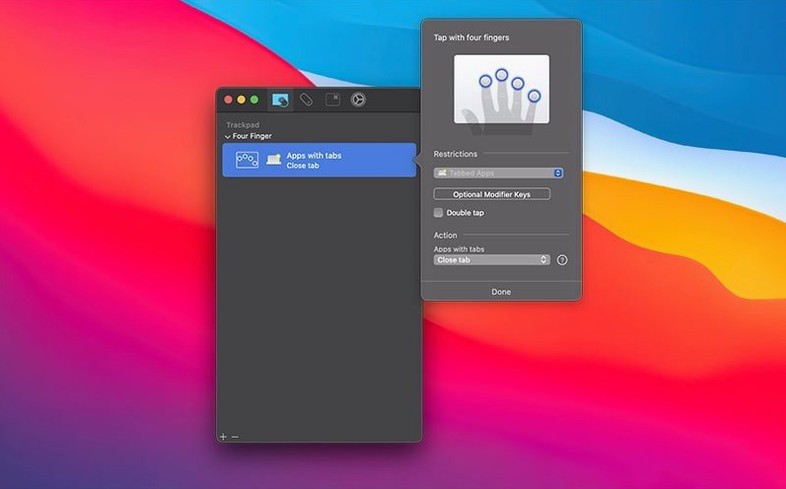
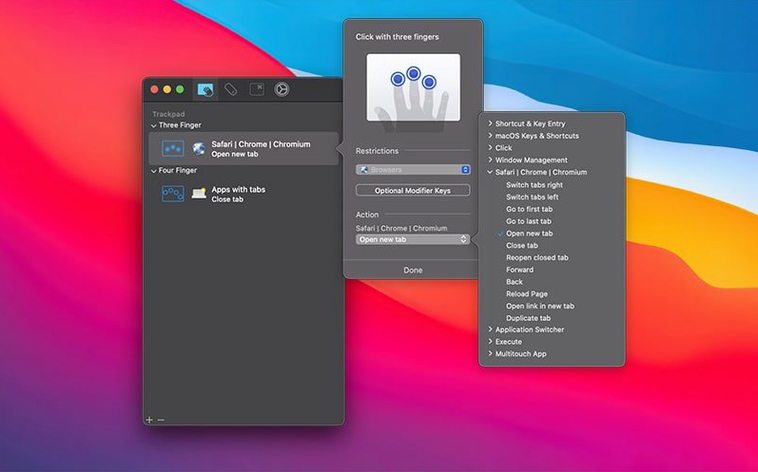
- Set distinct actions for combinations like a three-finger click versus a four-finger swipe, building a command layer that stays out of the system's way.
- Use it on any trackpad or Magic Mouse on Intel and Apple Silicon Macs, all the way back to macOS 10.15.
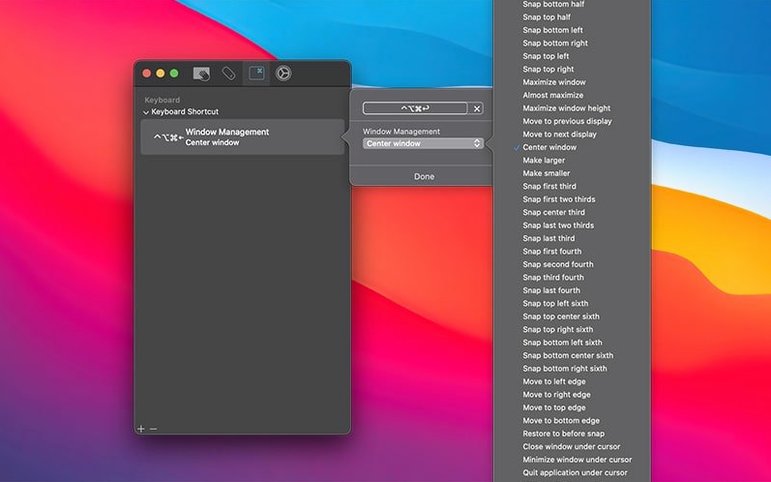
- Assign keyboard shortcuts directly to gestures without recording, for quick, deliberate mapping.
None of this needs a complex interface. You pick a gesture, tell it what to do, and it works. The middle-click and script-running options alone make it a utility worth keeping around for anyone who finds default macOS gestures too limiting.
Step by step with a reload-and-paste gesture
You pick a repetitive task. Let’s say you're reviewing layouts in a browser tab and you keep needing to reload the page, then paste a client comment into a sticky note.
- Open Multitouch from the menu bar. The window lists gesture slots down the left — three-finger click, four-finger swipe up, and so on.
- Select Three-Finger Click. On the right, choose Record Keystrokes from the action menu.
- Press
⌘R, pause, then⌘Tabto switch to Stickies, then⌘V. Hit Stop Recording. The modifier flags are captured automatically — no fiddling. - Switch back to the browser and test it: three-finger tap on the trackpad. The page reloads, Stickies comes forward, the text lands.
You can refine it later when the rhythm changes. The sequence replays without timing delays, so a quick gesture always produces the same mechanical result. If you’d rather trigger a single shortcut, skip recording and pick Keyboard Shortcut from the action menu instead. It’s faster for one-step jobs.
Trigger a hyper key with a four-finger tap
- Hyper key on tap. You can set any gesture to convert a modifier into the hyper key (Shift+Control+Option+Command). It’s a niche trick, but if you already use hyper-key shortcuts in other tools, a quick four-finger tap fires them without remapping your keyboard.
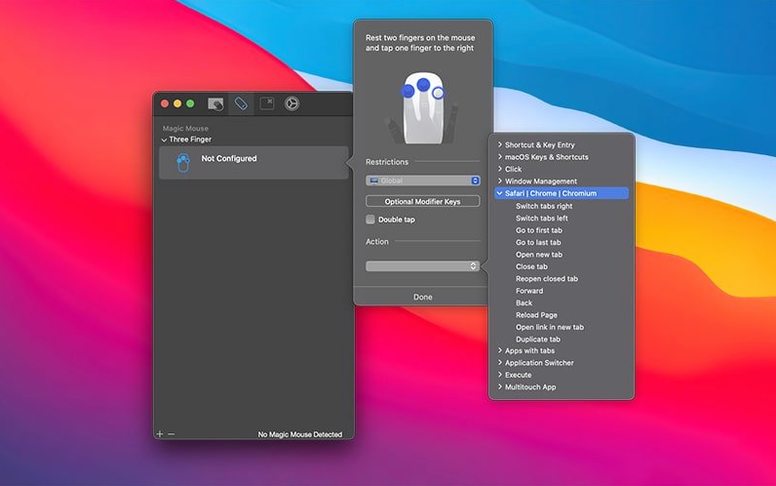
- Button remapping on Magic Mouse. The app sees the mouse surface as a gesture pad. A two-finger tap can become a middle-click, which saves reaching for the keyboard in 3D or CAD apps.
- Scripts from gestures. The Run Script action accepts a file path. Drop an AppleScript that renames a batch of screenshots into the slot for a five-finger pinch, and it fires as soon as you make the gesture — no confirmation dialogs.
- Clear assignments without deleting. Right-click any gesture and choose Disable. The mapping stays saved but goes dormant. Useful when you’re testing a new setup and want a fallback.
What’s new
- Adjusts the menu bar icon size.
- Fixes a case where unminimising all minimised windows did not work properly.
Requirements
- macOS 10.15 or later
- Intel or Apple Silicon Mac
FAQ
Does Multitouch work on a Magic Mouse?
Yes. It supports any trackpad and the Magic Mouse on macOS 10.15 or later, on both Intel and Apple Silicon Macs.
Can I record a keyboard shortcut that includes modifier keys?
Yes. The keystroke recording captures modifier flags, so shortcuts with keys like Command or Shift are saved correctly.
Comments 0
Sign in or create an account to leave a comment.
No comments yet…
If you’ve installed it, say how it went. Mention your Mac and macOS version — it helps the next person more than you’d think.