
Movist Pro for macOS
Description
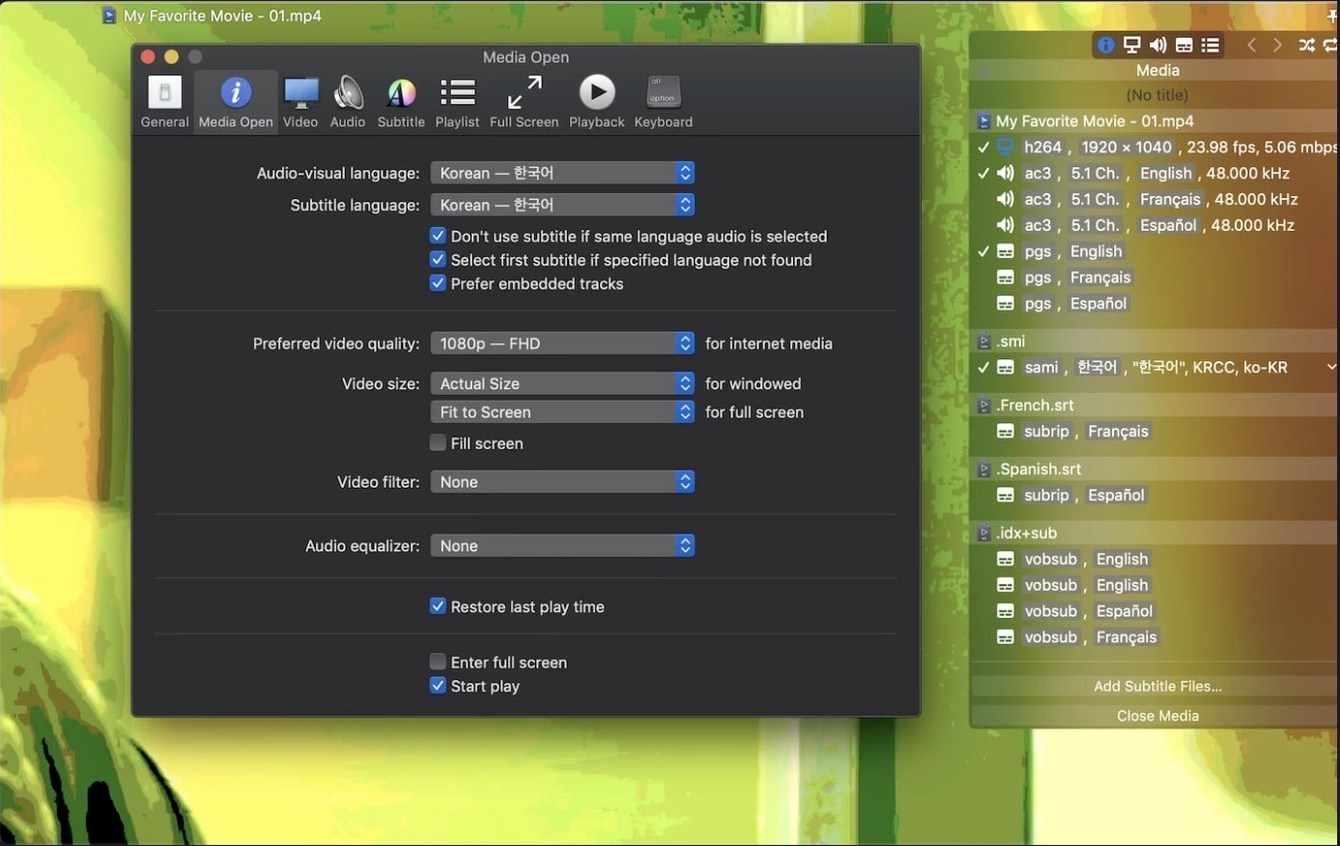
If you've ever hit QuickTime Player's format limits, Movist Pro is the logical next step. It keeps the clean native feel but pairs QuickTime with FFmpeg under the bonnet. The result is a player that opens practically anything you throw at it without a codec pack hunt.
| Detail | Info |
|---|---|
| Developer | Chul Joo |
| Version | 2.17.2 |
| macOS | 10.13 or later |
| Architecture | Intel & Apple Silicon |
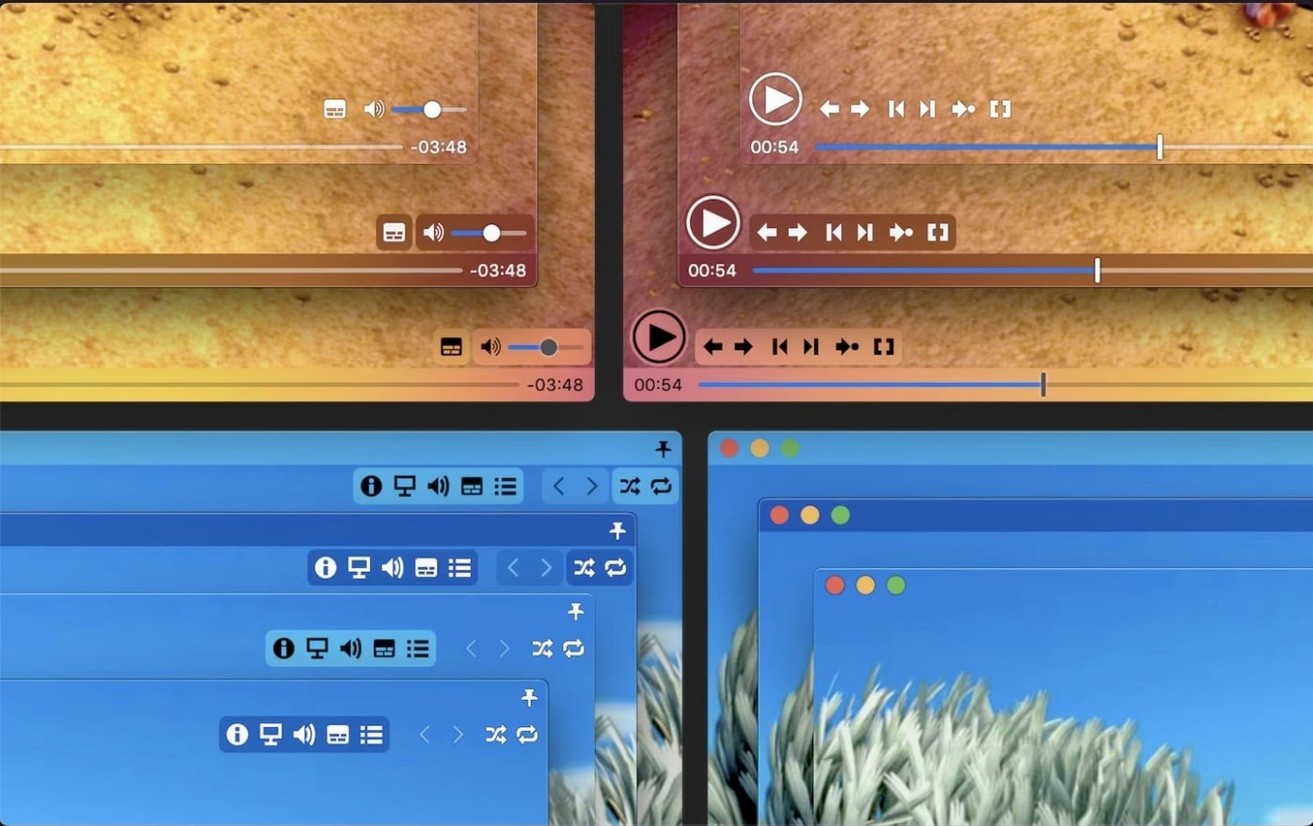
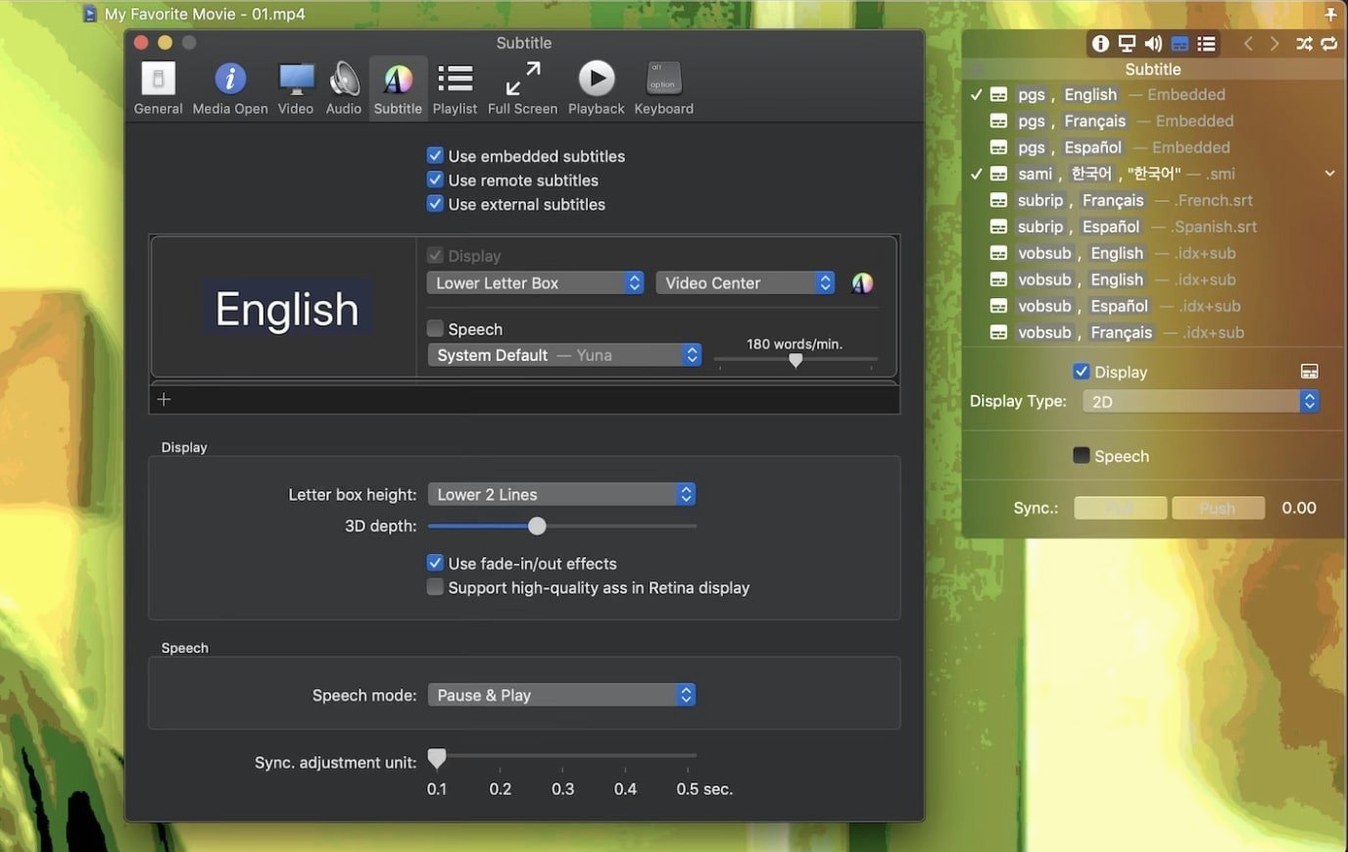
The app offers a single-window mode for minimalists and a multi-document mode when you need several files open side by side. Subtitle handling is a strong point. It reads embedded tracks, external files in multiple formats, and even compressed subtitles inside .zip or .rar archives. You can tweak sync timing, adjust the display styling to your liking, and get high-quality rendering on Retina screens. There's also 3D subtitle support for SBS or top-and-bottom video. Playback speed adjustment and screenshot capture round out the day-to-day toolkit.
Performance is where Movist Pro quietly earns its keep. On both Intel and Apple Silicon machines it launches almost instantly and stays light on resources during playback. Scrubbing through a 60 GB 4K H.265 file feels responsive, with none of the stutter you sometimes get from bloated media suites. Hardware decoding for H.264 and HEVC keeps the fans down on MacBook Airs, even during hour-long sessions. Memory usage typically sits under 250 MB with a single video open, which is modest for a player that juggles two back-end engines.
Stability has been solid in daily use. The 2.17.2 release patched a crash related to System Integrity Protection being off — a niche scenario, but one that shows the developer stays on top of edge cases. I have not seen a single beachball during normal playback, playlist shuffling, or rapid subtitle switching. That reliability is exactly why people end up making movist pro their default video handler and stop thinking about it.
Dual-subtitle drills for language learners
Language learners and subtitle tweakers. The sheer number of subtitle formats and the ability to display multiple tracks at once make it a quiet powerhouse for anyone working with dual-language subs. You can load a primary and a secondary track, position them independently, and adjust sync without touching the video file itself.
People with large local media libraries. movist pro for mac supports playlist autocompletion by searching for episodes and matching subtitle files automatically. Combined with shuffle and repeat modes, it turns a folder of videos into a watch queue with zero manual pairing. If you keep seasons of shows on an external drive, that feature alone saves a surprising amount of clicks.
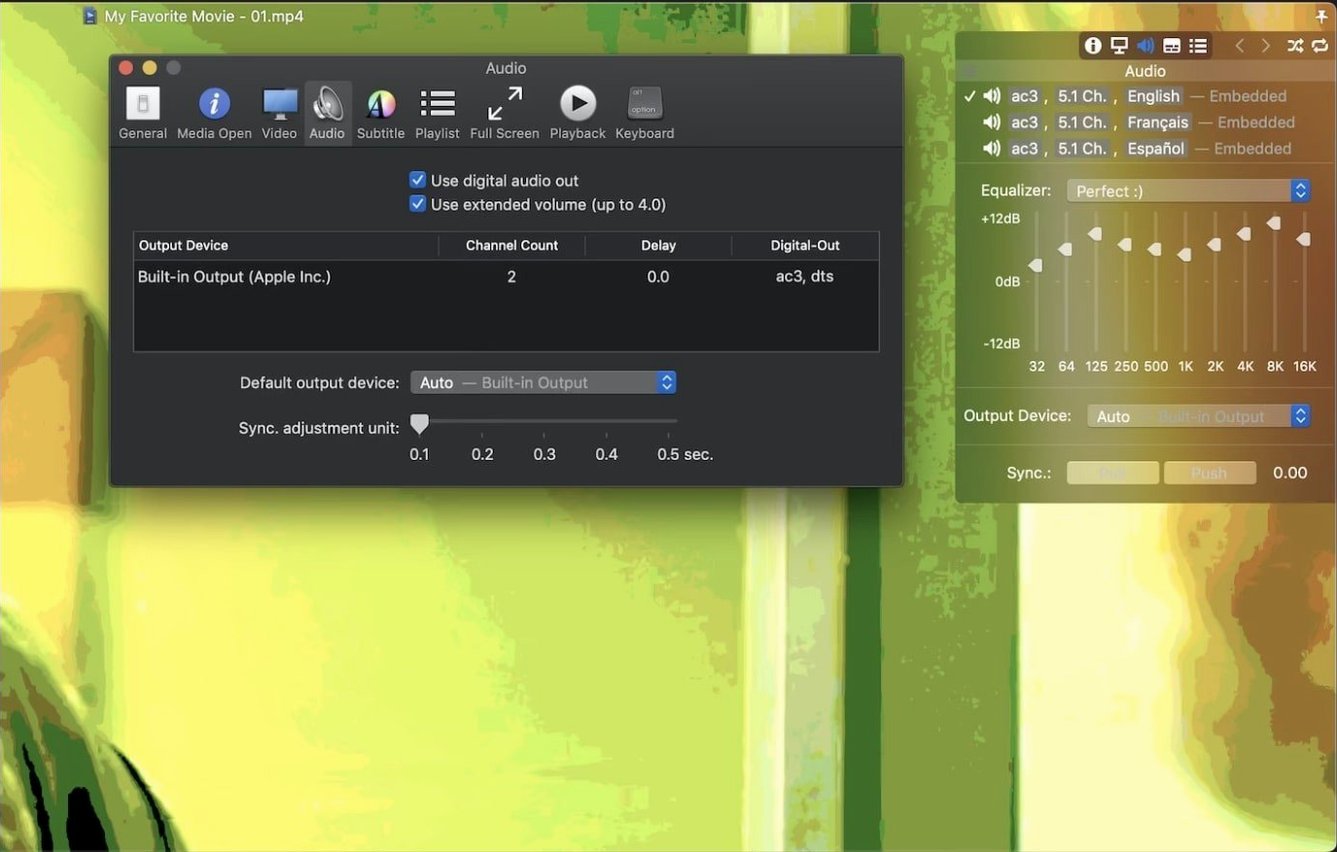
Mac users who want native behaviour without format headaches. It feels like a stock macOS app. The sandboxed mode option gives an extra layer of containment for those who prefer it. S/PDIF digital audio output keeps home theatre setups happy without extra routing software.
Putting it to work: a subtitle-sync session
A practical example: you have an .mkv film with slightly mistimed English subtitles and a separate Russian .srt in a .zip archive. Here is how that cleans up in Movist Pro:
- Open the .mkv. The player picks up the embedded English track automatically.
- Drag the .zip file straight onto the playback window. It unarchives on the fly and adds the Russian track as a second subtitle stream.
- Press
HandJto nudge the English sync forward or backward in 0.1-second steps until dialogue matches lip movement. - Open subtitle preferences and set the Russian track to display in the Letter Box area below the picture, while the English track stays overlaid at the bottom of the frame.
- Adjust font size and shadow for the overlay track so it reads clearly against bright scenes. The Retina rendering keeps edges crisp even at large sizes.
The whole process takes under a minute. No renaming files, no third-party subtitle editors, no extracting archives by hand. That kind of friction-free workflow is what makes movist pro macos feel less like a utility and more like a tool that gets out of your way.
What’s new
Fixes an issue where some TS videos would not play. Fixes a crash that could occur when System Integrity Protection was disabled.
Requirements
- macOS 10.13 or later
- Intel or Apple Silicon Mac
Comments 0
Sign in or create an account to leave a comment.
No comments yet…
If you’ve installed it, say how it went. Mention your Mac and macOS version — it helps the next person more than you’d think.