
Musify for macOS
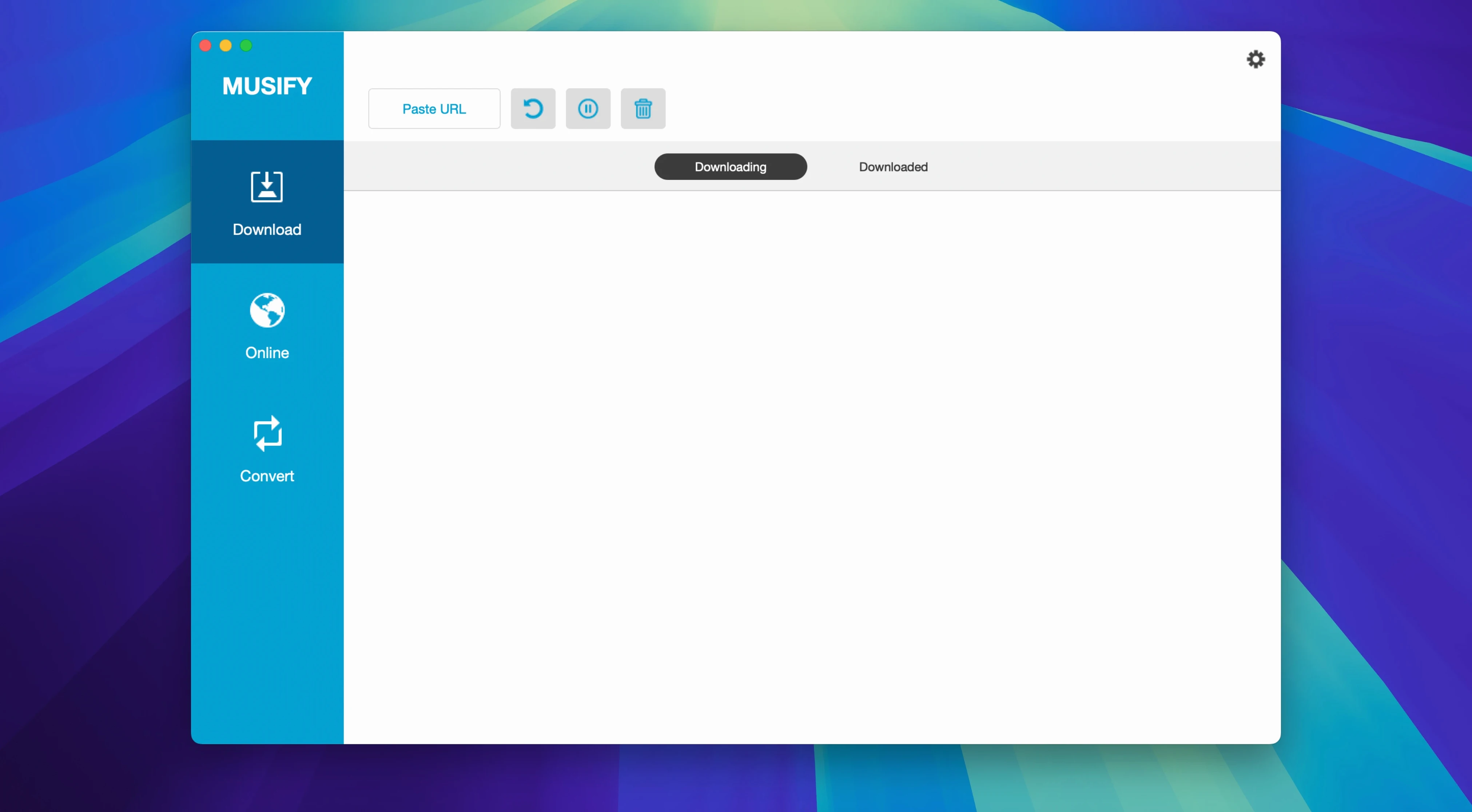
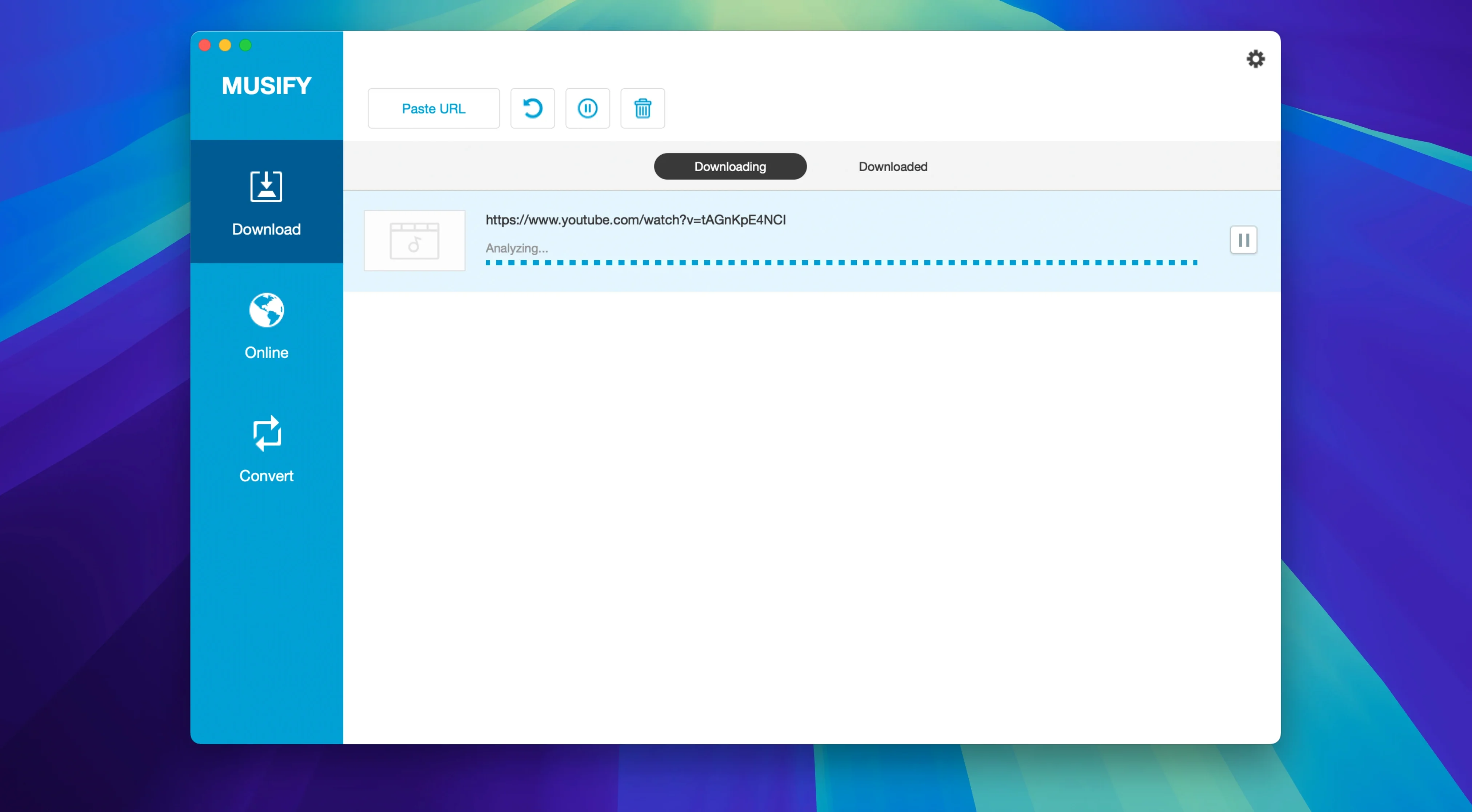
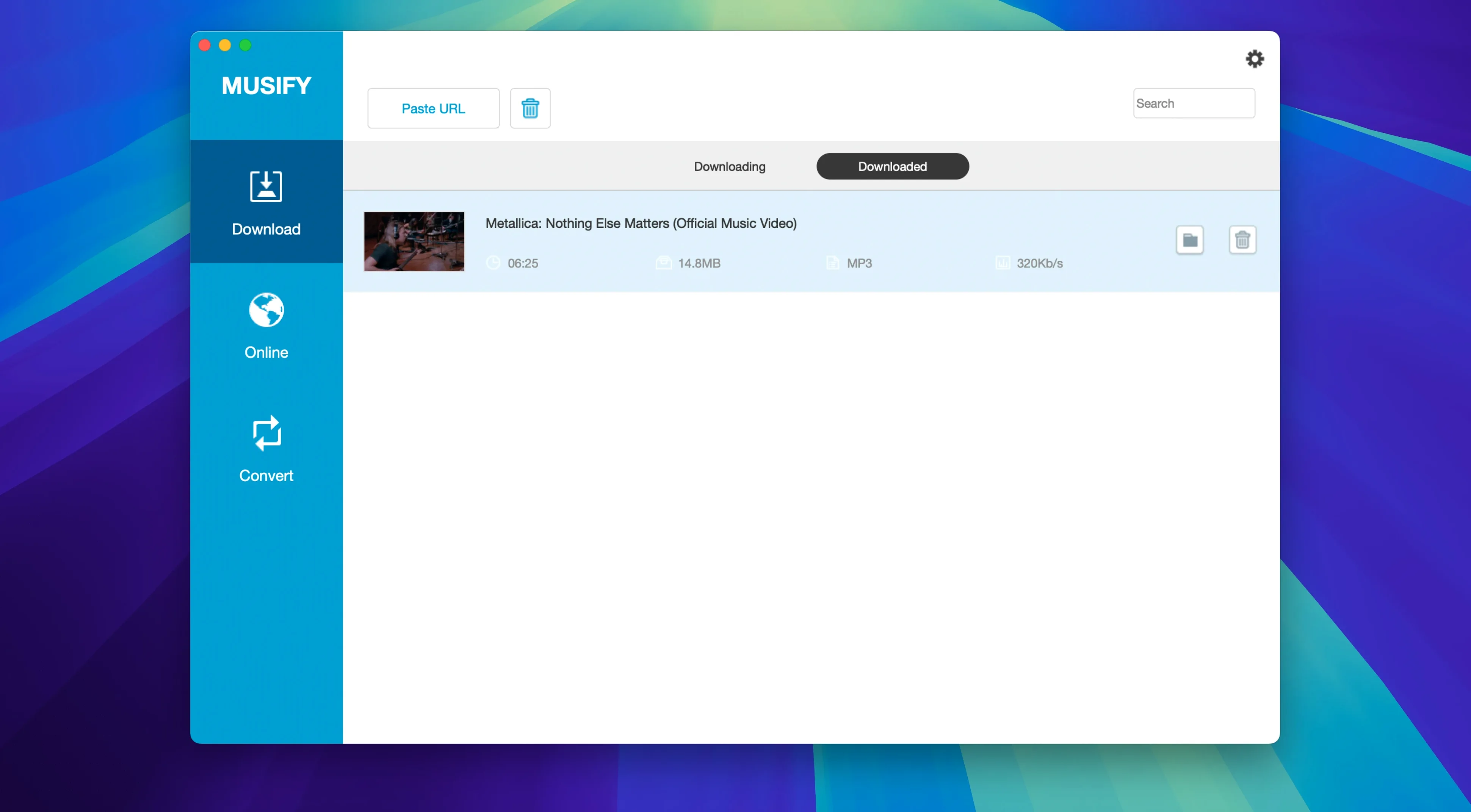
Description
Musify runs on Intel Macs with macOS 10.12 (Sierra) or later. Apple Silicon Macs get a pass via Rosetta 2, though native support isn't here yet.
| Version | Developer |
|---|---|
| 5.3.0 | iTubeGo |
People usually ask three things before installing. First, where can it pull audio from? Over a thousand sites, including YouTube, Spotify, SoundCloud, Bandcamp, MixCloud, Facebook and Instagram. Playlist downloads work across most of those. Second, what does it spit out? MP3, M4A or WAV, with batch conversion if you have a pile of files. Metadata stays intact. Third, what do you do with the tracks afterwards? Musify can push them straight to an iPhone or Android device over USB.
Point downloads to a clean folder before your first playlist
Musify ships with defaults that work, but three tweaks make life easier.
Open Preferences and pick an output folder before your first download. The default dumps everything into ~/Music/Musify, which gets messy fast once you pull a few playlists. Point it somewhere you actually browse.
Next, set your preferred format and bitrate. The factory preset is MP3 at 192 kbps — fine for earbuds, underwhelming on proper speakers. Bump it to 320 kbps if you care about the difference, or switch to M4A for a smaller file at similar quality. WAV is there too, but you won't need it unless you're doing further editing.
Last, uncheck "Show in Finder after download" if you grab tracks in batches. The Finder windows stack up quickly and you end up closing six of them before getting back to work.
Playlist downloads that stop mid-way usually aren't Musify's fault
A few things catch people out, especially in the first week with musify mac.
Playlist downloads sometimes stop partway through. This usually isn't Musify — it's the source site rate-limiting you. SoundCloud and Bandcamp are the main culprits. The fix is simple: wait ten minutes and resume. The queue picks up where it left off.
Spotify downloads need a login within Musify's built-in browser. If the browser shows a blank page, the Spotify web player script got blocked. Quit Musify, reopen it, and try again. Still blank? Restart your Mac — the app's embedded web view occasionally gets stuck after a system sleep/wake cycle.
The Terminal step during install spooks some users. Gatekeeper flags unsigned apps, and the Open Gatekeeper-friendly script just saves you digging through System Preferences. Type your admin password when prompted, press Enter, and the app copies itself to Applications. That's it.
Output files landing without artwork usually means the source didn't supply it in a format Musify reads. Bandcamp embeds artwork reliably; random YouTube uploads often don't. No setting fixes this — it's a metadata gap upstream.
Idles at 120 MB of RAM, fans stay quiet even with four tracks pulling
On an Intel Mac, musify 5.3.0 feels light. It idles around 120 MB of RAM and barely touches the CPU until a download queue kicks in. With four tracks pulling at once, CPU sits around 8-12%. Fans stay quiet.
Conversion is the heavy bit. Batch-converting a dozen files from M4A to MP3 pegs one core for maybe thirty seconds. It's not background-silent, but it's quick enough that you won't wander off for tea. WAV conversion is faster — less number-crunching — while high-bitrate MP3 encoding takes the longest.
Stability isn't perfect. Once or twice a week, the app beachballs when loading a long playlist preview, especially from YouTube channels with hundreds of videos. Force-quitting and relaunching clears it. No data loss — the queue saves as you go. Crashes during actual downloads are rare; I've seen two in a month of daily use, both when network conditions were patchy.
On Apple Silicon through Rosetta 2, musify macos performance is roughly the same as on Intel, just with a slightly higher memory footprint (around 150 MB idle). A native ARM build would be welcome, but for an audio downloader the translation overhead is barely noticeable. If you're after musify for mac and have an M1 or M2 machine, it won't feel sluggish.
The app doesn't install background helpers or launch daemons, so it leaves zero footprint when closed. No menu bar icon, no login item, no leftover processes. That alone puts it ahead of several bulkier download managers.
Requirements
- macOS 10.12 or later
- Intel processor (Apple Silicon via Rosetta 2)
- English interface
Comments 0
Sign in or create an account to leave a comment.
No comments yet…
If you’ve installed it, say how it went. Mention your Mac and macOS version — it helps the next person more than you’d think.