
MouseBoost Pro for macOS

Description
Think of the Finder's right-click menu as a single drawer. MouseBoost Pro bolts a whole toolbox to the side of it. Instead of launching a separate app for every small file task, you get over 30 utilities sitting right where you click.
| What | Detail |
|---|---|
| Version | 5.2.8 |
| macOS needed | 10.11 (El Capitan) or later |
| Apple Silicon | Yes, native |
| Interface language | English |
The compatibility bar is low: if your Mac runs El Capitan or newer, you are in. Intel and Apple Silicon machines are both supported natively, so there is no Rosetta translation overhead on M-series chips.
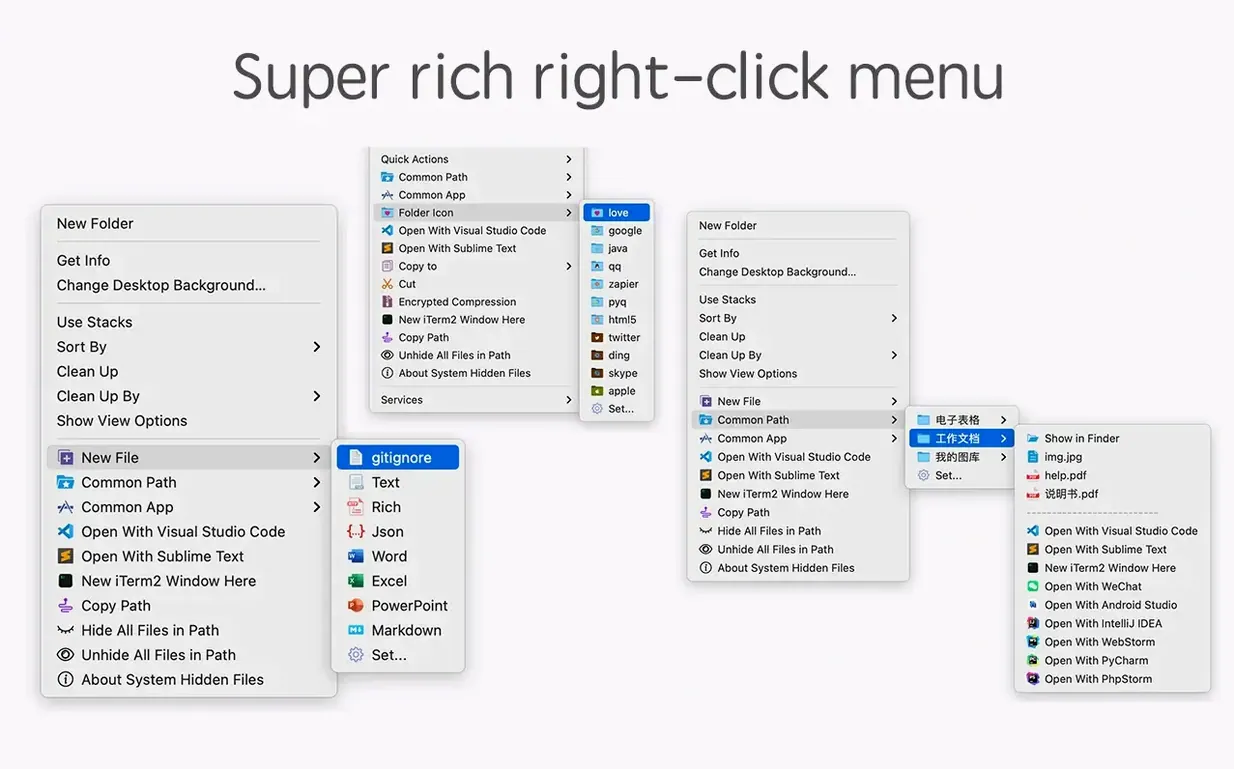
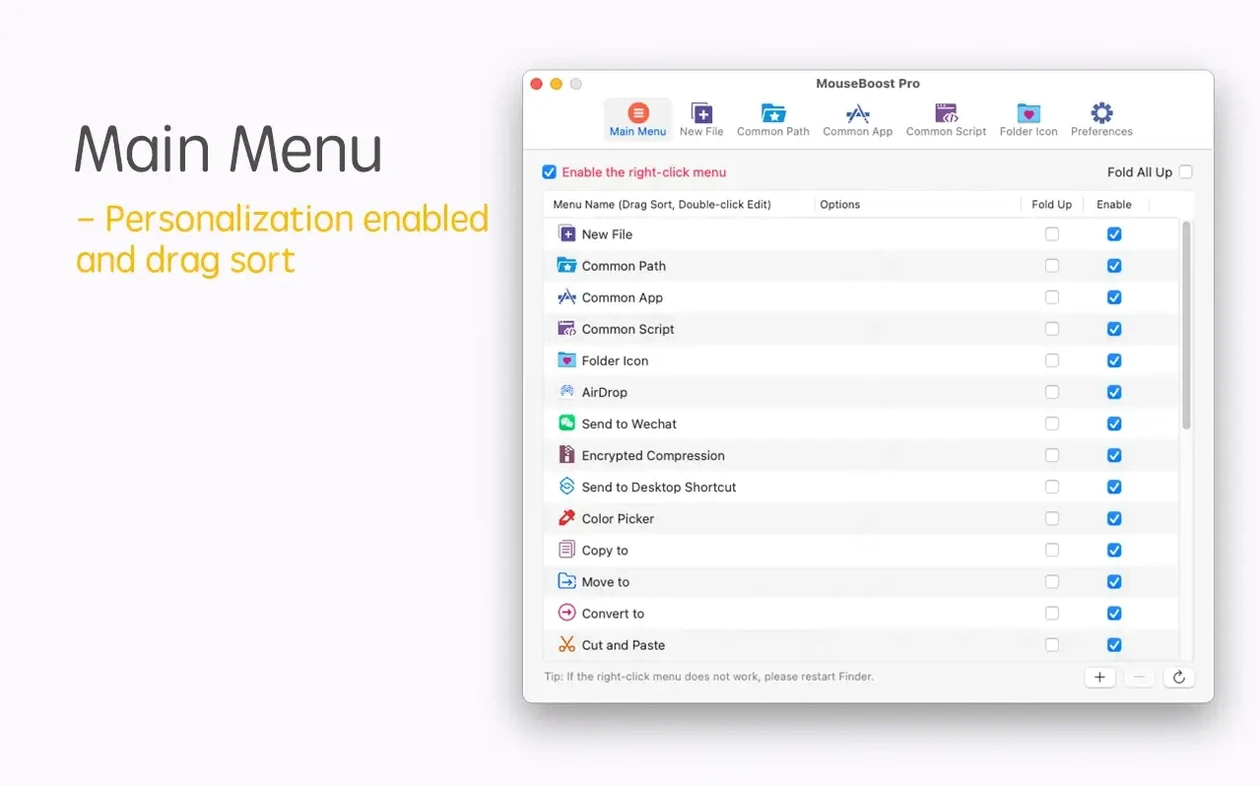
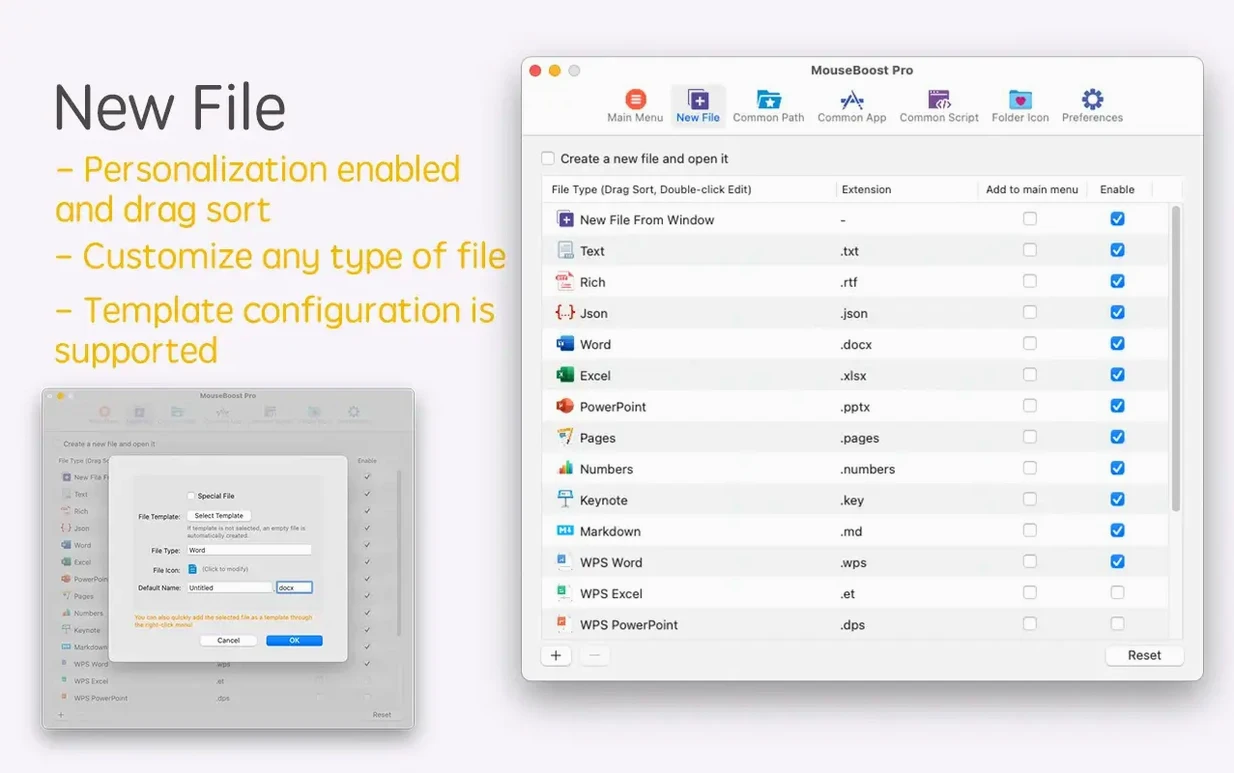
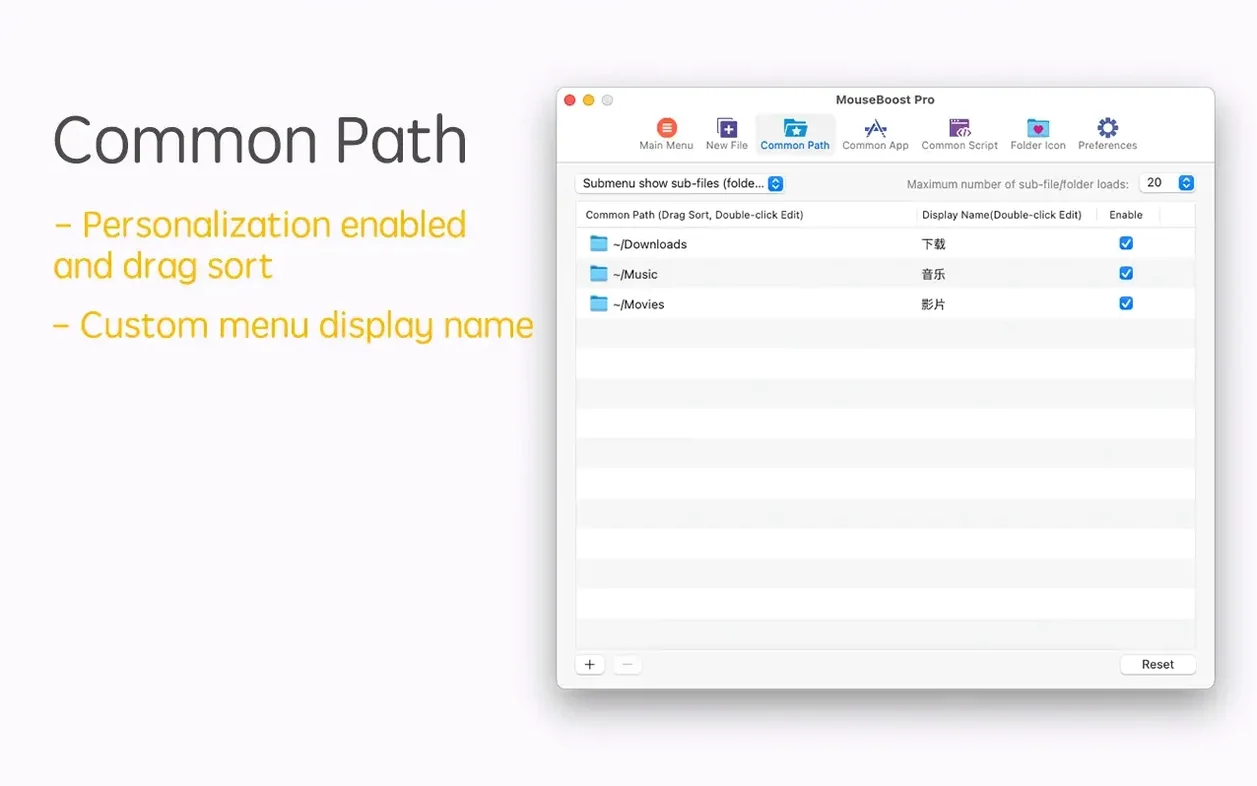
Once installed, the extension grafts onto the Finder context menu. You can move, copy and cut files using ordinary menu commands. Creating a new file type on the spot works without opening a parent application first. If you need encrypted zip compression, that is a right-click away too. Terminal users can open iTerm2 and jump straight to the current directory, and the same trick works for VSCode, Sublime Text and Emacs. A quick-launch item for a favourite folder saves you digging through the sidebar. Batch renaming can now pull names from a list or insert text at a chosen position, and the file-tree preview respects a maximum depth you set.
Mac users who spend a large chunk of their day in the Finder get the most out of MouseBoost Pro. That covers developers who hop between terminal, code editor and project folders, designers wrangling asset exports, and anyone whose job involves renaming a dozen screenshots before lunch. The common thread is the number of tiny detours the context menu removes. Copying a file path stops being a trip to the Get Info window or a drag into Terminal. Creating three empty text files inside a new folder becomes a single right-click sequence instead of opening TextEdit three times.
Less frequent Finder users still benefit, but the utility sharpens in proportion to how much you normally leave the Finder to get things done. If you already use custom keyboard shortcuts for most file operations, many of the menu items will sit idle. If you live in the right-click menu, they feel like standard equipment.
Speed is the main impression you take away from daily use. Native support for both ARM and Intel means the menu pops up without lag, even on older machines. There is no background daemon chewing CPU cycles, no menu-bar icon you have to babysit. Memory use sits around 40–60 MB when idle, and the extension does not poll the disk constantly. File hashing for MD5, SHA1 and SHA256 runs at disk speed rather than processor speed, so the bottleneck is your storage, not the app.
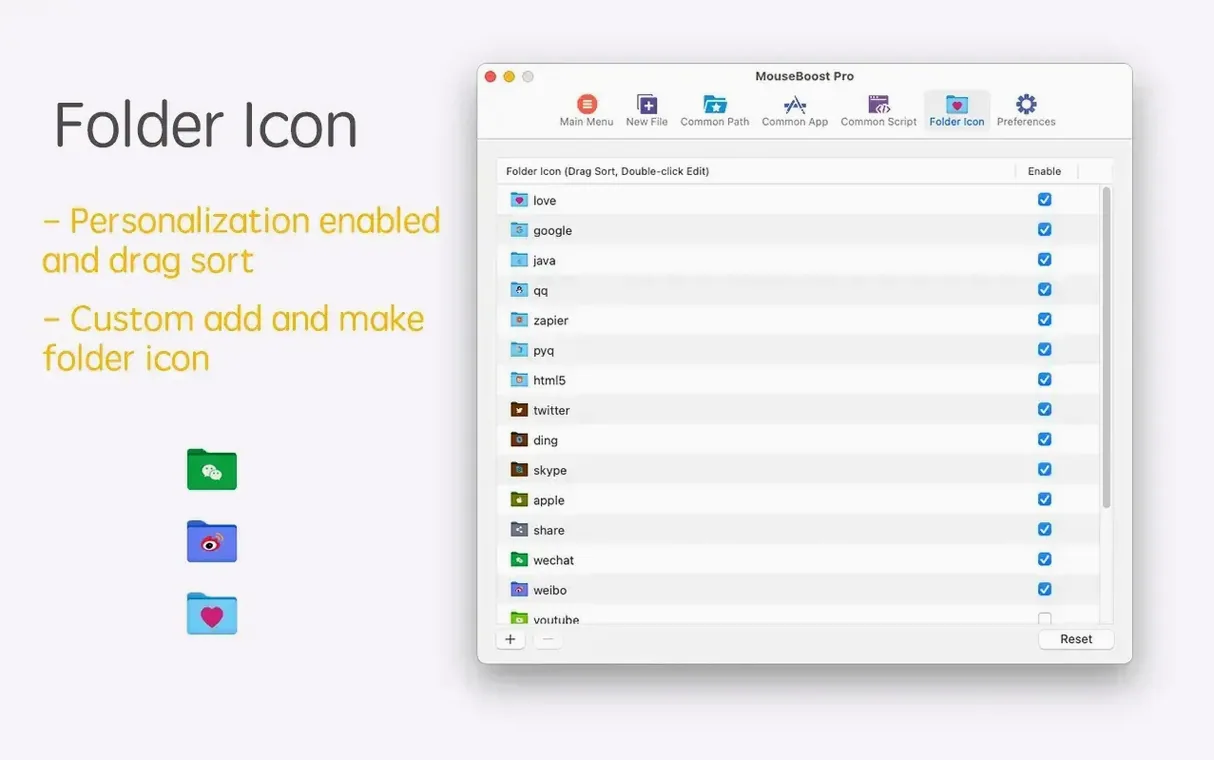
Stability holds up well under everyday workloads. The extension has survived every Finder relaunch and macOS point update I have thrown at it without requiring a reinstall. The only wobble I have seen is with encrypted compression on very large folder trees where the progress indicator can freeze for a second before catching up — nothing that corrupts the archive. File hiding and showing works reliably, and folder icon changes stick after restarts.
The move from version 5.2.7 to 5.2.8 tightened up a few areas that used to need a trip to another tool. The quick preview for folder trees means you can check a directory structure without expanding it in the Finder or opening a terminal tree command. Aspect ratio selection during image tasks and automatic OCR copy crept in quietly but save a step for anyone who regularly needs readable text from a screenshot. The scrolling capture improvement fixed a flicker issue that appeared on M2 machines, and the batch-renaming additions — inserting text at a position and pulling names from a list — turn the renamer into something you can feed data from a spreadsheet. Five releases ago you still had to do those tasks in a separate utility. Now they sit in the same menu.
For anyone searching for a mouseboost pro workflow, the update path shows a developer filling gaps rather than piling on features nobody asked for. The new maximum depth setting for file trees is a good example: small, specific, and immediately useful if you have ever waited for a recursive listing to finish on a deep node_modules folder.
What’s new
Adds quick preview for folder trees. Adds aspect ratio selection and automatic OCR copy. Adds insert-at-position support in batch renaming. Adds rename-from-list support in batch renaming. Adds a maximum depth setting for file and directory trees. Improves scrolling capture. Fixes known issues.
Requirements
- OS X 10.11 or later
- Apple Silicon and Intel 64-bit
Comments 0
Sign in or create an account to leave a comment.
No comments yet…
If you’ve installed it, say how it went. Mention your Mac and macOS version — it helps the next person more than you’d think.