MotionVFX - mLowers Universal for FCP for macOS
Description
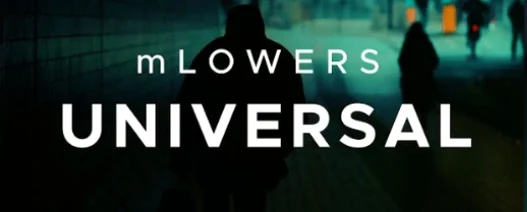
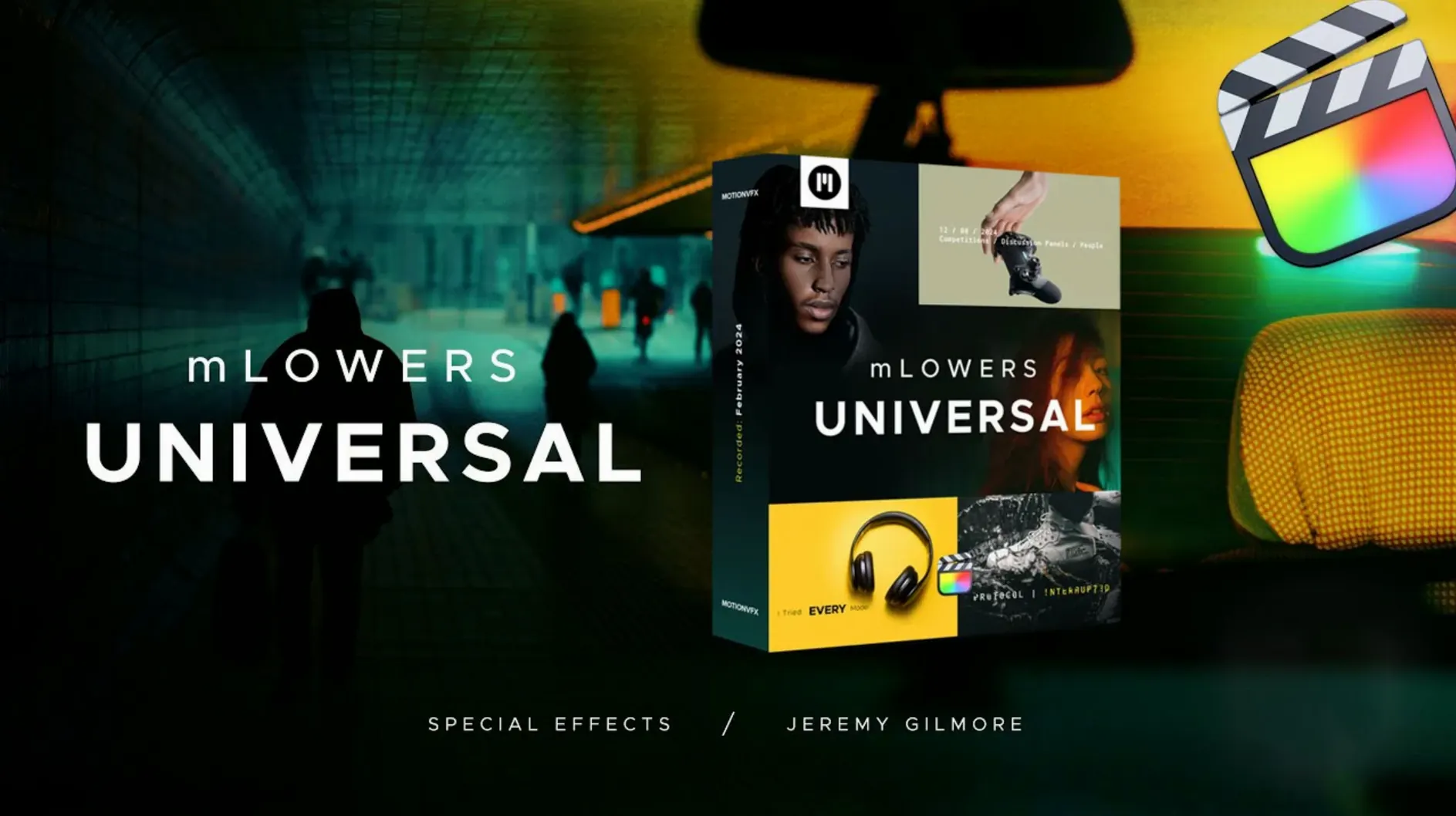
mLowers Universal is a straight-up pack of 70 animated lower thirds and title presets for Final Cut Pro.
The collection leans into dynamic glitch-style treatments and designs borrowed from movie screens, so text lands with a bit of friction rather than just fading in. Each preset drops onto the timeline ready to go—pick a style, type your text, and the animation timing is already set.
There is a practical side too. Several presets include social media markers, small visual tags that help push your brand handle or channel name onto screen without you having to build them from scratch.
Escaping the built-in lower-thirds look
Final Cut Pro ships with a handful of built-in lower thirds. They work, they are free, and they look exactly like what you have seen on a thousand YouTube channels. mLowers Universal buys you a look that is harder to replicate with the stock library — especially the glitch and screen-in-screen styles.
Compared to Pixel Film Studios lower-third packs, the motionVFX set feels less theme-locked. A Pixel pack often commits you to one visual era — all neon, all corporate, all newsroom. mLowers Universal spreads across retro, high-tech and movie-screen treatments in a single download, so you are not swapping packs mid-edit.
Against Envato template bundles downloaded from the web, the difference is reliability. Envato presets sometimes arrive as Motion projects you must render out or rebuild. These drop straight into the FCP Titles browser and animate without extra steps. If you have ever spent twenty minutes reverse-engineering a template that "mostly worked," that matters.
None of these alternatives gives you the social-media marker presets baked in. That is a small thing until you are exporting the fifth version of a clip and realise you forgot the handle overlay again.
Why presets vanish and the folder fix
Presets not showing up in Final Cut Pro. Nine times out of ten, the folder landed in the wrong spot. The correct path is /Users/Your Name/Movies/Motion Templates/Titles. If you drop the folder one level higher — straight into Motion Templates — FCP ignores it. Quit Final Cut Pro, move the folder, relaunch.
Text fields refusing to accept input. Some presets use multiple text layers stacked together. Click the Titles browser entry, then check the Inspector panel. You will likely see two or three text fields labelled "Line 1," "Line 2," "Tagline." Fill all visible fields — an empty secondary field can make the whole block look broken.
Animation speed feels off. The presets come with baked timing. If a glitch effect stutters too fast for your edit, select the title clip on the timeline and press Ctrl+D to adjust duration. Stretching the clip slows the whole sequence proportionally. For finer control, right-click the title and choose "Open in Motion" — but only if you already own Motion.
Social media markers overlapping main text. Some presets position the handle tag close to the lower-third text. If your brand handle is long, it collides. Fix it in the Viewer: select the title, grab the on-screen control points, and nudge the marker block left or right. No keyframes needed.
A quick lower-third job, start to finish
Imagine you are cutting a short interview for a client's Instagram. You need a clean lower third that introduces the speaker, plus a social handle tag that stays on screen for the whole clip.
Step one: open the Titles browser in Final Cut Pro and browse to the mLowers Universal category. Preview a few glitch and screen-style presets by skimming with the mouse. Pick one with a social marker included — several presets pair a name block with a small @handle slot.
Step two: drag the preset onto the timeline above the interview clip. Trim the title to match the speaker's first few seconds on screen. Select the title, go to the Inspector, and type the speaker's name and title into the text fields. Add the client's Instagram handle in the marker field.
Step three: check the Viewer. If the handle sits too close to the name, click and drag the marker control point to the right. If the animation feels late — the text fades in after the speaker has already started talking — slide the title clip two frames earlier on the timeline.
Step four: copy the finished title clip by holding Option and dragging it to the next speaker's section. Change the text in the Inspector. Done. The whole process takes under a minute once you know which preset fits the brand.
Everything lives in the FCP Titles browser once installed. No keyframes to chase unless you want to tweak the defaults.
Requirements
- Final Cut Pro
FAQ
How many presets are in mLowers Universal?
The pack contains 70 animated lower thirds and title designs.
Does it include social media elements?
Yes, several presets come with social media markers for cross-platform promotion.
What kind of animation styles are included?
You get dynamic glitch-style effects and designs inspired by movie screens.
Comments 0
Sign in or create an account to leave a comment.
No comments yet…
If you’ve installed it, say how it went. Mention your Mac and macOS version — it helps the next person more than you’d think.