Mountain Duck for macOS
Description
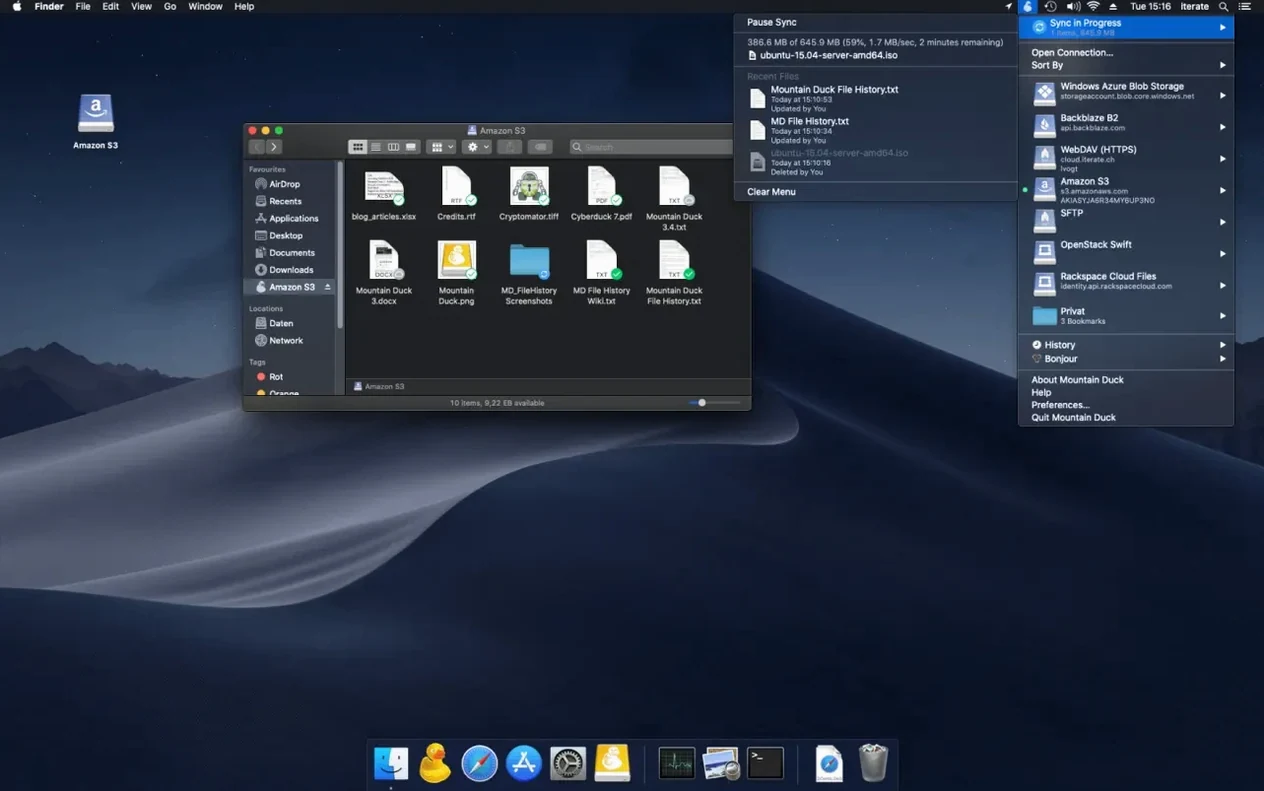
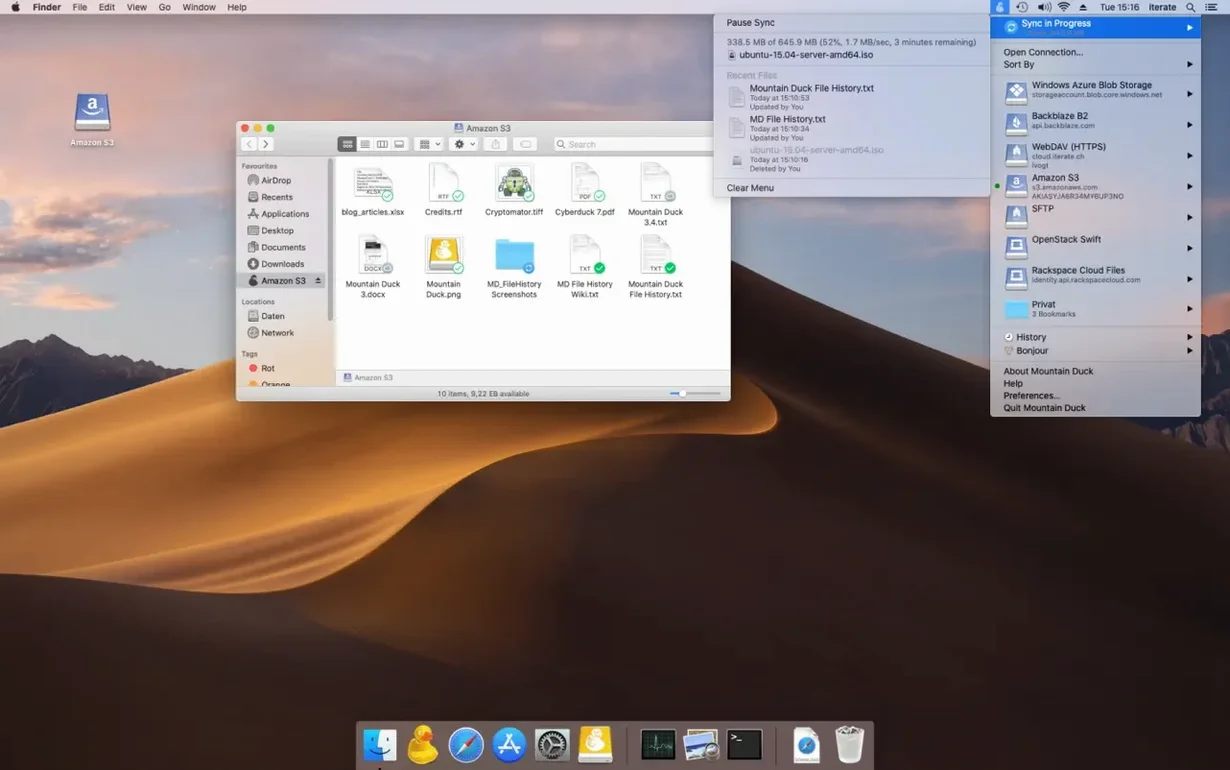
Mountain Duck mounts server and cloud storage as a disk in Finder. You work with remote files as if they lived on your Mac, without a separate sync folder.
One task: edit a remote document and keep a local copy
Here is a typical workflow that shows what the app actually does:
- Connect to an SFTP server through the menu bar icon. The volume appears on the desktop.
- Browse to a folder in Finder and open a spreadsheet. Any application can open the file.
- Edit, save, and close it. The change uploads in the background when a connection is available.
- Right-click the file and mark it for offline use. It stays stored on the Mac even when the server is disconnected.
What sits behind it
Mountain Duck supports FTP, SFTP, WebDAV, SMB, Amazon S3, Backblaze B2, Google Drive, Dropbox and several other protocols. Version 5 adds Integrated Connect Mode and storage-independent file versioning. It also works with Cryptomator vaults for encryption at rest. If you have Cyberduck installed, bookmarks are shared between both apps — a small detail that saves repetitive setup.
Dragging a 4 GB file finishes instantly but isn’t uploaded yet
The single biggest one is treating a mounted volume like a local folder during an unstable connection. People drag a 4 GB video file into Finder, see the copy bar finish, and eject the volume before the background upload is done. The file sits in cache but never reaches the remote server. The menu bar icon shows transfer progress — wait for it to clear.
Another common slip: marking too many folders for offline use at once. The app will dutifully download everything, and a 256 GB MacBook Air runs out of space by lunchtime. Pick the project folders you actually use offline. Let the rest stay as cached-only files that Mountain Duck fetches when you open them.
Some users ignore the Cryptomator compatibility and mount an unencrypted S3 bucket directly, then wonder why every file is readable server-side. If the data matters, create a Cryptomator vault first and mount that, not the bare bucket.
Opening lab data from a university SFTP server like a local drive
People who jump between machines and need the same folders visible everywhere, without syncing an entire cloud drive, find it indispensable. A researcher with lab data on a university SFTP server can open results in R or MATLAB straight from Finder — no download-then-open dance.
Photographers who keep raw files on a NAS at home and edit from a café on a laptop benefit too. Mark the current shoot for offline use, work on it locally, and the finished exports upload once the Wi‑Fi is back. Video editors with a Backblaze B2 archive use it the same way: mount the bucket, pull down a proxy file, and leave 200 GB of rushes on the remote side until needed.
People who tried a mountain duck torrent in the past and got an outdated, unsigned build usually notice the difference immediately with a proper 5.3.2 install — Finder integration is smooth and the menu bar controls actually respond. For anyone who needs mountain duck mac access to half a dozen different storage backends without learning six separate clients, it removes the friction.
Finder feels local because files download only when you open them
Does it slow down Finder? Not in normal use. The volume behaves like an external drive. When you open a file, Mountain Duck downloads only that file on demand. Browsing folders feels local unless you are on a very slow connection and thumbnails are set to large icons — then Finder waits for preview data. Switch to list view and the delay disappears.
What happens when the network drops? Files marked for offline use remain openable. Cached files you opened earlier in the session usually stay available too, until the cache is cleaned. Unsaved changes to remote files will throw an error when the app tries to write back — you will not lose the local edit, but you need to reconnect before it syncs.
Does it conflict with iCloud or Dropbox sync? No. Mountain Duck mounts its own volumes. It does not touch your existing sync folders. You can have a Dropbox folder synced the traditional way and also mount a separate team Dropbox through Mountain Duck if the shared bookmark points to a different account.
Requirements
- macOS 13 or later
- Apple Silicon or Intel
Comments 0
Sign in or create an account to leave a comment.
No comments yet…
If you’ve installed it, say how it went. Mention your Mac and macOS version — it helps the next person more than you’d think.