MotionVFX mKBHD for macOS

Description
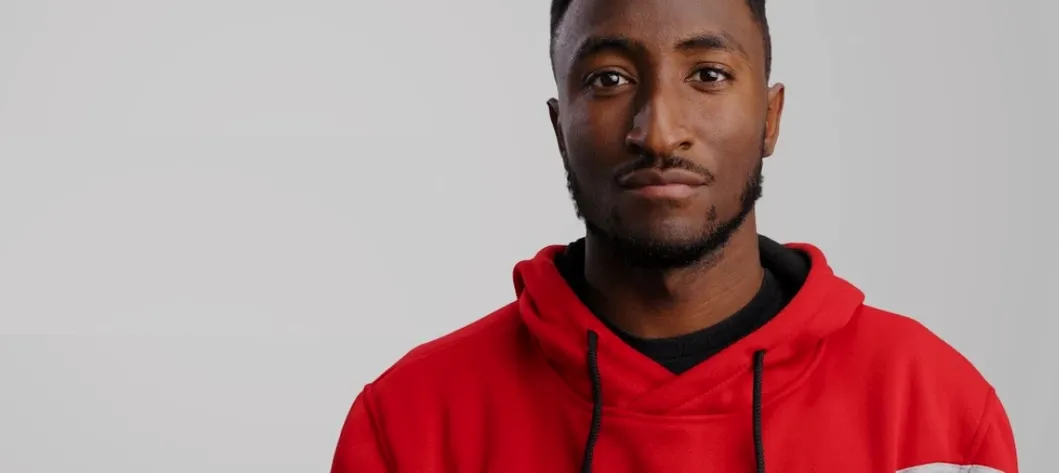
If you edit in Final Cut Pro and recognise the clean, kinetic text and transitions from MKBHD’s videos, this plugin puts those same tricks straight onto your timeline. It’s a collaboration with Marques Brownlee, built as a set of presets you drag and drop without leaving your editor.
Apply ready-made titles
The Final Cut Pro version includes 45 titles built from scratch. They keep the crisp, minimal look without needing manual keyframing.
Drop in matching transitions
Six transitions are included to move between clips. They match the title set and work in horizontal or vertical timelines.
Pick a preset and move on
The whole pack gives you 51 presets total. You browse, click, and tweak the text — no After Effects round-trip needed unless you’re on the Premiere Pro version, which does require it for the templates to function.
Dropping folders into the wrong directory
The most common one is dropping the folders in the wrong place. Final Cut Pro looks inside ~/Movies/Motion Templates/ — misspell “Titles” as “Title” and nothing shows up. Capitalisation matters.
Another is ignoring the Premiere Pro requirement for After Effects. People install the plugin, open a project, and wonder why the templates won’t load. The After Effects 2022+ install has to be there first, otherwise the presets stay greyed out.
A subtler mistake: applying a horizontal-only preset to a vertical timeline in Premiere. The pack supports vertical aspect ratios in Final Cut and Resolve, but Premiere is horizontal only. If your project is 9:16, you’ll get letterboxing you didn’t ask for. Switch to a vertical-friendly host or adapt your sequence before you start.
Finally, some editors drop every preset onto the timeline to audition them, then complain the browser is sluggish. Each preset is a small Motion template, so loading 51 at once is pointless. Drag one, scrub, decide. Delete, try the next. It’s not a sound library.
Building an intro over a 4K rough cut
Open Final Cut Pro and pick a 4K horizontal project you’ve already rough-cut. The timeline has a talking-head clip, some B-roll, and a blank gap where the intro belongs. You open the Titles browser, scroll to the mKBHD folder, and drag “Opener — Bold” onto the gap. It lands as a connected title above the primary storyline.
Type the episode title into the text field in the inspector. The animation plays immediately — a sharp scale-up with motion blur, no keyframes visible. You trim the title’s duration to two seconds by dragging its edge. It matches the music sting you placed earlier.
Now you need a transition between the intro and the first talking-head shot. Open the Transitions browser, find the mKBHD set, and drag “Swipe — Fast” between the two clips. Play it back. The motion feels too aggressive, so you select the transition, open the inspector, and pull the duration down to 8 frames. That’s better.
For the lower third, you drag “Name — Simple” onto a clip where the speaker introduces herself. Double-click the placeholder text, type her name and role, and it fades in with a thin underline animation. The whole session — intro, transition, lower third — takes maybe four minutes. You’re editing, not waiting on renders.
Stacking titles above a color-graded adjustment layer
The plugin sits inside your NLE, so it plays naturally with built-in tools. In Final Cut Pro, you can stack a mKBHD title above a colour-graded adjustment layer and it inherits the look without flattening. In Resolve, the presets land on the Edit page as standard OFX effects, so they appear in the node graph if you switch to the Fusion page — useful if you want to add a custom glow or mask.
For editors who already use motionvfx download mac packs like mTutorial or mTitle Simple, mKBHD doesn’t clash. The folder naming keeps presets distinct, so your motionvfx collection stays organised in the browser. If you’ve ever hunted through a dump of mismatched templates, you’ll appreciate that.
When a project needs sound design, the titles don’t include audio — that’s deliberate. You drop them over existing music or room tone without fighting unwanted whooshes. Pair them with a library like MotionVFX’s own mMusic if you want a matched score, or pull from your usual SFX folder.
On the macOS side, the Motion Templates folder syncs with Final Cut Pro automatically — no rescan, no restart. If you’re migrating to a new Mac, moving that folder restores every mKBHD preset instantly. DaVinci Resolve users have a similar path inside the application support directory. The folder structure is flat and predictable, which makes manual cleanup simple if you ever need to remove a version.
What’s new
Adds 51 ready-made presets for use in editing workflows.
Requirements
- macOS Big Sur 11.7.10 or later
- Final Cut Pro 10.6.5, DaVinci Resolve 17.4, or Adobe Premiere Pro 2022+ and After Effects 2022+
- 16 GB system memory
- 4 GB VRAM (DaVinci Resolve)
- Intel and Apple Silicon supported
FAQ
Which editing apps does this work with?
It works with Final Cut Pro, DaVinci Resolve, and Adobe Premiere Pro. The Premiere Pro version requires After Effects 2022+ installed.
What macOS version do I need for the Final Cut Pro version?
You need macOS Big Sur 11.7.10 and Final Cut Pro 10.6.5 or newer.
How many presets are included?
There are 51 ready-made presets in total, split between titles and transitions depending on the host application.
Comments 0
Sign in or create an account to leave a comment.
No comments yet…
If you’ve installed it, say how it went. Mention your Mac and macOS version — it helps the next person more than you’d think.