Mela for macOS
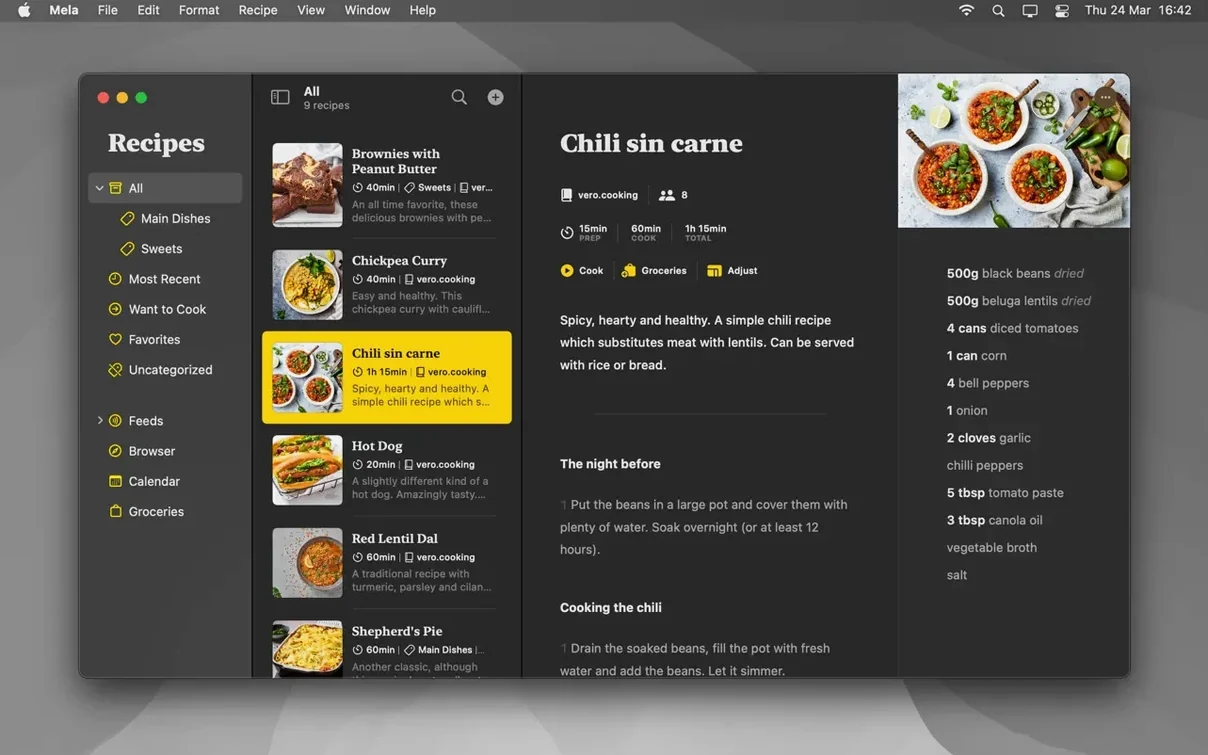
Description
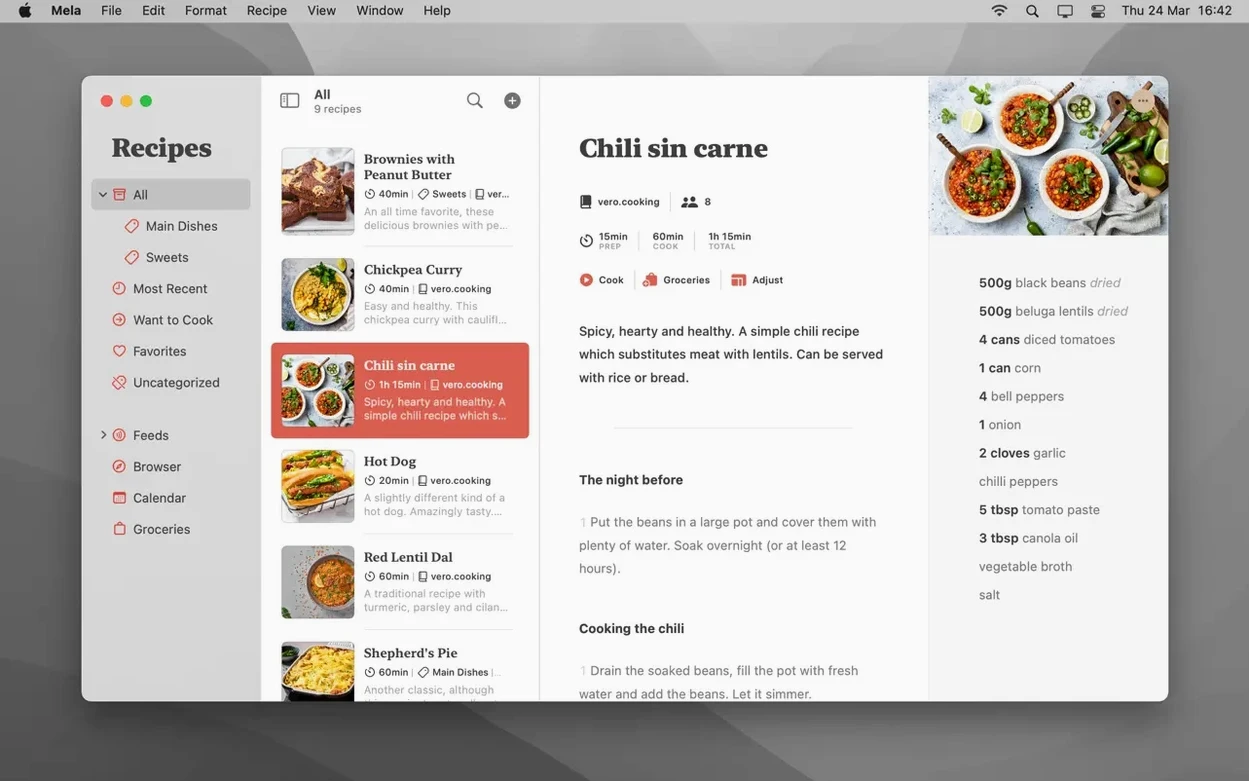
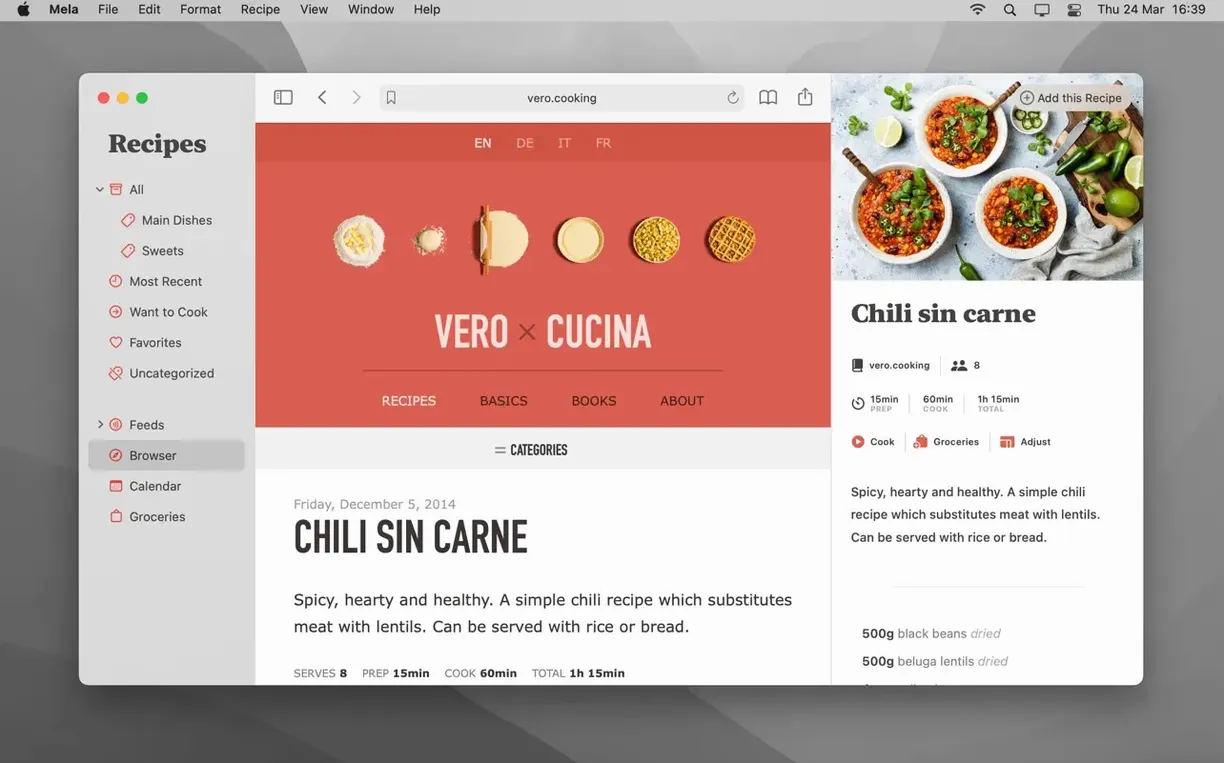
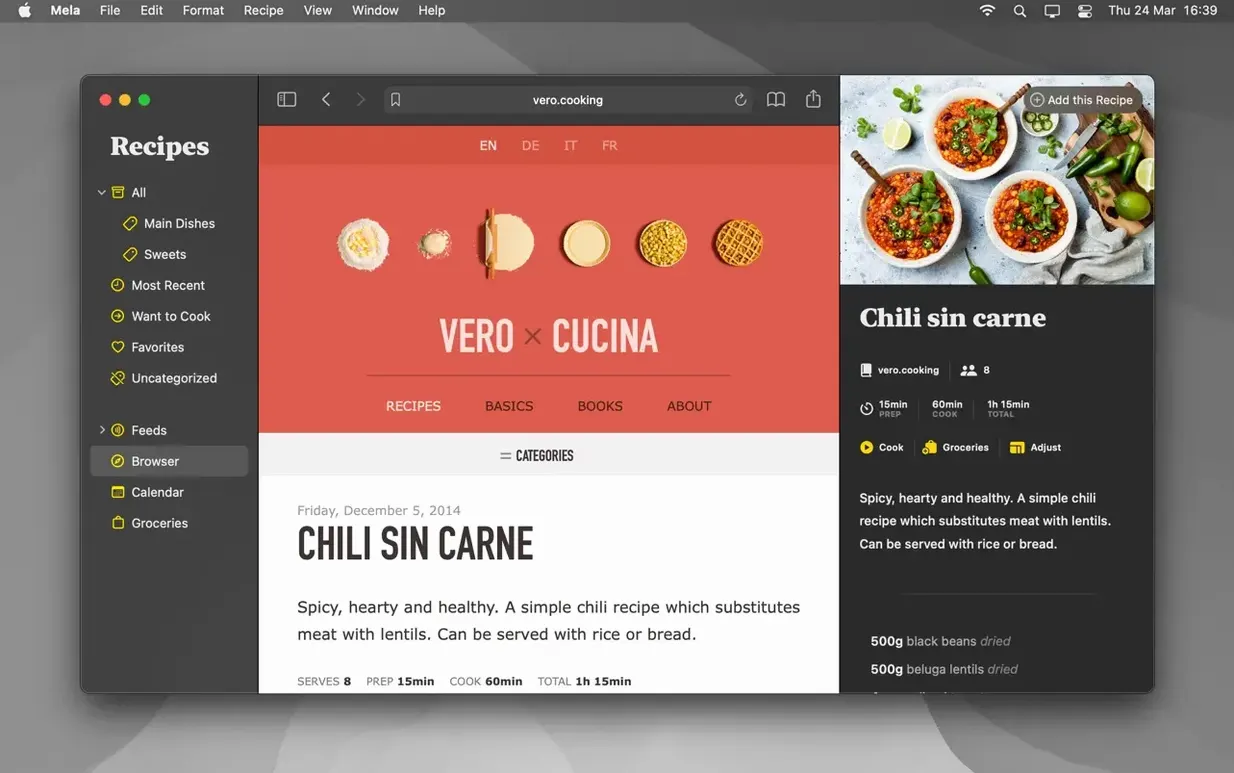
Its in-app browser with live preview is the first thing you notice.
iCloud sync — your recipes stay up to date on every Mac where you're signed in. You can also set up shared libraries with other iCloud users, so a household collection stays in one place.
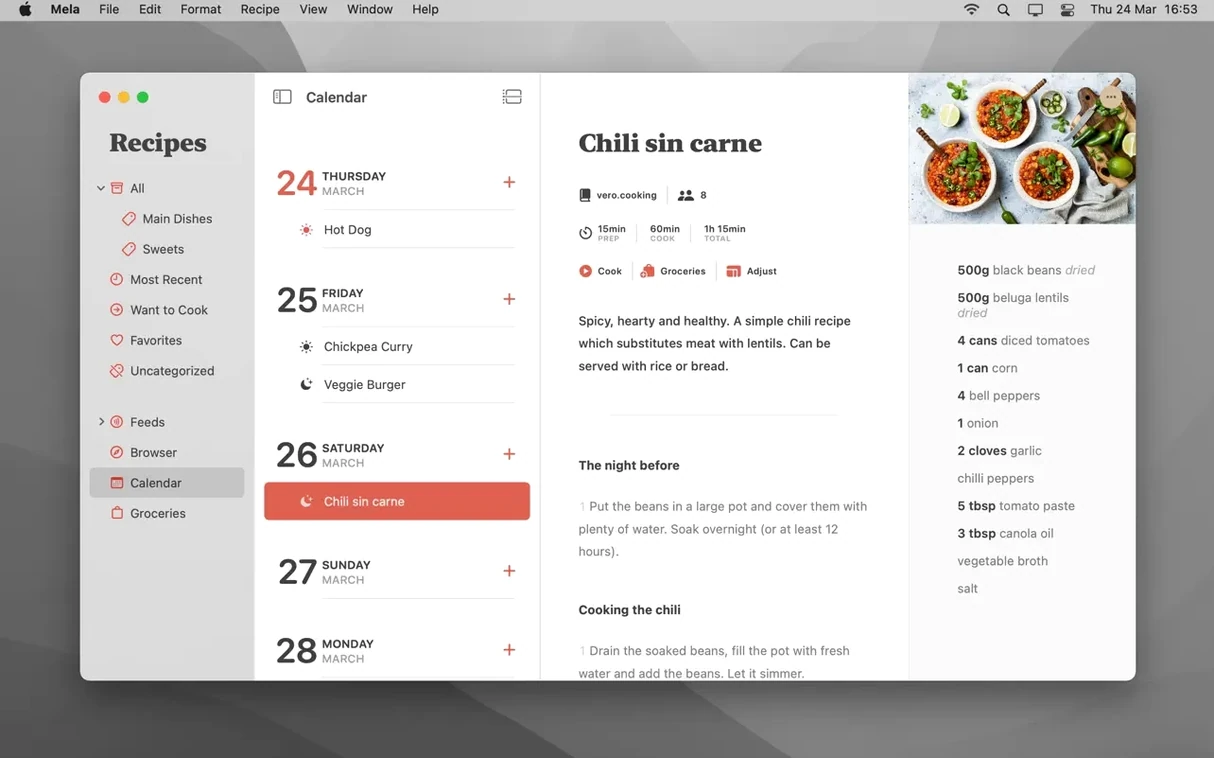
Calendar.app integration — meal planning is handled by Calendar.app. Add a recipe to a date and it appears as an event there. Mela controls it, but you read the plan in the calendar you already use.
Text recognition — point your camera at a printed recipe and Mela scans it in. The same browser can detect a recipe on the current webpage and display it in Mela’s own reader view, stripping out the blog preamble.
Sharing extension — send a recipe in from Safari or another app without leaving it. You can also mark things as Want to Cook or Favorites, and save any recipe as a PDF.
Sunday meal prep for a family of four
A parent with two kids and a full work week doesn't want to think about what's for dinner at 6pm on a Tuesday. On Sunday morning they open Mela, tap through their Favorites and Want to Cook lists, and drag three recipes onto the calendar for Monday, Wednesday and Thursday. The calendar events appear in Calendar.app, which the other parent already checks each morning. No separate planner app to install, no shared spreadsheet.
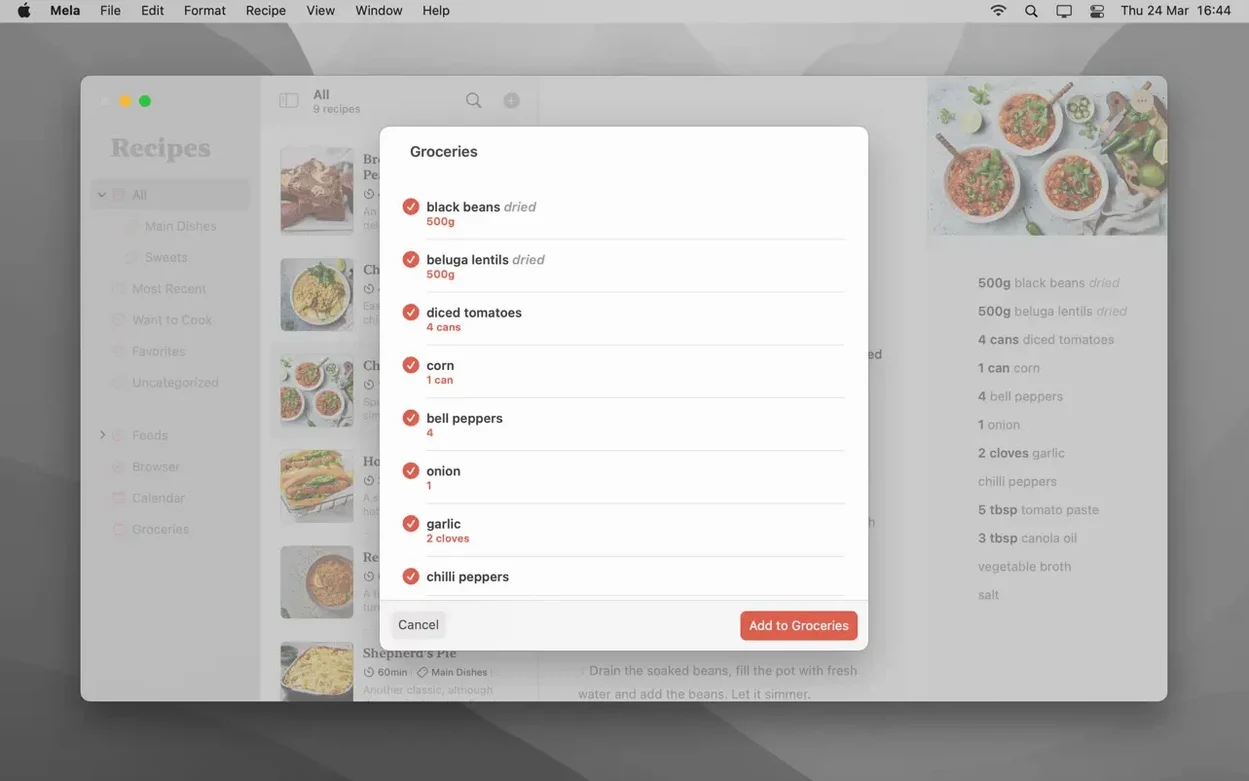
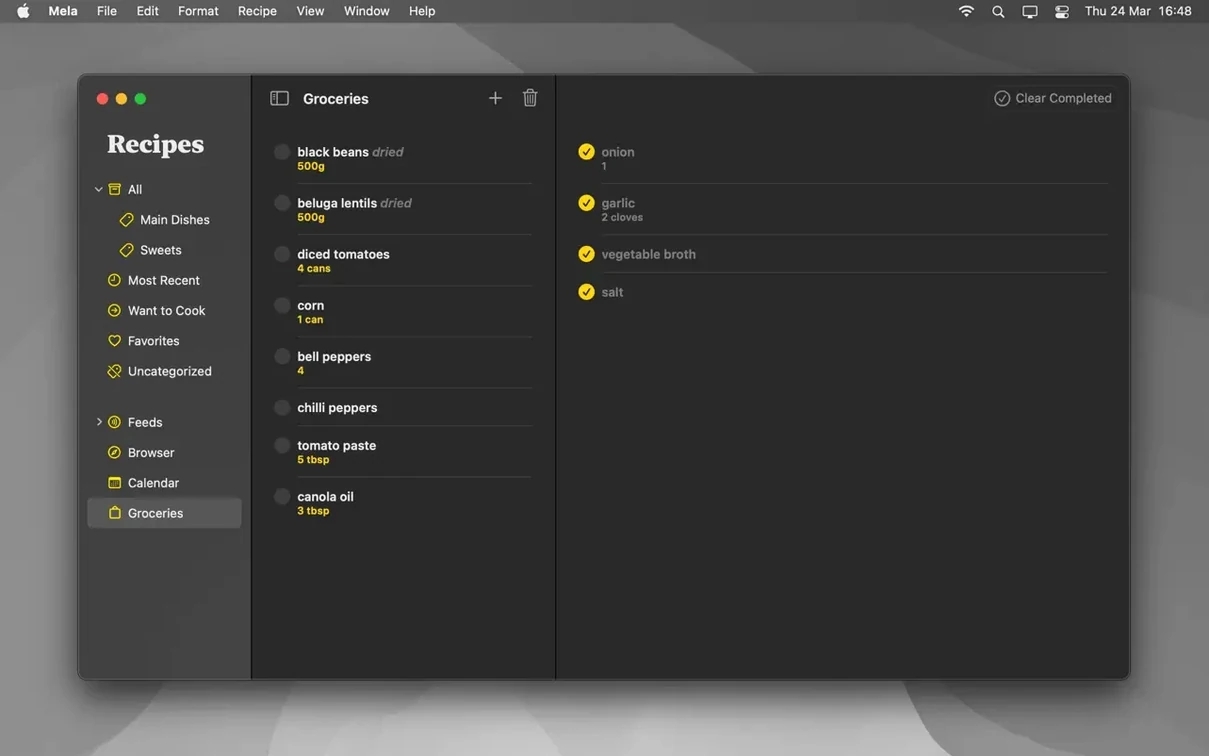
By Sunday afternoon the shopping list — scribbled on paper, because Mela doesn't do grocery lists, which is fine — comes straight from the ingredient panels of those three recipes. Monday's lentil soup doubles for Tuesday's packed lunch. Nothing gets planned for Friday; that's takeaway night.
Meal plan appears in your shared family calendar
The Calendar.app link means Mela doesn't try to reinvent the wheel. If you already share a family calendar, the meal plan shows up there automatically. You can see Thursday's dinner alongside the 7pm parents' evening reminder without opening another app.
For recipe gathering, the sharing extension works from Safari, but also from anywhere with a share sheet — a link in Mail, a message in Messages, a note in Notes. Send it to Mela, and it lands in your library with the source URL attached. Mela's own browser handles the rest, pulling out ingredients and method without the life story above the fold.
Saved PDFs go to wherever you like in the Finder. Some cooks keep a folder synced via iCloud Drive for a backup that's readable on anything, including a phone or an iPad without Mela installed. It's a manual step, but the export is one click.
From food blog to cooked meal: a short workflow
- A friend sends a recipe link in Messages. Tap the link to open it in Safari.
- Hit the Share button, pick Add to Mela from the share sheet. Mela's extension grabs the page and closes Safari.
- Switch to Mela. The recipe sits in the inbox. Open it — Mela's reader view has stripped the adverts and backstory. Check the ingredients list looks sensible.
- Mark it Want to Cook so it doesn't get lost among the 80 recipes already in the library.
- Open the calendar. Drag the recipe onto next Wednesday. It appears in Calendar.app as a one-hour event at 18:00.
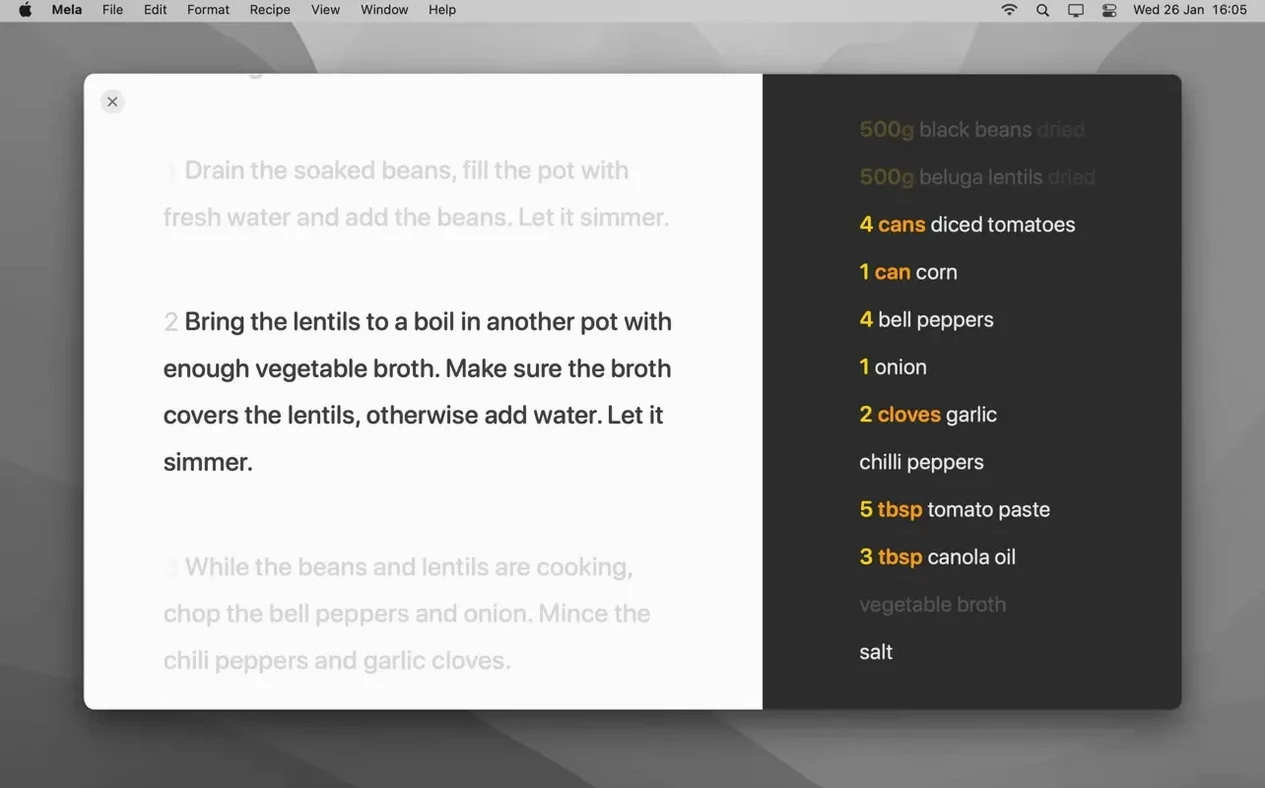
- Wednesday evening: open Mela on the kitchen Mac. Switch to Cooking Mode — large text, no screen dimming. Set a 20-minute timer for the simmer step without leaving the view.
- Eat. If it was good, tap the star for Favorites. If not, delete it and move on.
The whole thing takes under a minute to capture, half a second to plan, and zero head-scratching when it's time to cook. That's the point.
Requirements
- macOS 11 or later
- Apple Silicon or Intel 64-bit Mac
FAQ
Does Mela plan meals inside the app?
No. Meal planning is controlled by Mela but displayed and managed through Apple’s Calendar.app.
Can I share my recipes with someone else?
Yes. Mela supports shared recipe libraries with other iCloud users, so multiple people can contribute to the same collection.
How does it get recipes from websites?
Its in-app browser detects recipes on the page you are viewing and shows them in a clean, live preview inside Mela. There is also a sharing extension for adding recipes from other apps.
Comments 0
Sign in or create an account to leave a comment.
No comments yet…
If you’ve installed it, say how it went. Mention your Mac and macOS version — it helps the next person more than you’d think.