Macs Fan Control Pro for macOS
Description
Your Mac starts a long render, the keyboard gets warm, and the fans stay stubbornly quiet — a nod to Apple's preference for silence over temperature. You know the hardware can cool itself harder. You just need a direct control to tell it so.
- Set a custom RPM value. Forget automatic curves. Pick a flat speed for each fan and the utility holds it there, which is useful when you need sustained cooling for a known workload.
- Build a sensor-based preset. Assign a fan to react to any temperature sensor, including those on third-party SSDs pulled in via SMART. Set a minimum start temperature and a maximum speed range. The app ramps the fan with precision instead of relying on the system's delayed response.
- Save the configuration. Store as many presets as makes sense for your setup — one for a quiet office day, another for rendering, a third tuned around the drive temps on an external NVMe enclosure.
All readings update live without beachballing the interface. Version 1.5.21 extends sensor support to M5 Pro and Max MacBook Pro models plus the MacBook Neo, so newer Apple Silicon is covered alongside the older Intel machines macOS 10.13 High Sierra still runs on.
The firmware won't let you cook your machine
Will this override the firmware's safety limits? No. The app cannot force a fan below its hardware minimum or above its maximum. It can only request speeds the controller already permits. If a sensor hits a critical threshold, the SMC will still intervene regardless of what the utility has asked for.
Does it run as a background daemon? You get a menu-bar icon and optional auto-start at login. There is no hidden LaunchDaemon or kernel extension installed in /Library. Removing the app from Applications stops everything cold.
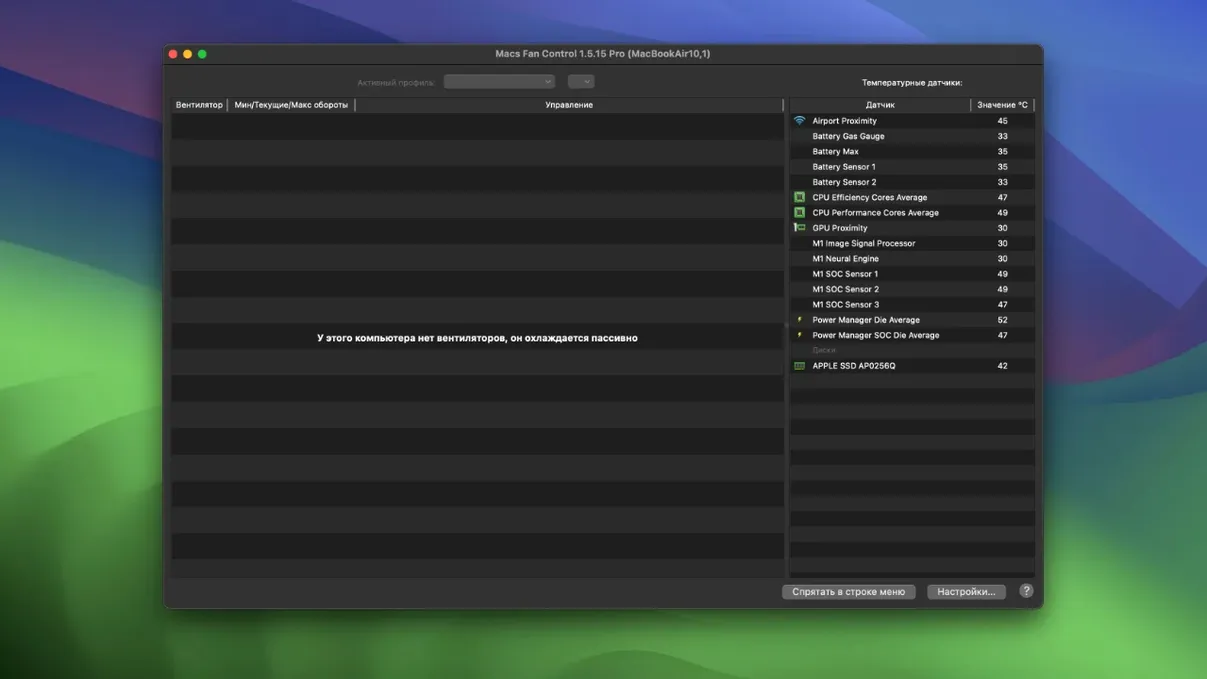
What happens on Apple Silicon when the fans normally stay off? Macs Fan Control Pro reads the same sensors the system does, but it can spin up fans earlier. On an M4 MacBook Air or an M5-based Neo where passive cooling dominates, you still see real-time die and chassis temperatures even if there are no physical fans to command.
Can I damage anything by setting a constant low RPM? You can push a machine into thermal throttling sooner, though that is a performance penalty, not hardware damage. The SMC's hard thermal trip point sits above anything the app can override.
61 °C in a broom cupboard with one small window
Claire masters records on a Mac Studio tucked into a converted broom cupboard — no aircon, just one small window. Her external Thunderbolt SSD enclosure reports 61 °C after a long bounce, and the Studio's own fan is barely audible. She opens the sensor list, finds the drive's SMART temperature, and ties the intake fan to it. Minimum 40 °C, maximum 2800 RPM. Fifteen minutes into the next session, the fan is humming at 2100 RPM and the enclosure has dropped to 48 °C. She names the preset "Summer Cupboard" and hides the window behind Logic Pro.
What’s new
Version 1.5.18 delivers a handful of under-the-hood fixes and performance improvements.
Requirements
- macOS 10.13 or later
- Apple Silicon or Intel 64-bit Mac
FAQ
Does Macs Fan Control Pro read drive temperatures?
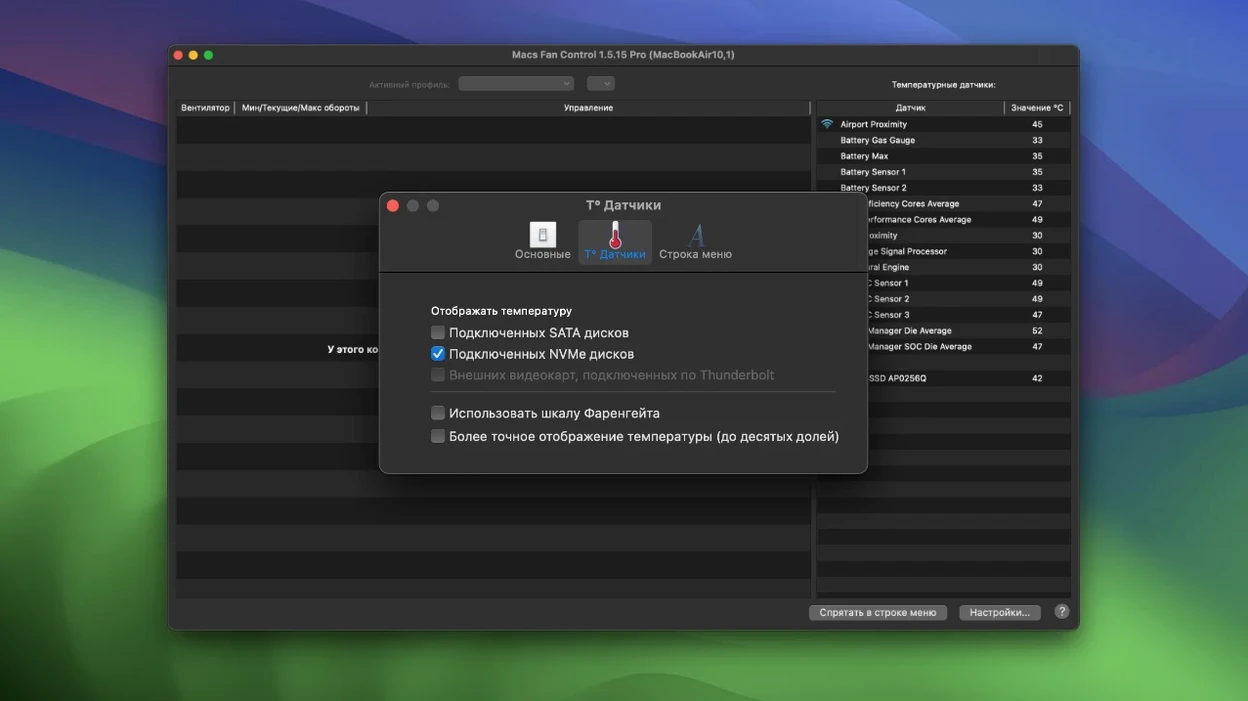
Yes. It reads SMART data from third-party hard drives and SSDs alongside the built-in Mac sensors.
Can I set the fans to a fixed speed?
You can set a constant custom RPM value for any fan, completely bypassing the automatic system curve.
Will this utility work on a MacBook Neo or M5 Mac?
Yes. Version 1.5.21 explicitly adds support for M5 Pro/Max MacBook Pro, MacBook Air M5 and MacBook Neo.
Comments 0
Sign in or create an account to leave a comment.
No comments yet…
If you’ve installed it, say how it went. Mention your Mac and macOS version — it helps the next person more than you’d think.